
Jectse Jectsehtin20gcvm-11
Jectse MP3 Player with Bluetooth User Manual
Model: Jectsehtin20gcvm-11
1. Okwu mmalite
This manual provides detailed instructions for the operation and maintenance of your Jectse MP3 Player. This portable device features a 2.4-inch full-touch screen, 4GB internal storage, Bluetooth 5.0 connectivity, FM radio, E-book reader, and voice recording capabilities. Please read this manual thoroughly before using the device to ensure proper functionality and longevity.
2. Ozi nchekwa
- Ewepụla ngwaọrụ ahụ na oke okpomọkụ, ìhè anyanwụ kpọmkwem, ma ọ bụ oke iru mmiri.
- Zere idobe ma ọ bụ idobe ngwaọrụ ahụ na mmetụta siri ike.
- Do not disassemble or attempt to repair the device yourself. This will void the warranty.
- Use only the provided charging cable and certified power adapters.
- Gee ntị n'ogo olu na-agafeghị oke iji gbochie mmebi ntị.
- Debe ngwaọrụ ahụ na mmiri na mmiri mmiri ndị ọzọ.
3. Ihe ngwugwu
Chọpụta na ihe niile dị na ngwugwu:
- Jectse MP3 Player
- Ekweisi ekwe ntị
- Igwe nchaji USB

Image: The Jectse MP3 Player, along with its included wired headphones and USB charging cable, laid out on a surface.
4. Ngwaahịa gafereview
The Jectse MP3 Player features a compact design with a 2.4-inch touch screen for intuitive navigation. The device includes physical buttons on the side for power, volume control, and other functions. A built-in speaker is located on the back.

Foto: N'ihu view of the Jectse MP3 Player displaying its colorful touch screen interface with icons for Music, Video, Dictionary, Recorder, Settings, Applications, Folder, Listening, FM Radio, and Ebook.
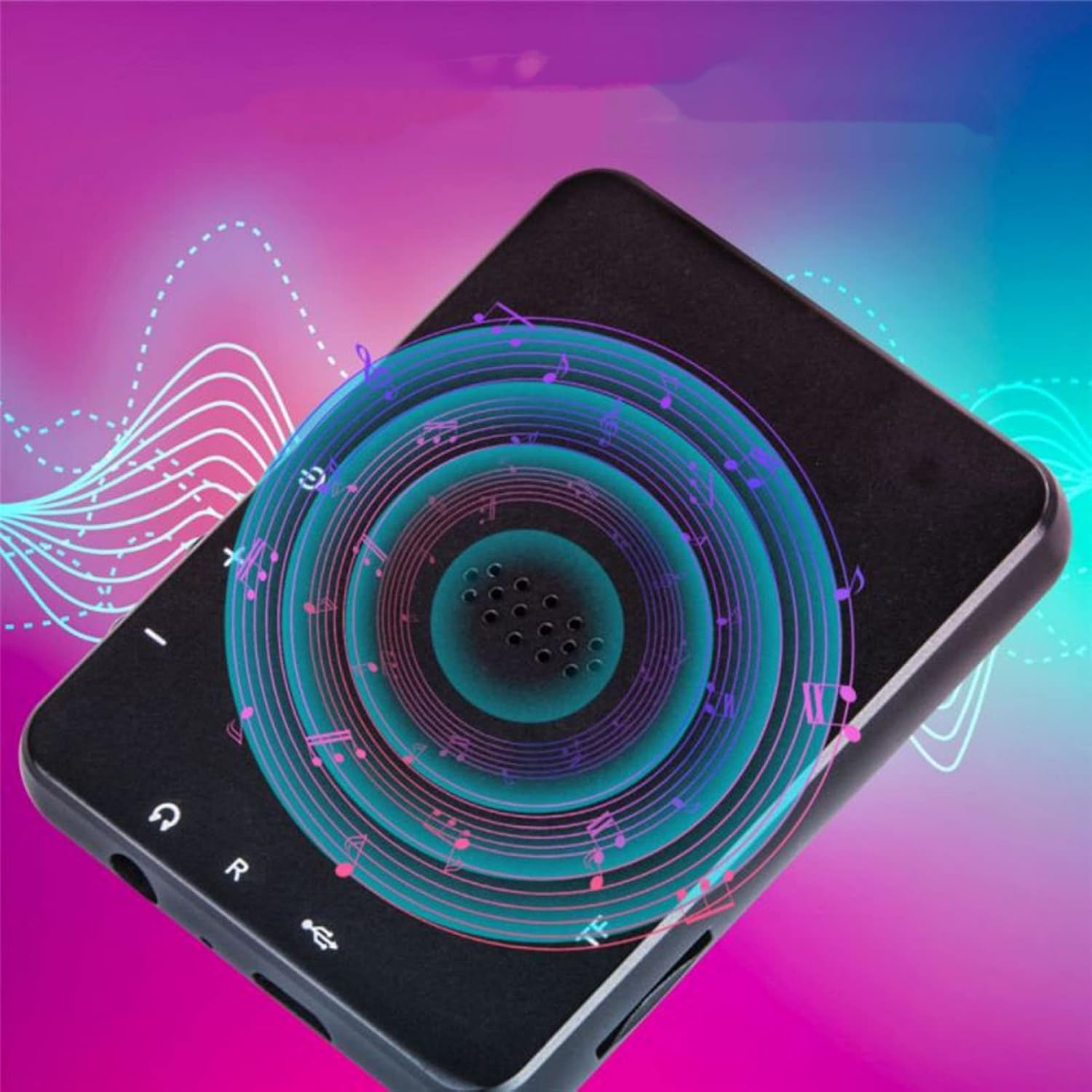
Foto: Azụ view of the Jectse MP3 Player, showing the speaker grille and side buttons for power and volume, with a visual representation of sound waves emanating from the speaker.
5. Nhazi
5.1. Ịchaji ngwaọrụ
Before first use, fully charge the MP3 player. Connect the provided USB charging cable to the device's charging port and plug the other end into a USB power adapter (not included) or a computer's USB port. The battery indicator on the screen will show charging status.
5.2. Inserting a Memory Card (Optional)
The device has 4GB of internal storage. To expand storage, insert a microSD card (up to 256GB, not included) into the memory card slot. Ensure the card is inserted correctly until it clicks into place.
5.3. Ijikọ ekweisi
Plug the wired headphones into the 3.5mm audio jack on the device. Alternatively, you can connect Bluetooth headphones (see section 6.2).
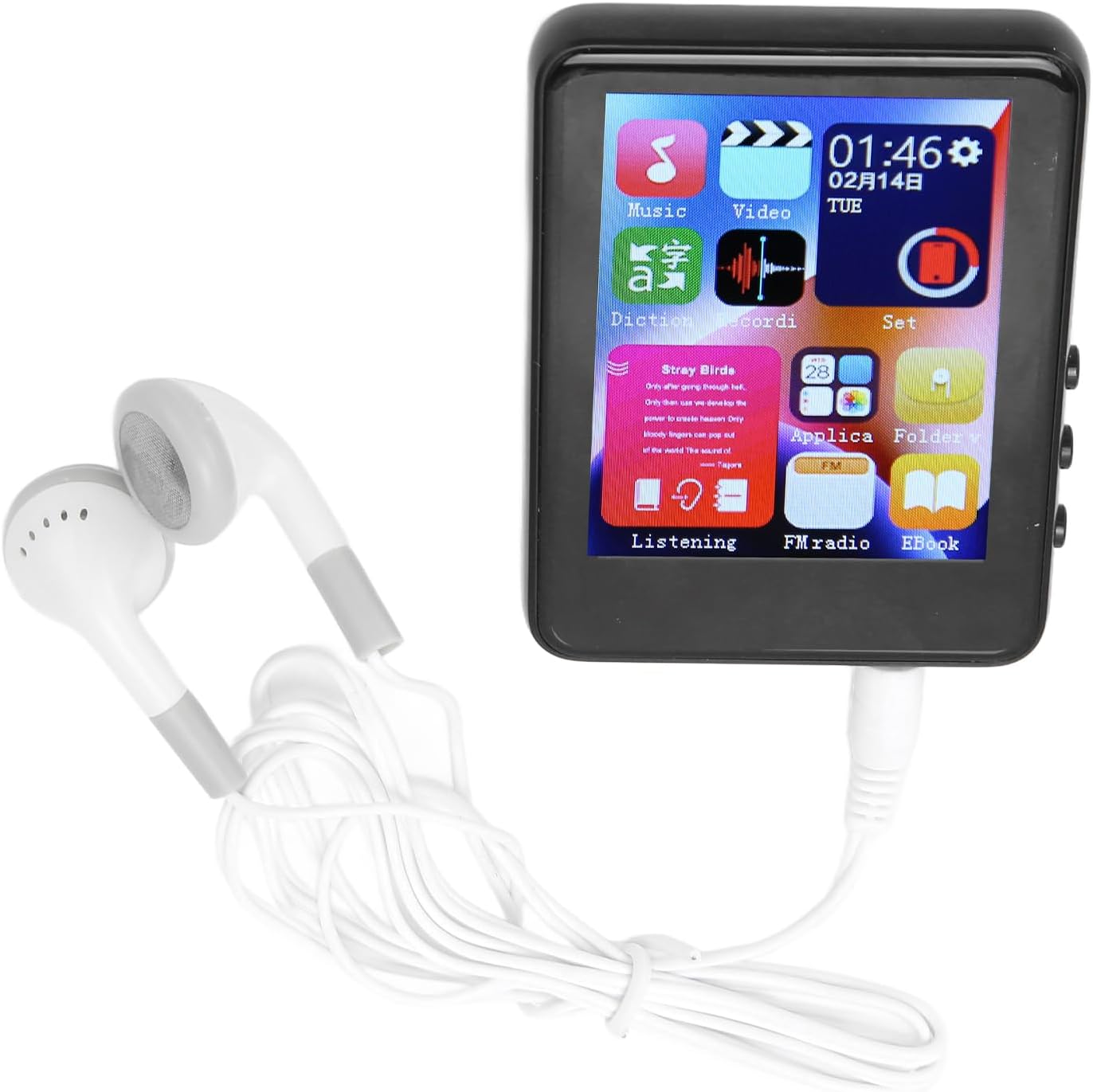
Image: The Jectse MP3 Player with white wired headphones plugged into its audio jack, ready for use.
5.4. Ịgbanye / gbanyụọ
- Iji gbanye: Press and hold the power button on the side of the device until the screen lights up.
- Iji gbanyụọ: Press and hold the power button until a power-off option appears on the screen, then confirm.
6. Ntuziaka ọrụ
6.1. Ntugharị
The device features a full-touch screen. Swipe left/right or up/down to navigate through menus and applications. Tap an icon to open an application or select an option. Use the back arrow or swipe gestures (if available) to return to the previous screen.
6.2. Nghaghachi egwu
The player supports MP3, APE, FLAC, WMA, WAV, and AAC audio formats. Transfer music files from your computer to the device's internal storage or an inserted memory card.
- Tap the 'Music' icon on the home screen.
- Browse your music library by artist, album, genre, or folder.
- Tap a song to begin playback.
- Jiri njikwa ihuenyo maka igwu egwu/kwụsịtụ, ịwụfu egwu, na ịgbanwe olu.

Image: The Jectse MP3 Player showing a music playback screen with album art and controls, while a person enjoys music with wireless earbuds.
6.3. Njikọ Bluetooth
Connect your MP3 player to Bluetooth headphones or speakers for wireless audio.
- Go to 'Settings' and select 'Bluetooth'.
- Gbanye Bluetooth 'Gbanye'.
- Ensure your Bluetooth audio device is in pairing mode.
- Họrọ ngwaọrụ gị n'ime listi ngwaọrụ dị ka ijikọ.
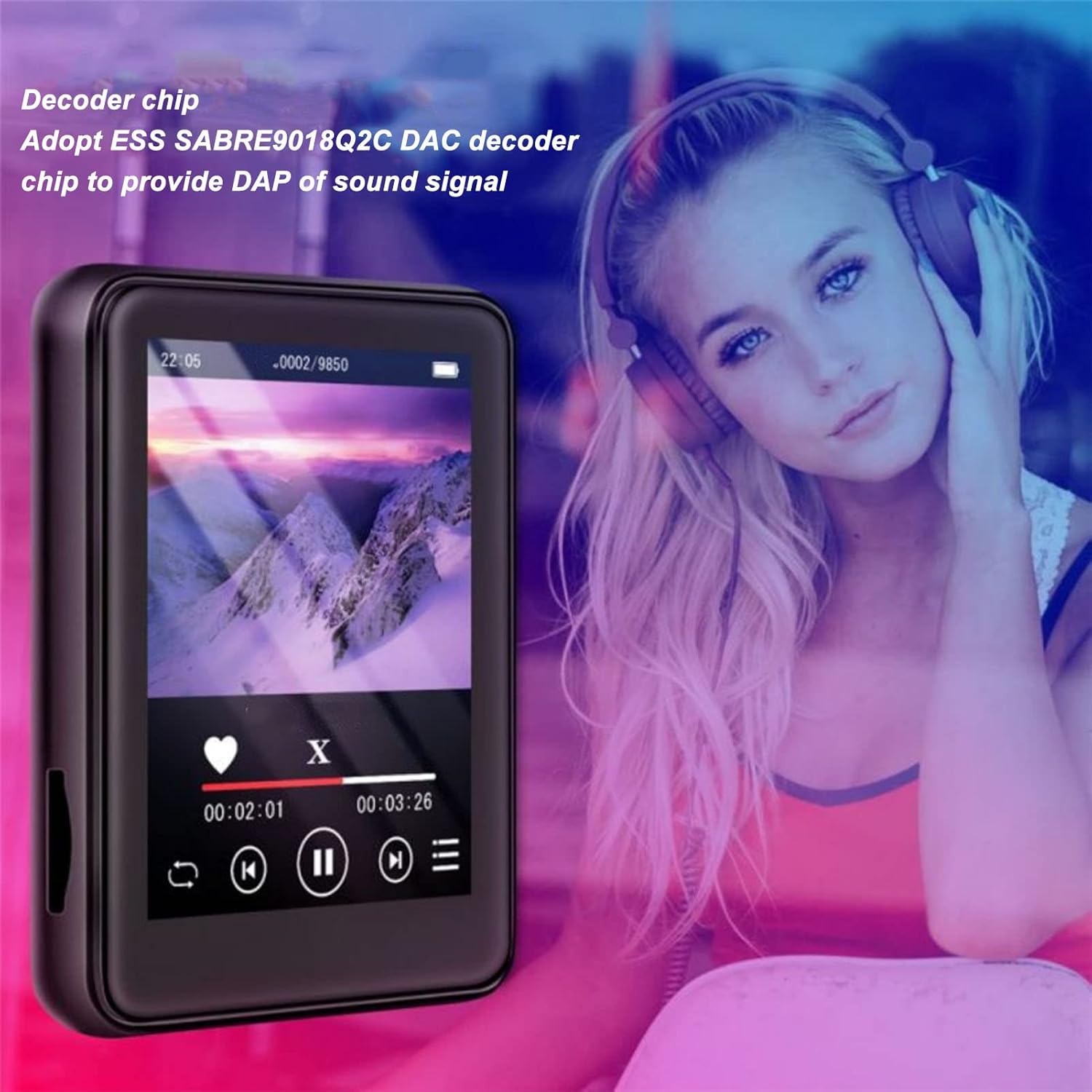
Image: The Jectse MP3 Player displaying a video or music interface, with text highlighting its ESS SABRE9018Q2C DAC decoder chip for high-quality sound. A person wearing over-ear headphones is visible in the background.
6.4. Redio FM
Listen to FM radio stations using the built-in tuner. Wired headphones must be connected as they act as the antenna.
- Tap the 'FM Radio' icon.
- Perform an automatic scan to find available stations.
- Tune to your desired station using the on-screen controls.
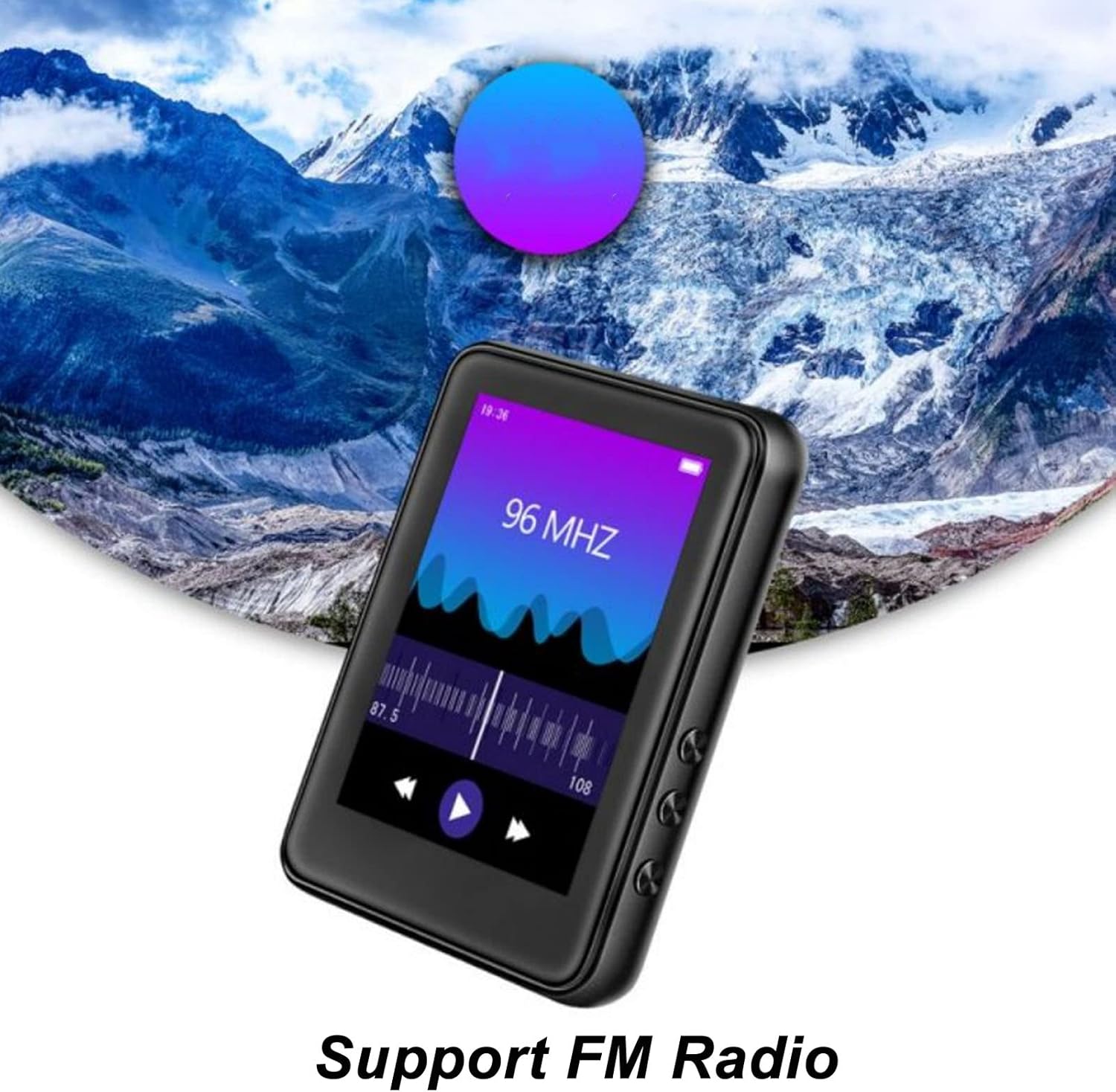
Image: The Jectse MP3 Player showing its FM Radio interface, tuned to 96 MHz, with a visual representation of radio waves and controls.
6.5. E-akwụkwọ
Read TXT and LRC format e-books on your device.
- Tap the 'Ebook' icon.
- Select the e-book you wish to read.
- Swipe the screen to turn pages.
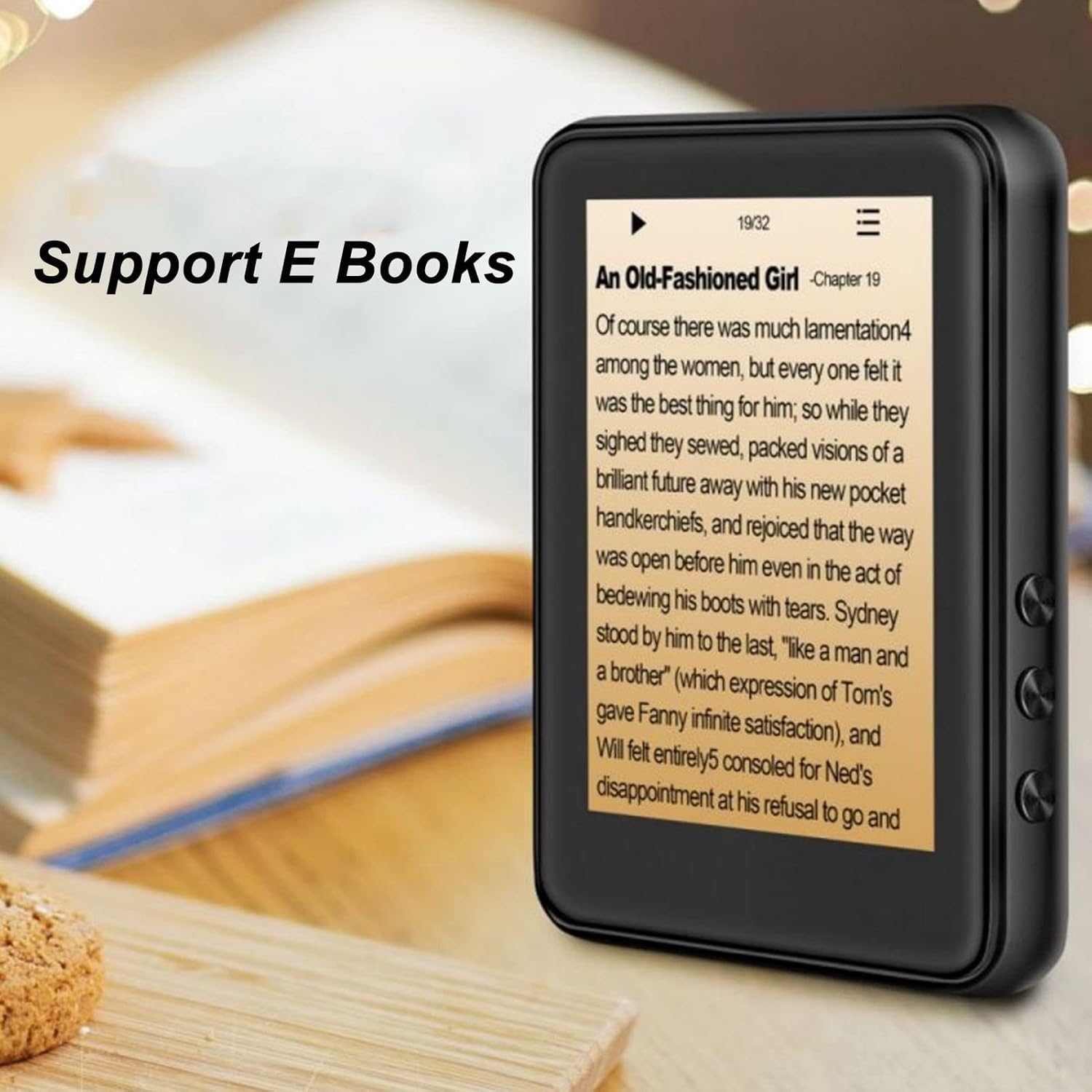
Image: The Jectse MP3 Player displaying an e-book titled 'An Old-Fashioned Girl - Chapter 19' on its screen, with text content visible.
6.6. Onye na-edekọ olu
Record audio using the built-in microphone.
- Tap the 'Recorder' icon.
- Pịa bọtịnụ ndekọ iji malite ndekọ.
- Tap the stop button to end and save the recording.

Image: The Jectse MP3 Player showing its voice recorder interface with a red record button and a timer, positioned in a meeting room setting.
6.7. Nghaghachi vidiyo
The device supports MP4 video playback. Transfer compatible video files to the device's storage.
- Tap the 'Video' icon.
- Họrọ vidiyo file ị chọrọ igwu egwu.
- Use the on-screen controls for playback.
7. Nlekọta
- Nhicha: Jiri ákwà dị nro ma kpọọ nkụ hichaa ngwaọrụ ahụ. Ejila ihe nhicha mmiri ma ọ bụ ihe ndị na-eme ka ọ dị nro.
- Nchekwa: Chekwaa ngwaọrụ ahụ n'ebe dị jụụ, kpọrọ nkụ mgbe ọ naghị eji ya.
- Nlekọta batrị: Ka ịgbatị ndụ batrị ogologo, zere ịchaji batrị ugboro ugboro. Na-anya ngwaọrụ mgbe niile, ọbụlagodi na ọ naghị eji ya ogologo oge.
- Mmelite ngwanrọ: Lelee onye nrụpụta website for any available firmware updates to ensure optimal performance.
8. Nchọpụta nsogbu
-
Ngwaọrụ anaghị agbanye:
Ensure the battery is charged. Connect the device to a charger for at least 30 minutes before attempting to power on again.
-
Enweghị ụda:
Check the volume level. Ensure headphones are properly connected or Bluetooth headphones are paired and connected. Test with different headphones if possible.
-
Enweghị ike ijikọ na Bluetooth:
Ensure Bluetooth is enabled on both the MP3 player and the target device. Make sure the target device is in pairing mode and within range. Try restarting both devices.
-
Device freezes or is unresponsive:
Press and hold the power button for approximately 10-15 seconds to force a restart.
-
Files not appearing on device:
Gbaa mbọ hụ files are in supported formats. Verify that files were transferred correctly to the internal storage or memory card. Check if the memory card is properly inserted.
9. Nkọwapụta
| Njirimara | Nkọwapụta |
|---|---|
| Nlereanya | Jectsehtin20gcvm-11 |
| Ihuenyo | 2.4 Inches TFT Screen |
| Nchekwa onboard | 4GB |
| Nkwado kaadị ebe nchekwa | Up to 256GB (microSD, not included) |
| Ụdị Bluetooth | Bluetooth 5.0 |
| Ụdị ọdịyo akwadoro | MP3, adaka, FLAC, WMA, WAV, AAC |
| Ụdị foto akwadoro | JPEG, BMP |
| Supported E-Book Formats | TXT, LRC |
| Frequency FM Igwefoto | 87Hz-108Hz |
| Signgbaàmà-na-Noise ruru | ≥ 90db |
| Ụdị batrị | Batrị Lithium Polymer 500mAh arụnyere n'ime ya |
| Ndakọrịta sistemụ arụmọrụ | Windows 98/ME/2K/XP/Vista/Win7, OS X 10 |
| Ibu Ibu | 4.5 ounces |
| Akụkụ ngwugwu | 5.12 x 3.15 x 1.18 sentimita asatọ |
10. Akwụkwọ ikike na nkwado
For warranty information and technical support, please refer to the documentation provided with your purchase or visit the official Jectse websaịtị. Debe ihe akaebe nke ịzụrụ maka akwụkwọ ikike.
Ask a question about this manual
Ask about setup, troubleshooting, compatibility, parts, safety, or missing instructions. Manuals+ will review the question and use this page’s manual context to help answer it.