
1. Okwu mmalite
This manual provides detailed instructions for the installation, operation, and maintenance of your FITNATE Smart Biometric Fingerprint Door Knob. This device offers secure and convenient keyless entry through fingerprint recognition, smartphone application control, and traditional key access.
Atụmatụ igodo
- Ụzọ mkpọghe ọtụtụ: Fingerprint, App Control, and Emergency Spare Key.
- Nhazi ọgbara ọhụrụ: Features one-touch unlocking and a countdown indicator light.
- Njikwa smart: Biometric and App Control for fingerprint management, unlock records, automatic locking, passage modes, and security monitoring. Supports Tuya APP Bluetooth connectivity.
- Nwụnye dị mfe: Designed for quick setup on most standard doors.
- Atụmatụ nchekwa: Na-agụnye obere voltage reminder and emergency key access.
2. Ntọala na nwụnye
Tupu Ị Malite
Ensure all components are present in the package. You will need a screwdriver for installation.
Ihe dị mkpa: For optimal performance and security, it is strongly recommended to perform a factory reset on the lock before initial setup. This ensures a clean configuration slate.
Door Preparation and Dimensions
The lock is suitable for wooden doors, fire doors, and security doors with a thickness between 30mm and 55mm.
Crucial Deadbolt Alignment: For effortless operation, ensure the strike plate spacing is adjusted to 60-70mm (approximately 2.36-2.76 inches) during installation. Proper alignment at this distance ensures the deadbolt operates smoothly and effortlessly. Refer to the installation cutting template for detailed adjustment steps.

Image: Diagram illustrating the dimensions and compatibility of the FITNATE Fingerprint Door Knob with standard door preparations, showing measurements for backset and bore hole.
Nwụnye nzọụkwụ site na nzọụkwụ
- Refer to the provided installation cutting template for precise drilling if necessary.
- Wụnye eriri n'ime ọnụ ụzọ.
- Attach the exterior and interior knob assemblies, ensuring proper alignment of the spindle and wiring.
- Chekwaa mkpọchi ahụ na skru ndị enyere.
- Test the mechanical operation of the handle before proceeding with electronic setup.

Foto: gbawara view of the FITNATE Fingerprint Door Knob components and a visual guide to the installation process, showing how the parts fit together.
Ntinye batrị
The smart door lock requires 4 AA batteries (not included).
Omume kacha mma: Always use brand-new batteries and ensure correct polarity alignment (+/-) when installing. Proper power source is crucial for consistent operation.
3. Ntuziaka ọrụ
Ụzọ mmeghe
Mkpọghe mkpịsị aka mkpịsị aka
To unlock using a registered fingerprint, place your finger on the sensor. The lock will verify your fingerprint and unlock.
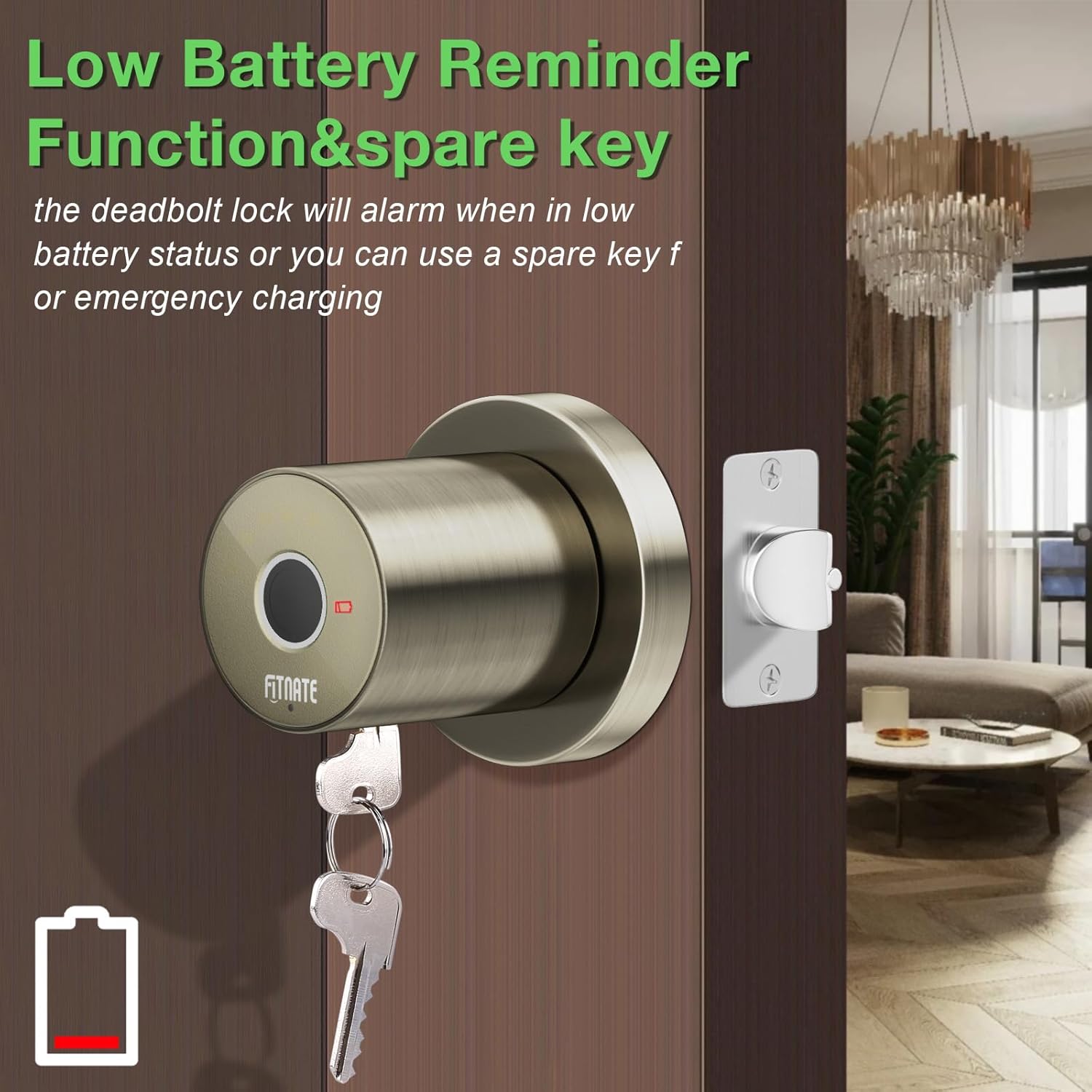
Image: A hand placing a finger on the biometric sensor of the FITNATE Fingerprint Door Knob for unlocking.
App Control Unlocking
The lock supports the Tuya APP via Bluetooth. Download the app, pair your device, and follow the in-app instructions to unlock remotely.
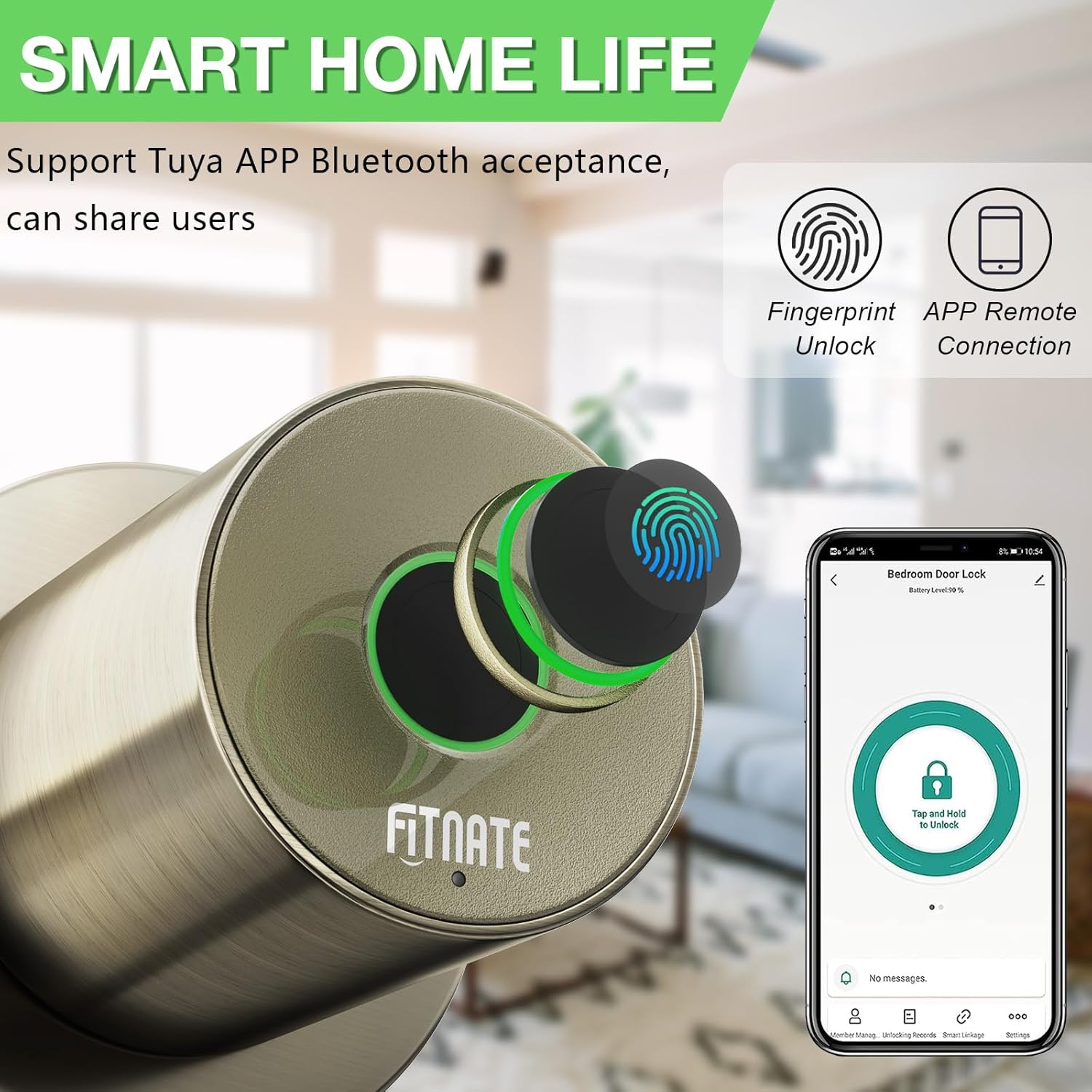
Image: A smartphone screen displaying the FITNATE app interface for controlling the smart door lock, showing a "Tap and Hold to Unlock" button.
Emergency Key Unlocking
In case of battery depletion or electronic malfunction, use the provided emergency spare key to unlock the door manually.
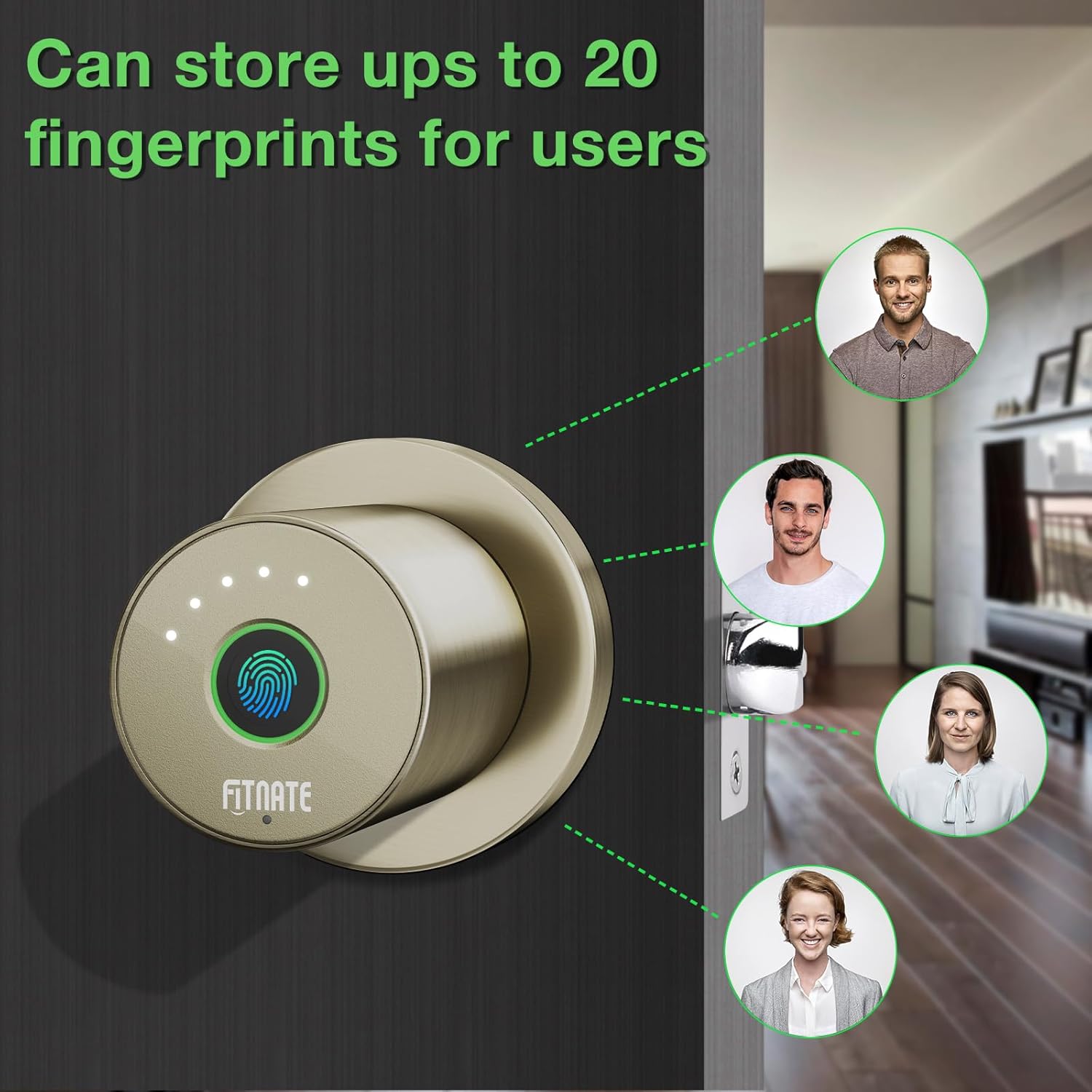
Image: The FITNATE Fingerprint Door Knob with an emergency key inserted into the keyhole, alongside an icon indicating low battery.
Fingerprint Management (via App)
The app allows for easy management of fingerprints. You can add, delete, and assign fingerprints to different users. The lock can store up to 20 unique fingerprints.
Optimize Fingerprint Recognition: Scan the same finger from 6 distinct orientations during enrollment in the app. This multi-angle capture significantly enhances accuracy and reliability for faster unlocks.

Image: A visual representation showing the FITNATE Fingerprint Door Knob and multiple user profiles, indicating the ability to store up to 20 unique fingerprints.
Njirimara ngwa
- View mepee ndekọ.
- Configure automatic locking.
- Set passage modes (if available).
- Monitor security locks.
- Share user access.
4. Nlekọta
Ngbanwe batrị
The lock will provide a low voltage reminder when batteries are running low. Replace all 4 AA batteries promptly to ensure continuous operation.
Nhicha
Clean the lock's exterior with a soft, dry cloth. Avoid abrasive cleaners or solvents that could damage the finish or electronic components.
5. Nchọpụta nsogbu
Okwu na ngwọta nkịtị
- Mkpọchi anaghị aza: Check battery levels and replace if necessary. Ensure the power switch is on.
- Amataghị akara mkpịsị aka: Ensure your finger is clean and dry. Re-enroll your fingerprint, scanning from multiple angles as recommended.
- Lock always in locked mode: Verify app settings for automatic locking and passage mode. A factory reset may be required to clear incorrect configurations.
- Difficulty turning handle: Ensure the strike plate spacing is correctly adjusted (60-70mm). Lubricate the latch mechanism if needed.
- Ike mberede: If batteries are completely dead, a USB-C cable can be used for temporary power to operate the lock and replace batteries.
- Tọgharia Factory: If persistent issues occur, perform a factory reset. Consult the app or detailed manual for specific steps.
6. Nkọwapụta
Nkọwapụta ngwaahịa
| Njirimara | Nkọwa |
|---|---|
| Onye nrụpụta | FITNATE |
| Nọmba nlereanya | HS0396G-CA |
| Ihe onwunwe | Aluminom |
| Agba | Ọla edo |
| Ụdị mkpọchi | Biometric |
| Atụmatụ pụrụ iche | Auto-Lock, Fingerprint, Touchscreen |
| Usoro ntinye | Ịkpọba-na |
| Ndakọrịta oke ọnụ ụzọ | 30-55mm |
| Isi Iyi Ike | Batrị 4 AA (anaghị etinye ya) |
| Ibu Ibu | 960 g |
| Akụkụ ngwaahịa | 22 x 13.79 x 8.99 cm |
| Akwụkwọ ikike | 1 afọ |
7. Akwụkwọ ikike na nkwado
Ozi akwụkwọ ikike
This FITNATE product comes with a 1-year warranty from the date of purchase. This warranty covers manufacturing defects and malfunctions under normal use.
Nkwado ndị ahịa
For technical assistance, troubleshooting, or warranty claims, please contact FITNATE customer support. Refer to the product packaging or the official FITNATE websaịtị maka nkọwa kọntaktị.