
1. Okwu mmalite
Thank you for choosing the Jectse Digital Voice Recorder Watch. This portable wristband device is designed for convenient audio recording in various settings, including lectures, meetings, and personal notes. It features advanced noise reduction, voice-activated recording, and a timestamp function for precise record-keeping. Its sleek design and long battery life make it an ideal companion for students, professionals, and anyone needing reliable audio capture.

The Jectse Digital Voice Recorder Watch is discreet and portable, suitable for various recording needs.
2. Ihe ngwugwu
Biko lelee ngwungwu maka ihe ndị a:
- Digital Voice Recorder Watch
- Igwe nchaji USB
- Earbuds (3.5mm jack)
- Akwụkwọ ntuziaka onye ọrụ

The package includes the Digital Voice Recorder Watch, USB charging cables, and earbuds for playback.
3. Ngwaahịa gafereview
Familiarize yourself with the components of your Jectse Digital Voice Recorder Watch:
- Bọtịnụ ndekọ: Na-amalite ma na-akwụsị ndekọ.
- Ike mgba ọkụ: Gbanyụọ ma ọ bụ gbanyụọ ngwaọrụ.
- Ọdụ ụgbọ mmiri USB: Maka ịchaji na ịnyefe data.
- Igwe okwu: Built-in for audio capture.
- Jack ekweisi: For connecting earbuds for private playback.
- Ìhè ihe ngosi: Displays device status (recording, charging, low battery).
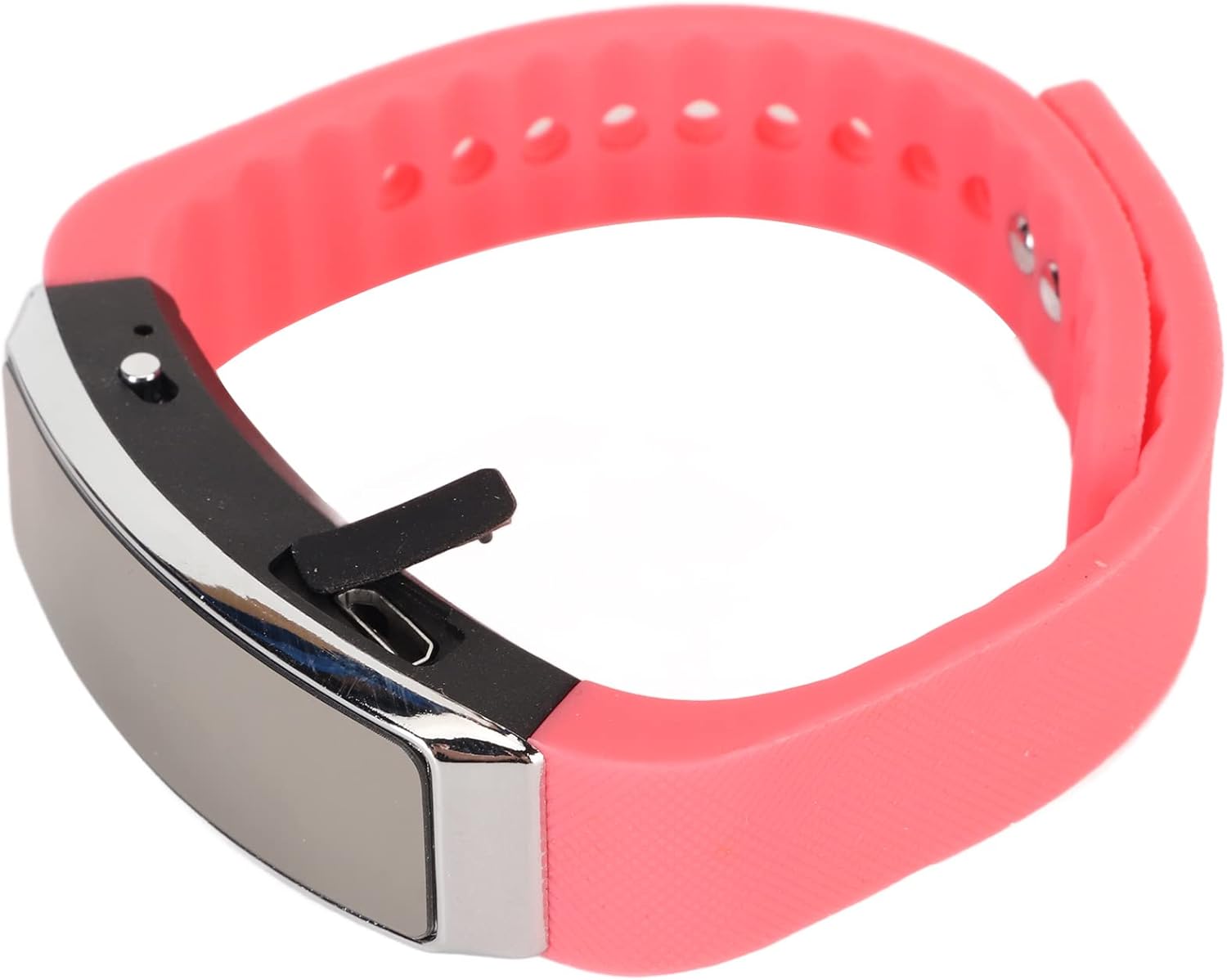
Akụkụ view of the recorder watch, highlighting its compact design and accessible controls.

N'elu view of the recorder watch, showcasing mma ọgbara ọhụrụ ya.
4. Nhazi
4.1. Ịchaji ngwaọrụ
- Connect the small end of the USB charging cable to the USB port on the recorder watch.
- Connect the larger end of the USB cable to a USB power adapter (not included), computer USB port, or other compatible charging device.
- The indicator light will show the charging status. A full charge typically takes a few hours.

The USB port for charging and data transfer is located on the side of the device, protected by a small flap.
4.2. Setting Time and Date (Timestamp)
To ensure accurate timestamps on your recordings, connect the device to a computer. The device will automatically synchronize its time and date with your computer's system time. No manual adjustment is typically required.
5. Ntuziaka ọrụ
5.1. Gbanyụọ / gbanyụọ
- To power on: Slide the power switch to the 'ON' position. The indicator light will briefly illuminate.
- To power off: Slide the power switch to the 'OFF' position. The device will save any active recording before shutting down.
5.2. Voice Activated Recording
The device supports voice-activated recording, which means it will automatically start recording when sound is detected and pause when there is silence, conserving battery and memory.
- Gbaa mbọ hụ na agbanyere ngwaọrụ ahụ.
- The recorder will automatically enter voice-activated recording mode. The indicator light may flash or change color to indicate active recording.
- To stop recording, slide the power switch to the 'OFF' position. The recording will be saved automatically.
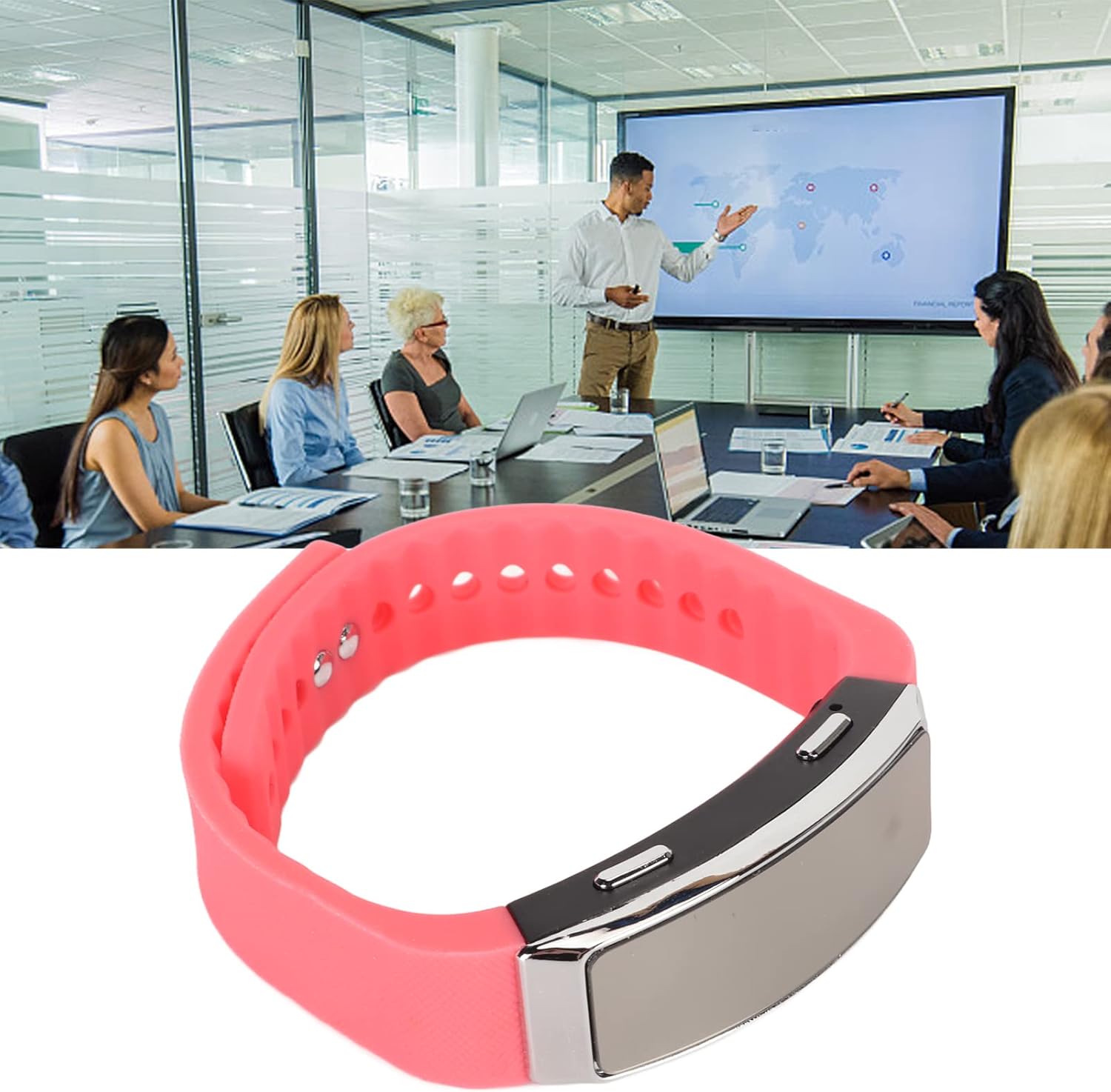
The voice recorder watch is ideal for capturing important discussions in meetings.
5.3. n'ụdị
Iji gee egwu ndị ị dekọrọ:
- Gbaa mbọ hụ na agbanyụrụ ngwaọrụ ahụ.
- Plug the included earbuds into the headphone jack on the recorder watch.
- Slide the power switch to the 'ON' position. The device will automatically enter playback mode.
- Use the control buttons (if available on the earbuds or device, refer to specific model instructions) to navigate through recordings, adjust volume, or pause/play.
5.4. Connecting to PC/Transferring Files
- Gbaa mbọ hụ na agbanyụrụ ngwaọrụ ahụ.
- Connect the recorder watch to your computer using the USB charging cable.
- Kọmputa ahụ kwesịrị ịmata ngwaọrụ ahụ dị ka diski a na-ewepụ ewepụ.
- Open the device folder to access your recorded audio files (typically in WAV format).
- Ị nwere ike idetuo, bugharịa, ma ọ bụ hichapụ files dị ka achọrọ.
6. Nlekọta
- Nhicha: Jiri ákwà dị nro ma kpọọ nkụ hichaa ngwaọrụ ahụ. Zere iji kemịkalụ siri ike ma ọ bụ ihe ndị na-emebi ihe.
- Nchekwa: Chekwaa ngwaọrụ ahụ n'ebe dị jụụ, kpọrọ nkụ na-adịghị na ìhè anyanwụ kpọmkwem na oke okpomọkụ.
- Nlekọta batrị: Ka ịgbatị ndụ batrị ogologo, zere ịchaji batrị ugboro ugboro. Na-anya ngwaọrụ mgbe niile, ọbụlagodi na ọ naghị eji ya ogologo oge.
7. Nchọpụta nsogbu
- Ngwaọrụ anaghị agbanwu: Gbaa mbọ hụ na agbagoro batrị. Jikọọ na isi iyi ike wee nwaa ọzọ.
- Enweghị ike ịdekọ: Check if the device has sufficient memory. Transfer files to a computer to free up space.
- Ogo ọdịyo adịghị mma: Ensure the microphone is not obstructed. Record in a quieter environment or closer to the sound source. The built-in noise reduction feature helps, but extreme noise can still affect quality.
- Enweghị ike jikọọ na kọmputa: Try a different USB port or cable. Ensure the device is powered off before connecting.
8. Nkọwapụta
| Njirimara | Nkọwa |
|---|---|
| Ụdị | Jectse |
| Nọmba nlereanya | Jectsetqeg4s2wir-11 |
| Ike Nchekwa ebe nchekwa | 8 GB |
| Battery Life (Continuous Recording) | Awa 20 |
| Oge Njikere | Ruo ụbọchị 30 |
| Ihe kpatara ụdị igwe okwu | Wuru n'ime |
| Usoro ọdịyo | WAV |
| Ngwaọrụ Akụrụngwa | USB |
| Jack ekweisi | 3.5 millimeters |
| Ngwa dakọtara | Kọmputa nkeonwe |
| Atụmatụ pụrụ iche | Voice Activated, Noise Reduction, Timestamp |
9. Akwụkwọ ikike na nkwado
The Jectse Digital Voice Recorder Watch comes with a standard manufacturer's warranty. For specific warranty details, returns, or technical support, please refer to the product packaging or contact your retailer. Keep your purchase receipt as proof of purchase.
10. Ozi nchekwa dị mkpa
- Ewepụla ngwaọrụ ahụ na oke okpomọkụ, ìhè anyanwụ kpọmkwem, ma ọ bụ oke iru mmiri.
- Zere idobe ma ọ bụ idobe ngwaọrụ ahụ na mmetụta siri ike.
- Debe ebe ụmụaka na-apụghị iru.
- Agbalịla ịkwatu ma ọ bụ rụzie ngwaọrụ ahụ n'onwe gị. Nke a ga-eme ka akwụkwọ ikike ahụ ghara ịdị irè.
- Tụfuo ngwaọrụ na batrị ya nke ọma dịka iwu mpaghara siri dị.