
BRONC V7
BRONC V7 Tattoo Machine User Manual
Model: V7 | Brand: BRONC
Okwu mmalite
The BRONC V7 Tattoo Machine is a rotary pen-style device designed for professional tattooing. It features a coreless motor, a high-capacity 2000mAh battery, and a 4.0mm stroke length, offering both standalone wireless operation and wired connectivity. Crafted from aircraft-grade aluminum with precision CNC technology, the V7 ensures durability and reliable performance. It incorporates advanced safety features such as overload and short-circuit warnings, along with automatic power-off protection.
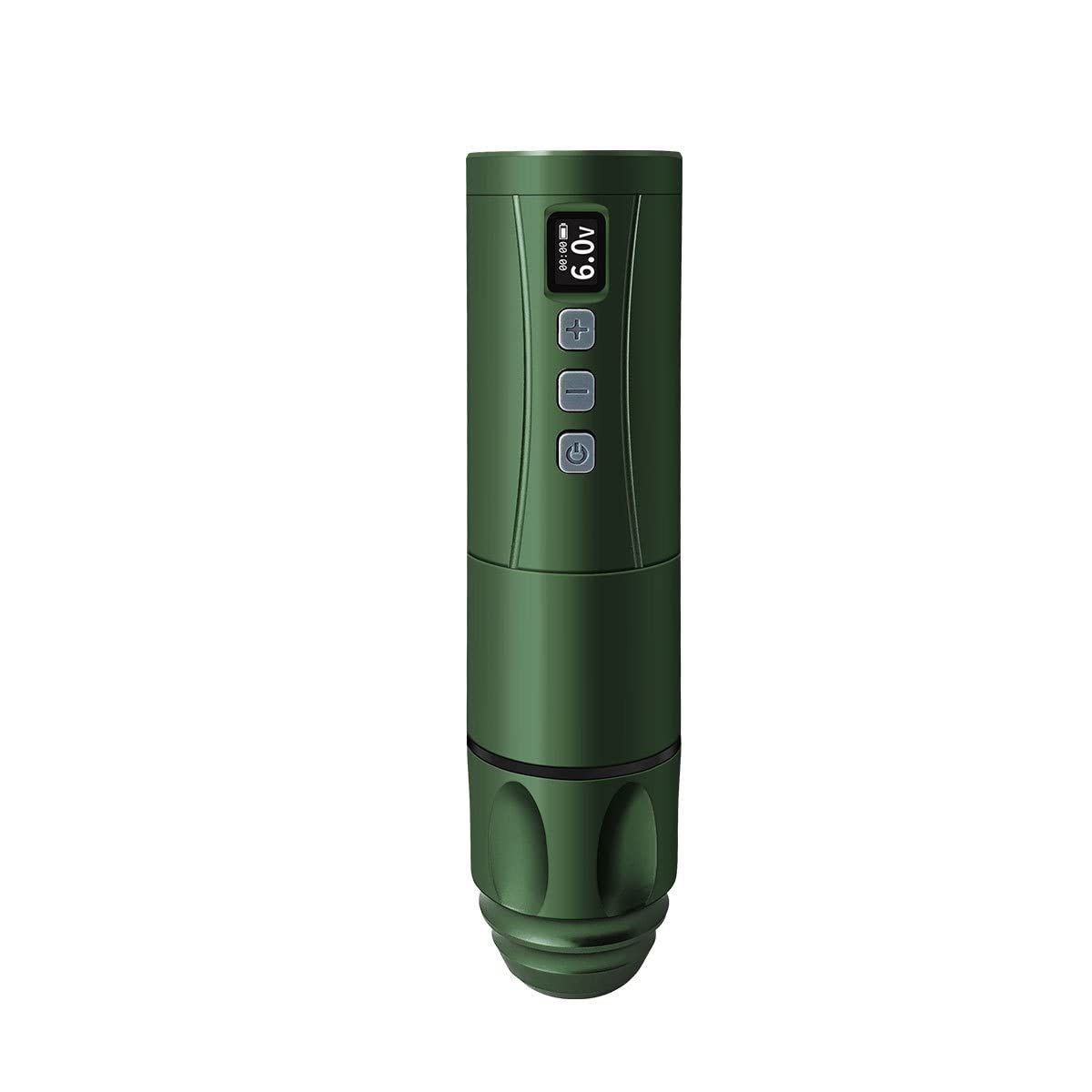
Image: The BRONC V7 Tattoo Machine in Army Green, showcasinimewe mara mma ya na ngosipụta dijitalụ ya.
Melite
Nyocha ọdịnaya ngwugwu
Tupu ịmalite, hụ na akụrụngwa niile dị na ngwugwu:
- BRONC V7 Tattoo Pen
- Batrị nwere ikike dị elu
- -Dị-C Nchaji USB
- Ihe nkwụnye eriri igwe
- Akpa na-ebu
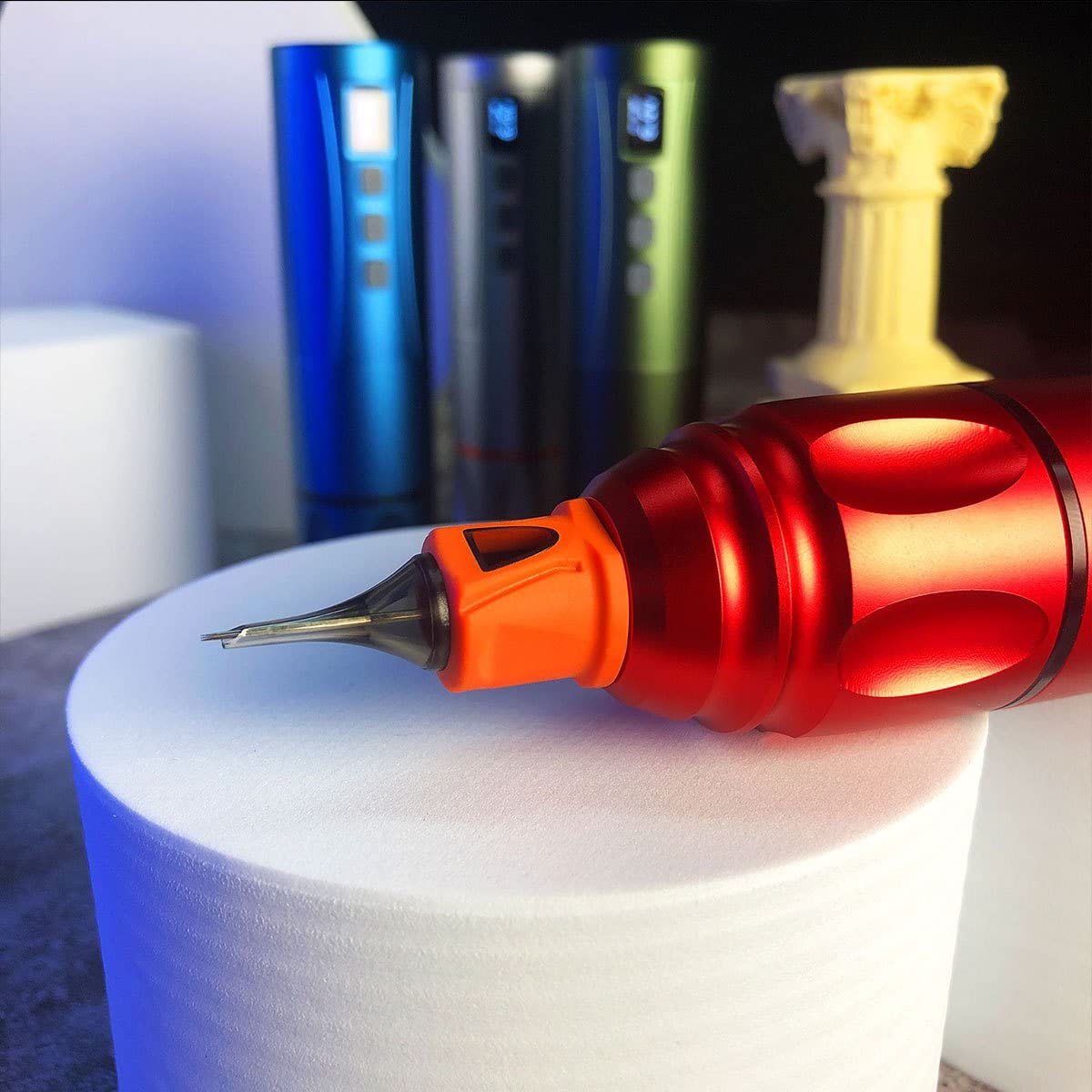
Image: The BRONC V7 Tattoo Machine, its battery, and the included carrying case, demonstrating the complete package.
Ịchaji na ntinye batrị
- Connect the Type-C charging cable to the machine's charging port and a suitable USB power adapter.
- Allow the battery to fully charge before first use. The digital display will indicate charging status.
- To install the battery, align it correctly with the battery compartment and gently push until it clicks into place.
Needle Cartridge Installation
- Gbaa mbọ hụ na agbanyụrụ igwe ahụ.
- Carefully insert the desired needle cartridge into the front opening of the machine, twisting slightly until it locks securely.
- Adjust the needle depth by rotating the grip section of the machine. The needle depth range is 0-4.0mm.

Foto: A nso nso view of the BRONC V7 Tattoo Machine's tip, illustrating the proper way to insert a needle cartridge.
Dual Functionality Setup
The BRONC V7 supports both standalone wireless operation and connected usage. To switch to connected mode, remove the battery and attach the provided coil adapter. This allows the machine to be powered by an external power supply via an RCA connection (power supply and RCA cable not included).
Ntuziaka ọrụ
Powering On/Off and Voltage mmezi
- To power on, press and hold the power button (usually indicated by a circle with a vertical line) until the display illuminates.
- Iji gbanyụọ, pịa ma jide bọtịnụ ike ọzọ.
- Use the '+' and '-' buttons to adjust the voltage. The recommended operating voltage is 5.5V-7.5V, with a range of 5.0V-11.0V.
- The machine features a 9V jump-start function for certain needle types or starting conditions.
Atụmatụ nchekwa
The BRONC V7 is equipped with built-in safety mechanisms:
- Overload and Short-Circuit Warnings: The machine will alert the user if an overload or short-circuit condition is detected.
- Overload and Over-Current Protection: The machine will automatically shut off if it gets stuck or experiences a short-circuit to prevent damage.
Atụmatụ ojiji izugbe
- Always ensure proper hygiene and sterilization practices when using the tattoo machine.
- Regularly check needle depth and adjust as needed for different tattooing techniques.
- Monitor the battery level on the display during wireless operation to avoid interruptions.
Video: A demonstration of the BRONC V7 Tattoo Machine in use, showing the process of setting up the machine and performing tattooing work.
Nlekọta
Nhicha na sterilization
- After each use, thoroughly clean the exterior of the machine with a suitable disinfectant wipe.
- Do not immerse the machine in liquids. The machine is water resistant, not waterproof.
- Ensure all disposable components (needle cartridges) are properly discarded after use.
Nlekọta batrị na nchekwa
- Store the machine and battery in a cool, dry place away from direct sunlight and extreme temperatures.
- Maka nchekwa ogologo oge, hụ na chajịrị batrị nke obere (ihe dịka 50%) iji mee ka ndụ ya dị ogologo.
- Zenarị chaja karịa ma ọ bụ ịgbapụ batrị kpamkpam ugboro ugboro.
Nchọpụta nsogbu
| Nsogbu | Ihe nwere ike ime | Ngwọta |
|---|---|---|
| Igwe anaghị agbanwuo. | Low battery; incorrect battery installation; power button not pressed long enough. | Charge the battery; re-install battery correctly; press and hold power button for 3 seconds. |
| Igwe na-akwụsị mgbe ọ na-arụ ọrụ. | Low battery; overload/short-circuit protection activated. | Recharge battery; check for needle obstruction or short-circuit, then restart. |
| Ujiji ma ọ bụ mkpọtụ na-adịghị ahụkebe. | Loose needle cartridge; internal issue. | Ensure needle cartridge is securely locked; if problem persists, contact support. |
| Batrị anaghị achaji. | Faulty cable or adapter; charging port issue. | Try a different Type-C cable and adapter; ensure cable is fully inserted. |
Nkọwapụta
| Oke | Uru |
|---|---|
| Ihe onwunwe | Aluminom-ọkwa ụgbọ elu |
| Ogologo ọrịa strok | 4.0mm |
| Needle Depth Range | 0-4.0mm |
| Ụdị moto | Swiss DC motor |
| Ọsọ enweghị ibu | 12,000 rpm |
| Voltage Mmepụta nso | 5.0V-11.0V |
| Na-arụ ọrụ akwadoro Voltage | 5.5V-7.5V |
| Ike batrị | 2000mAh |
| Operating Time (Test Results) | 7-9 awa |
| Ụzọ nchaji | Ụdị-C Nchaji ngwa ngwa |
| Nkọwapụta batrị | 7V 18500 LI-ION |
| Akụkụ (dayamita x Ogologo) | (22-34) x 145mm |
| Weight (Pen with battery) | 195g |
| Ọkwa Nguzogide mmiri | Mmiri na-eguzogide |
Akwụkwọ ikike na nkwado
BRONC products are manufactured to high-quality standards. For information regarding warranty coverage, technical support, or service inquiries, please refer to the contact information provided with your product packaging or visit the official BRONC websaịtị. Biko dowe akwụkwọ ikike ịzụrụ ihe ọ bụla.
Ask a question about this manual
Ask about setup, troubleshooting, compatibility, parts, safety, or missing instructions. Manuals+ will review the question and use this page’s manual context to help answer it.