
1. Okwu mmalite
This manual provides detailed instructions for the safe and efficient operation of your Zebronics Zeb-Buddy 100 Portable Bluetooth Speaker. Please read this manual thoroughly before using the device and retain it for future reference.
2. Ngwaahịa gafereview na Atụmatụ
The Zebronics Zeb-Buddy 100 is a portable Bluetooth v5.0 speaker designed for versatile audio playback. It features a compact design with an integrated handle for easy transport and a mobile holder for hands-free use. Key features include:
- Bluetooth v5.0 Connectivity: Maka nkwanye egwu ọdịyo ikuku.
- Ọrụ TWS: Allows pairing of two Zeb-Buddy 100 speakers for stereo audio.
- Igwe okwu waya: Includes a 6.3mm wired microphone for karaoke.
- Otutu Nhọrọ Nweghachi: Supports AUX, micro SD card, and USB input.
- Redio FM arụnyere n'ime ya: For listening to radio stations.
- Njikwa mgbasa ozi: Integrated buttons for easy control of playback.
- Batrị enwere ike ịchaji: Provides up to 5 hours of playback time.
- Ụdị ọkụ RGB: Multiple light modes for enhanced ambiance.
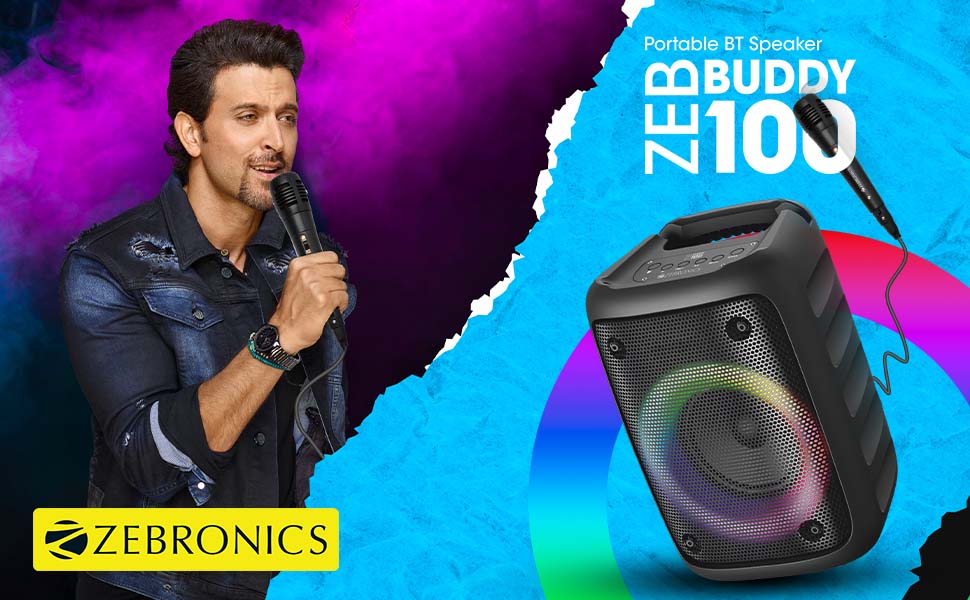
Image: The Zeb-Buddy 100 speaker shown with its included wired microphone, highlighting its portable design and control panel.
Oyiyi: Otu akụkụ view of the Zeb-Buddy 100 speaker, showcasing its compact form factor and side details.
3. Nhazi
3.1 Ịchaji ọkà okwu
- Connect the charging cable to the speaker's charging port.
- Jikọọ nsọtụ nke ọzọ nke eriri ahụ na ihe nkwụnye ike USB kwesịrị ekwesị (anaghị etinye ya).
- The charging indicator will illuminate. A full charge takes approximately 4 hours.
3.2 Njikọ Bluetooth
- Ike na ọkà okwu site na ịpị ma jide bọtịnụ ike.
- The speaker will enter Bluetooth pairing mode, indicated by a flashing LED.
- Na ekwentị mkpanaaka gị, gbanye Bluetooth wee chọọ ngwaọrụ dị.
- Select "Zeb-Buddy 100" from the list to pair.
- Once paired, the speaker will confirm the connection, and the LED will stop flashing.
Njikọta 3.3 TWS (Ezigbo Stereo Wireless)
To experience stereo audio, you can pair two Zeb-Buddy 100 speakers together:
- Ensure both Zeb-Buddy 100 speakers are powered on and not connected to any Bluetooth device.
- On one speaker (this will be the primary speaker), press and hold the TWS button.
- Onye ọkà okwu mbụ ga-achọ ọkà okwu nke abụọ.
- Once connected, both speakers will indicate a successful TWS pairing.
- Now, connect your mobile device to the primary speaker via Bluetooth as described in section 3.2. Audio will play in stereo through both speakers.

Image: Three Zeb-Buddy 100 speakers demonstrating their multiple RGB light modes, illustrating the TWS capability.
4. Ntuziaka ọrụ
4.1 Nhọrọ ọnọdụ
Press the 'M' (Mode) button on the speaker to switch between Bluetooth, AUX, Micro SD, USB, and FM Radio modes.
4.2 Ngwugharị ọdịyo
- Gwuo/kwụsịtụ: Pịa bọtịnụ Play/kwụsịtụ.
- Track na-esote: Press the 'Next' button.
- Gara aga Track: Press the 'Previous' button.
- Olu elu: Press and hold the 'Next' button.
- Olu ala: Press and hold the 'Previous' button.
4.3 Ọrụ Karaoke
- Connect the wired microphone to the 6.3mm microphone input port on the speaker.
- Adjust the microphone volume using the dedicated knob on the speaker (if available) or through the main volume controls.
- Ensure music is playing from your chosen source (Bluetooth, AUX, etc.) for background audio.
4.4 FM Redio arụ ọrụ
- Jiri bọtịnụ 'M' gbanwee gaa na ọnọdụ redio FM.
- Press the Play/Pause button once to auto-scan and save available FM channels.
- Use the 'Next' and 'Previous' buttons to navigate between saved channels.
5. Nlekọta
To ensure the longevity and optimal performance of your Zeb-Buddy 100 speaker:
- Keep the speaker away from water, moisture, and direct sunlight.
- Jiri ákwà dị nro ma kpọọ nkụ hichaa ọkà okwu ahụ. Ejila kemịkal siri ike ma ọ bụ ihe nhicha na-eme ka ọ dị nro.
- Zere idobe ma ọ bụ idobe ọkà okwu na mmetụta siri ike.
- Chekwaa n'ebe dị jụụ, kpọrọ nkụ mgbe ọ naghị eji ya ogologo oge.
6. Nchọpụta nsogbu
| Nsogbu | Ihe nwere ike ime | Ngwọta |
|---|---|---|
| Ọkà okwu anaghị agba ọkụ. | Batrị dị ala ma ọ bụ enweghị ụgwọ. | Chajie ọkà okwu zuru ezu. |
| Enweghị ike ijikọ site na Bluetooth. | Ọkà okwu adịghị n'ụdị njikọta; gbanyụọ ngwaọrụ Bluetooth; tere aka site n'ikwu okwu. | Ensure speaker is in pairing mode. Turn Bluetooth on/off on your device. Move device closer to speaker. |
| Enweghị ụda. | Volume too low; incorrect mode selected; faulty cable (AUX/USB). | Increase volume. Select correct input mode. Check/replace cables. |
| Njikota TWS ada ada. | Speakers already connected to another device; too far apart. | Disconnect speakers from other devices. Ensure speakers are close to each other. |
| Igwe okwu anaghị arụ ọrụ. | Microphone not fully plugged in; volume too low. | Ensure microphone is securely connected. Adjust microphone volume. |
7. Nkọwapụta
- Akara: ZEBRONIKA
- Aha nlereanya: Zeb-Buddy 100
- Teknụzụ Njikọta: Auxiliary, Bluetooth, USB, Wireless
- Ụdị Bluetooth: v5.0
- Ike Nwepụta Kachasịnụ: 15 Watt
- Nzaghachi ugboro ugboro: 100Hz - 20kHz
- Ụkpụrụ mmepụta ụda: Stereo (nwere TWS)
- Nha Ọkà Okwu: 52 Millimetres (Driver)
- Isi mmalite ike: Akwanyere batrị
- Oge Nchaji Batrị: Awa 4
- Oge nkwughachi: Awa 5
- Usoro njikwa: Njikwa aka
- Ngwa dakọtara: Smartphone, Mbadamba ụrọ
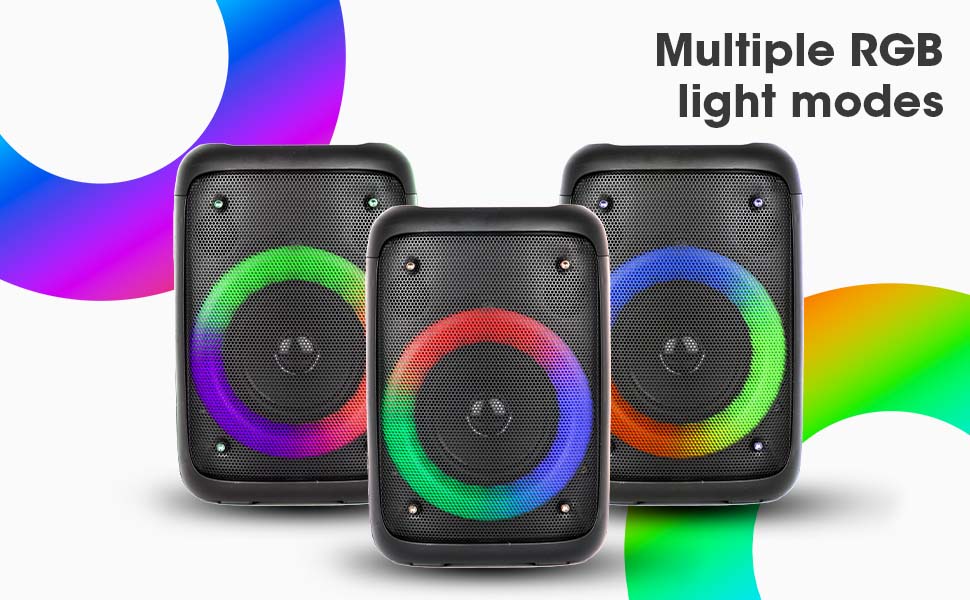
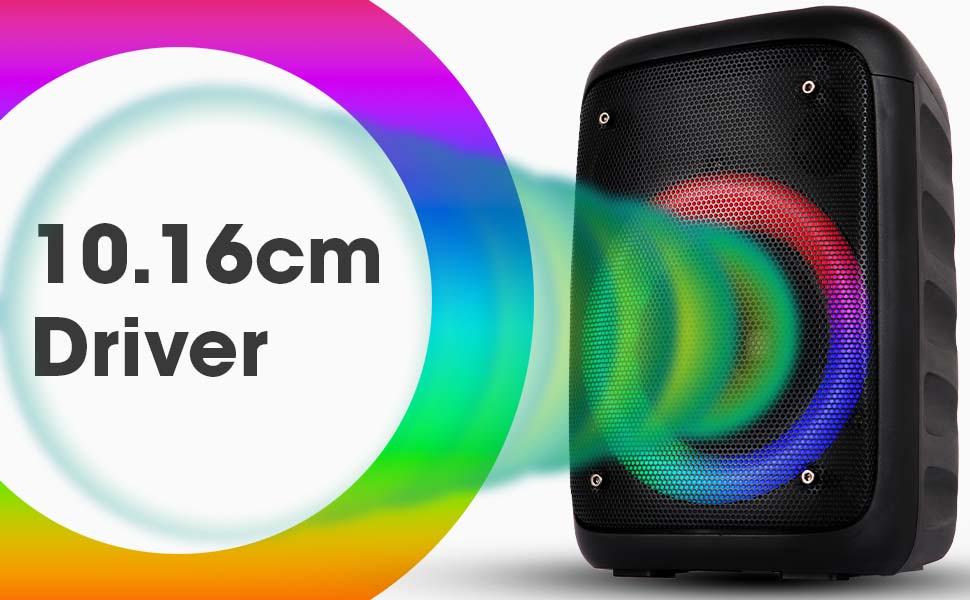
Image: The Zeb-Buddy 100 speaker with an overlay indicating its 10.16cm (4-inch) driver size.
8. Akwụkwọ ikike na nkwado
The Zebronics Zeb-Buddy 100 comes with a 1-year carry-in warranty to the service center. For any support, service, or warranty claims, please contact Zebronics customer support or visit their official website for service center locations and contact information.
Biko debe akwụkwọ nnata ịzụrụ ihe gị maka nkwenye akwụkwọ ikike.