
1. Okwu mmalite
Thank you for choosing the HUMSURE AP16-2018EE Dehumidifier. This manual provides important information for the safe operation, installation, maintenance, and troubleshooting of your appliance. Please read it thoroughly before use and keep it for future reference.
Ozi nchekwa
- Always ensure the dehumidifier is placed on a stable, level surface.
- Do not block the air inlet or outlet. Maintain at least 20 cm (8 inches) clearance around the unit.
- Jiri naanị ọkọnọ ọkụ akọwapụtara.
- Ejila unit ahụ rụọ ọrụ ma ọ bụrụ na eriri ọkụ ma ọ bụ plọg mebiri emebi.
- Debe ngwa ngwa ka ụmụaka ghara iru.
- Operating temperature range: 5°C - 35°C (41°F - 95°F).
2. Ngwaahịa gafereview
Familiarize yourself with the components and control panel of your HUMSURE Dehumidifier.
Ngwa nke otu

Foto: N'ihu view of the dehumidifier highlighting its dimensions (20.74in height, 14.56in width, 11in depth), invisible handle, washable filter location, and 360-degree universal wheels for easy mobility.
- Ogwe njikwa: Located on the top of the unit for settings and display.
- Ọpụpụ ikuku: Top of the unit.
- Ikuku ụgbọ mmiri: Rear or side of the unit, typically with a filter.
- tank mmiri: Removable tank for collected water, located at the bottom front/side.
- Ọpụpụ mmiri na-aga n'ihu: Port for connecting a drain hose.
- Wheel Universal: Four wheels for easy movement.
- Invisible Handle: Aka ejikọtara ọnụ maka ibugharị.
Ọrụ Ogwe njikwa

Foto: Zuru ezu view of the control panel, showing the touch-sensitive buttons and LED display.
- Bọtịnụ ngbanwu/ Gbanyụọ: Na-agbanye unit ahụ ma ọ bụ gbanyụọ.
- Bọtịnụ Ọsọ: Adjusts fan speed (High, Medium, Low). Note: Fan speed cannot be adjusted in Drying mode.
- Bọtịnụ iru mmiri: Sets the desired relative humidity level (40% - 80%).
- Bọtịnụ TIMER: Na-edobe ihe ngụ oge mgbanye akpaka ma ọ bụ mgbanyụ akpaka (awa 1-24).
- IONIZER Button: Activates or deactivates the ionizer function (if available).
- DRYING Button: Activates the continuous drying mode for clothes.
- Ikanam Display: Na-egosi iru mmiri dị ugbu a, ntọala ihe nlele oge, na koodu njehie.
3. Nhazi
Follow these steps for initial setup of your dehumidifier.
- Iwepu: Jiri nlezianya wepụ ihe mgbapụta na nkwakọ ngwaahịa ya. Jido ihe nkwakọ ngwaahịa maka nchekwa ma ọ bụ mbugharị n'ọdịnihu.
- Nkwanye:
- Debe unit ahụ kwụ ọtọ n'elu elu siri ike, dị larịị.
- Ensure there is at least 20 cm (8 inches) of clear space around the air inlet and outlet to allow for proper airflow.
- Avoid placing the unit near heat sources, in direct sunlight, or in areas with excessive dust.
- Njikọ ike: Plug the power cord into a grounded electrical outlet with the correct voltage.

Image: The dehumidifier positioned in a room, demonstrating its effective coverage for areas up to 50 m² and its ability to extract up to 20 liters of moisture per day.
4. Ntuziaka ọrụ
Learn how to operate your dehumidifier effectively.
Gbanyụọ/ Gbanyụọ
Pịa Gbanye/ Gbanyụọ bọtịnụ iji gbanye ma ọ bụ gbanyụọ unit ahụ.
Setting Desired Humidity
- Na unit agbanyere, pịa IHU URU bọtịnụ.
- The display will show the current humidity. Use the IHU URU button to cycle through desired humidity levels from 40% to 80% Relative Humidity (RH).
- The unit will automatically operate to maintain the set humidity level, turning off when the target is reached and restarting if humidity rises.
Iji ngụ oge
The timer function allows you to set the unit to automatically turn on or off after a specified period (1-24 hours).
- Pịa TIMER bọtịnụ.
- Jiri ihe TIMER button to select the desired number of hours.
- The timer will activate after a few seconds.
Ụdị arụ ọrụ
- Ụdị iru mmiri: This is the standard operating mode where you set a target humidity. The unit will cycle on and off to maintain this level. In this mode, fan speed can be adjusted.
- Drying Mode (Dry Clothes): Pịa NA-asachapụ button to activate this mode. This mode provides continuous dehumidification at the highest fan speed to quickly dry clothes and remove persistent moisture. In Drying Mode, humidity and fan speed cannot be adjusted.

Image: Visual representation of the Drying Mode for laundry, the 24-hour timer setting, and the automatic defrost function for low-temperature operation.
Mwepu akpaaka
The unit features an automatic defrost function. If frost builds up on the evaporator coils during operation in low temperatures (5°C - 35°C), the unit will automatically enter defrost mode to melt the frost, ensuring normal and efficient operation. This process is automatic and does not require user intervention.
5. Nhọrọ Mmiri Mmiri
Your dehumidifier offers two methods for water drainage: manual emptying of the water tank or continuous drainage via a hose.
Water Tank Drainage (Manual)
- The dehumidifier has a 2.8-liter (2800ml) water tank.
- When the water tank is full, the unit will automatically shut off, emit a beep, and an indicator light will illuminate to prevent overflow.
- To empty, carefully pull out the water tank, discard the collected water, and reinsert the tank firmly until it clicks into place. The unit will then resume operation.
Mgbapu na-aga n'ihu
For extended operation without needing to empty the water tank, you can set up continuous drainage.
- Locate the continuous drain outlet on the back or side of the unit.
- Connect the included 3.94 ft (approximately 1.2 meter) drain hose to this outlet.
- Ensure the hose is sloped downwards to allow water to drain by gravity into a suitable floor drain or container. Avoid kinks or blockages in the hose.

Image: Illustration of the two drainage options: manually removing and emptying the 2.8L water tank, and connecting the 3.94ft hose for continuous, automatic drainage.
6. Nlekọta
Ndozi mgbe niile na-eme ka arụ ọrụ kacha mma yana ogologo ndụ nke dehumidifier gị.
Na-ehicha ihe nzacha ikuku
- The dehumidifier is equipped with a washable mesh filter to capture large particles.
- It is recommended to clean the filter every two weeks or more frequently depending on usage and air quality.
- Iji hichaa:
- Gbanyụọ ngwaọrụ ahụ ma wepụ ya na ebe ọkụ eletrik.
- Locate and remove the air filter (typically behind the air inlet grille).
- Wash the filter with clean water and a mild detergent.
- Sachaa nke ọma ma hapụ ya ka ọ kpọọ nkụ kpamkpam tupu itinyeghachi ya.
Ichacha tank mmiri
- Na-asachapụ tank mmiri mgbe niile iji gbochie ebu na ibu ibu.
- Wash the tank with clean water and a mild detergent. Rinse thoroughly.
- Ensure the tank is dry before reinserting it into the unit.
Nchacha mpụga
- Jiri nwayọ hichaa mpụta nke otu ahụ, damp akwa .
- Ejila kemịkalụ siri ike, ihe nhicha ihe na-eme ka ihe dị nro, ma ọ bụ ihe mgbaze.
7. Nchọpụta nsogbu
Rụtụ aka na ngalaba a maka okwu nkịtị na azịza ha.
| Nsogbu | Ihe nwere ike ime | Ngwọta |
|---|---|---|
| Unit anaghị agbanwuo. | Enweghị ọkụ. Ejikọghị eriri ọkụ nke ọma. Water tank full or not correctly inserted. | Lelee oghere ọkụ. Gbaa mbọ hụ na etinyere eriri ọkụ na nchekwa. Empty water tank and reinsert it correctly. |
| Unit na-agba ọsọ mana ọ naghị anakọta mmiri. | Room temperature too low (below 5°C). Humidity level already low. Ihe nzacha ikuku mechiri. Unit in defrost mode. | Operate within recommended temperature range (5°C - 35°C). Increase target humidity setting. Hichaa nzacha ikuku. Wait for defrost cycle to complete. |
| Ngalaba na-eme mkpọtụ. | Unit abụghị n'elu larịị. Ihe nzacha ikuku mechiri. Ihe ndị dị n'ime na-ama jijiji. | Tinye n'elu ala kwụ ọtọ ma kwụsie ike. Hichaa nzacha ikuku. Contact customer support if noise persists and is unusual. |
| Mmiri na-agbapụta site na unit ahụ. | Water tank not properly inserted. Continuous drain hose improperly connected or blocked. | Ensure water tank is fully and correctly inserted. Check continuous drain hose for secure connection, kinks, or blockages. |

Foto: Visual examples of issues caused by excessive humidity, including damaged furniture, wet walls, unpleasant odors, mold on floors, foggy mirrors, and damp uwe .
8. Nkọwapụta
Technical specifications for the HUMSURE AP16-2018EE Dehumidifier.
| Njirimara | Nkọwa |
|---|---|
| Ụdị | MMIRI |
| Nọmba nlereanya | AP16-2018EE |
| Dehumidification ikike | 20 Liters/Day (at 30°C, 80% RH) |
| Mpaghara mkpuchi | Up to 200 m³ (~50 m²) |
| Ike tank mmiri | 2.8 lita |
| Oriri ike | 230 Watt |
| Akụkụ (L x W x H) | 28 x 37 x 52.7 cm (ihe dị ka 11 x 14.56 x 20.74 sentimita) |
| Ibu | 11.8 kilogram |
| Ihe onwunwe | Plastic |
| Atụmatụ pụrụ iche | Digital Display, Timer, Automatic Defrosting, Dry Clothes Mode, Continuous Drain, Portable (with wheels), Washable Filter, Quiet Operation (<40 dB) |

Image: Summary of the dehumidifier's main features, including 40-80% RH humidity control, continuous drainage, water tank full alarm, quiet operation, automatic defrost, 3.9ft drain hose, and 2.8L water tank.
9. Akwụkwọ ikike na nkwado
For warranty information, technical support, or any questions regarding your HUMSURE dehumidifier, please contact our customer service team.
You can typically find contact details, including email addresses, on the product packaging or the official HUMSURE website. Please have your model number (AP16-2018EE) and purchase date ready when contacting support.
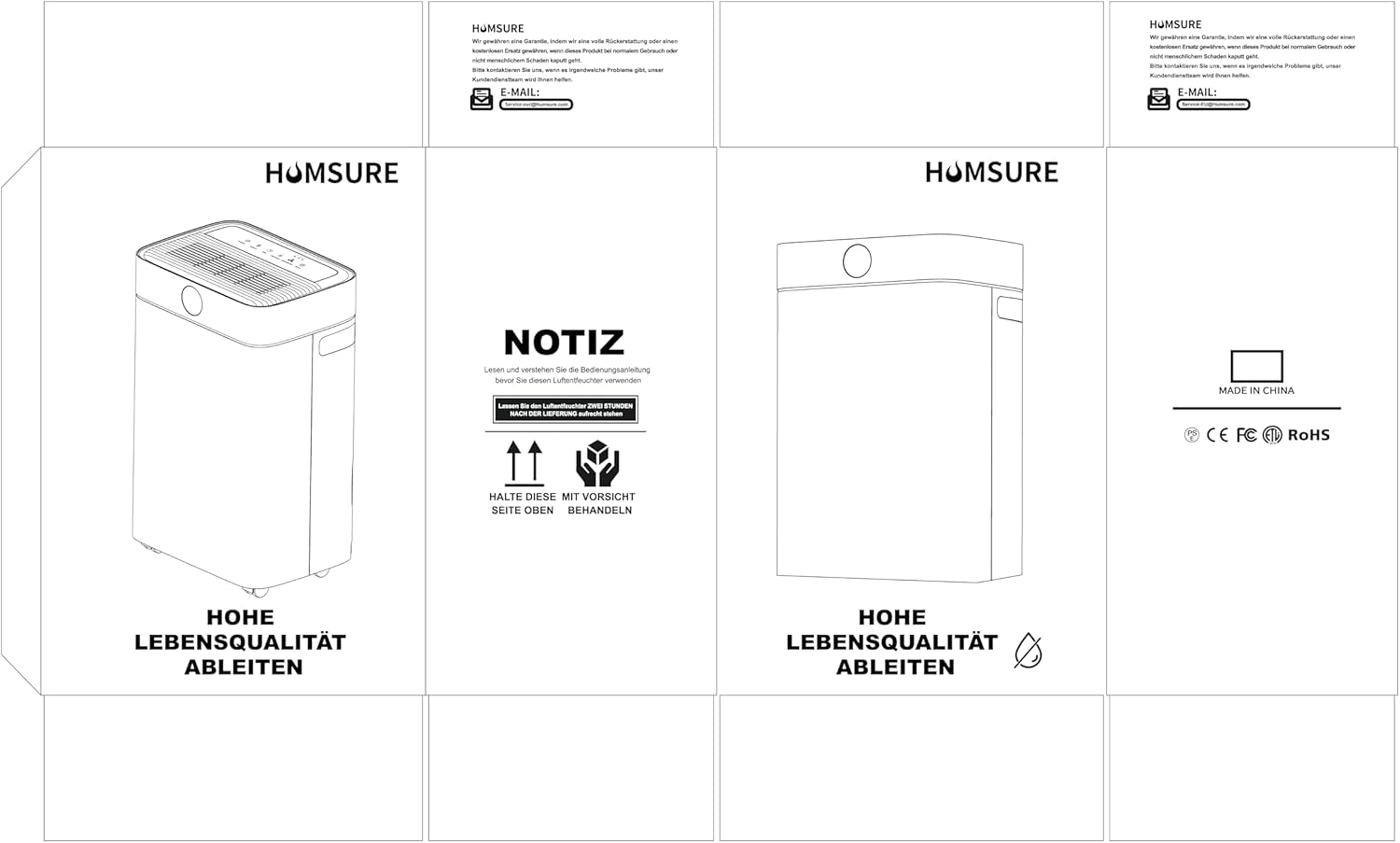
Foto: Example of product packaging, which typically includes brand information and contact details for customer support.