
1. Okwu mmalite
This manual provides essential information for setting up, operating, maintaining, and troubleshooting your HP 15 Laptop. This device is equipped with an Intel Core i5 processor, 16GB RAM, and a 512GB SSD, running on Windows 11 Home. Please read this manual thoroughly to ensure proper use and to maximize the lifespan of your laptop.
2. Ihe ngwugwu
Hụ na ihe niile dị n'ime igbe ahụ:
- Laptọọpụ HP 15
- 45W AC nkwụnye nwere eriri ike
- Akwụkwọ ntuziaka (akwụkwọ a)
- 1 Year Warranty information

3. Akụrụngwa Ngwaahịa
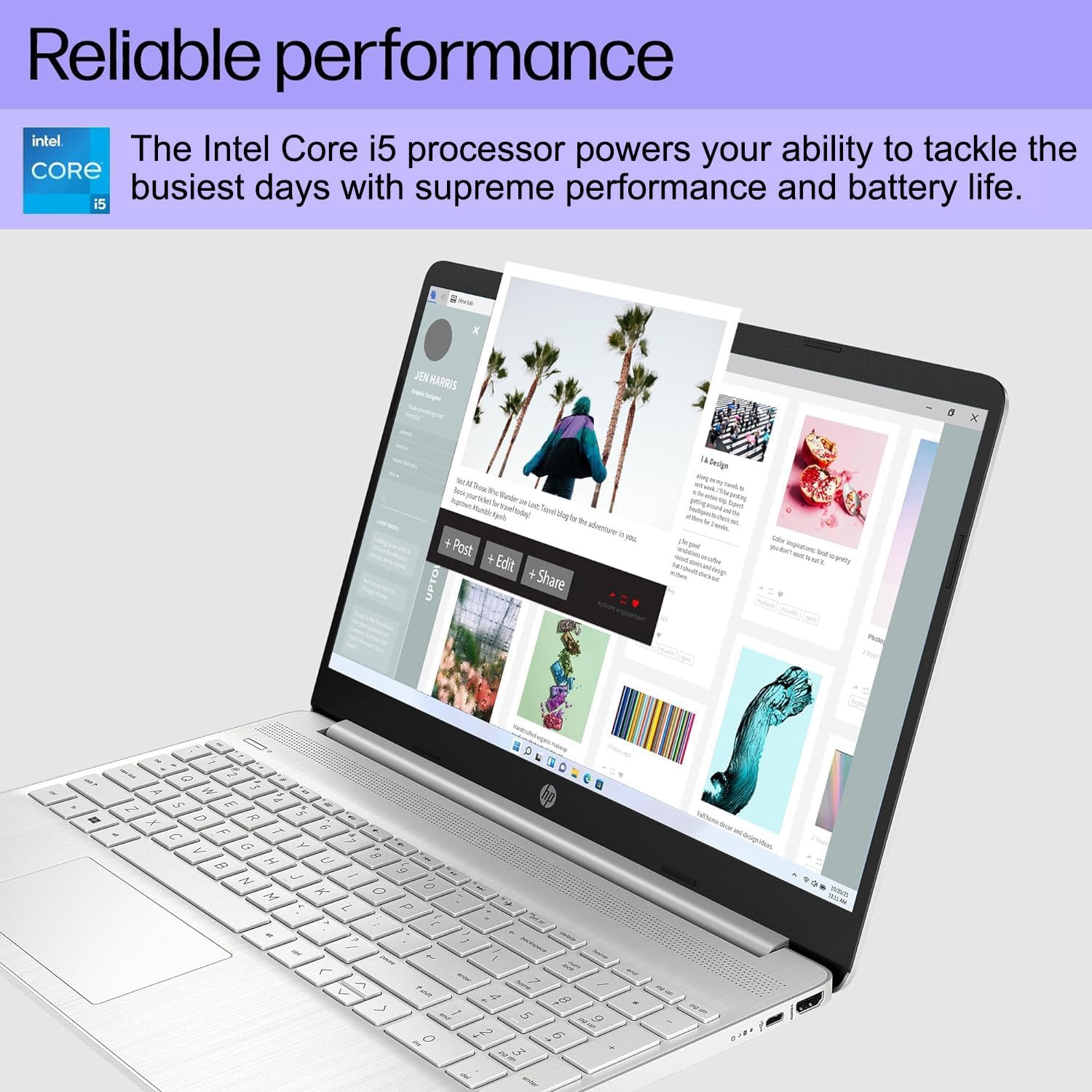
- Arụmọrụ ntụkwasị obi: Equipped with an Intel Core i5-1135G7 Processor, 16GB DDR4 RAM, and a 512GB PCIe NVMe M.2 SSD for efficient operation and fast storage.
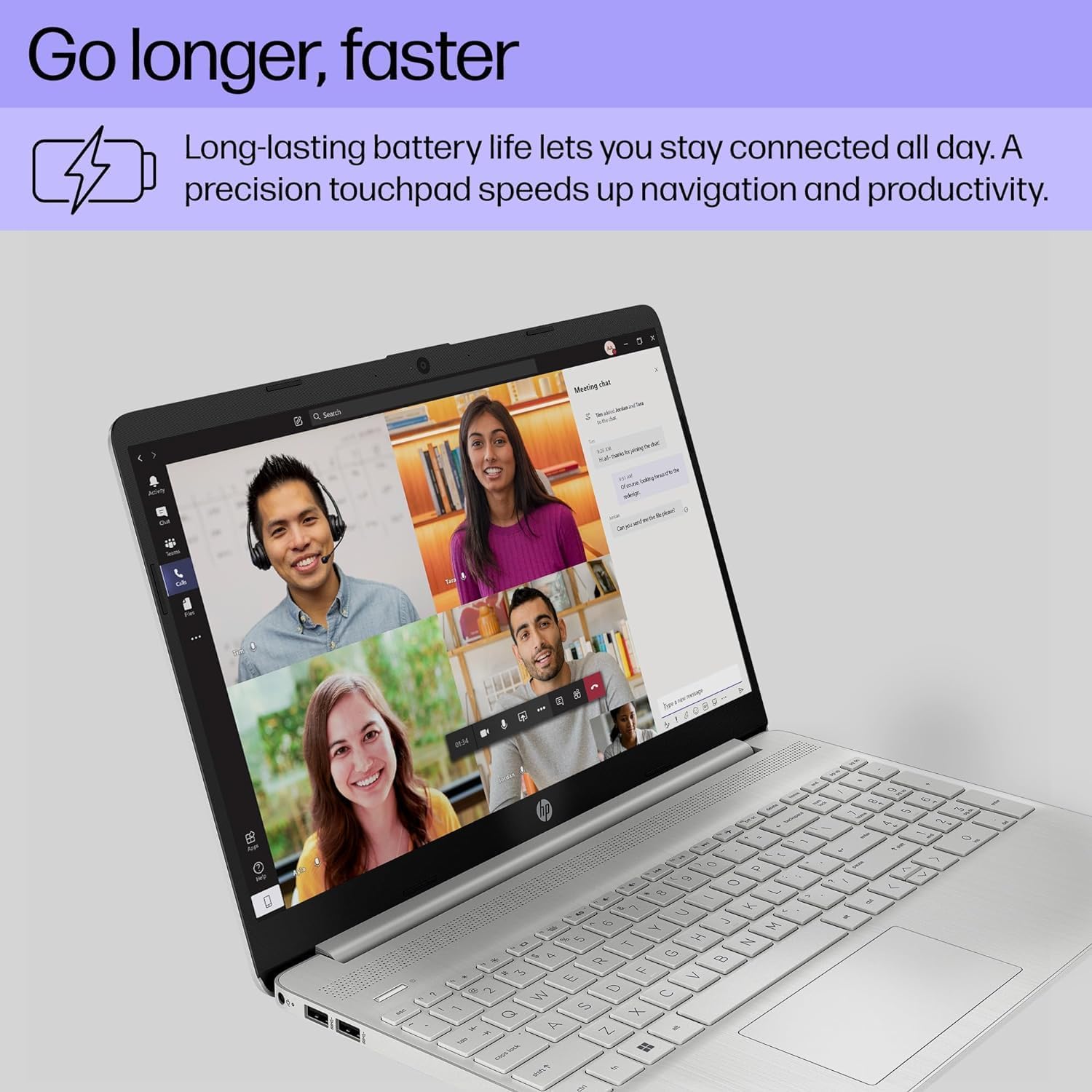
- Ndụ batrị agbatịkwuru: Designed for up to 10 hours of battery life, allowing for prolonged use without frequent recharging.
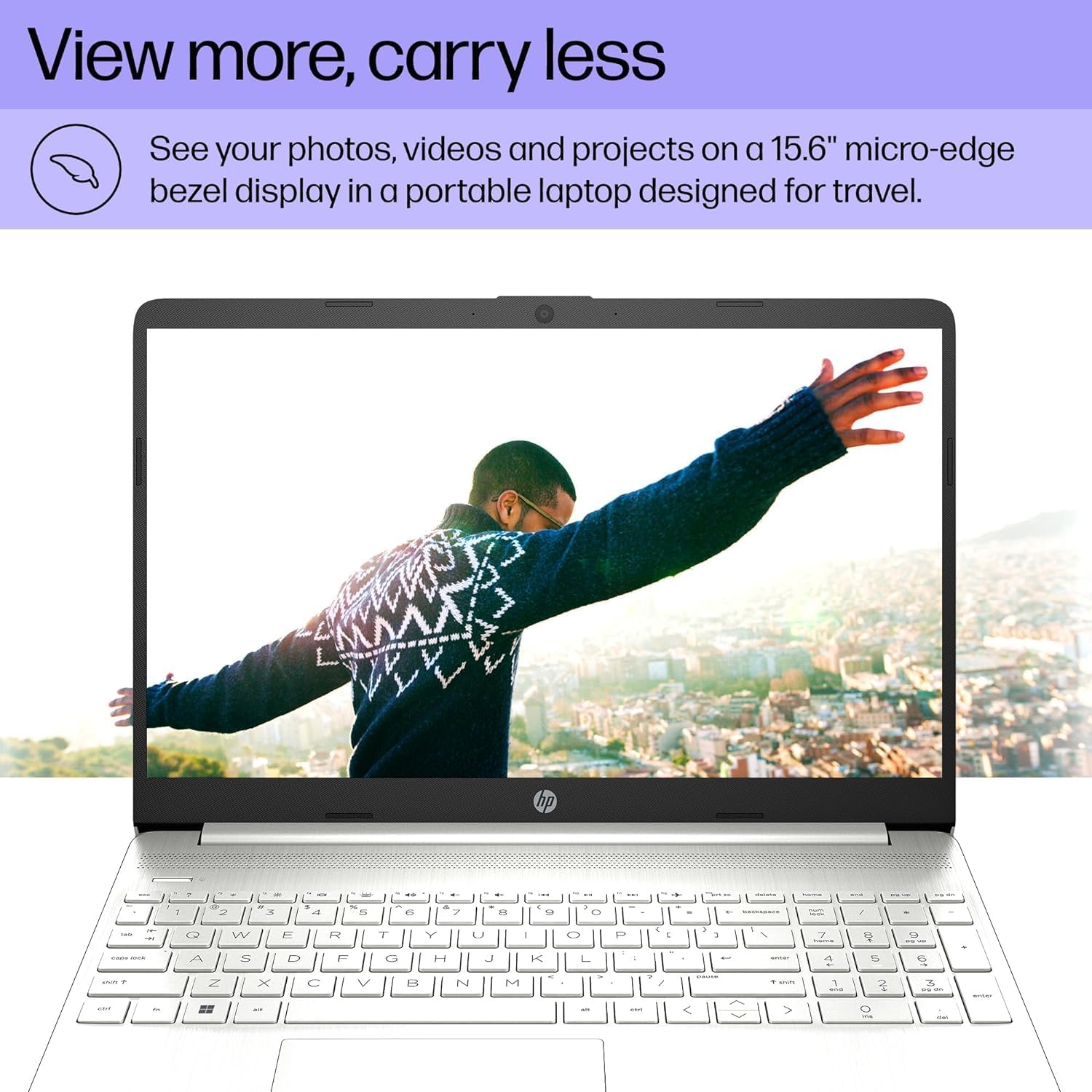
- Kpochapụ ihe ngosi: Features a 15.6" FHD (1920 x 1080) IPS micro-edge anti-glare BrightView Display with Intel Iris Xe graphics. Supports external monitors via HDMI at 4K (3840x2160) @60Hz.
- Ejikọtara Webcam: HD webcam with advanced noise reduction software and dual array digital microphone for clear video calls. Includes a physical privacy shutter.
- Njikọta dị iche iche: Includes USB 3.2 Type-C 5Gbps ports, USB 3.1 Type-A 5Gbps ports, HDMI 1.4b, SD media card reader, and an Audio combo jack.
- Ike ikuku: Supports Wi-Fi 5 (802.11ac) and Bluetooth 5 for reliable wireless connections.
- Sistemụ nrụọrụ: Pre-installed with Windows 11 Home 64-bit, featuring AI-powered Copilot for enhanced productivity.

4. Ntuziaka Nhazi
4.1 Ike mbido
- Njikọ Ike: Tinye ihe nkwụnye AC n'ime ọdụ ụgbọ mmiri nke laptọọpụ wee banye n'ime oghere mgbidi.
- Mepee Laptọọpụ: Mepee mkpuchi laptọọpụ ahụ nke ọma.
- Ike Na: Press the power button, usually located on the top right of the keyboard.
- Mbido Windows mbụ: Soro ntuziaka dị na ihuenyo iji mezue ntọala Windows 11 Home, gụnyere asụsụ, mpaghara, njikọ netwọk, na ịmepụta akaụntụ onye ọrụ.
4.2 Njikọta Peripherals
Use the available ports to connect external devices:
- Ngwa USB: Connect mice, keyboards, external drives, or printers to the USB Type-A or USB Type-C ports.
- Ngosipụta mpụga: Use an HDMI cable to connect to an external monitor or TV.
- Ngwa ọdịyo: Plug headphones or external speakers into the audio combo jack.
- Kaadị SD: Insert SD media cards into the multi-format SD media card reader.
5. Ntuziaka ọrụ
5.1 Nsoro ụzọ
- Mpempe aka: Use the integrated touchpad for cursor control. Tap to click, use two fingers to scroll, and pinch to zoom.
- Ahụigodo: The laptop features a full-size keyboard with a numeric keypad. Function keys (F1-F12) provide quick access to system settings when pressed with the Fn igodo.
- Windows 11: Familiarize yourself with the Windows 11 interface, including the Start Menu, Taskbar, and Action Center.
5.2 Iji Webcam
HD agbakwunyere webcam is suitable for video calls and online meetings. Ensure the privacy shutter (if present) is open before use. Access webcam settings through Windows settings or your video conferencing application.
6. Nlekọta
6.1 Nhicha
- Ihuenyo: Jiri akwa dị nro na-enweghị ntụpọ dampjiri mmiri ma ọ bụ ihe nhicha ihuenyo kpuchie ya. Zere kemịkalụ siri ike.
- Ahụigodo na chassis: Use a soft cloth to wipe surfaces. For dust, use compressed air.
- ọdụ ụgbọ mmiri: Keep ports free of dust and debris to ensure proper connectivity.
6.2 Mmelite ngwanrọ
Na-enyocha ma wụnye mmelite Windows na mmelite ọkwọ ụgbọala mgbe niile iji hụ na arụmọrụ na nchekwa kacha mma. Gaa na Ntọala > Mmelite Windows.
6.3 Nlekọta batrị
- Zere oke okpomọkụ.
- Akwụsịla batrị kpamkpam ugboro ugboro.
- Maka nchekwa ogologo oge, chajịa batrị ahụ ruo ihe dịka 50-70%.
7. Nchọpụta nsogbu
| Nsogbu | Ihe nwere ike ime | Ngwọta |
|---|---|---|
| Laptọọpụ anaghị agba ọkụ. | No power, discharged battery, hardware issue. | Hụ na e jikọtara ihe nkwụnye AC nke ọma, ebe ihe nkwụnye ahụ na-arụkwa ọrụ. Chajie batrị maka opekata mpe nkeji iri atọ. Ọ bụrụ na nsogbu ahụ anọgide, kpọtụrụ onye na-ahụ maka ya. |
| Ihuenyo ghe oghe. | Sleep mode, display settings, external monitor connected. | Pịa igodo ọ bụla ma ọ bụ kwaga òké ahụ ka o teta n'ụra. Fn + F4 (or equivalent display toggle key) to cycle display outputs. Disconnect external monitors. |
| Wi-Fi anaghị ejikọ. | Agbanyụrụ Wi-Fi, paswọọdụ ezighi ezi, nsogbu rawụta. | Check Wi-Fi settings in Windows to ensure it's enabled. Verify Wi-Fi password. Restart your router and modem. |
| Laptop runs slowly. | Too many programs open, low disk space, malware. | Close unnecessary applications. Free up disk space. Run a virus scan. Check for and install system updates. |
8. Nkọwapụta
| Njirimara | Nkọwa |
|---|---|
| Ụdị | bụ kọmputa |
| Aha Nlereanya | Laptọọpụ HP 15 |
| Nha ihuenyo | 15.6 sentimita asatọ |
| Agba | Ọlaọcha |
| Ụdị CPU | Intel Core i5-1135G7 (ọgbọ nke iri na abụọ) |
| Ọsọ nhazi | 2.4 GHz (up to 4.2 GHz) |
| Ogo etinyere ebe nchekwa RAM | 16 GB DDR4 (3200 MHz) |
| Nha diski ike | 512 GB SSD (PCIe NVMe M.2) |
| Sistemụ nrụọrụ | Windows 11 Home 64-bit |
| Ihe eserese eserese | Ihe eserese Intel Iris Xe (Mmekọrịta) |
| Ngosipụta mkpebi | 1920x1080 Pixels (FHD) |
| Ọnụego ume ọhụrụ | 60 Hz |
| Njikọ ikuku | Wi-Fi 5 (802.11ac), Bluetooth 5 |
| ọdụ ụgbọ mmiri USB | 1x USB 3.2 Type-C, 2x USB 3.1 Type-A |
| ọdụ ụgbọ mmiri HDMI | 1 x HDMI 1.4b |
| Ọdụ ụgbọ mmiri ndị ọzọ | SD Media Card Reader, Audio Combo Jack |
| Webcam | HD Webcam (0.9 MP Front Photo Sensor Resolution) |
| Ndụ batrị (Ọkara) | Awa 10 |
| Ibu Ibu | 3.8 pound |
| Dimensions (L x W x Thickness) | 14.11"L x 9.53"W x 0.71"th |

9. Akwụkwọ ikike na nkwado
Your HP 15 Laptop comes with a Akwụkwọ ikike dị afọ 1 from the manufacturer on remaining components. Additionally, the upgraded Memory/SSD components are covered by a three-year warranty from Issaquah Highlands Tech.
For technical support or warranty claims, please refer to the contact information provided with your purchase documentation or visit the manufacturer's official support websaịtị.