
1. Ngwaahịa gafereview
The Hunter Newsome 52-inch ceiling fan is designed for indoor use, featuring a low-profile mount suitable for rooms with ceilings under 9 feet. It includes an integrated LED light and is controlled via pull chains. The fan incorporates WhisperWind® motor technology for quiet operation and SureSpeed® for optimized airflow, ensuring comfort in large bedrooms, living rooms, kitchens, and home offices.

Figure 1.1: Hunter Newsome 52-inch Indoor Ceiling Fan with LED Light in Matte Black.

Figure 1.2: Hunter Newsome 52-inch Indoor Ceiling Fan with LED Light, highlighting its 52-inch size and Newsome model name.
Quality Features
Hunter fans are designed and tested to ensure durability, quiet operation, and efficient airflow. The following video highlights some of the key quality aspects of Hunter ceiling fans.
Video 1.1: This video demonstrates the quality, innovation, and long-lasting features of Hunter fans, including wobble-free and whisper-quiet operation.
2. Ngwa gụnyere
Before beginning installation, verify that all components are present and undamaged. If any parts are missing or damaged, do not proceed with installation and contact customer support.
- 52-inch Ceiling Fan (Matte Black finish)
- Agụba 5 A Na-agbanwe Agbanwe
- Integrated LED Light Fixture
- Igwe ọkụ LED 2
- 2 Pull Chains
- Ngwaike mgbakwasa
- Akwụkwọ ntuziaka nwụnye

Figure 2.1: Visual representation of the components included in the Hunter Newsome 52396 package.
3. Nkọwapụta
The following table details the technical specifications of the Hunter Newsome 52396 ceiling fan:
| Njirimara | Nkọwa |
|---|---|
| Ụdị | Dinta |
| Aha Nlereanya | Newsome |
| Nọmba akụkụ | 52396 |
| Agba | Matte Black |
| Igwe ọkụ eletrik | N'uko Fan |
| Isi Iyi Ike | Igwe ọkụ eletrik |
| Ụdị | Omenala |
| Akụkụ ngwaahịa | 52"D x 52"W x 14.23"H |
| Ụdị ụlọ | Bedroom, Living Room, Kitchen, Home Office |
| Njirimara Pụrụ Iche | LED Light, Quiet Operation |
| Eji akwadoro | Na-ajụ oyi |
| Ọnụọgụ agụba | 5 |
| Voltage | 120 volts |
| Ibu Ibu | 18.96 pound |
| Ngwa gụnyere | Pull Chain Included |
| Ojiji ime ime/n'èzí | Ime ụlọ |
| Usoro njikwa | Dọrọ Chain |
| Ịrụ ọrụ | Ịrụ ọrụ dị elu |
| Ụdị bọlbụ | Ikanam |
| Flux na-egbuke egbuke | 1600 Lumen |
| Dayameta agbakọtara | 52 sentimita asatọ |

Figure 3.1: Fan Dimensions for Low Profile Ugwu.
4. Ntuziaka nwụnye
This section outlines the general steps for installing your Hunter Newsome ceiling fan. For detailed, step-by-step instructions, please refer to the dedicated installation manual included with your product (Figure 4.1).
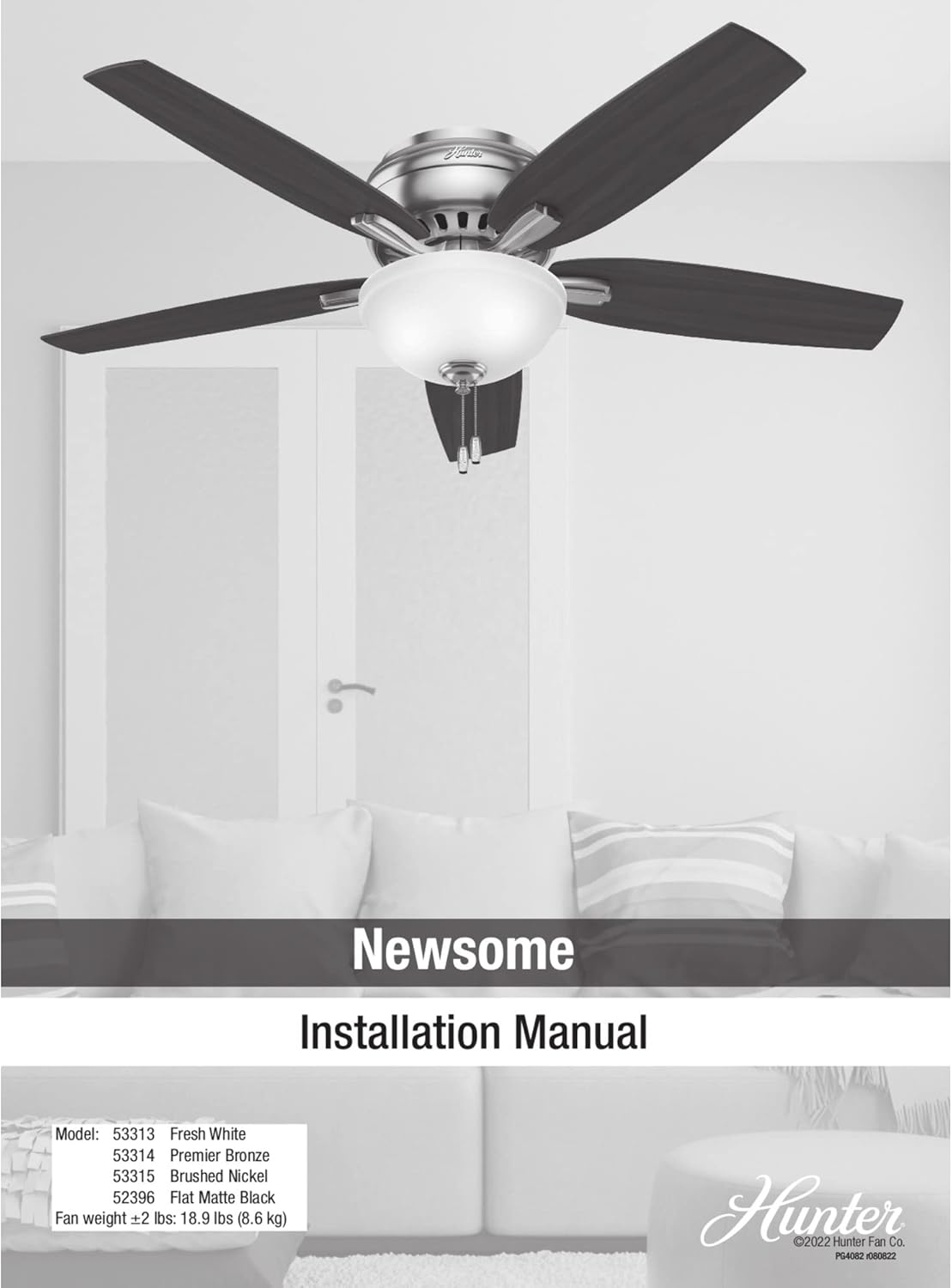
Figure 4.1: Hunter Newsome Installation Manual cover.
Akpachara anya maka nchekwa
- Ensure power is disconnected at the circuit breaker before installation.
- Gakwuru ọkachamara ọkụ eletrik ruru eru ma ọ bụrụ na ị maghị etu esi eji waya ọkụ eletrik.
- Mount the fan to a ceiling joist or a fan-rated outlet box capable of supporting the fan's weight (approximately 19 pounds).
Ịkwanye Fan
- Chekwaa ihe nkwado mgbago n'igbe ọpụpụ elu ụlọ.
- Connect the electrical wiring according to local codes and the included wiring diagram.
- Gbakwunye mgbakọ moto fan na ihe nkwado mgbago.

Figure 4.2: Hunter Newsome fan installed in a bedroom, demonstrating its low-profile aesthetic.

Ọgụgụ 4.3: Ọzọ view of the Hunter Newsome fan in a bedroom setting.
Attaching Blades and Light Kit
- Securely attach the five reversible fan blades to the motor housing.
- Install the LED light kit and bulbs.
- Attach the glass bowl and pull chains.
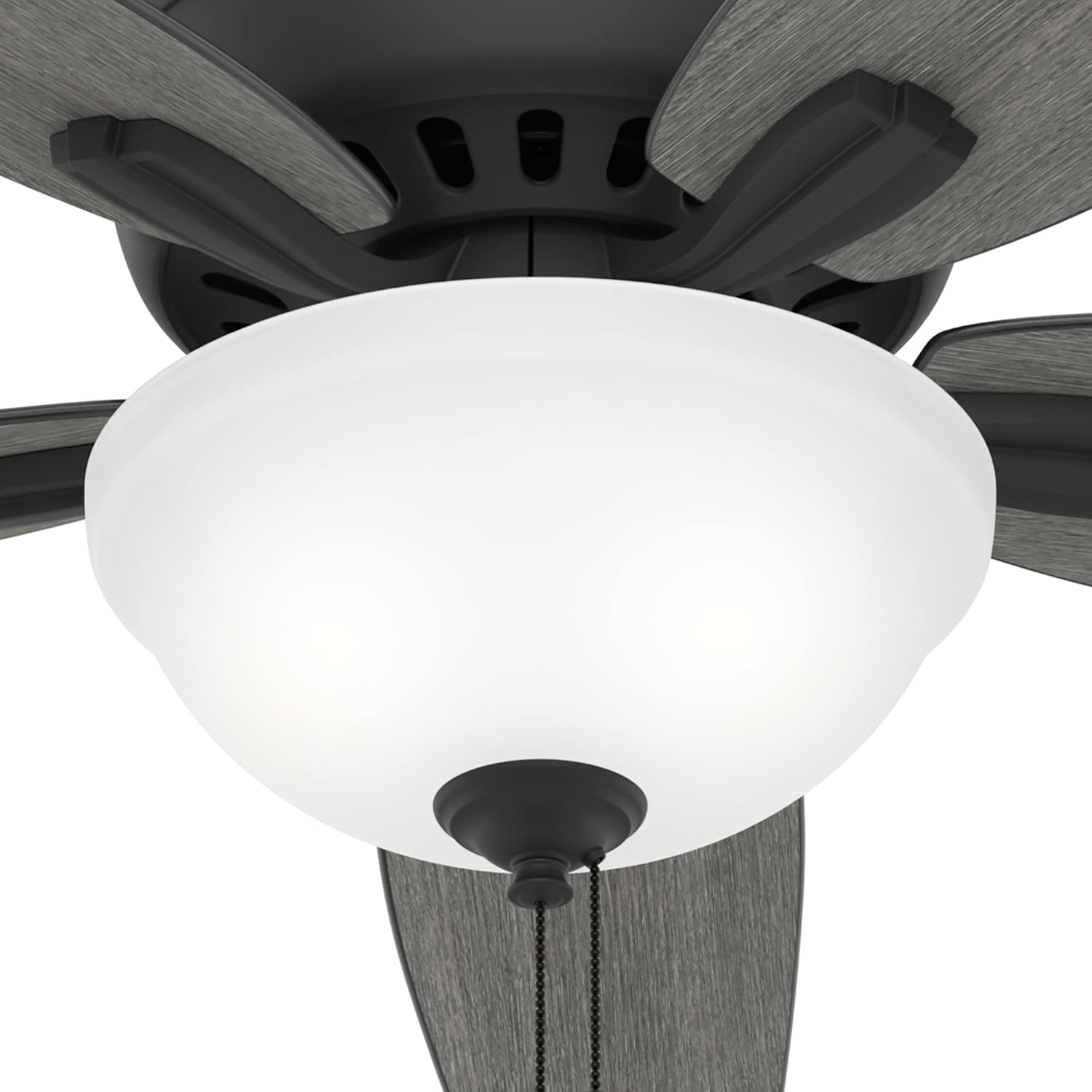
Figure 4.4: Close-up of the integrated LED light fixture and pull chain mechanism.
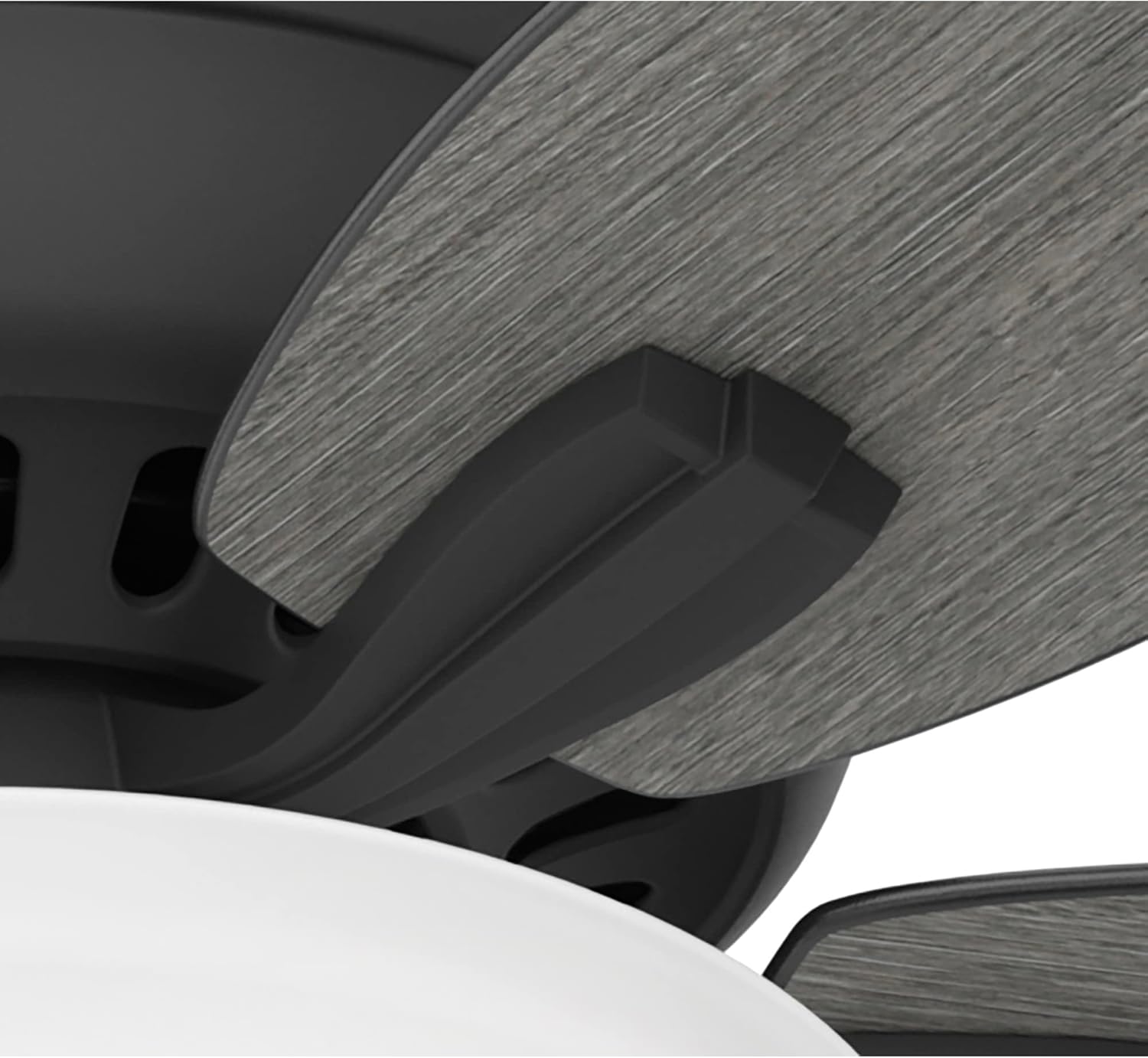
Figure 4.5: Detail of how the fan blades attach to the motor housing.

Foto 4.6: View of the fan's motor housing, featuring the Hunter brand emblem.
5. Ntuziaka ọrụ
The Hunter Newsome ceiling fan is operated using two pull chains: one for fan speed and one for the light.
Njikwa ọsọ ndị fan
- Pull the fan speed chain repeatedly to cycle through the three available speeds (High, Medium, Low) and Off.
Njikwa ọkụ
- Pull the light chain to turn the LED light On or Off.
Akara Agbanwe Agbanwe
The fan features reversible blades, allowing you to change the blade finish to match your decor. To reverse the direction of airflow for seasonal comfort, locate the reverse switch on the fan motor housing (typically a small slide switch).
- For cooling (summer), set the switch to ensure downward airflow.
- For heat circulation (winter), set the switch to ensure upward airflow.

Figure 5.1: Fan blades showing the wood grain finish option.
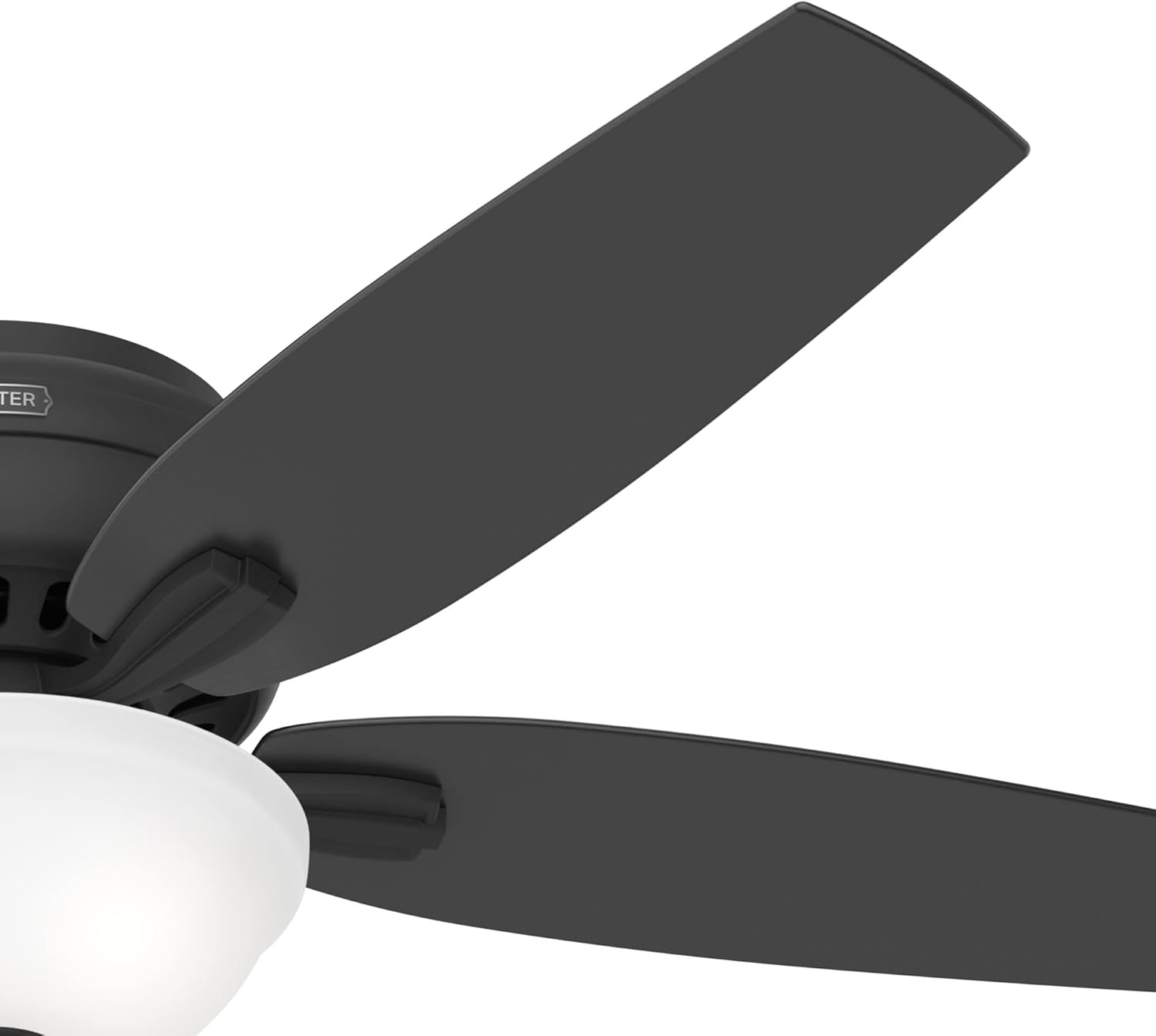
Figure 5.2: Fan blades showing the matte black finish option.
6. Nlekọta na nlekọta
Regular maintenance ensures the longevity and optimal performance of your Hunter Newsome ceiling fan.
- Nhicha: Periodically clean the fan blades and motor housing with a soft, damp akwa . Zere ihe nchacha abrasive nke nwere ike imebi ngwụcha.
- Ịhazi agụba: If the fan wobbles, ensure all blade screws are tight. A balancing kit (not included) can be used if wobbling persists.
- Ndochi oriọna ọkụ: The fan uses energy-efficient LED bulbs. If replacement is needed, ensure power is off and use bulbs of the same type and wattage.
- Nyocha kwa afọ: Annually check all connections and mounting hardware for tightness.
7. Ntuziaka nchọpụta nsogbu
Rụtụ aka na tebụl dị n'okpuru maka okwu nkịtị na azịza ha.
| Nsogbu | Ihe nwere ike ime | Ngwọta |
|---|---|---|
| Onye ofufe anaghị ebido | Enweghị ike maka onye ofufe | Lelee ihe mgbawa sekit na mgba ọkụ mgbidi. |
| Fans na-ama jijiji | Loose blade screws or unbalanced blades | Tighten all blade screws. Ensure blades are balanced. |
| Ìhè anaghị arụ ọrụ | Wiring rụrụ arụ ma ọ bụ bọlbụ na-adịghị mma | Check light kit wiring. Replace LED bulb. |
| Onye ofufe na-eme mkpọtụ | Loose screws or internal motor issue | Tighten all screws. If noise persists, contact customer support. |
8. Ịdị mma na Nnwale
Hunter is committed to producing high-quality, reliable ceiling fans. The following video provides insight into the rigorous testing and certification processes that Hunter products undergo to ensure safety and performance.
Video 8.1: This video details Hunter's testing lab, including blade iron shake tests, accelerated life tests for electronic components, and CFM tests for airflow, demonstrating their commitment to exceeding industry standards.
9. Akwụkwọ ikike Ozi
The Hunter Newsome 52396 ceiling fan comes with a limited lifetime motor warranty. This warranty covers defects in materials and workmanship of the fan motor for the lifetime of the original purchaser. For full details, terms, conditions, and exclusions, please refer to the warranty documentation included with your purchase or visit the official Hunter websaịtị.
10. Nkwado ndị ahịa
For further assistance, technical support, or replacement parts, please contact Hunter Customer Service. You can also find more information and products by visiting the Hunter Store.
- Gaa leta Hunter Store on Amazon.
- Refer to the official Hunter website for direct contact information and additional resources.
Video 10.1: A brand video showcasing Hunter's long history and commitment to enhancing home comfort since 1886.