
1. Okwu mmalite
This manual provides essential information for setting up, operating, maintaining, and troubleshooting your IST Computers IdeaPad Slim 3i Laptop. Please read this guide thoroughly to ensure proper use and to maximize the lifespan of your device.
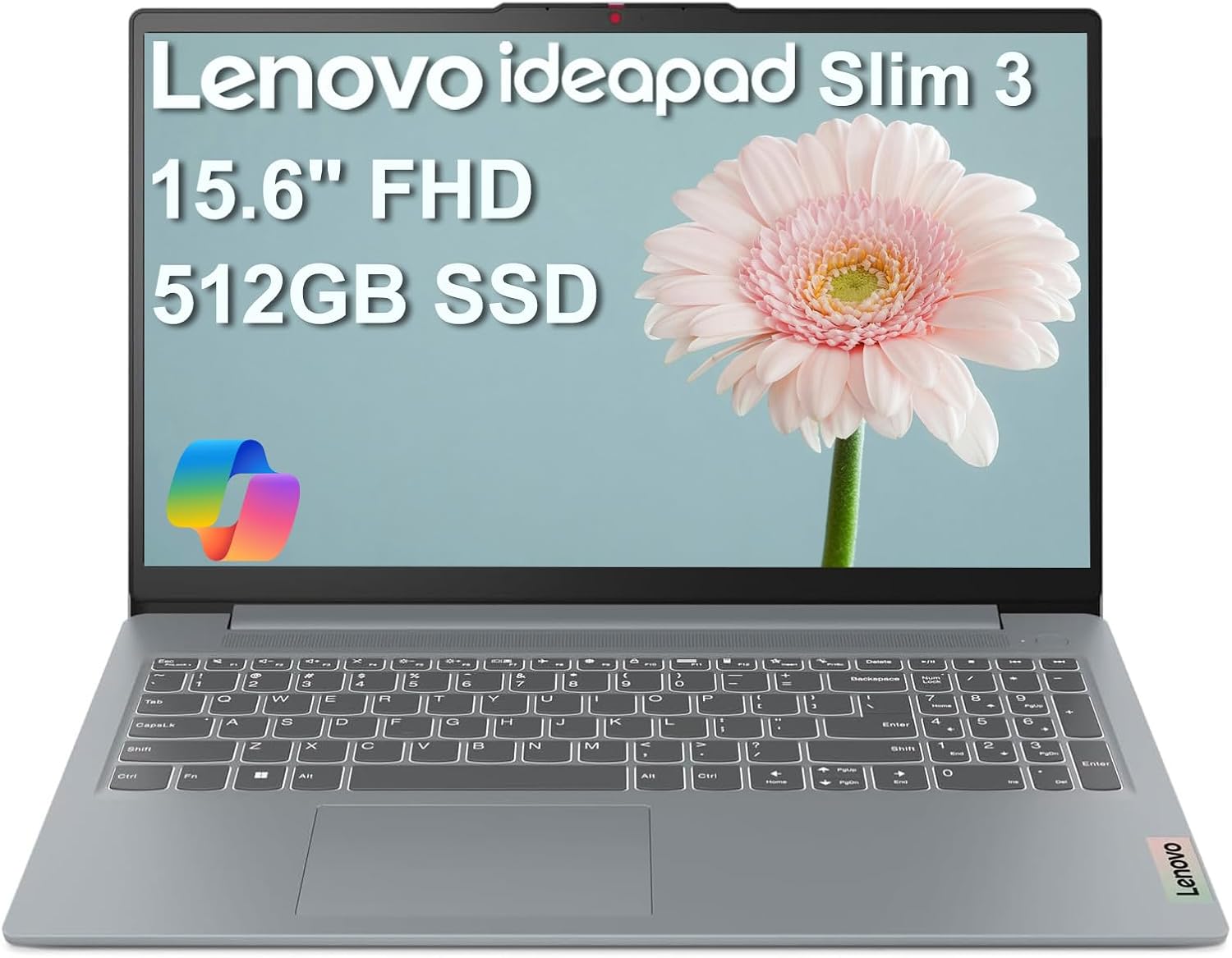
Image: The IdeaPad Slim 3i laptop, showcasing its sleek design and full display.
2. Ntuziaka Nhazi
2.1 Unboxing na nlele mbụ
Jiri nlezianya wepụ ihe niile dị na ngwugwu ahụ. Hụ na ihe ndị a gụnyere:
- IdeaPad Slim 3 Laptọọpụ
- 65W AC nkwụnye nwere eriri ike
- Akwụkwọ ntuziaka (akwụkwọ a)
Lelee laptọọpụ ahụ maka mmebi ọ bụla. Ọ bụrụ na achọpụta mmebi ọ bụla, kpọtụrụ ndị ọrụ enyemaka ozugbo.
2.2 Ijikọ ike
Connect the 65W AC adapter to the laptop's power connector and then plug it into a wall outlet. It is recommended to fully charge the battery before initial use.
2.3 Mbido Ike na Ntọala Sistemụ Ọrụ Mmalite
Press the power button to turn on the laptop. Follow the on-screen instructions to complete the Windows 11 Home setup process. This includes selecting your language, region, connecting to a Wi-Fi network, and creating a user account.
2.4 Port karịrịview na Njikọta
The IdeaPad Slim 3i offers various ports for connecting peripherals and external devices.

Image: Diagram illustrating the various ports on the left and right sides of the IdeaPad Slim 3i laptop.
| Nọmba | Port | Nkọwa |
|---|---|---|
| 1 | Onye na-agụ kaadị | Maka ịgụ kaadị ebe nchekwa. |
| 2 | USB 3.2 Gen 1 | Standard USB port for connecting peripherals. |
| 3 | Njikọ ike | Jikọọ ihe nkwụnye AC ebe a. |
| 4 | USB 3.2 Gen 1 | Another standard USB port. |
| 5 | HDMI bụ ihe na -eme ka ọ pụta ìhè | Connect to external displays or TVs. |
| 6 | USB-C® 3.2 Gen 1 | Versatile USB-C port for data transfer and charging. |
| 7 | Igwe okwu ekweisi / igwe okwu (3.5mm) | Maka ijikọ ekweisi ma ọ bụ ekweisi. |
The laptop supports Wi-Fi 6 for fast wireless internet and Bluetooth 5.2 for connecting wireless accessories.
3. Ịrụ ọrụ Laptọọpụ gị
3.1 Ahụigodo na Touchpad
The laptop features a full-sized keyboard and a responsive touchpad for navigation. Familiarize yourself with the function keys (Fn) for quick access to settings like volume, brightness, and Wi-Fi.

Foto: N'elu-ala view of the IdeaPad Slim 3i laptop's keyboard and touchpad layout.
3.2 Ngosipụta atụmatụ
The 15.6-inch Full HD (1920x1080) anti-glare display provides clear visuals and reduces reflections, enhancing your viewahụmahụ.
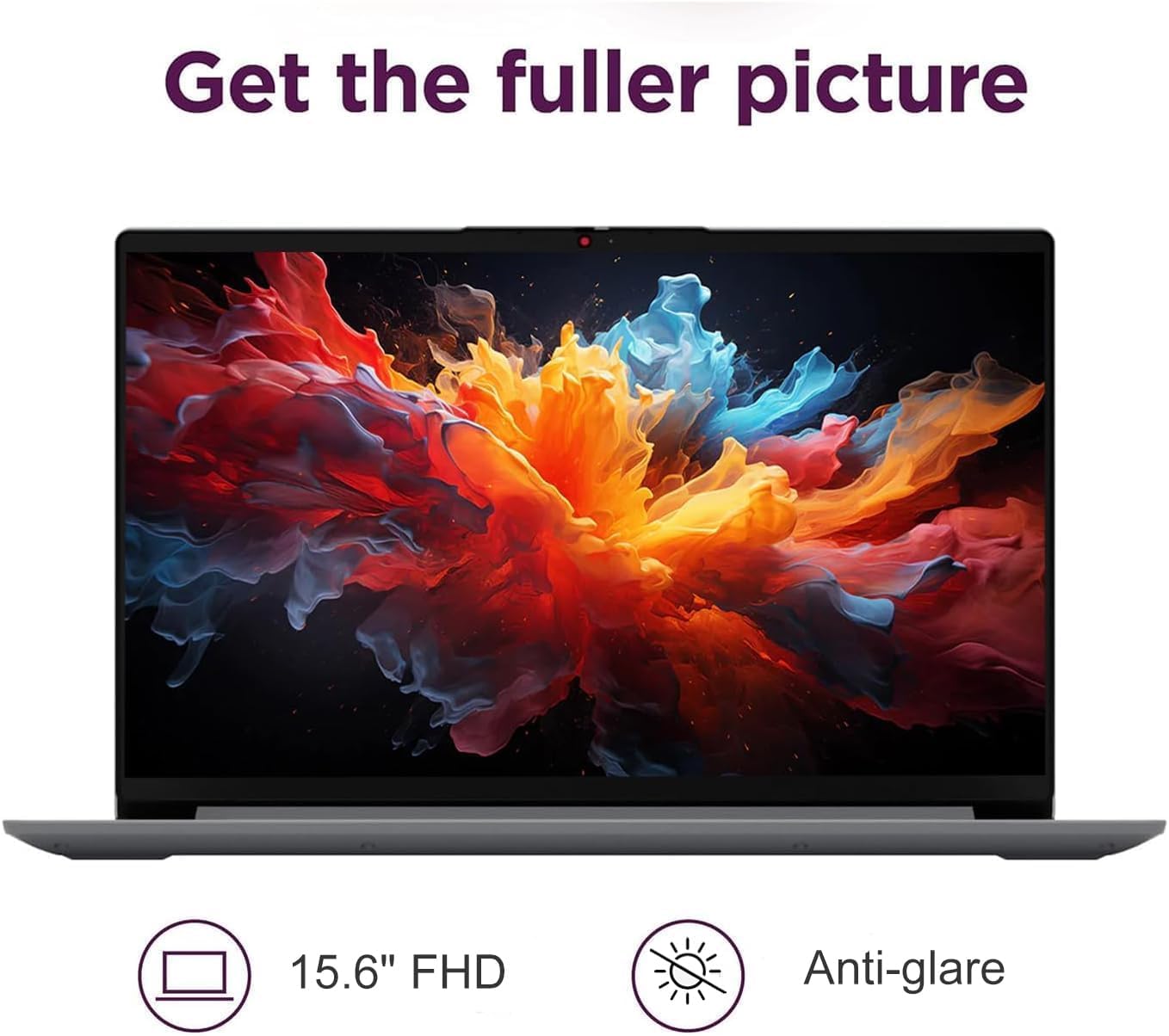
Image: The IdeaPad Slim 3i laptop display showing vibrant colors, highlighting its 15.6-inch FHD anti-glare screen.
3.3 Sistemụ ọdịyo
Experience immersive sound with the integrated Dolby Audio speakers. Adjust volume using the dedicated function keys or through the Windows sound settings.
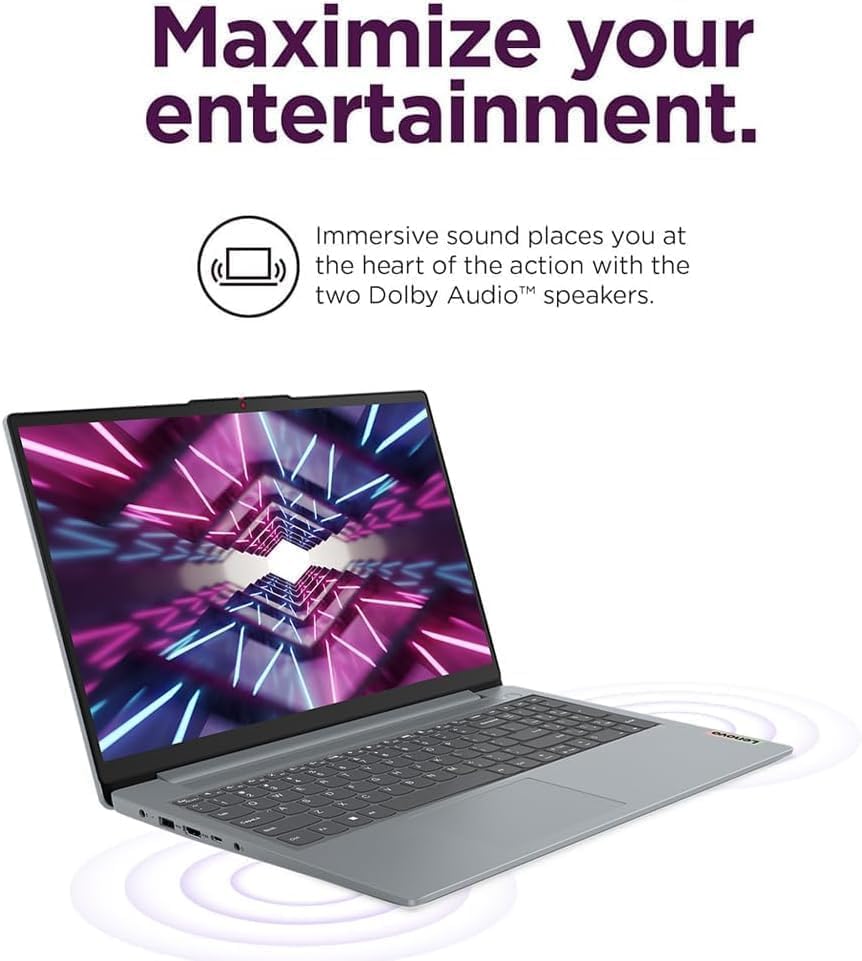
Image: The IdeaPad Slim 3i laptop with sound waves emanating from it, emphasizing the Dolby Audio speakers for enhanced entertainment.
3.4 Webcam nwere shutter nzuzo
Ihe agbakwunyere webcam includes a physical privacy shutter. Slide the shutter to cover the camera lens when not in use to ensure your privacy.
3.5 Njikwa batrị
The IdeaPad Slim 3i offers up to 10 hours of battery life. It also supports Rapid Charge technology, allowing for quick recharging. To optimize battery life, adjust power settings in Windows and disconnect the charger once the battery is full.

Image: The IdeaPad Slim 3i laptop with a clock graphic, indicating its super long battery life of up to 10 hours.
4. Nlekọta
4.1 Na-ehicha laptọọpụ gị
Jiri akwa dị nro na-enweghị ntụpọ dampejiri mmiri ma ọ bụ ihe nhicha ihuenyo ihicha ihe ngosi. Maka ahụigodo na chassis, jiri akwa kpọrọ nkụ ma dị nro. Zere kemịkalụ siri ike ma ọ bụ ihe na-emebi emebi.
4.2 Mmelite ngwanrọ
Regularly check for and install Windows updates and driver updates to ensure optimal performance and security. These can be found in the Windows Settings menu.
4.3 Storage and RAM Management
The laptop comes with a 512GB SSD for fast storage and 8GB DDR5 RAM for efficient multitasking. Periodically review ngwa arụnyere gị na files to free up storage space. Close unnecessary programs to optimize RAM usage.
4.4 Ogologo
The IdeaPad Slim 3i meets MIL-STD-810H standards, indicating a degree of durability against environmental factors. However, it is not indestructible. Avoid dropping the laptop or exposing it to extreme conditions.

Image: The IdeaPad Slim 3i laptop shown with a 'US MILITARY GRADE MIL-STD-810H' badge, indicating its durable and reliable construction.
5. Nchọpụta nsogbu
This section addresses common issues you might encounter with your IdeaPad Slim 3i laptop.
5.1 Okwu ike
- Laptọọpụ anaghị agbanwu: Hụ na e jikọrọ ihe nkwụnye AC ahụ nke ọma na laptọọpụ na ebe ọkụ eletrik na-arụ ọrụ. Lelee ma ọkụ ihe ngosi ike ahụ ọ na-agba. Gbalịa ijide bọtịnụ ike ahụ ruo sekọnd 10-15 iji mee nrụpụta siri ike.
- Batrị anaghị akwụ ụgwọ: Verify the power adapter is functioning correctly. Try a different outlet. If the issue persists, contact support.
5.2 Ngosipụta nsogbu
- Ihuenyo oghere: Ensure the laptop is powered on. Try adjusting the screen brightness using the function keys. If an external monitor is connected, try disconnecting it.
- Ihuenyo na-egbuke egbuke: Update your graphics drivers. If the issue continues, it may indicate a hardware problem.
5.3 Okwu Njikọta
- Wi-Fi anaghị ejikọta: Check if Wi-Fi is enabled (often via a function key or in Windows settings). Restart your router and the laptop. Ensure you are entering the correct Wi-Fi password.
- Ngwa Bluetooth anaghị ejikọta: Ensure Bluetooth is enabled on both the laptop and the device. Put the Bluetooth device into pairing mode. Remove and re-add the device in Windows Bluetooth settings.
5.4 Nsogbu Arụmọrụ Izugbe
- Ịrụ ọrụ nwayọ: Close unnecessary applications. Check for malware. Ensure Windows and drivers are up to date. Consider freeing up disk space.
- Sistemụ na-emechi emechi: If the system becomes unresponsive, press and hold the power button for several seconds until the laptop shuts down. Restart the laptop.
For more complex issues, refer to the online support resources or contact IST Computers customer service.
6. Nka na ụzụ nkọwa
Below are the detailed technical specifications for the IdeaPad Slim 3i Laptop:
| Njirimara | Nkọwapụta |
|---|---|
| Aha Nlereanya | IdeaPad Slim 3i |
| Ngosipụta ihuenyo guzoro ọtọ | 15.6 sentimita asatọ |
| Mkpebi ihuenyo kacha | 1920 x 1080 pikselụ (FHD) |
| Nhazi | Intel 8-Core i3-N305 (1.8 GHz) |
| RAM | 8 GB DDR5 |
| Ọsọ ebe nchekwa | 4800 MHz |
| Draịvụ ike | 512 GB SSD |
| Ihe eserese eserese | Ihe osise Intel UHD (Agbakwunyere) |
| Ụdị ikuku | 802.11ax (Wi-Fi 6), Bluetooth 5.2 |
| ọdụ ụgbọ mmiri USB | 2x USB 3.0, 2x USB Type-C |
| Ọdụ ụgbọ mmiri ndị ọzọ | Card Reader, HDMI 1.4, Headphone/Mic Combo Jack |
| Sistemụ nrụọrụ | Windows 11 Ụlọ |
| Nkezi Ndụ batrị | Awa 10 |
| Ibu Ibu | 4.02 pound |
| Akụkụ ngwaahịa (LxWxH) | 14.4 x 9.76 x 0.75 sentimita asatọ |
| Agba | Arctic Grey |
| Atụmatụ pụrụ iche | Anti Glare Coating, Backlit Keyboard, Fingerprint Reader, Numeric Keypad, Spill Resistant |
7. Akwụkwọ ikike na nkwado
7.1 Akwụkwọ ikike ngwaahịa
The IdeaPad Slim 3i laptop comes with a akwụkwọ ikike nrụpụta otu afọ covering defects in materials and workmanship for most components. Additionally, IST Computers provides a akwụkwọ ikike afọ atọ on the RAM (Memory) and SSD (Storage) components that have been upgraded by their professional technicians.
Biko dowe ihe akaebe nke ịzụrụ ihe maka akwụkwọ ikike.
7.2 Nkwado ndị ahịa
For technical assistance, troubleshooting, or warranty inquiries, please contact IST Computers customer support. Refer to the contact information provided with your purchase documentation or visit the official IST Computers websaịtị maka nkọwa nkwado.
Ị nwekwara ike ịga na IST Computers Brand Store on Amazon maka ozi ndị ọzọ.