
Okwu mmalite
Thank you for choosing the LAMA Kids Smartwatch. This manual provides essential information for the safe and efficient use of your device. Please read it carefully before use and retain it for future reference.
Melite
1. Ịchaji smartwatch
Before first use, fully charge the smartwatch. Use the provided magnetic charging cable. Connect the magnetic end to the charging points on the back of the watch and the USB end to a standard USB power adapter (not included).
- Ụgwọ zuru ezu na-ewe ihe dịka awa 2.
- A fully charged watch provides 5-7 days of battery life, depending on usage.
- Avoid prolonged use or high brightness settings, as this may reduce battery life.
2. Ngwa nwụnye na ijikọ
The LAMA Kids Smartwatch requires the FitCloudPro application for full functionality. The app is compatible with smartphones running Android 4.4 or higher, or iOS 8.0 or higher. It is not compatible with PCs, iPads, or other tablets.
- Budata ya FitCloudPro ngwa sitere na ụlọ ahịa ngwa ekwentị gị (Google Play Store maka gam akporo, Apple App Store maka iOS).
- Gbaa mbọ hụ na agbanyere Bluetooth na ekwentị gị.
- Mepee FitCloudPro app and follow the on-screen instructions to create an account or log in.
- Within the app, navigate to the device pairing section and search for your LAMA Kids Smartwatch.
- Select your smartwatch from the list of available devices to complete the pairing process.
Ntuziaka ọrụ
1. Nsoro ụzọ
The smartwatch features a 1.4-inch touchscreen display. Swipe left, right, up, or down to navigate through menus and functions. Tap to select an option.
2. Activity Tracking and Sport Modes
The watch tracks daily activity including steps, distance, and calories burned. It also offers 20 dedicated sport modes for more precise tracking.

Image: The LAMA Kids Smartwatch showing its activity tracking capabilities, including steps, time, and heart rate, designed to keep children motivated.
To access sport modes:
- Swipe on the watch face to find the "Sport Modes" icon.
- Kpatụ akara ngosi ka view the list of 20 available activities (e.g., running, walking, cycling, swimming, yoga, basketball, volleyball, football, rowing).
- Select your desired sport mode to start tracking. The watch will display real-time data such as duration, heart rate, distance, calories, and steps.

Image: The smartwatch interface displaying various sport mode icons, illustrating its capability to track 20 different physical activities for children.
3. Ọnụ ọgụgụ nyochaa obi
The smartwatch continuously monitors your child's heart rate throughout the day.
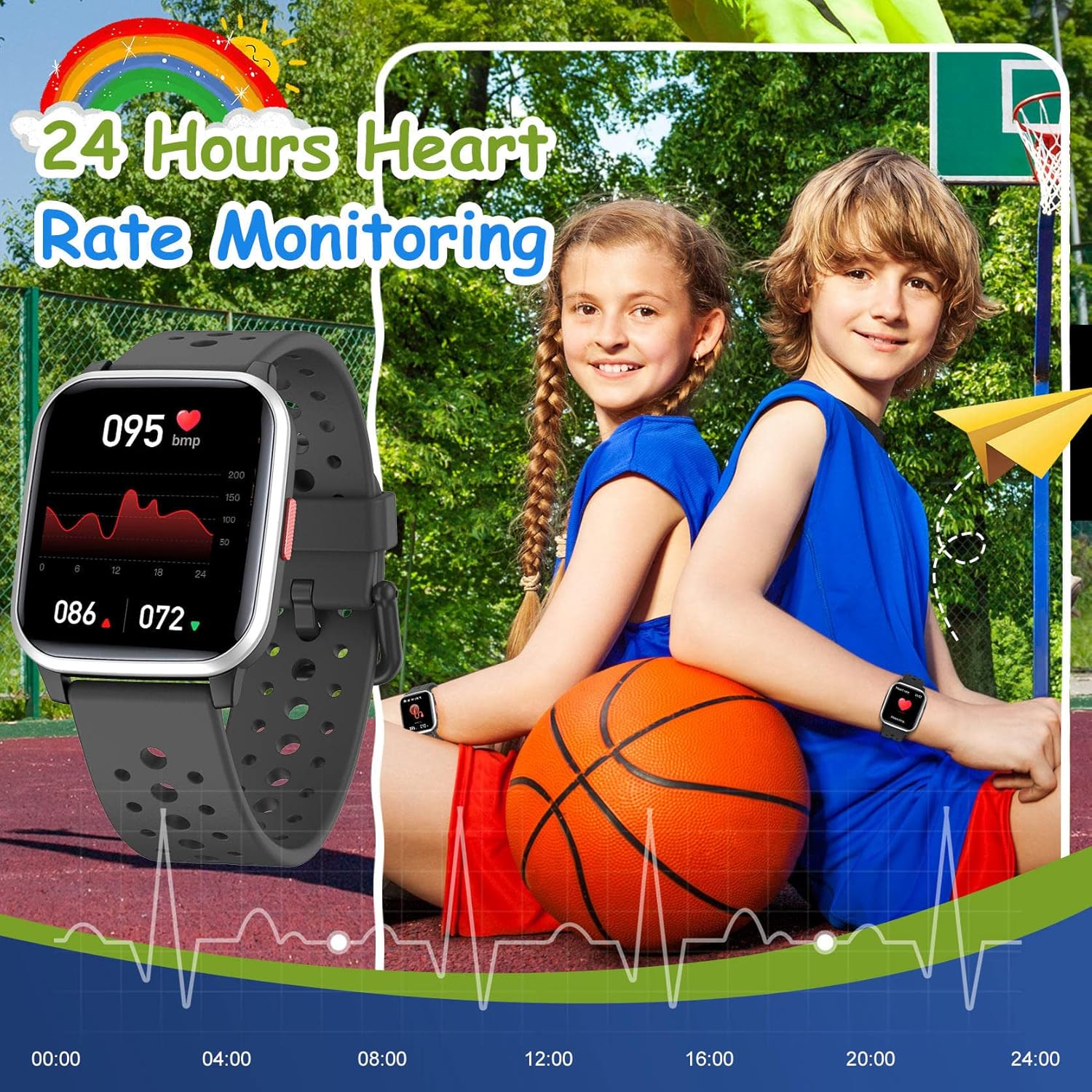
Image: The smartwatch screen showing a detailed 24-hour heart rate monitoring graph, indicating the device's health tracking feature.
Iji view heart rate data:
- Swipe to the heart rate monitoring screen on the watch.
- For detailed historical data and trends, open the FitCloudPro ngwa na smartphone gị.
4. Sleep Tracking
The smartwatch automatically tracks your child's sleep quality at night. This includes sleep duration and patterns.
- Sleep data can be viewed in detail within the FitCloudPro ngwa.
5. Ọkwa Amamihe
Receive notifications for SMS, calls, and messages from various applications directly on your smartwatch when paired with your smartphone.
- Supported apps include Facebook, Twitter, WhatsApp, Messenger, Instagram, Snapchat, Skype, and Gmail.
- The watch will vibrate to alert you to new messages or missed calls, even if your phone is on silent.
- Enable notification permissions for the FitCloudPro app on your smartphone to ensure proper functionality.
6. Oti mkpu
Set vibrating alarms through the FitCloudPro ngwa.
- In the app, navigate to the alarm settings, set the time, and select a reminder icon.
- The vibrating alarm can wake your child without disturbing others.
7. Egwuregwu
The smartwatch includes 5 classic puzzle games designed to help develop logical thinking skills.

Image: The smartwatch showing one of its five classic puzzle games, designed to engage children and develop their logical thinking abilities.
To play games:
- Swipe on the watch face to find the "Games" icon.
- Tap to select and choose from the available puzzle games.
8. Ịhazi Ihu Elekere
Personalize the smartwatch with various dynamic watch faces.
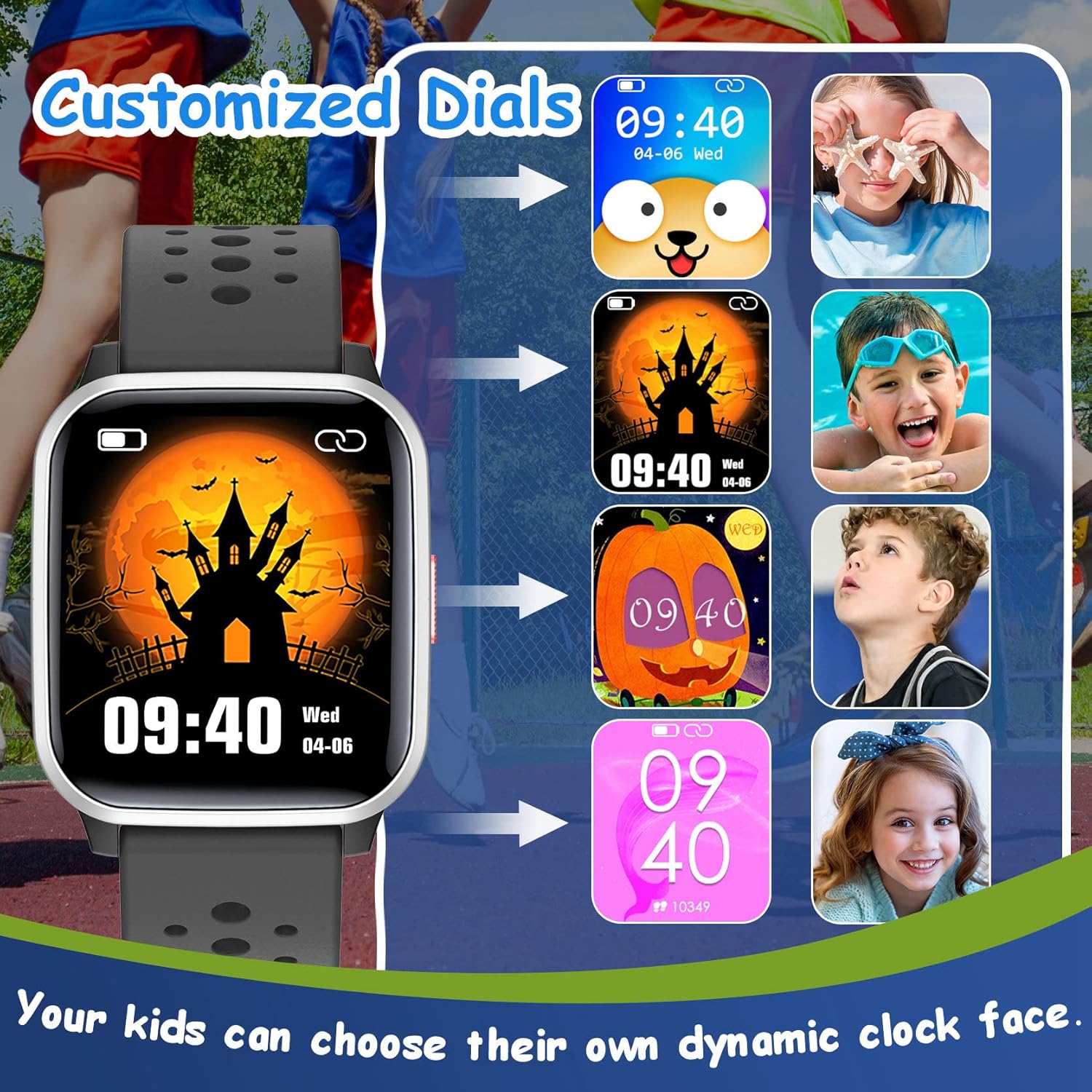
Image: A selection of customizable watch faces for the LAMA Kids Smartwatch, allowing children to choose their preferred display style.
Ka ịgbanwee ihu elekere:
- Long-press on the current watch face on the smartwatch.
- Swipe left or right to browse through available watch faces and tap to select.
- More options may be available through the FitCloudPro ngwa.
9. Ọrụ ndị ọzọ
- Ncheta ịnọdụ ala: Set reminders in the app to encourage movement after periods of inactivity.
- Njikwa igwefoto: Use the smartwatch as a remote shutter for your smartphone camera via the app.
- Oge elekere: Access the stopwatch function directly on the watch for timing activities.
- Female Function: The watch includes a feature to record menstruation cycles, accessible through the app.
Nlekọta
1. Nhicha
- Wipe the watch screen and strap regularly with a soft, damp akwa .
- Zere iji kemịkalụ siri ike ma ọ bụ ihe abrasive, n'ihi na ndị a nwere ike imebi ngwaọrụ.
- Gbaa mbọ hụ na kọntaktsị chajị dị ọcha na akpọnwụwo tupu chajịa.
2. Mmiri Na-eguzogide Mmiri (IP68)
The LAMA Kids Smartwatch is IP68 waterproof, meaning it is resistant to dust and can withstand immersion in water up to 1.5 meters for up to 30 minutes. This makes it suitable for activities like swimming, hand washing, and use in rain.

Image: The smartwatch highlighting its IP68 waterproof rating, suitable for various water activities such as swimming and hand washing.
- Do not use the watch in hot water, saunas, or steam rooms, as high temperatures can compromise the seal.
- Zere ịpị bọtịnụ n'okpuru mmiri.
- Rinse the watch with fresh water after exposure to salt water or chlorinated water and dry thoroughly.
3. Nlekọta batrị
- Ka ịgbatị ndụ batrị ogologo, zere ịchaji batrị ugboro ugboro.
- Debe elekere ahụ n'ebe dị jụụ ma kpọọ nkụ mgbe a naghị eji ya ruo ogologo oge.
- Jiri naanị eriri nchaji enyere.
Nchọpụta nsogbu
Lelee anaghị agbanye:
- Gbaa mbọ hụ na chajịrị elekere ahụ nke ọma. Jikọọ ya na chaja opekata mpe nkeji iri atọ.
- Pịa ma jide bọtịnụ ike maka sekọnd 10-15 iji nwaa ịmalitegharị ma ọ bụ gbanyụọ ya.
Enweghị ike ijikọ na smartphone:
- Gbaa mbọ hụ na agbanyere Bluetooth na ekwentị gị.
- Ensure the smartwatch is sufficiently charged.
- Confirm that you are using the correct app: FitCloudPro.
- Malitegharịa ekwentị gị na smartwatch.
- Try unpairing any previously connected devices from your phone's Bluetooth settings.
- Ensure your smartphone meets the minimum OS requirements (Android 4.4+ or iOS 8.0+).
Amamọkwa anaghị apụta:
- Check that the watch is successfully paired with your smartphone.
- Verify that notification permissions are granted for the FitCloudPro app in your smartphone's settings.
- Ensure notifications are enabled for specific apps within the FitCloudPro ntọala ngwa.
- Confirm that your phone's "Do Not Disturb" mode is not active.
Inaccurate activity data:
- Ensure the watch is worn snugly on the wrist, not too loose or too tight.
- Calibrate the watch's step tracking if an option is available in the app.
- Movement patterns can sometimes affect accuracy; ensure natural arm swings for step counting.
Nkọwapụta
| Ụdị | LAMA |
| Nlereanya | Smartwatch ụmụaka |
| Agba | Nwa |
| Nha ihuenyo | 1.4 sentimita asatọ |
| Sistemụ nrụọrụ | Android, iOS |
| Njikọta | Bluetooth |
| Mmiri Nguzogide | IP68 |
| Ụdị batrị | Lithium-polymer |
| Ndụ batrị | 5-7 days (typical usage) |
| Oge Nchaji | Ihe ruru. awa 2 |
| Ngwa dakọtara | FitCloudPro |
| Atụmatụ pụrụ iche | Heart rate monitor, activity tracking, 20 sport modes, sleep tracking, smart notifications, alarm clock, games, camera control, stopwatch, sedentary reminder, female function. |
Akwụkwọ ikike na nkwado
For warranty information and customer support, please refer to the documentation included with your purchase or contact the retailer where the product was acquired. You may also visit the official LAMA websaịtị maka enyemaka ọzọ.