
Parsonver LW45
Akwụkwọ ntuziaka onye ọrụ Parsonver LW45 Smart Watch
Model: LW45 | Brand: Parsonver
Okwu mmalite
This manual provides detailed instructions for the Parsonver LW45 Smart Watch. Please read this guide thoroughly to understand the watch's functions, setup, and maintenance, ensuring optimal performance and longevity of your device.
Ihe ngwugwu
Mgbe imepechara ngwugwu ahụ, chọpụta na ihe niile dị:
- Parsonver LW45 Smart Watch
- Ịchaji eriri
- Akwụkwọ ntuziaka onye ọrụ
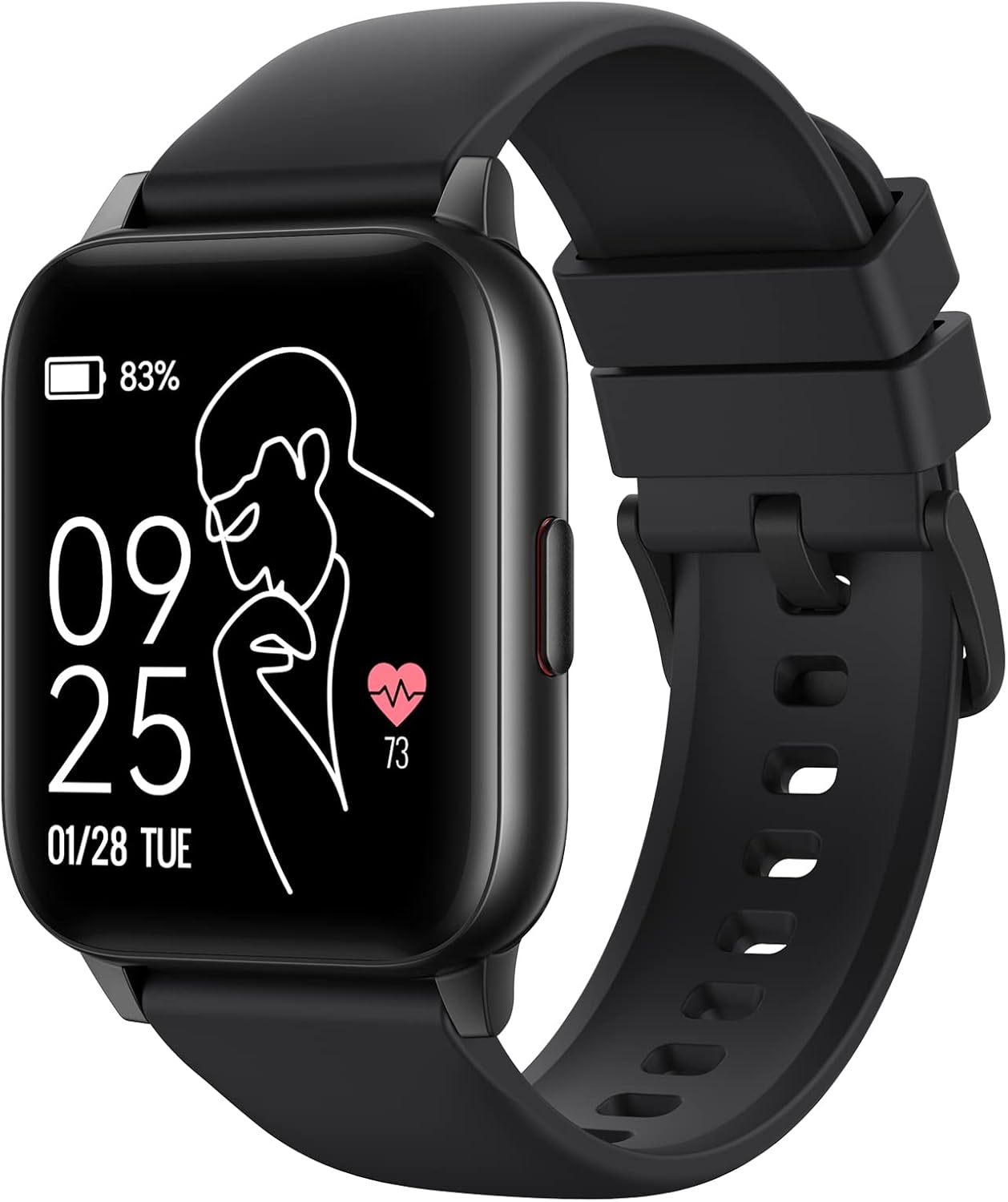
Image: The Parsonver LW45 Smart Watch, black model, displaying time and health metrics.
Ntuziaka nhazi
1. Ịchaji ngwaọrụ
Before initial use, fully charge the smart watch. Connect the charging cable to the charging port on the back of the watch and to a USB power source. The watch display will indicate charging status.
2. Ngwa nwụnye na ijikọ
- Download the official Parsonver app from your smartphone's app store (compatible with iOS 10.0/Android 5.0 or above).
- Gbaa mbọ hụ na agbanyere Bluetooth na ekwentị gị.
- Mepee ngwa ahụ ma soro ntuziaka na ihuenyo ka ịmepụta akaụntụ ma ọ bụ banye.
- Select "Add Device" or similar option within the app to search for your LW45 Smart Watch.
- Kwenye arịrịọ njikọta ahụ na ekwentị gị na elekere ahụ.
Mara: The watch connects via Bluetooth 5.0. Maintain proximity between the watch and your smartphone for a stable connection.

Image: A smartphone displaying the Parsonver app, illustrating the device connection process.
Ntuziaka ọrụ
Nsoro ụzọ
- Ihuenyo mmetụ aka: Swipe left/right, up/down to navigate menus and access features. Tap to select.
- Bọtịnụ akụkụ: Pịa iji laghachi na ihuenyo mbụ ma ọ bụ teta ngwaọrụ ahụ.
Ụdị egwuregwu
The LW45 Smart Watch features 16 default sports modes. Over 100 additional sports modes can be customized and added via the companion app. These include activities such as walking, running, cycling, swimming, yoga, and strength training.
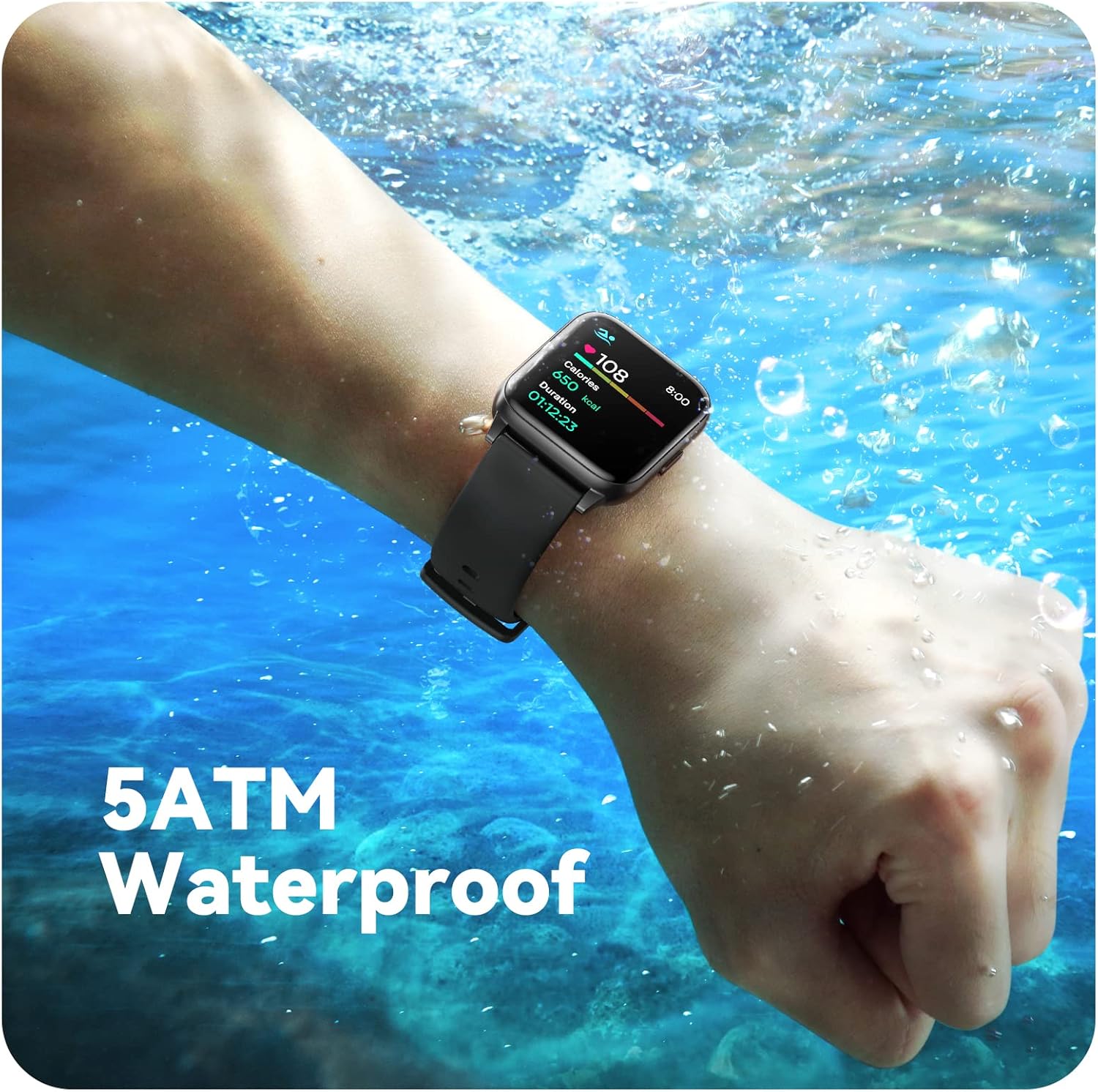
Image: A person engaged in soccer, wearing the smart watch, demonstrating its use during sports activities.

Image: A smartphone screen displaying a wide selection of sports modes within the Parsonver application.
Nlekọta ahụike
- Nlekota obi obi: Provides 24/7 real-time heart rate data.
- Nleba anya ikuku oxygen: Na-enyocha ọkwa oxygen dị n'ọbara.
- Nchicha ụra: Automatically monitors sleep patterns, including deep sleep, light sleep, and awake times (from 9:00 PM to 12:00 PM the next day).
- Hydration and Sedentary Alerts: The watch can provide reminders for hydration and prolonged inactivity.
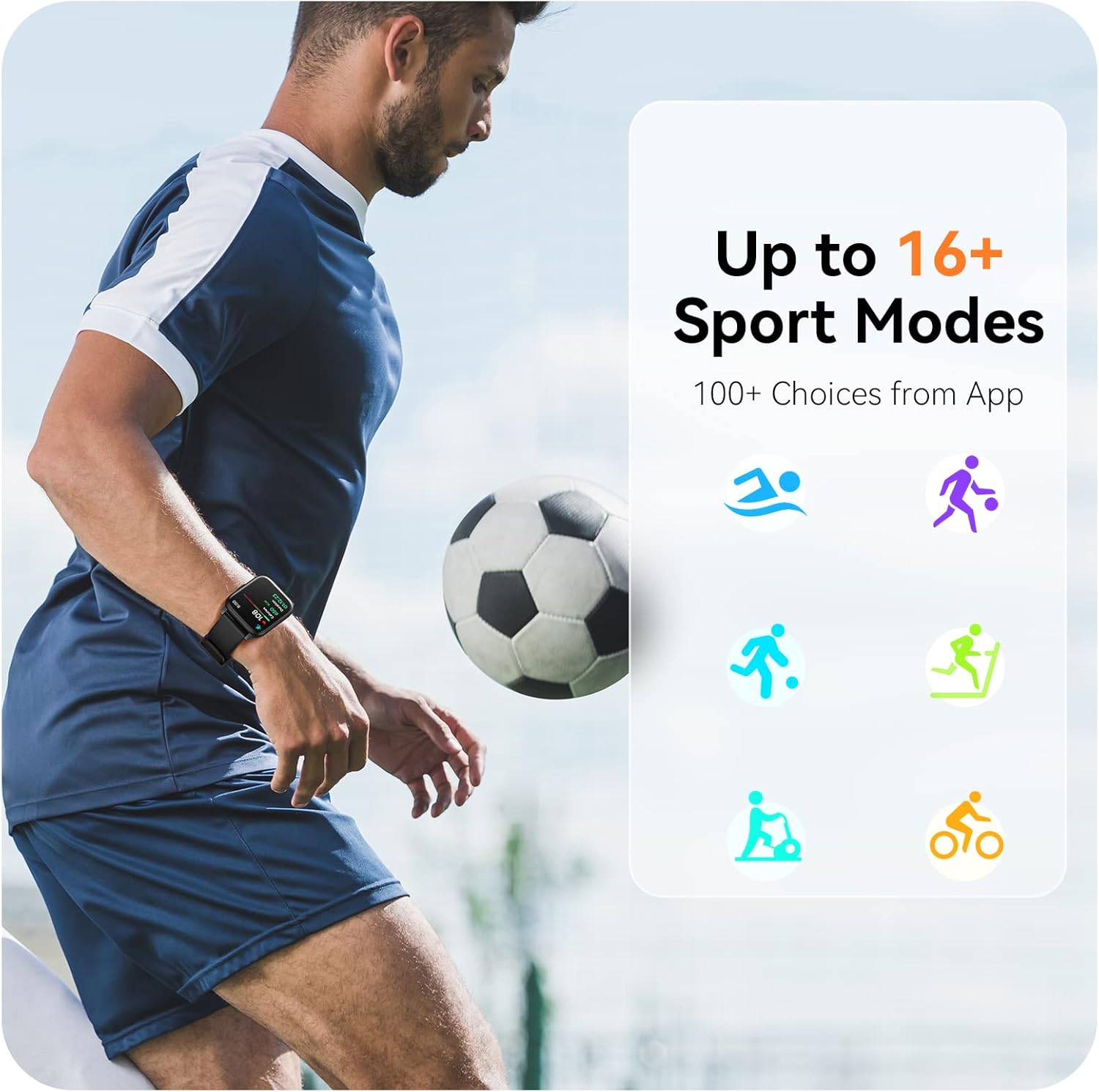
Image: A man running, with the smart watch on his wrist showing real-time fitness data.

Image: A person sleeping, with the smart watch tracking sleep and displaying data on a connected phone.
Amamọkwa
Receive notifications for incoming calls, SMS messages, emails, and alerts from social media applications (WhatsApp, LinkedIn, Instagram, Twitter) when connected to your smartphone. You can reject calls directly from the watch, but cannot answer or reply to messages.
Image: The smart watch screen showing icons for different types of notifications.
Ọrụ ndị ọzọ
The 1.69-inch high-definition touch screen provides access to various features:
- Amụma ihu igwe
- Elekere mkpu
- Ngụ oge na elekere elekere
- Njikwa igwefoto dịpụrụ adịpụ
- Njikwa egwu egwu
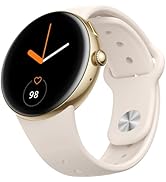
Image: The smart watch screen showing a weather forecast display.
Nhazi
Personalize your watch experience:
- Lelee ihu: Choose from a variety of pre-installed watch faces or download more via the app.
- Ndabere omenala: Set your own photos as watch face backgrounds through the app.
- Time and Unit Formats: Adjust time display (12/24 hour) and measurement units (Metric/Imperial, Celsius/Fahrenheit) in the app settings.
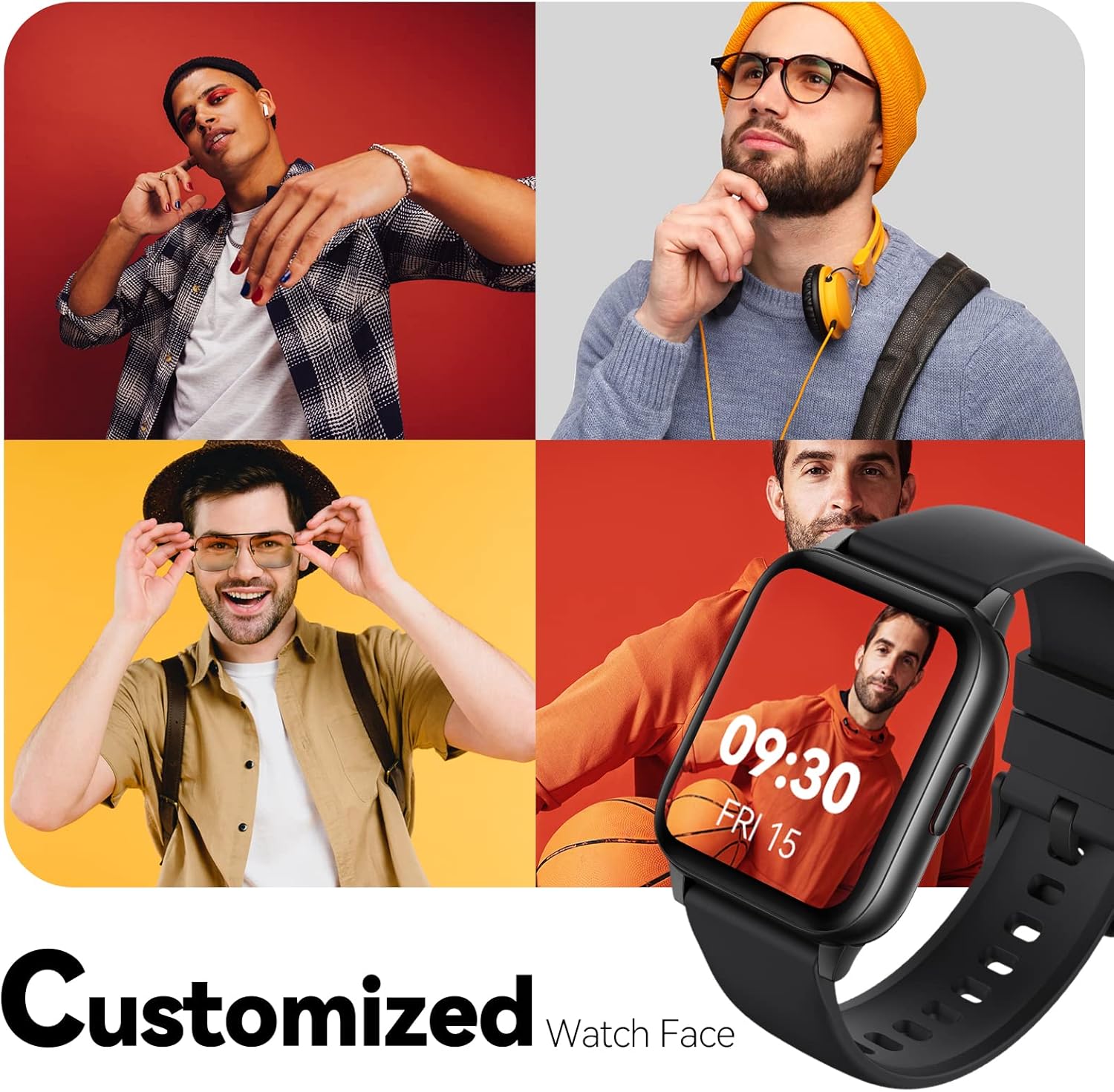
Image: Multiple watch face designs shown on the smart watch, highlighting customization.

Image: A visual guide demonstrating how to adjust time formats, units, and customize watch faces via the companion app.
Mmiri Nguzogide
The Parsonver LW45 Smart Watch is rated 5ATM waterproof, meaning it is water-resistant up to 50 meters. This allows for use during swimming, showering, and in various weather conditions like rain or snow. Important: Do not press any buttons while the watch is submerged in water.

Image: The smart watch submerged in water, illustrating its 5ATM waterproof capability.
Nlekọta
- Nhicha: Regularly clean the watch and strap with a soft, dry cloth. For stubborn dirt, use a slightly damp ákwà na ncha dị nro, wee sachaa ma kpoo ya nke ọma.
- Kọntaktị na-akwụ ụgwọ: Keep the charging contacts on the back of the watch clean and free of debris to ensure proper charging.
- Nchekwa: Chekwaa elekere n'ebe dị jụụ, kpọrọ nkụ mgbe anaghị eji ya.
- Zere Chemicals: Do not expose the watch to strong chemicals, solvents, or detergents, as these can damage the materials.
Nchọpụta nsogbu
| Okwu | Ngwọta enwere ike |
|---|---|
| Watch not turning on or charging | Ensure the charging cable is securely connected to both the watch and a working USB power source. Clean the charging contacts. Try a different USB port or adapter. |
| Unable to pair with smartphone | Ensure Bluetooth is enabled on your phone. Restart both the watch and phone. Make sure the watch is within Bluetooth range. Check if other Bluetooth devices are interfering. Uninstall previous watch apps if present. |
| Anabataghị ọkwa | Verify that notification permissions are enabled for the Parsonver app in your phone's settings. Ensure the watch is connected via Bluetooth. Check app settings for specific notification toggles. |
| Inaccurate step count or sleep data | Ensure the watch is worn snugly on your wrist. Calibrate the watch through the app if available. Note that some activities (like driving) might register as steps. Sleep tracking is active from 9:00 PM to 12:00 PM the next day. |
Nkọwapụta
| Njirimara | Nkọwa |
|---|---|
| Aha Nlereanya | LW45 |
| Nha ihuenyo | 1.69 sentimita asatọ |
| Mmiri Nguzogide | 5ATM (ruo mita 50) |
| Ibu | 40 grams |
| Ndakọrịta sistemụ arụmọrụ | iOS 10.0/Android 5.0 or above |
| Njikọta | Bluetooth 5.0 |
| Ike batrị | 300 ndeamp Oge awa |
| Ike Nchekwa ebe nchekwa | 128 MB |
| GPS | Site na smartphone |
| Ngwa gụnyere | Smart Watch |
Nkwado na akwụkwọ ikike
For technical assistance or warranty inquiries, please contact Parsonver customer service. Refer to the product packaging or the official Parsonver websaịtị maka ozi kọntaktị kacha ugbu a.
Email ọrụ ndị ahịa: support@parsonver.com

Image: The official Parsonver brand logo.
Image: A graphic indicating 24/7 online customer support availability.
Ozi nchekwa dị mkpa
- Anwala ịkwasa ma ọ bụ gbanwee elekere.
- Keep the watch away from extreme temperatures.
- Consult a medical professional before starting any new exercise regimen, especially if you have pre-existing health conditions. The health monitoring features are for informational purposes and not for medical diagnosis.
- Tụfuo ngwaọrụ ahụ na batrị ya dịka iwu obodo si dị.
Ask a question about this manual
Ask about setup, troubleshooting, compatibility, parts, safety, or missing instructions. Manuals+ will review the question and use this page’s manual context to help answer it.