
9 DIGITAL Lite
9 DIGITAL Bone Conduction Headphones Lite User Manual
Model: Lite
Okwu mmalite
Thank you for choosing the 9 DIGITAL Bone Conduction Headphones Lite. These open-ear headphones utilize patented bone conduction technology to deliver audio through your cheekbones, allowing you to remain aware of your surroundings while enjoying sound. Designed for comfort and durability, they are ideal for various activities including running, cycling, hiking, and gym workouts.

Image: The 9 DIGITAL Bone Conduction Headphones Lite in black, showcasinnhazi ergonomic ha.
Bone conduction technology transmits sound vibrations directly to the inner ear via the cheekbones, bypassing the eardrum. This method allows for an open-ear listening experience, enhancing safety during outdoor activities by keeping your ears open to ambient sounds.
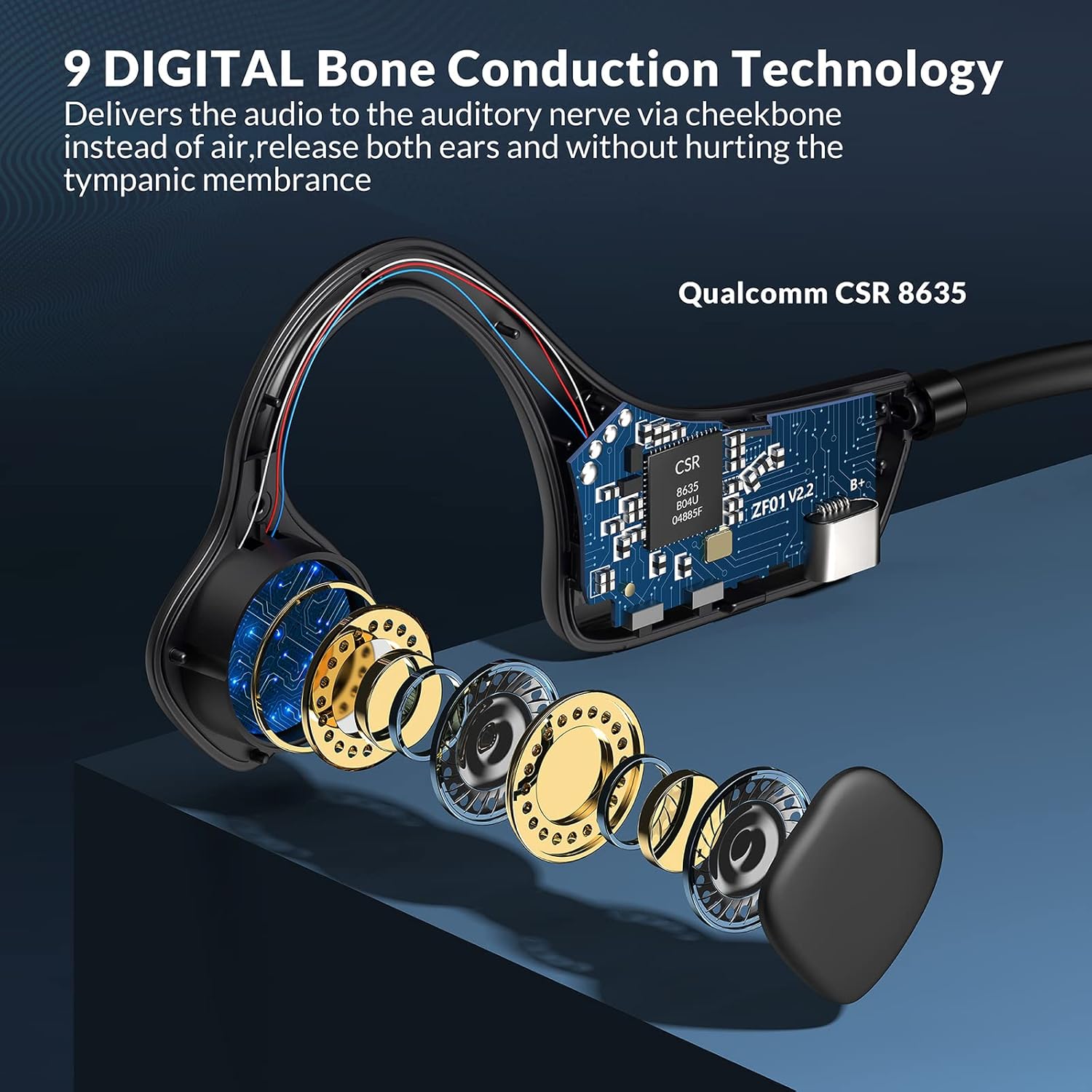
Foto: Ihe gbawara view illustrating the internal bone conduction components and Qualcomm CSR 8635 chip.
Melite
1. Ịchaji ekweisi
Tupu i jiri ya na mbụ, chajie ekweisi gị nke ọma. Ịchaji zuru oke na-ewe ihe dị ka awa abụọ.
- Connect the charging cable to the USB port on the headphones.
- Jikọọ nsọtụ nke ọzọ nke eriri na isi iyi ike USB (dịka ọmụmaatụ, kọmputa, ihe nkwụnye mgbidi).
- The LED indicator will show charging status (refer to product specific LED behavior for details).
2. Njikọ Bluetooth
The headphones use Bluetooth 5.0 for wireless connectivity.
- Gbaa mbọ hụ na agbanyụrụ ekweisi.
- Press and hold the power button (often the multifunction button) for approximately 3-5 seconds until the LED indicator flashes red and blue, indicating pairing mode.
- Na ngwaọrụ gị (smartphone, tabletị, kọmpụta), mee ka Bluetooth nwee ike wee chọọ ngwaọrụ dị.
- Select "9 DIGITAL Lite" (or similar name) from the list of devices.
- Once connected, the LED indicator will typically show a solid blue light or flash blue slowly.
3. Iyi ekweisi
Position the transducers on your cheekbones, just in front of your ears, with the band resting comfortably behind your head. The open-ear design ensures comfort and situational awareness.
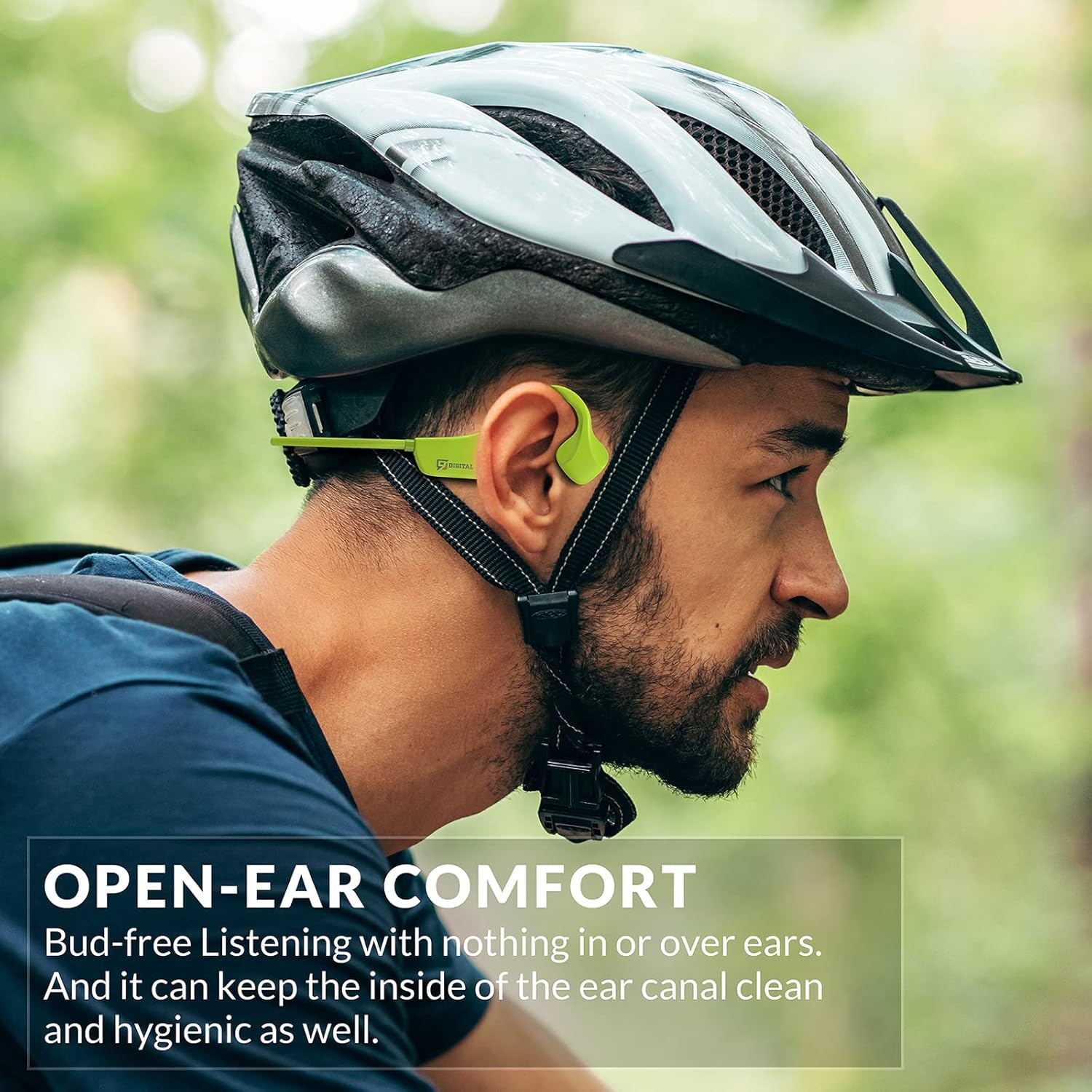
Image: A man wearing the headphones while cycling, demonstrating the secure and open-ear fit.
Ntuziaka ọrụ
The 9 DIGITAL Bone Conduction Headphones Lite feature intuitive controls for media playback and call management.

Image: A visual guide to the headphone's control buttons and their functions.
Ọrụ bọtịnụ:
- Gbanyụọ/ Gbanyụọ: Press and hold the Multifunction Button (MFB) for 3 seconds.
- Gwuo/kwụsịtụ: Pịa MFB otu ugboro.
- Track na-esote: Pịa MFB ugboro abụọ.
- Azịza/Kwụsị Oku: Click the MFB once during an incoming call or active call.
- Jụ oku: Press and hold the MFB for 2 seconds during an incoming call.
- Olu elu: Click the '+' button once.
- Olu ala: Click the '-' button once.
Note: The playing time is dependent on the volume level. It is recommended to adjust the volume to 80% for optimal battery life during playback or calls.
Nlekọta
Nhicha na Nlekọta
- Jiri nwayọ hichaa ekweisi, damp akwa . Zere iji kemịkalụ siri ike ma ọ bụ ihe na-emebi emebi.
- Gbaa mbọ hụ na ọdụ ụgbọ mmiri ahụ akpọnwụwo tupu ị jikọọ eriri chaja.
Mmiri Nguzogide
These headphones are certified waterproof and sweatproof, making them suitable for indoor and outdoor sports. However, they are not suitable for swimming.
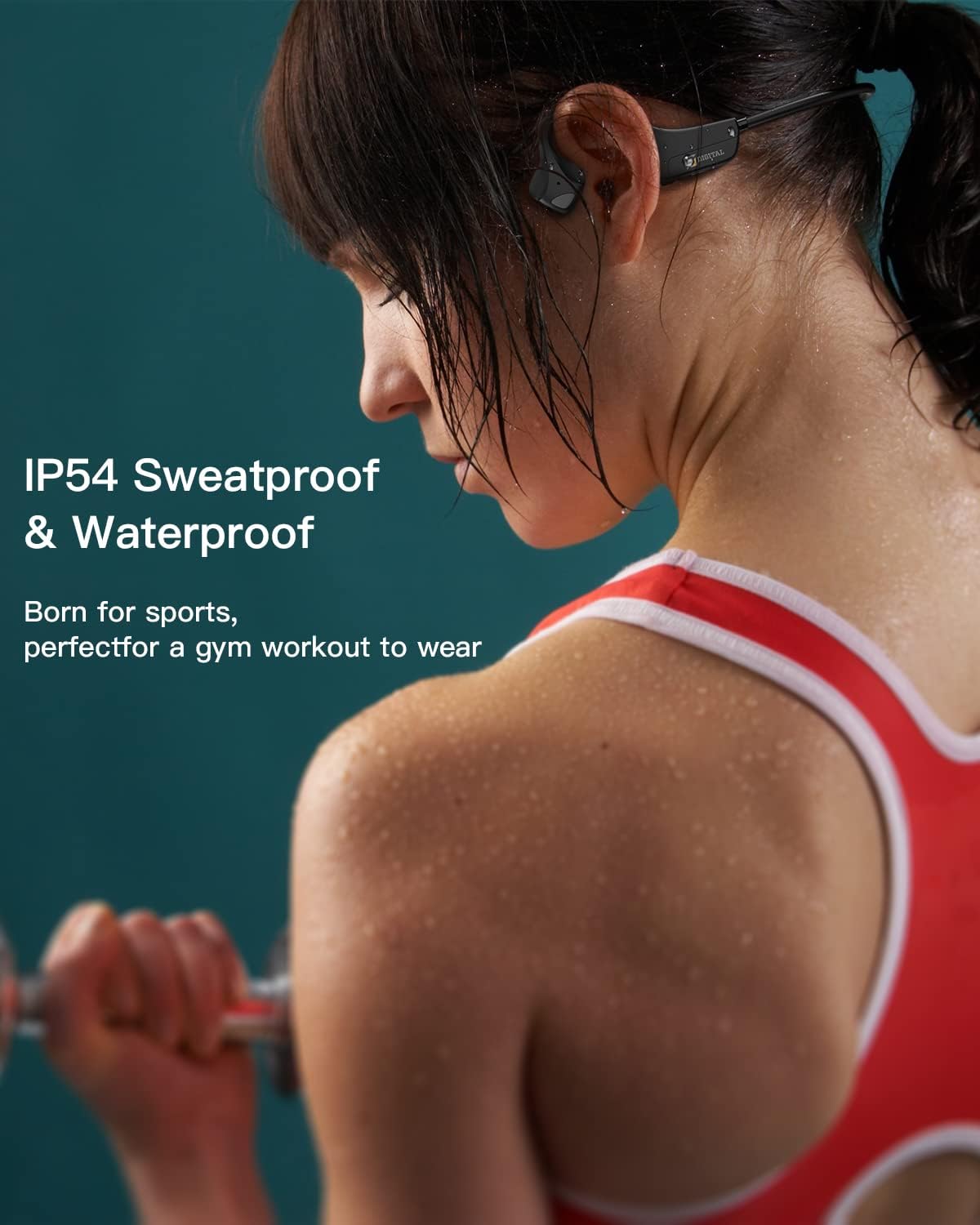
Image: A woman exercising, highlighting the sweatproof design of the headphones.
Nchekwa
- Chekwaa ekweisi n'ebe dị jụụ, kpọrọ nkụ na-adịghị na ìhè anyanwụ kpọmkwem na oke okpomọkụ.
- Zere itinye ihe dị arọ na ekweisi.
Nchọpụta nsogbu
| Nsogbu | Ngwọta enwere ike |
|---|---|
| Enweghị ike ịgbanye | Hụ na ekweisi ndị ahụ chajịchara nke ọma. Jikọọ na isi iyi ọkụ wee nwaa ọzọ. |
| Enweghị ike ijikọ na ngwaọrụ |
|
| Enweghị ụda ma ọ bụ olu dị ala |
|
| Sound quality issues (e.g., buzzing) |
|
| Headphones feel uncomfortable or don't fit well | Adjust the position of the transducers on your cheekbones. While designed for comfort, individual fit may vary. |
Nkọwapụta
| Njirimara | Nkọwa |
|---|---|
| Aha Nlereanya | Bone Conduction Headphone Lite |
| Teknụzụ Njikọta | Ikuku, Bluetooth |
| Ụdị Bluetooth | 5.0 |
| Oke Bluetooth | 10 mita |
| Ụdị ọkwọ ụgbọ ala ọdịyo | Bone Conduction Driver |
| Ndụ batrị | Up to 6.5 Hours (music/calls) |
| Oge Njikere | Awa 480 |
| Oge Nchaji | Awa 2 |
| Oke ugboro ugboro | 20 Hz - 20,000 Hz |
| Ọkwa Nguzogide mmiri | Waterproof (IP54 Sweatproof) |
| Ibu Ibu | 25 grams (0.882 ounces) |
| Ihe onwunwe | PC&ABS&Titanium |
| Igwe okwu | Wuru n'ime |
| Usoro njikwa | Touch / Media Control Buttons |
| Ntinye ntị | Mepee Ntị |
Akwụkwọ ikike na nkwado
9 DIGITAL is committed to providing quality products and customer satisfaction.
- Akwụkwọ ikike: The product includes a 12-month satisfying service.
- Nkwado ndị teknuzu: Nkwado teknụzụ dị ndụ niile.
- Kpọtụrụ: For any questions or issues, please contact Nine Digital Direct. We aim to reply and resolve all inquiries within 12 hours.
Ask a question about this manual
Ask about setup, troubleshooting, compatibility, parts, safety, or missing instructions. Manuals+ will review the question and use this page’s manual context to help answer it.