
iMoshion Universal Bike Mount
Ntuziaka maka Ugwu Igwe Okporo ụzọ Mba Nile nke iMoshion
Model: Universal Bike Mount
1. Ngwaahịa gafereview
The iMoshion Universal Bike Mount is designed to securely hold your smartphone on your bicycle handlebars, allowing for convenient access to navigation, fitness apps, or music while cycling. Made from soft, shock-resistant silicone, it ensures your device is held firmly without causing damage.
- Made from soft, shock-resistant silicone.
- Easy to attach to any bicycle handlebar.
- Simple and secure device placement.
- Ideal for smartphone navigation.

Image 1.1: The iMoshion Universal Bike Mount securely holding a smartphone on a bicycle handlebar, ready for use.
2. Ntọala na nwụnye
Follow these steps to properly install your iMoshion Universal Bike Mount:
- Attach to Handlebar: Locate a suitable position on your bicycle handlebar. Wrap the main silicone strap of the mount around the handlebar and secure it. Ensure it is tight and stable.
- Insert Smartphone: Gently stretch the four silicone corners of the mount over your smartphone. Start with two opposite corners, then stretch the remaining two over the other corners of your device. Ensure all four corners of your phone are securely held by the silicone straps.
- Hazie Ọkwa: The mount is designed to be rotatable. Adjust the angle of your smartphone for optimal viewing while riding.
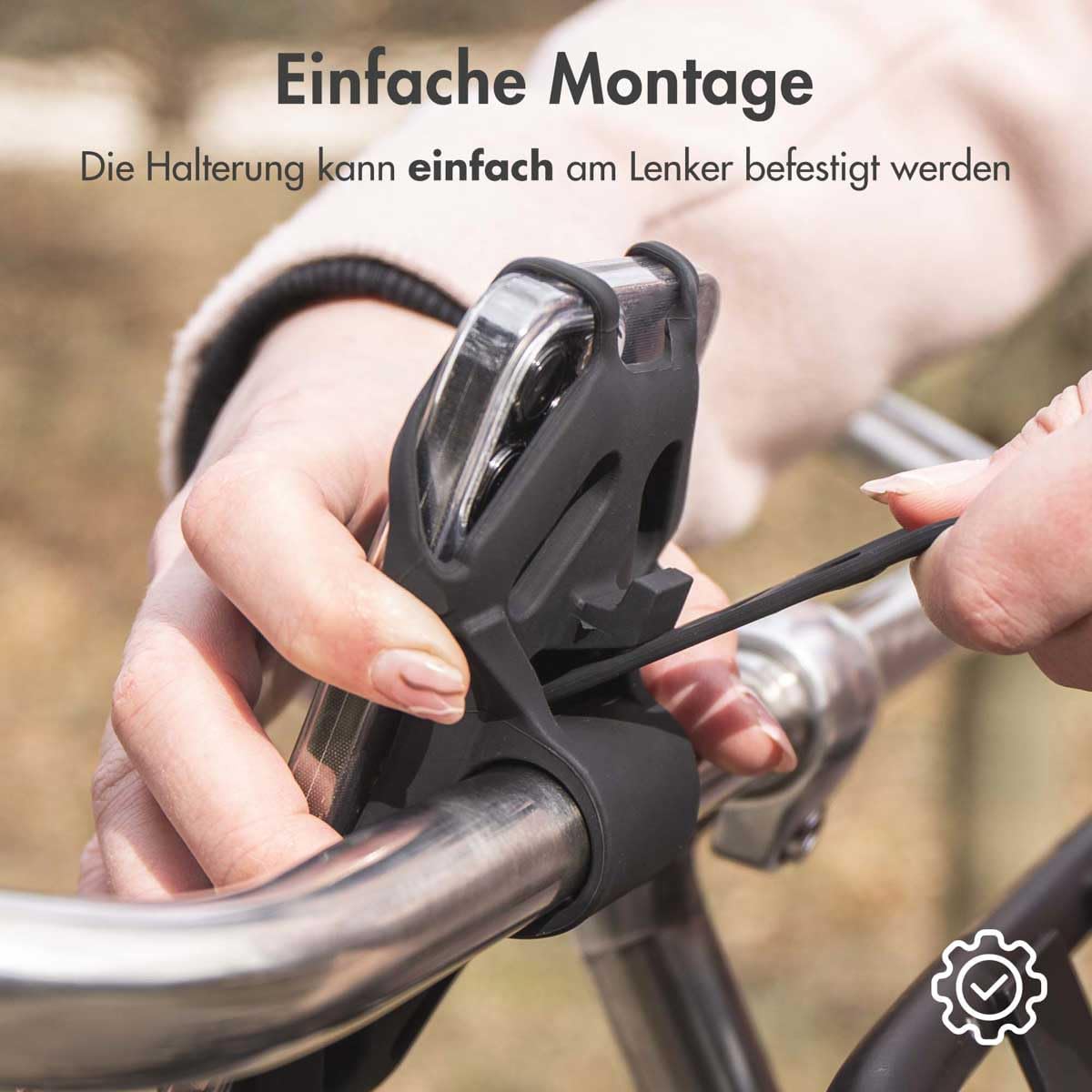
Image 2.1: Attaching the mount to the bicycle handlebar.

Image 2.2: Placing the smartphone into the flexible silicone straps.
3. Ntuziaka ọrụ
Once installed, using your iMoshion Universal Bike Mount is straightforward:
- Kwesịrị ekwesị: The flexible silicone material provides a snug and secure fit for various smartphone sizes, up to a maximum size of 16.5 cm.
- Navigation Use: Position your phone to easily view navigation directions without obstructing your view nke okporo ụzọ.
- Access Ports: The design allows access to most charging ports and headphone jacks, depending on your phone model and port location.
- Mwepụ: To remove your smartphone, gently peel back the silicone corners one by one. To remove the mount from the handlebar, unwrap the main strap.
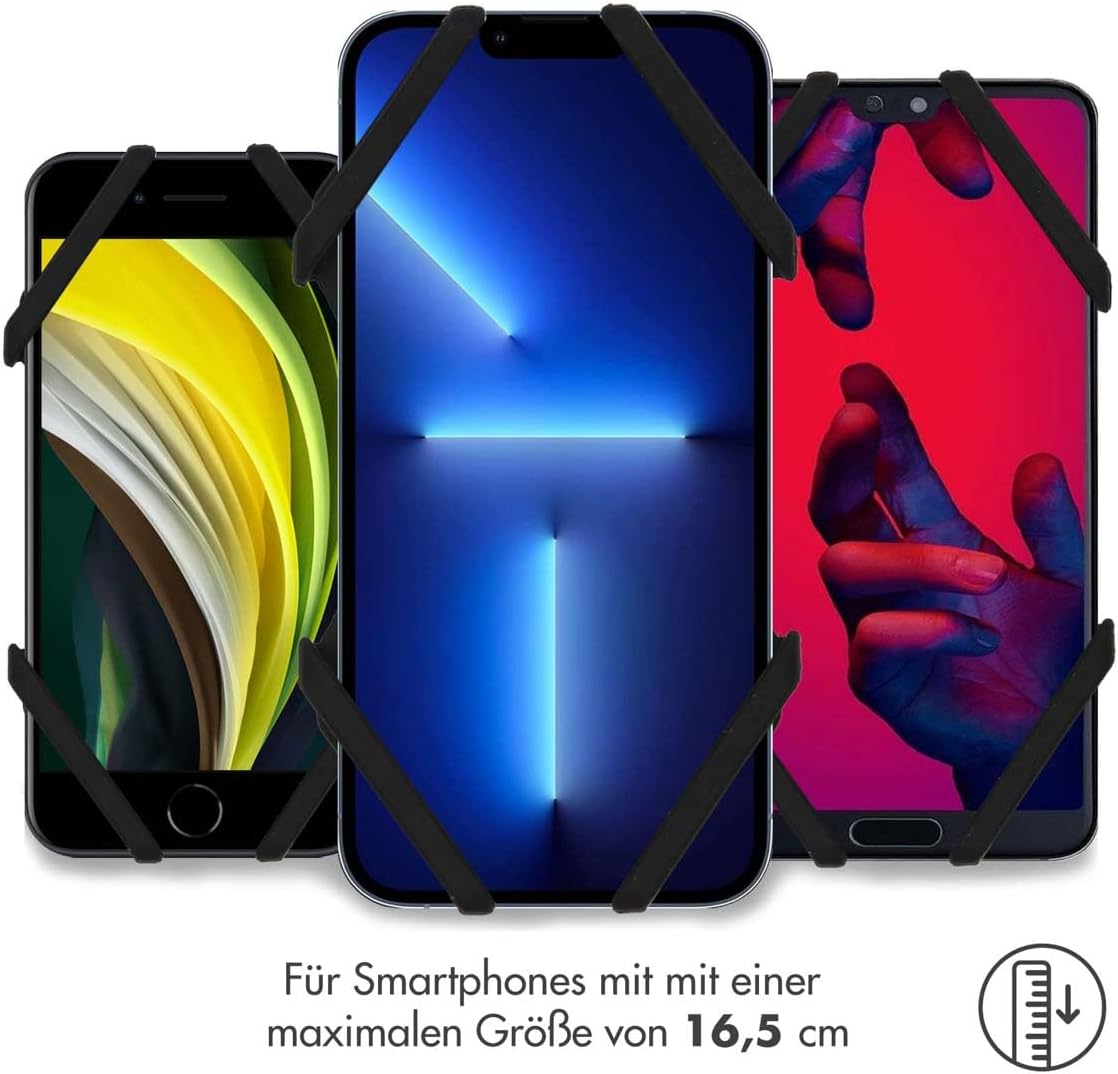
Image 3.1: The mount accommodates various smartphone sizes.
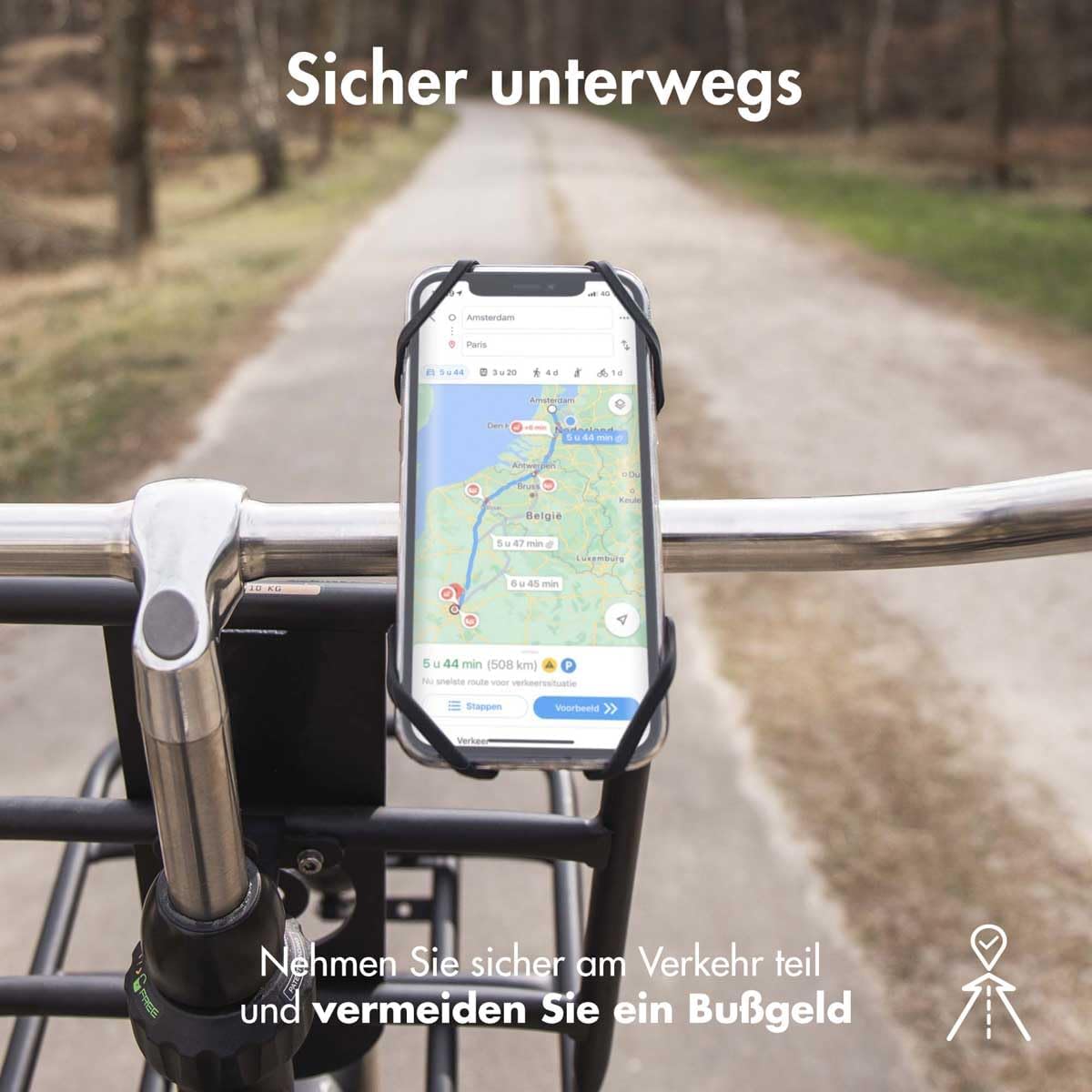
Image 3.2: Using the mount for smartphone navigation.
4. Nlekọta
To ensure the longevity and optimal performance of your iMoshion Universal Bike Mount, follow these simple maintenance guidelines:
- Nhicha: Wipe the silicone mount with a damp cloth to remove dust and dirt. For stubborn grime, a mild soap solution can be used, followed by rinsing with clean water and air drying.
- Nchekwa: When not in use, store the mount in a cool, dry place away from direct sunlight to prevent material degradation.
- Nyocha: Periodically inspect the silicone for any signs of wear, tears, or damage. If significant damage is observed, replace the mount to ensure secure phone retention.
5. Nchọpụta nsogbu
If you encounter any issues with your iMoshion Universal Bike Mount, consider the following:
- Phone feels loose: Ensure all four silicone corners are properly stretched over your phone's corners. The mount is designed for phones up to 16.5 cm; larger phones may not fit securely.
- Mount slips on handlebar: Verify that the main strap is wrapped tightly around the handlebar. The silicone material provides grip, but excessive force or an unusually smooth handlebar surface might cause minor movement. Re-adjust and tighten if necessary.
- Difficulty inserting/removing phone: The silicone is designed to be snug. Ensure you stretch the corners sufficiently when inserting or removing the phone. Avoid forcing the phone, as this could damage the mount or your device.
6. Nkọwapụta
| Ụdị | iMoshion |
| Aha Nlereanya | Universal Bike Mount |
| Ntuziaka onye nrụpụta | FIETSHOUDER44942601 |
| Ihe onwunwe | Silicone and TPU (soft) |
| Ụdị nkwụnye | Ogwe aka |
| Ngwa dakọtara | Smartphones (up to 16.5 cm max size) |
| Atụmatụ pụrụ iche | Ntughari |
| Agba | Nwa |
7. Akwụkwọ ikike na nkwado
The iMoshion Universal Bike Mount comes with a 1-afọ akwụkwọ ikike site na ụbọchị ịzụrụ, na-ekpuchi ntụpọ nrụpụta. Biko dowe ihe akaebe nke ịzụrụ ihe maka akwụkwọ ikike.
For technical support, warranty claims, or any other inquiries, please contact your retailer or the iMoshion customer service department through their official websaịtị ma ọ bụ ọwa kọntaktị.
Ask a question about this manual
Ask about setup, troubleshooting, compatibility, parts, safety, or missing instructions. Manuals+ will review the question and use this page’s manual context to help answer it.