
1. Okwu mmalite
This manual provides essential instructions for the installation, operation, and maintenance of your Lorex Fusion 4K Metal Bullet Camera (Model E841CA-E). This Power over Ethernet (PoE) wired camera is designed for both indoor and outdoor surveillance, offering 4K Ultra HD resolution, color night vision, and robust weatherproof construction. Please read this manual thoroughly before using the product to ensure proper setup and functionality.
2. Ozi nchekwa
- Isi mmalite ike: Use only the specified power adapter or PoE connection compatible with your Lorex NVR system. Incorrect power sources can damage the camera and void the warranty.
- Nwụnye: Ensure the camera is securely mounted to prevent falls. For outdoor installations, use appropriate mounting hardware and ensure all connections are waterproofed.
- Okpomọkụ arụ ọrụ: Operate the camera within the specified temperature range to ensure optimal performance and longevity.
- Nhicha: Disconnect power before cleaning. Use a soft, dry cloth. Avoid harsh chemicals or abrasive cleaners.
- Mbupu: Do not attempt to disassemble or modify the camera. This will void the warranty and may cause damage or injury.
3. Ihe ngwugwu
Please refer to the product packaging for a complete list of included items. Typically, the package contains:
- Lorex Fusion 4K Metal Bullet Camera (Model E841CA-E)
- Ngwa ntinye (skru, plọg mgbidi)
- Ethernet Cable (for PoE connection)
- Ntuziaka mmalite ngwa ngwa
4. Nhazi
4.1 na -arịgo igwefoto
The camera can be mounted on a wall or ceiling. Choose a location that provides the desired field of view and is within reach of your Ethernet cable run.

Foto: Akụkụ view of the Lorex Fusion 4K Metal Bullet Camera, illustrating its mounting bracket for wall or ceiling installation.
- Kwadebe elu: Mark the screw holes using the mounting template (if provided) or the camera base.
- Oghere egwu egwu: Drill pilot holes for the mounting screws. Insert wall plugs if mounting into drywall or masonry.
- Chekwaa igwefoto: Attach the camera base to the mounting surface using the provided screws. Adjust the camera angle as needed.
4.2 Connecting the Camera (PoE)
This camera utilizes Power over Ethernet (PoE) for both power and video transmission, simplifying installation.
Image: Close-up of multiple yellow Ethernet cables connected to a network switch, representing a wired security setup.
- Jikọọ eriri Ethernet: Plug one end of an Ethernet cable into the camera's Ethernet port.
- Connect to NVR/PoE Switch: Plug the other end of the Ethernet cable into an available PoE port on your Lorex Network Video Recorder (NVR) or a separate PoE switch.
- Ike Na: Ensure your NVR or PoE switch is powered on. The camera will automatically power up and connect to the system.
4.3 Sistemụ Njikọ
The Lorex Fusion system allows integration of wired and Wi-Fi cameras. Your 4K Metal Bullet Camera will connect to your Lorex NVR.

Image: A diagram illustrating the Lorex Fusion NVR as a central hub, connecting to both wired bullet cameras and various Wi-Fi cameras, demonstrating system integration.
Once connected, access your NVR's interface or the Lorex Connect mobile application to view live feeds, configure settings, and manage recordings.
5. Ntuziaka ọrụ
5.1 4K Ultra HD Video
The camera captures video at 4K (8MP) resolution, providing detailed and clear images. This high resolution is beneficial for digital zooming into recorded footage without significant loss of detail.

Image: A side-by-side comparison showing the difference in clarity between 1080p HD and 4K Ultra HD video, highlighting the enhanced detail of 4K.
5.2 Ọhụụ abalị
The camera features both Color Night Vision and Long Range Infrared (IR) night vision for clear surveillance in low-light conditions.

Image: A split image demonstrating the difference between traditional Infrared Night Vision (monochrome) and Color Night Vision, showing a backyard scene with more detail and color in the latter.
- Agba Ọhụụ abalị: In environments with ambient light (e.g., streetlights), the camera can maintain color images at night.
- Infrared (IR) Night Vision: In complete darkness, the camera automatically switches to IR mode, providing clear black and white video.
5.3 Nchọpụta ngagharị
Configure motion detection settings via your NVR or the Lorex Connect app. You can define detection zones, sensitivity levels, and set up alerts for motion events.
5.4 Mgbochi ihu igwe
The camera features a robust metal housing with an IP65 international protection rating, making it suitable for outdoor use in various weather conditions.
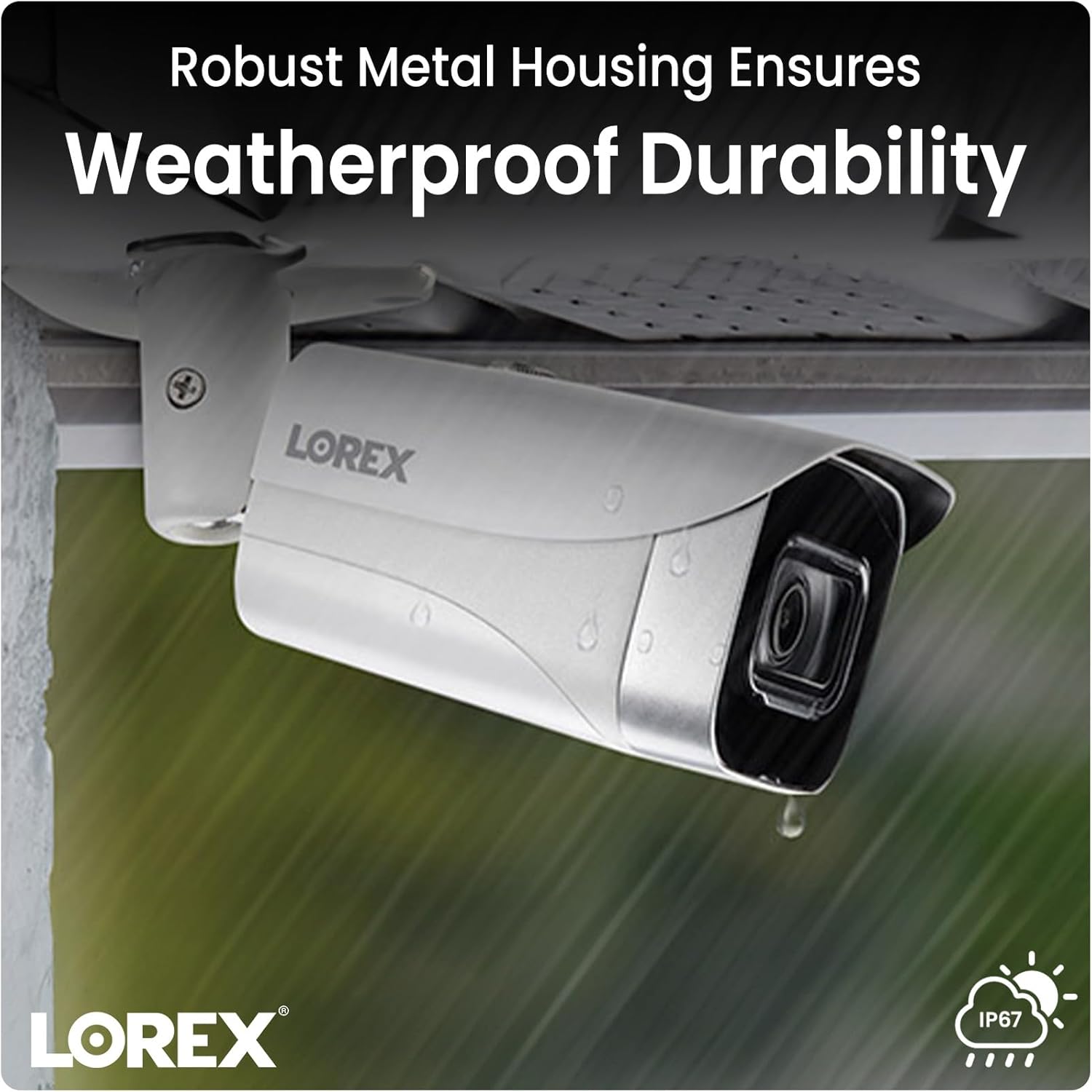
Image: A Lorex camera mounted under an eave outdoors, with raindrops visible on its surface, illustrating its weatherproof durability.
6. Nlekọta
- Nchacha oghere: Periodically clean the camera lens with a soft, lint-free cloth to ensure clear image quality. Avoid touching the lens directly with fingers.
- Nchacha ụlọ: Jiri mgbasa ozi hichaa ụlọ igwefotoamp ákwà iji wepụ unyi na ihe ndị dị n'ime ya. Ejila kemịkalụ siri ike.
- Nyocha USB: Regularly check all cable connections for signs of wear, damage, or corrosion, especially for outdoor installations.
- Mmelite femụwe: Lelee Lorex website or your NVR system for available firmware updates to ensure optimal performance and access to new features.
7. Nchọpụta nsogbu
7.1 No Video/Offline Camera
- Lelee Ike: Ensure the Ethernet cable is securely connected to both the camera and a powered PoE port on your NVR or PoE switch.
- Ịdị n'ezi nke eriri USB: Inspect the Ethernet cable for any damage. Try a different cable if available.
- NVR ọdụ ụgbọ mmiri: Verify that the NVR port is functioning correctly. Try connecting the camera to a different PoE port on the NVR.
- Sistemụ nrụpụta: Power cycle your NVR and the camera (if possible) to refresh the connection.
7.2 Ọdịdị Foto Na-adịghị Mma
- Igwe anya dị ọcha: Ensure the camera lens is clean and free from dirt, dust, or smudges.
- Ọkụ: Verify that there is adequate lighting in the area, especially for color night vision. Adjust camera position if glare or reflections are an issue.
- Ntọala mkpebi: Check the camera's resolution settings on your NVR to ensure it is set to 4K (8MP).
7.3 Nchọpụta Mbugharị Anaghị arụ ọrụ
- Kwado nchọpụta ngagharị: Confirm that motion detection is enabled in your NVR or app settings for the specific camera.
- Mpaghara nchọpụta: Ensure that the detection zones are correctly configured and cover the desired areas.
- Mmetụta: Adjust the motion detection sensitivity. Too low may miss events, too high may trigger false alarms.
8. Nkọwapụta
| Njirimara | Nkọwapụta |
|---|---|
| Nọmba nlereanya | E841CA-E |
| Mkpebi ịse vidiyo | 4K (8MP) |
| Teknụzụ Njikọta | Ethernet (PoE) |
| Ojiji ime ime/n'èzí | Ime ụlọ, n'èzí |
| Ogo nchekwa mba ụwa | IP65 |
| Teknụzụ ọkụ dị ala | Agba abalị |
| Ụdị isi iyi ọkụ | Infrared |
| Ihe onwunwe | Ọla |
| Ụdị nkwụnye | Ugwu elu ụlọ |
| Akụkụ ngwaahịa | 16.6 x 8.2 x 6.7 sentimita asatọ |
| Ibu Ibu | 2.97 pound |
| UPC | 695529028491 |
9. Akwụkwọ ikike na nkwado
For warranty information and technical support, please refer to the official Lorex website or contact Lorex customer service directly. Keep your purchase receipt as proof of purchase for warranty claims.
Oghere Websaịtị: www.lorex.com