
1. Okwu mmalite
Thank you for choosing the iMoshion 20,000 mAh Fast Charging Power Bank. This device is designed to provide portable power for your electronic devices, ensuring you stay connected on the go. This manual provides essential information on how to safely and effectively use your power bank. Please read it thoroughly before use and retain it for future reference.
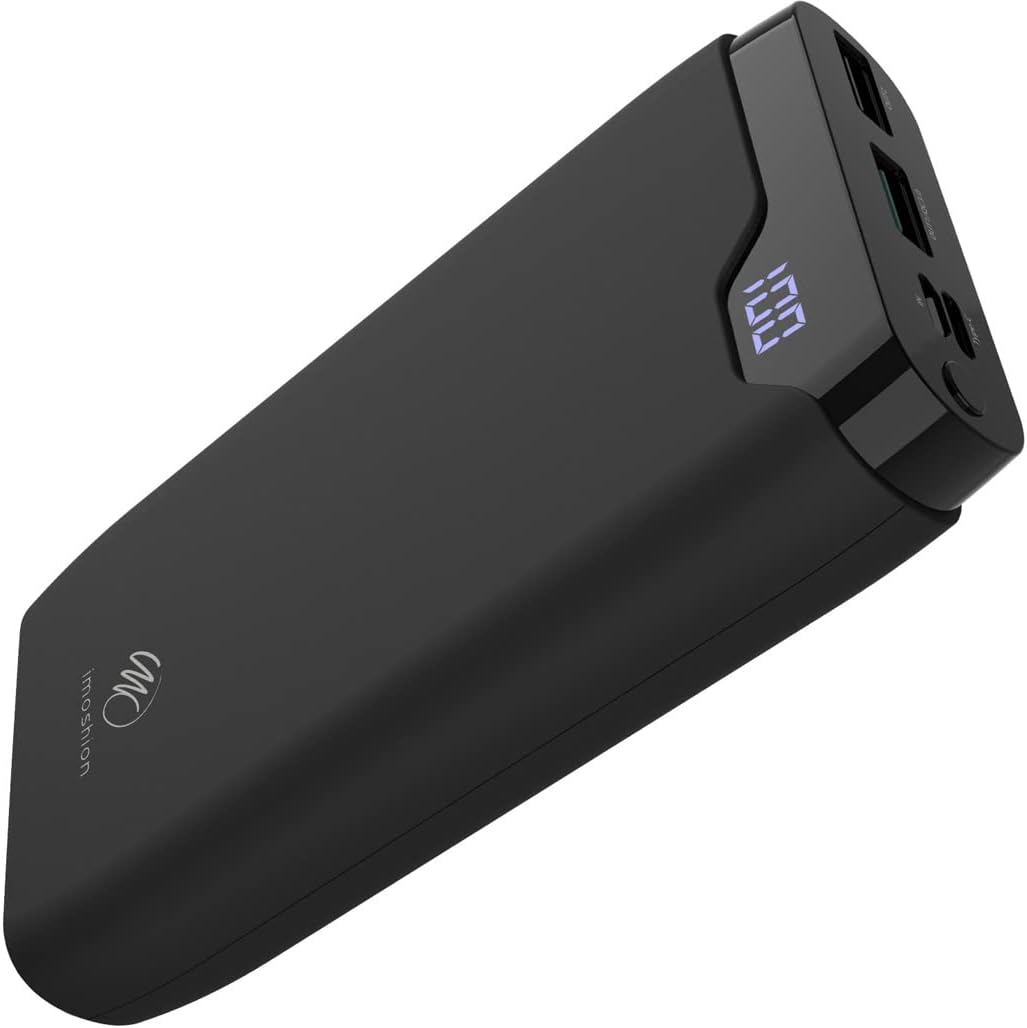
Image 1: The iMoshion 20,000 mAh Fast Charging Power Bank, showcasinimewe ojii mara mma ya na ngosipụta dijitalụ ya.
2. Ntuziaka nchekwa
To ensure safe operation and prolong the lifespan of your power bank, please observe the following safety guidelines:
- Ewepụla ụlọ akụ ike ka ọ bụrụ oke okpomọkụ (karịa 45 Celsius ma ọ bụ n'okpuru 0 Celsius C), ìhè anyanwụ kpọmkwem, ma ọ bụ oke iru mmiri.
- Avoid dropping, disassembling, or attempting to repair the device yourself. Unauthorized repairs can void the warranty and pose safety risks.
- Debe ụlọ akụ ọkụ na mmiri na mmiri mmiri ndị ọzọ.
- Do not use the power bank if it is visibly damaged, swollen, or leaking.
- Jiri naanị eriri nchaji na nkwụnye ọkụ gbaara agbamu.
- Debe ebe ụmụaka na-apụghị iru.
- Tụfuo ebe a na-echekwa ike eletrik n'ụzọ kwesịrị ekwesị dịka iwu obodo si dị. Etinyela ya n'ime ihe mkpofu ụlọ.
3. Ngwaahịa gafereview na ngwugwu ọdịnaya
Ihe ngwugwu 3.1
- iMoshion 20,000 mAh Fast Charging Power Bank
- Eriri Nchaji USB-A gaa na USB-C (30 cm)
- Akwụkwọ ntuziaka onye ọrụ
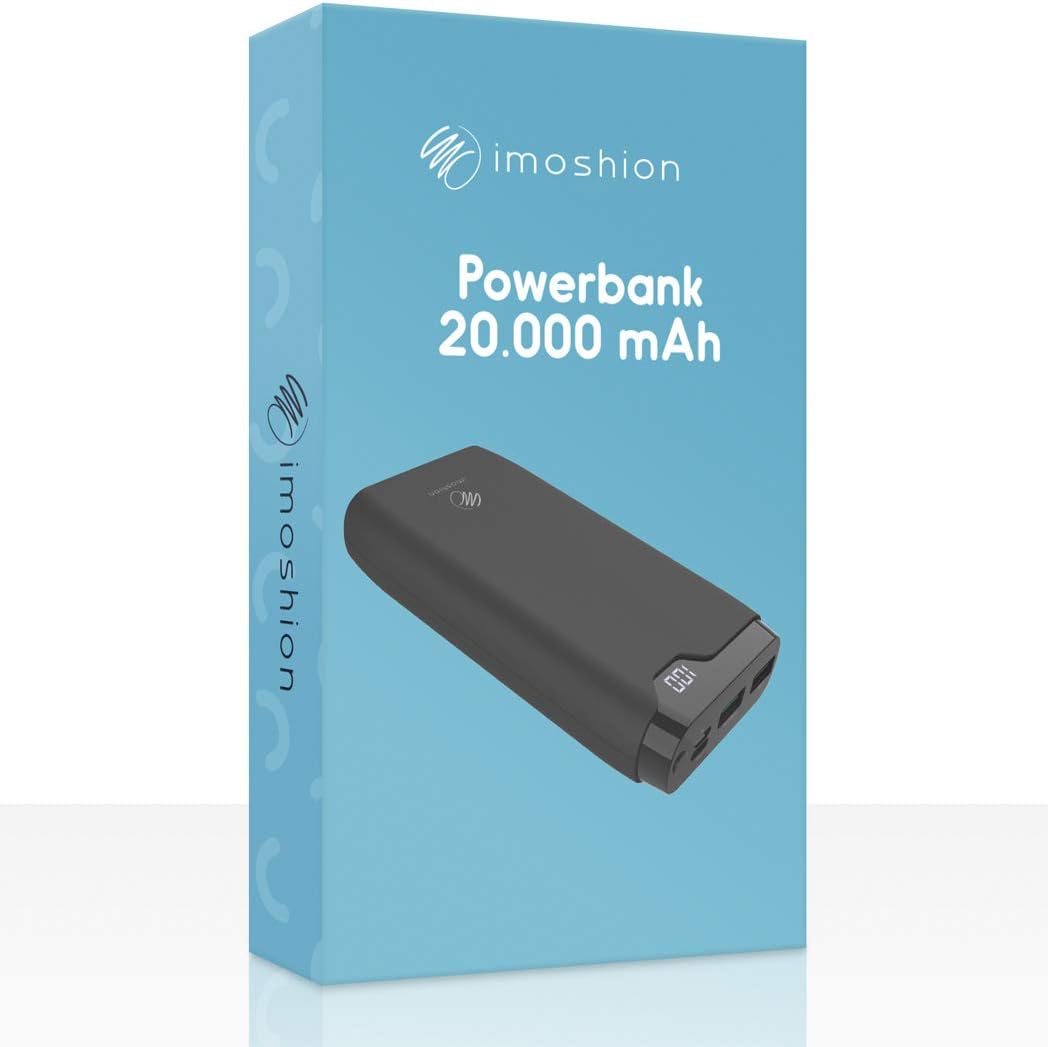
Image 2: The iMoshion Power Bank packaging, indicating the product and its capacity.
3.2 Power Bank Features
- Ike dị elu: 20,000 mAh for multiple device charges.
- Nchaji ngwa ngwa: Supports Quick Charge 3.0 and Power Delivery technologies.
- Ọtụtụ ọdụ ụgbọ mmiri: USB-C (input/output), Micro-USB (input), 2x USB-A (output).
- Ngosipụta Digital: Na-egosi pasentị batrị fọdụrụnụtage.
- Nhazi na-adịgide adịgide: Constructed from solid plastic.

Foto 3: nkọwa zuru ezu view of the power bank's ports, including Micro-USB (IN), Type-C (IN/OUT), USB-A QC 3.0 (OUT1), and USB-A (OUT2).
4. Setup: Charging the Power Bank
Before using your power bank to charge other devices, ensure it is fully charged.
- Jikọọ Power Bank: Use the provided USB-A to USB-C cable or a Micro-USB cable (not included) to connect the power bank's USB-C or Micro-USB input port to a USB wall charger (not included).
- Nleba anya: The digital LED display will show the current battery percentage. It will increase as the power bank charges.
- Ngosipụta nchaji zuru oke: The display will show "100" when the power bank is fully charged.
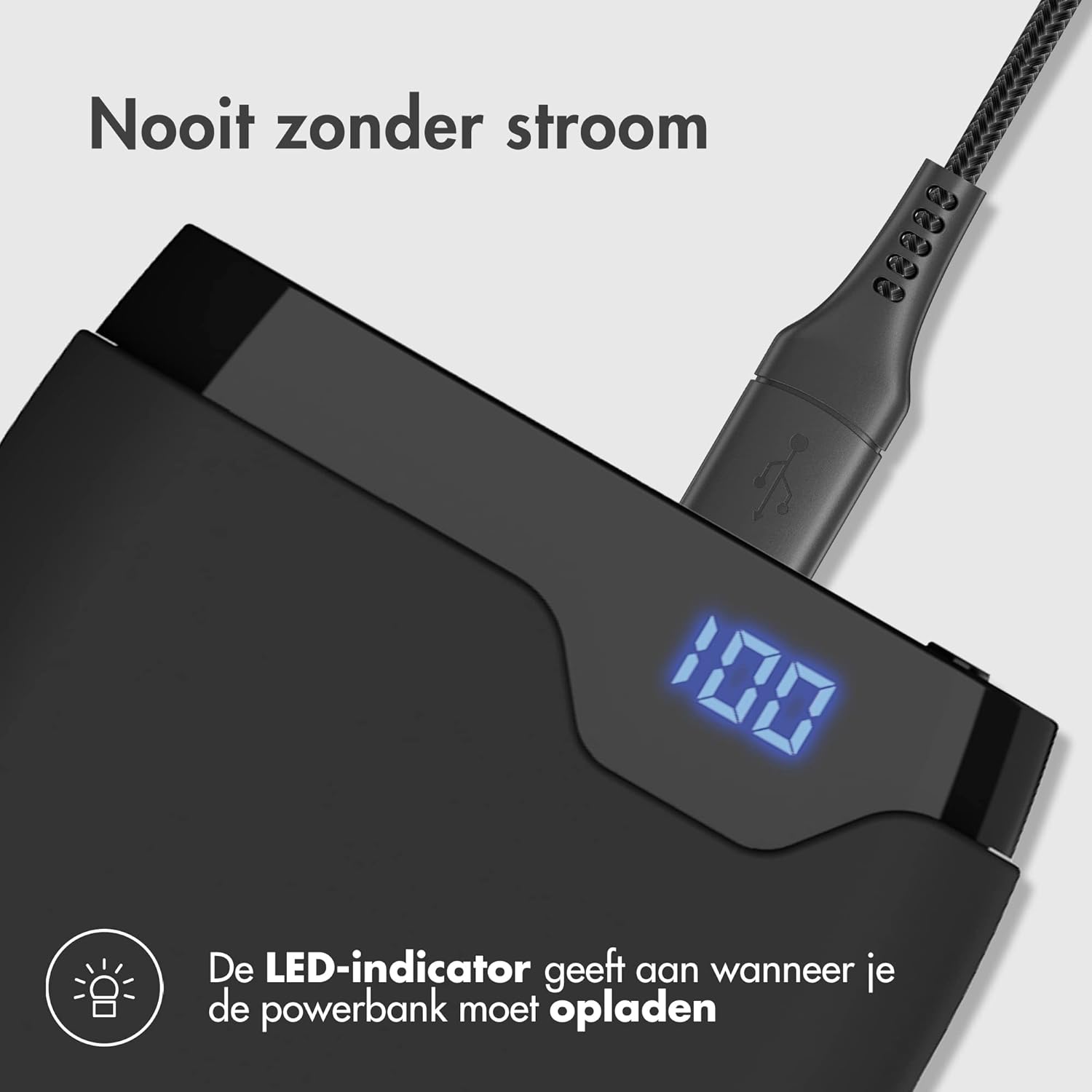
Image 4: The power bank connected to a charging cable, with its LED display indicating a full charge (100%).
5. Operating: Charging Your Devices
The iMoshion power bank can charge various devices, including smartphones, tablets, and other USB-powered gadgets.
- Jikọọ ngwaọrụ gị: Use your device's original charging cable or the provided USB-A to USB-C cable to connect your device to one of the power bank's output ports (USB-A or USB-C).
- Bido Nchaji: Ụlọ akụ ike ga-amalite ịchaji ngwaọrụ gị na akpaghị aka. Ngosipụta dijitalụ ga-egosi pasentị batrị fọdụrụnụtage nke power bank.
- Nchaji ngwa ngwa: The USB-C port supports Power Delivery (PD) and one USB-A port supports Quick Charge 3.0 (QC 3.0) for compatible devices, allowing for faster charging speeds.
- Chajịa ọtụtụ ngwaọrụ: The power bank can charge up to three devices simultaneously using its multiple output ports.

Image 5: The power bank demonstrating its fast charging capability, indicating a smartphone can be charged up to 50% in 30 minutes.
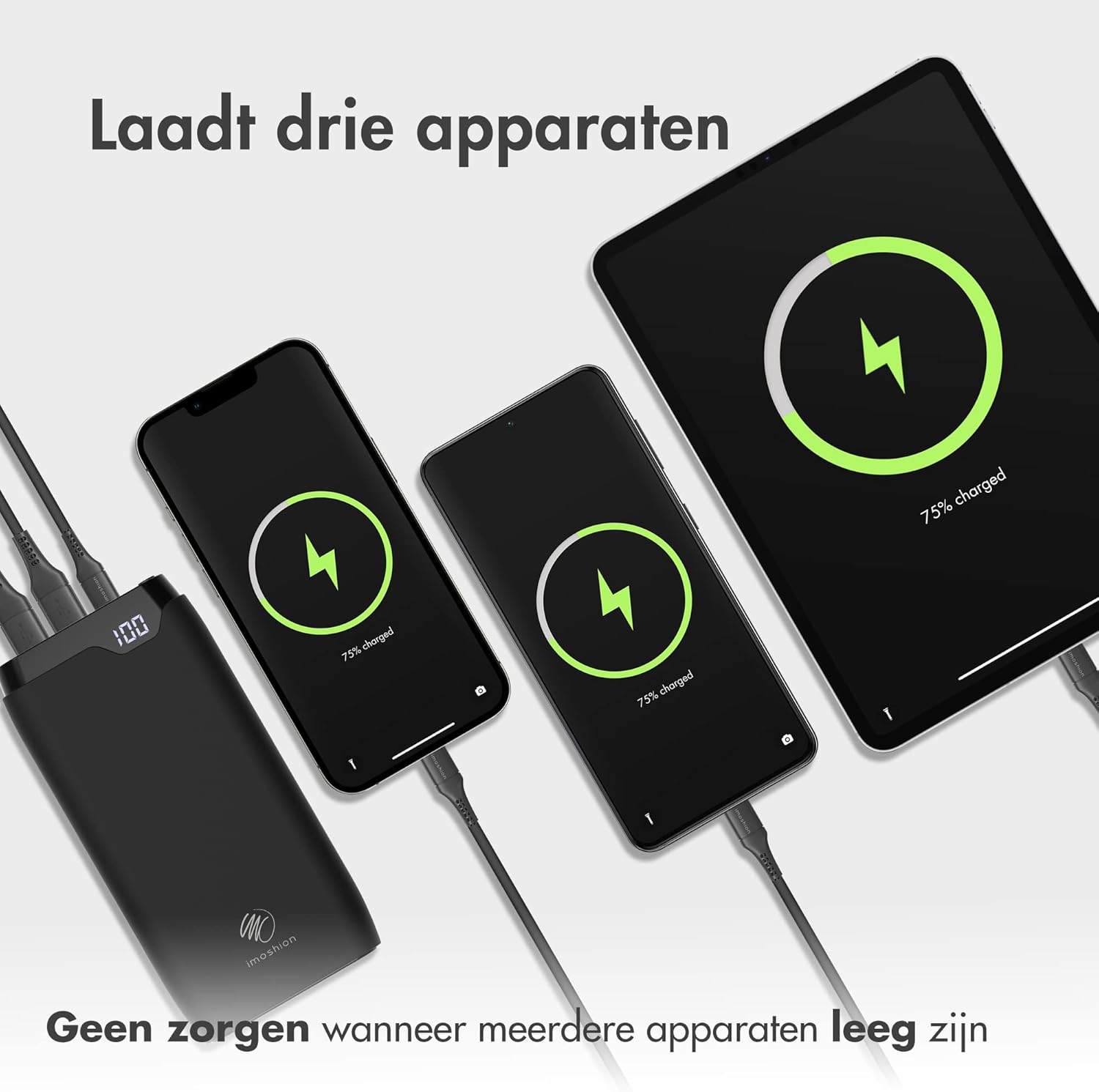
Image 6: The power bank connected and charging three different devices (two smartphones and a tablet) at the same time.
6. Nlekọta
- Nhicha: Wipe the power bank with a soft, dry cloth. Do not use harsh chemicals or abrasive materials.
- Nchekwa: Store the power bank in a cool, dry place when not in use. Avoid storing it in direct sunlight or extreme temperatures.
- Nlekọta batrị: For optimal battery health, fully charge the power bank at least once every three months, even if not in regular use.
7. Nchọpụta nsogbu
- Ụlọ akụ ọkụ anaghị akwụ ụgwọ: Hụ na eriri chaja ahụ jikọtara nke ọma na ma ebe a na-echekwa ike na ihe nkwụnye mgbidi. Nwaa eriri ma ọ bụ ihe nkwụnye dị iche.
- Ngwaọrụ anaghị akwụ ụgwọ site na ụlọ akụ ọkụ: Ensure the power bank has sufficient charge. Check if the charging cable is properly connected to both the power bank and your device. Try a different cable or output port.
- Nchaji nwayọ: Ensure your device and cable support fast charging if you expect accelerated speeds. Some devices may limit charging speed to protect battery health.
- Ngosipụta LED anaghị arụ ọrụ: If the power bank is charging or discharging, the display should be active. If it remains off, try charging the power bank or connecting a device to charge. If the issue persists, contact customer support.
8. Nkọwapụta
| Njirimara | Nkọwapụta |
|---|---|
| Nlereanya | 20000mAh Power Bank (B08W5DS2RC) |
| Ike | 20,000 mAh |
| Ntinye (USB-C) | Power Delivery (PD) compatible |
| Input (Micro-USB) | Standard USB input |
| Mpụta (USB-C) | Power Delivery (PD) compatible |
| Output (USB-A 1) | Quick Charge 3.0 (QC 3.0) compatible |
| Output (USB-A 2) | Standard USB output |
| Ihe onwunwe | Solid Plastic |
| Agba | Nwa |
9. Akwụkwọ ikike na nkwado
The iMoshion 20,000 mAh Fast Charging Power Bank comes with a standard manufacturer's warranty. For specific warranty terms and conditions, please refer to the product packaging or contact your retailer.
If you encounter any issues or have questions regarding your power bank, please contact iMoshion customer support through the retailer's platform or the official iMoshion websaịtị maka enyemaka.