
SLuB T16
SLuB Bluetooth Earphones T16 User Manual
Model: T16 | Brand: SLuB
1. Okwu mmalite
Daalụ maka ịzụrụasing the SLuB Bluetooth Earphones Model T16. These true wireless stereo earphones are designed to provide a high-quality audio experience with convenient features such as Bluetooth 5.1 connectivity, Hi-Fi sound, automatic pairing, and touch controls. This manual will guide you through the setup, operation, and maintenance of your new earphones to ensure optimal performance and longevity.
2. Ozi nchekwa
- Do not disassemble, repair, or modify the product. This may cause fire, electric shock, or complete damage to the product.
- Keep the product away from extreme temperatures, humidity, and corrosive environments.
- Zere idobe ma ọ bụ idobe ngwaahịa ahụ na mmetụta siri ike.
- Debe ebe ụmụaka na anụ ụlọ na-apụghị iru.
- Jiri naanị eriri chaja enyere maọbụ eriri Type-C nke akwadoro maka chaja.
- Ịhụ ụda dị elu ruo ogologo oge nwere ike imebi ntị. Gbanwee olu gị ka ọ dị mma.
3. Ihe ngwugwu
Biko lelee ọdịnaya nke ngwugwu ahụ ka ị hụ na ihe niile dị:
- SLuB T16 Earbuds (Left and Right)
- Nchaji case
- USB Type-C Nchaji USB
- Akwụkwọ ntuziaka
4. Ngwaahịa gafereview
The SLuB T16 earphones feature a compact and lightweight design, making them easy to carry and comfortable for extended wear. The charging case provides additional battery life on the go.
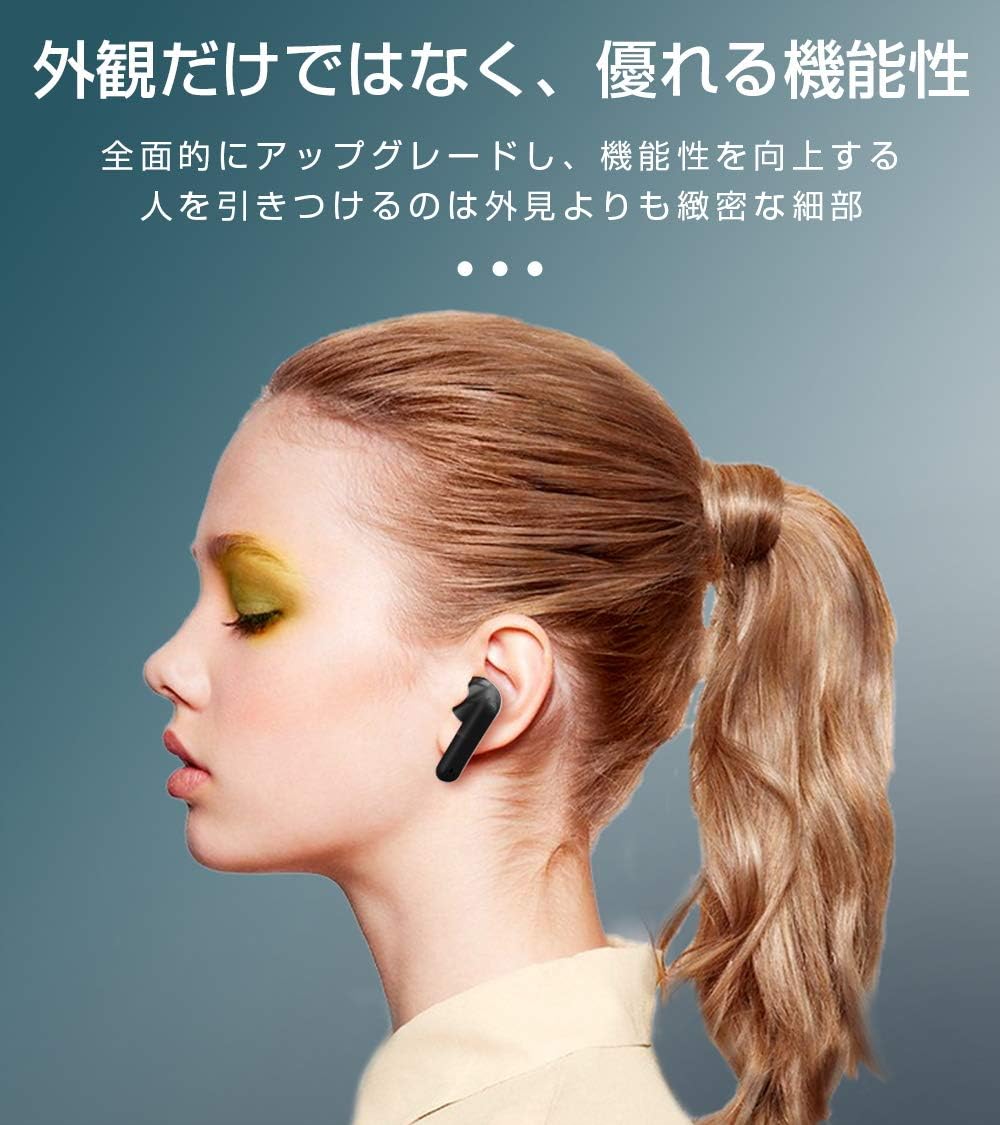
Image: SLuB T16 Earbuds securely placed in their charging case.
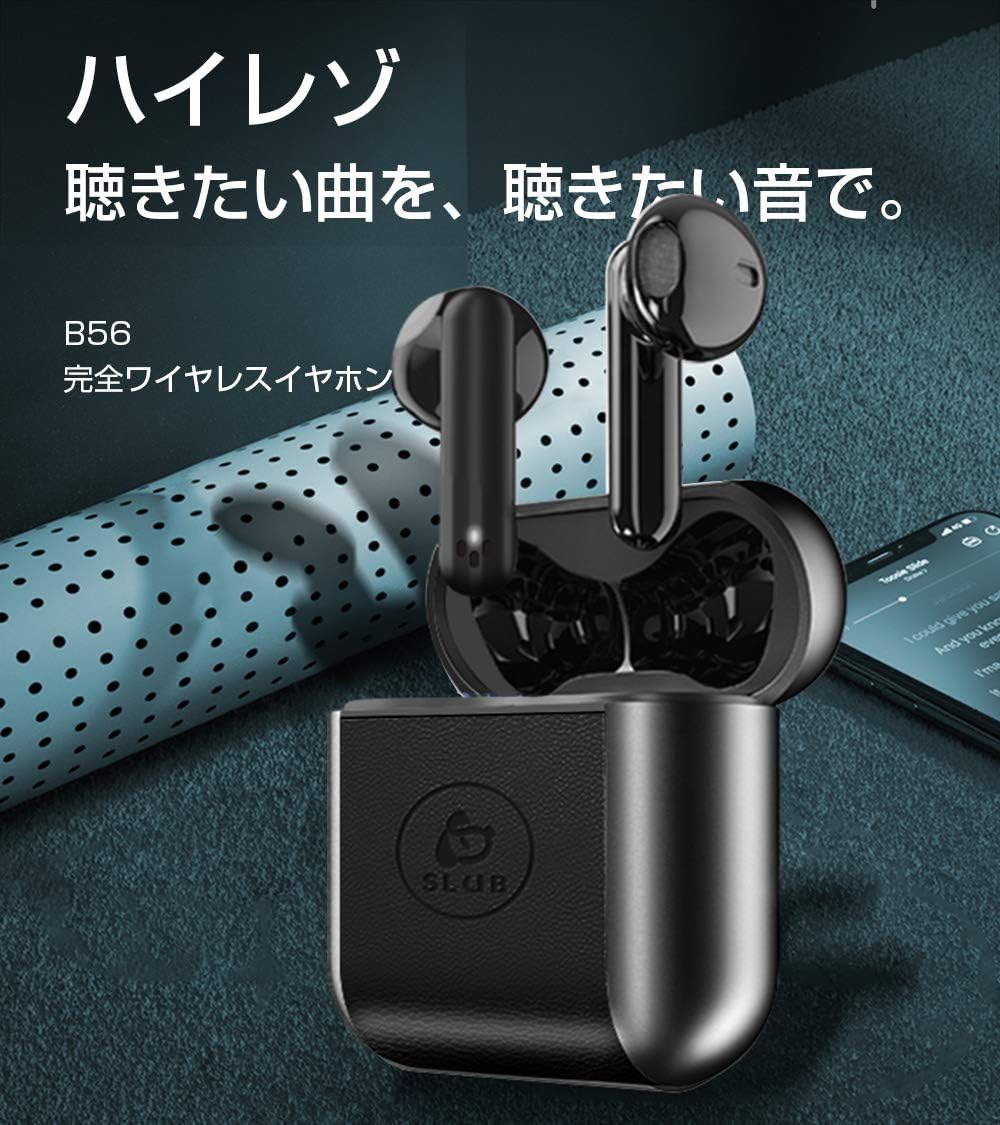
Image: A single SLuB T16 earbud comfortably fitted in a user's ear, highlighting its ergonomic design.
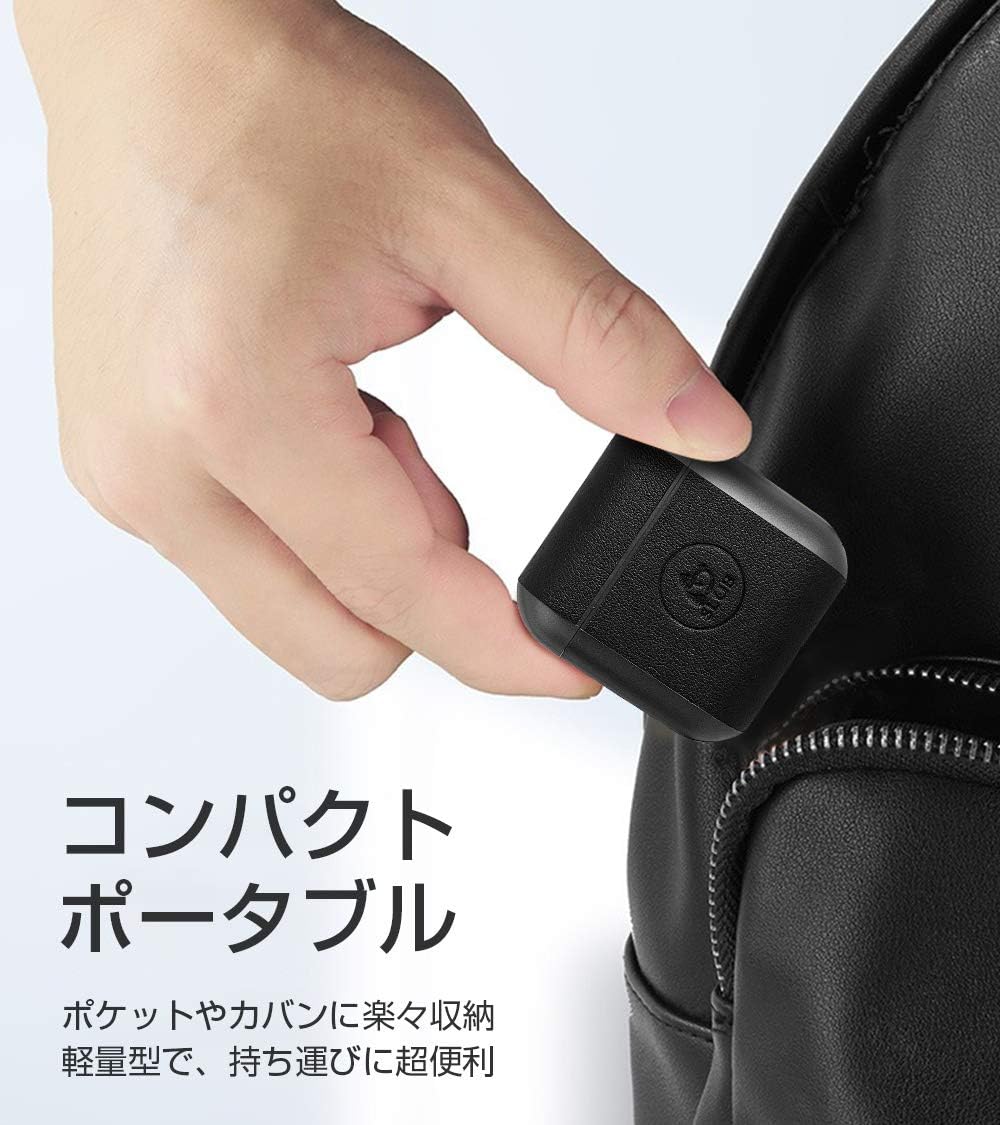
Image: A hand holding the compact SLuB T16 charging case, demonstrating its portability.
5. Nhazi
5.1. Ịchaji ihe ntị na akpa
Tupu ejie ya nke mbụ, chajie nke ọma ekweisi na akpa chaja.
- Tinye ntị ntị n'ime akpa nchaji. Gbaa mbọ hụ na ha nọ ọdụ nke ọma.
- Connect the provided USB Type-C cable to the charging port on the case and plug the other end into a USB power adapter (not included) or a computer's USB port.
- The indicator lights on the case will show the charging status. Once fully charged, the lights will indicate completion or turn off.
A full charge for the earbuds takes approximately 1.5 hours, providing 2-3 hours of playback. The charging case takes about 2 hours to fully charge and can provide 5-6 full charges for the earbuds.
5.2. Mmakọ mbụ
The SLuB T16 earphones feature automatic pairing for ease of use.
- Mepee igbe nchaji. Igwe ntị ga-agbanye na-akpaghị aka wee banye ọnọdụ njikọta.
- Na ngwaọrụ gị (smartphone, tabletị, wdg), gbanye Bluetooth wee chọọ ngwaọrụ dịnụ.
- Select "T16" from the list of found devices to connect.
- Once successfully paired, you will hear a confirmation sound, and the earbud indicator lights will change.
After the initial pairing, the earbuds will automatically reconnect to your last paired device when taken out of the charging case, provided Bluetooth is enabled on your device.
6. Ntuziaka ọrụ
6.1. Aka njikwa
The SLuB T16 earphones utilize touch-sensitive areas for various functions. Refer to the diagram below for specific actions:

Image: Visual guide detailing the touch control functions for the SLuB T16 earbuds.
- Kpọọ/Kwụsị Egwu: Single touch on either earbud's touch area.
- Azịza/Kwụsị Oku: Single touch on either earbud's touch area.
- Jụ oku: Long press on either earbud's touch area.
- Track na-esote: Double touch the right earbud's touch area.
- Gara aga Track: Double touch the left earbud's touch area.
- Olu elu: Triple touch the left earbud's touch area.
- Olu ala: Triple touch the right earbud's touch area.
- Mee ka onye enyemaka olu rụọ ọrụ: Long press for 3 seconds on either earbud's touch area.
6.2. Single and Twin Earbud Mode
The SLuB T16 earphones support both single and twin earbud usage modes.
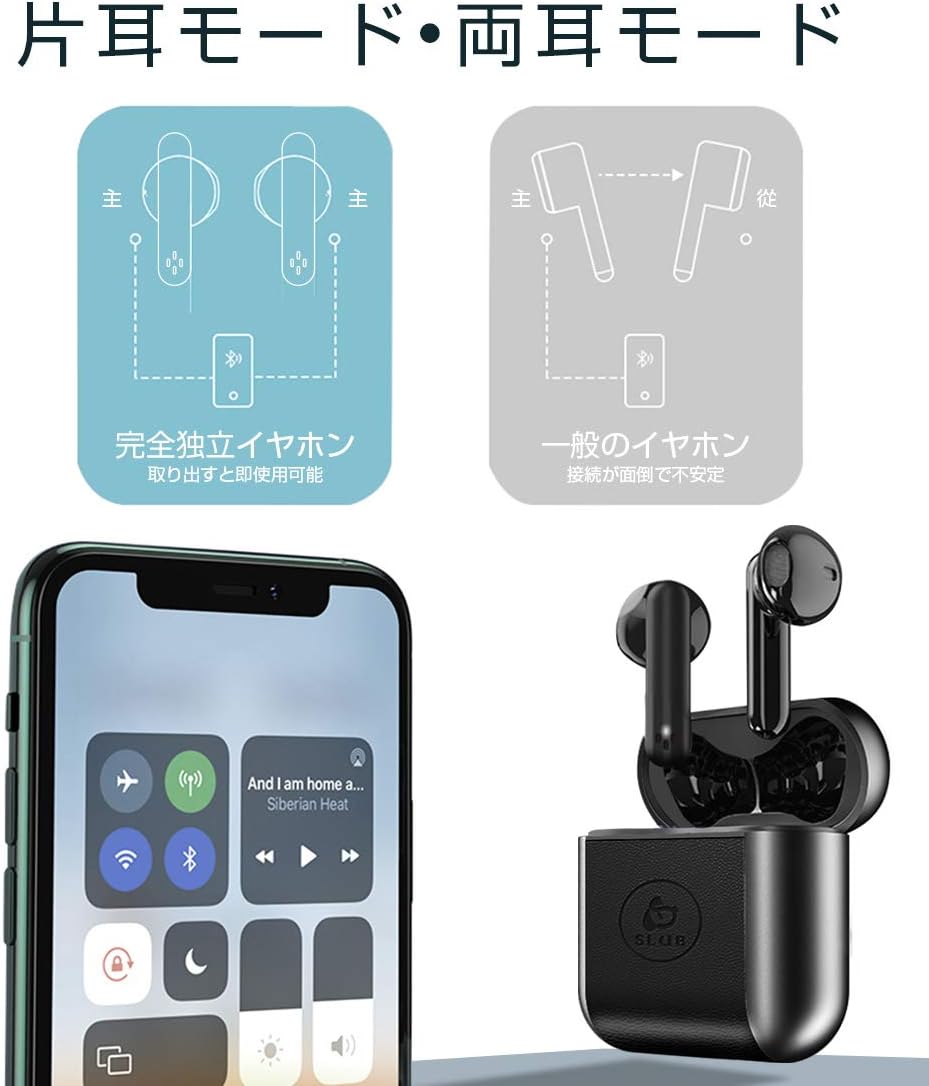
Image: Diagram showing how to use the earbuds in both single (mono) and twin (stereo) modes.
- Ụdị ejima: Take both earbuds out of the charging case. They will automatically connect to each other and then to your device for stereo sound.
- Otu ụdị: Take only one earbud out of the charging case. It will automatically connect to your device and function independently. The other earbud can remain in the case or be used later.
7. Nlekọta
- Nhicha: Jiri akwa dị nro, kpọrọ nkụ, akwa enweghị lint iji hichaa ntị ntị na akpa chaja. Ejila kemịkalụ siri ike ma ọ bụ ihe abrasive.
- Nchekwa: Mgbe ejighị ya, chekwaa earbuds n'ime akpa nchaji ha iji chebe ha ma debe ha ebubo. Chekwaa n'ebe dị jụụ, kpọrọ nkụ.
- Nlekọta batrị: Ka ịgbatị ndụ batrị ogologo, zere ịchaji batrị ugboro ugboro. Na-anya ngwaọrụ mgbe niile, ọbụlagodi na ọ naghị eji ya ogologo oge.
8. Nchọpụta nsogbu
| Nsogbu | Ihe nwere ike ime | Ngwọta |
|---|---|---|
| Eti ntị anaghị agba ọkụ. | Batrị dị ala. | Charge the earbuds and charging case. |
| Enweghị ike ijikọ na ngwaọrụ. | Bluetooth is off on device; earbuds not in pairing mode; too far from device. | Ensure Bluetooth is on. Place earbuds in case, close, then open to re-enter pairing mode. Move closer to device. |
| Naanị otu ntị ntị na-arụ ọrụ. | Earbuds not properly connected to each other; one earbud has low battery. | Place both earbuds back into the charging case, close the lid, then open it again. Ensure both earbuds are charged. |
| Sound quality is poor or intermittent. | Ntinye aka; ngwaọrụ tere aka; obere batrị. | Move closer to your device. Avoid environments with strong Wi-Fi or other Bluetooth signals. Charge earbuds. |
9. Nkọwapụta
Detailed technical specifications for the SLuB T16 Bluetooth Earphones:

Image: A table displaying the detailed technical specifications of the SLuB T16 earphones and charging case.
| Njirimara | Nkọwa |
|---|---|
| Aha ngwaahịa | Ezi ekwe ntị stereo ikuku |
| Nọmba nlereanya | T16 |
| Ụdị Bluetooth | 5.1 (Low Power Consumption) |
| Call/Playback Time | Approx. 2-3 hours (with one full charge) |
| Ntinye | 5.0V / 200mA |
| Environment na-arụ ọrụ | Okpomọkụ: -10°C ruo 40°C, iru mmiri: 10% ruo 85% |
| Nchaji ọdụ ụgbọ mmiri | Ụdị-C |
| Ike batrị earbud | 30mAh |
| Oge Nchaji ntị | Ihe ruru. awa 1.5 |
| Oge Njikere | Ihe ruru. awa 120 |
| Ịchaji Ike batrị Case | 300mAh |
| Oge Nchaji Okwu | Ihe ruru. awa 2 |
| Single Earbud arọ | Ihe ruru. 3.1g |
| Akụkụ ntị ntị | 34 x 16.9 x 16.7mm |
| Nchaji akpa | 51 x 49.1 x 24mm |
| Ịchaji Ibu Ca | Ihe ruru. 31.6g |
| Ngwa dakọtara | iOS and Android devices with Bluetooth functionality |
10. Akwụkwọ ikike na nkwado
Maka ozi gbasara akwụkwọ ikike na nkwado ndị ahịa, biko lee akwụkwọ ndị dị n'azụ ihe ị zụtara ma ọ bụ kpọtụrụ onye na-ere ahịa. Debe ihe akaebe nke ịzụrụ ihe gị maka akwụkwọ ikike ọ bụla.
Ask a question about this manual
Ask about setup, troubleshooting, compatibility, parts, safety, or missing instructions. Manuals+ will review the question and use this page’s manual context to help answer it.