
Okwu mmalite
Thank you for choosing the PALOVUE iSound True Wireless Earbuds. These earbuds are designed to provide a superior audio experience with advanced features such as Qualcomm CSR Bluetooth 5.0, aptX HD sound quality, CVC 8.0 noise cancellation, and intuitive touch controls. This manual will guide you through the setup, operation, and maintenance of your new earbuds to ensure optimal performance.
Kedu ihe dị na Igbe ahụ
Upon unboxing your PALOVUE iSound True Wireless Earbuds, please verify that all components are present:
- PALOVUE iSound Earbuds (Left and Right)
- Nchaji case
- USB-C eriri USB
- Lanyard
- 5 Pairs of Silicone Ear Tips (XS, S, M, L, XL)
- Akwụkwọ ntuziaka (akwụkwọ a)
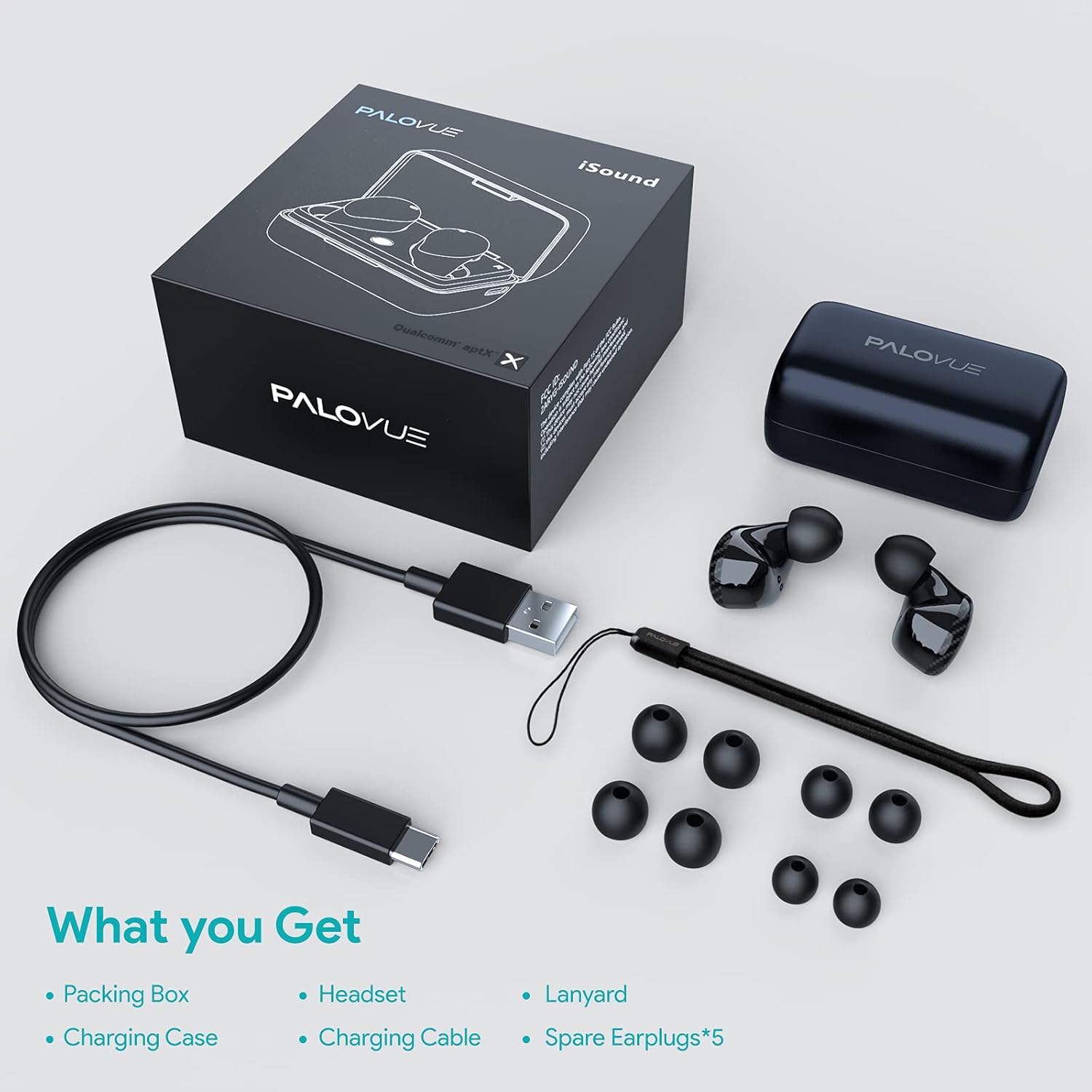
Ngwaahịa gafereview
Familiarize yourself with the key components of your PALOVUE iSound Earbuds.


Melite
1. Ịchaji ihe ntị na akpa
Before first use, fully charge the earbuds and the charging case. Place the earbuds into the charging case. Connect the USB-C charging cable to the case and a power source. The indicator lights on the case will show the charging status.
- A full charge provides up to 24 hours of playback with the charging case.
2. Ijikọ na ngwaọrụ gị
- Gbaa mbọ hụ na agbanyere Bluetooth ngwaọrụ gị.
- Open the charging case. The earbuds will automatically enter pairing mode (if it's the first time or if they are not connected to a previously paired device).
- On your device, search for Bluetooth devices and select "PALOVUE iSound" from the list.
- Ozugbo ejikọtara, ị ga-anụ olu nkwenye.
Njikọta akpaaka: After the initial pairing, simply open the charging case, and the earbuds will automatically connect to your last paired device.
3. Yiri ekwe ntị
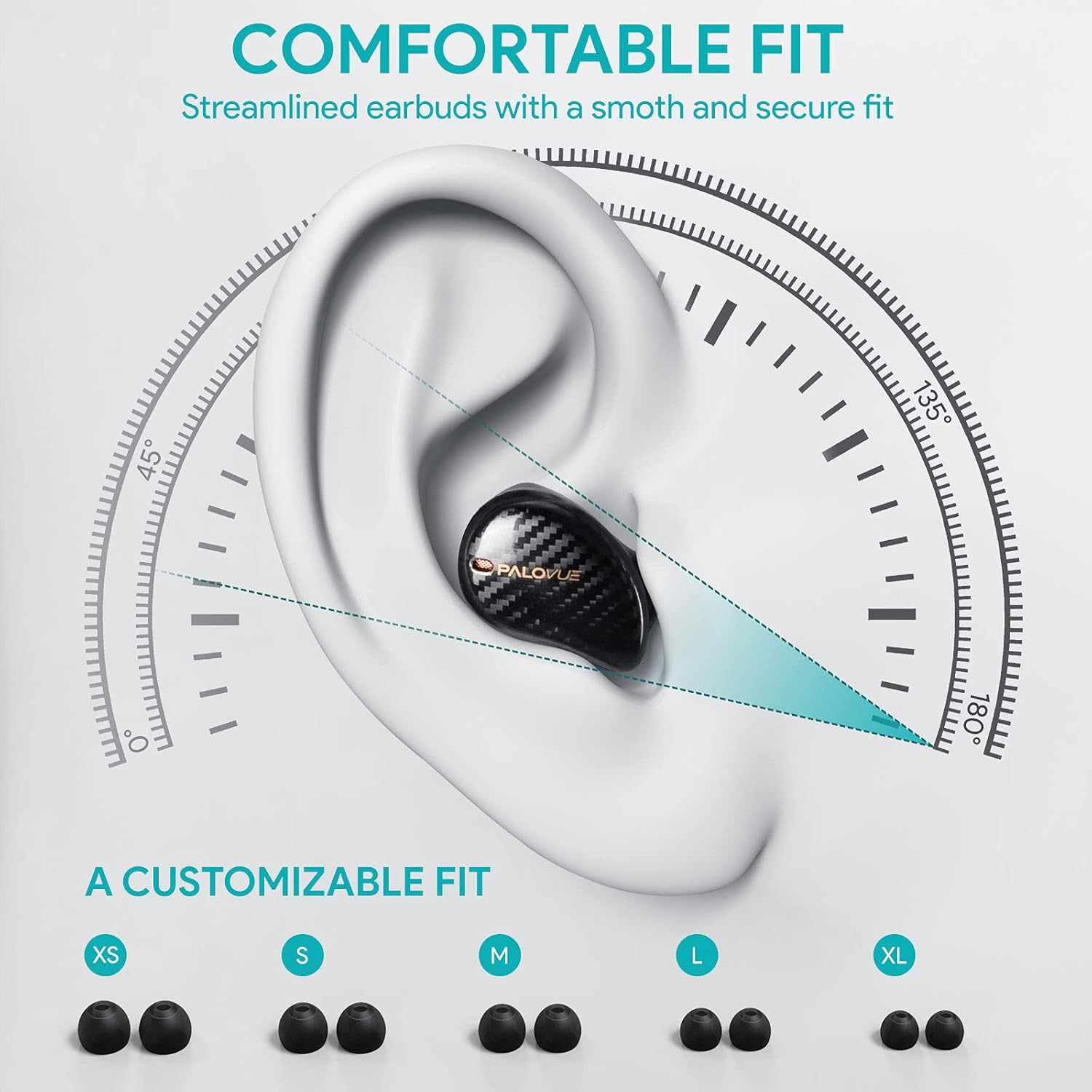
For optimal sound quality and comfort, select the correct ear tip size and ensure a secure fit.
- Choose from the 5 provided ear tip sizes (XS, S, M, L, XL) to find the best fit for your ears.
- Gently insert the earbuds into your ear canal and rotate them slightly until they feel secure and comfortable.
Ntuziaka ọrụ
Njikwa mmetụ
The PALOVUE iSound earbuds feature multi-function touch panels on each earbud for easy control of audio playback and calls. Specific touch functions can be customized via the PALOVUE iSound app.
- Gwuo/kwụsịtụ: Otu mgbata na ntị ntị.
- Track na-esote: Pịa bọtịnụ ntị aka nri ugboro abụọ.
- Gara aga Track: Kpatụ ntị ugboro abụọ n'akụkụ aka ekpe.
- Azịza/Kwụsị Oku: Otu mgbata na ntị ntị.
- Jụ oku: Pịa ma jide otu ntị ntị maka sekọnd 2.
- Mee ka onye enyemaka olu rụọ ọrụ: Pịa ugboro atọ na ntị ntị.
- Njikwa olu: Customizable via the PALOVUE iSound app (e.g., tap and hold left for volume down, right for volume up).

Call Management and Noise Cancellation
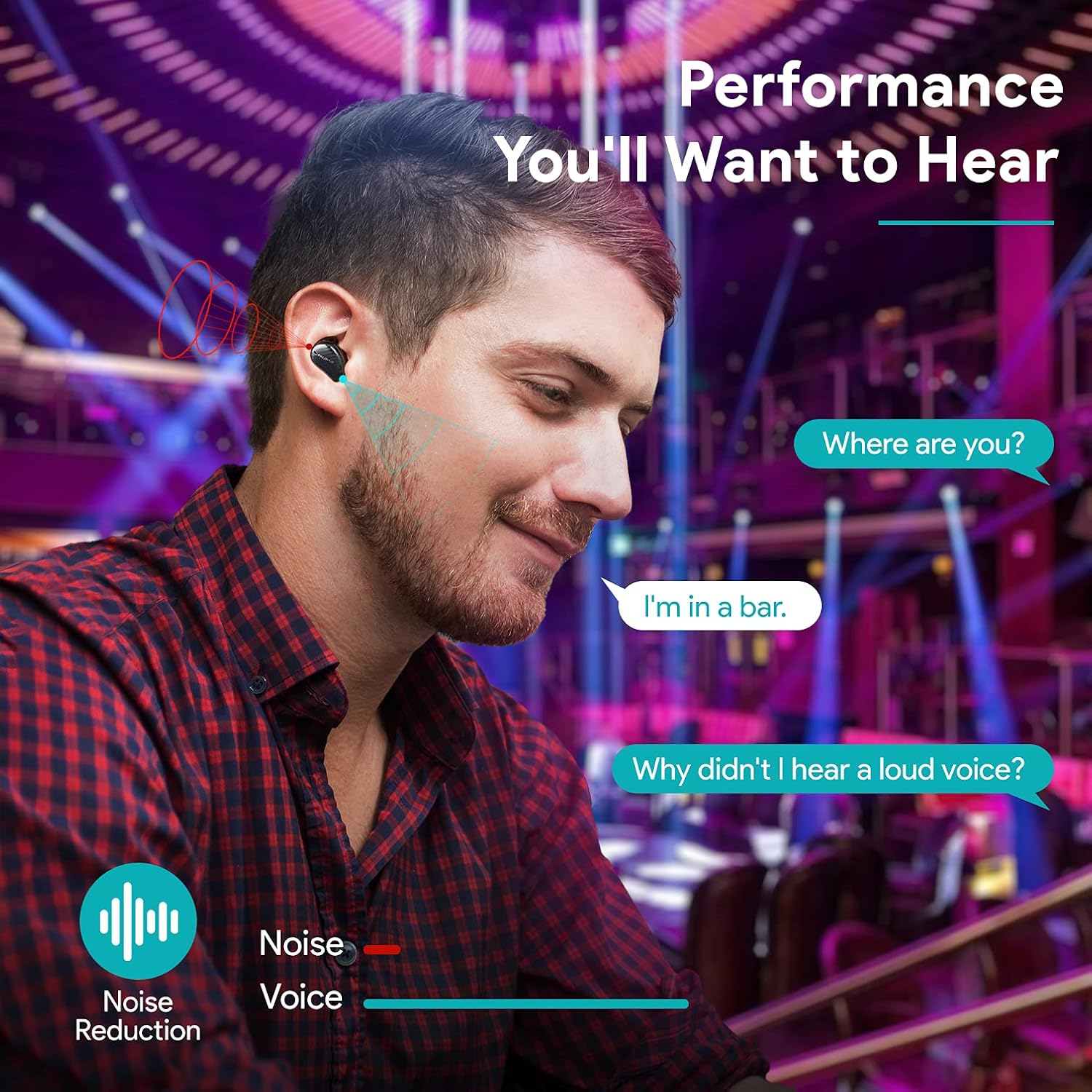
The earbuds are equipped with 4 microphones and CVC 8.0 noise cancellation technology to ensure clear calls even in noisy environments.
PALOVUE iSound App
Download the PALOVUE iSound app to customize touch controls, check battery status, and access additional features for your earbuds.
Nlekọta
Nlekọta kwesịrị ekwesị na-eme ka ntị ntị gị dị ogologo ma rụọ ọrụ nke ọma.
- Nhicha: Jiri akwa dị nro, kpọrọ nkụ na-adịghị na-ehicha ntị ntị na chaja mgbe niile. Ejila kemịkalụ siri ike ma ọ bụ ihe abrasive.
- Ndụmọdụ ntị: Remove and clean the silicone ear tips with mild soap and water. Ensure they are completely dry before reattaching.
- Nchekwa: Mgbe ejighị ya, chekwaa ntị ntị na chaja ha iji chebe ha pụọ na uzuzu na mmebi.
- Zenarị mmiri: While the earbuds may have some water resistance, avoid submerging them in water or exposing them to excessive moisture.
Nchọpụta nsogbu
If you encounter issues with your PALOVUE iSound earbuds, refer to the following common solutions:
- Igwe ntị anaghị ejikọta:
- Gbaa mbọ hụ na akwụgoro ekwe ntị abụọ ahụ.
- Debe ntị ntị azụ n'ime akpa ahụ, mechie ya, wee mepee ya ọzọ ka ọ banye ọzọ n'ụdị njikọ.
- Forget "PALOVUE iSound" from your device's Bluetooth settings and try pairing again.
- Naanị otu earbud na-arụ ọrụ:
- Gbaa mbọ hụ na akwụgoro ekwe ntị abụọ ahụ.
- Try resetting the earbuds (refer to the app or manufacturer's websaịtị maka ntuziaka nrụpụta kpọmkwem).
- Place both earbuds in the charging case, close the lid, wait a few seconds, then open it again.
- Ogo ụda adịghị mma:
- Ensure the ear tips provide a secure seal in your ear canal. Try different sizes.
- Hichaa irighiri ihe ọ bụla sitere na nozzles ntị.
- Ensure your device is within the Bluetooth range (up to 10 meters).
- Earbuds anaghị akwụ ụgwọ:
- Gbaa mbọ hụ na ejikọrọ eriri chajị na echekwabara na ikpe ahụ yana isi iyi ike.
- Lelee ma kọntaktsị chaja dị na ntị ntị na n'ime akpa ahụ dị ọcha na enweghị irighiri ihe.
- Gbalịa eriri USB-C dị iche na nkwụnye ọkụ.
For further assistance, please contact PALOVUE customer support.
Nkọwapụta
| Ụdị | PALOVUE |
| Nọmba nlereanya | 012000125 |
| Ụdị ekweisi | N'ime ntị |
| Teknụzụ Njikọta | Ikuku (Bluetooth 5.0) |
| Teknụzụ nzikọrịta ozi ikuku | Bluetooth |
| Atụmatụ pụrụ iche | Noise Reduction (CVC 8.0), Wireless |
| Chipset | Qualcomm CSR QCC3020 |
| Codec ọdịyo | aptX HD |
| Ngwakọta batrị | Lithium polymer |
| Batrị enwere ike ịchaji | Ee |
| Oge nkwughachi | Ruo awa iri na anọ na ikpe chaja |
| Ihe onwunwe | Plastic |
Akwụkwọ ikike na nkwado
PALOVUE products are designed for reliability and performance. For warranty information, please refer to the warranty card included in your product packaging or visit the official PALOVUE websaịtị.
If you require technical support or have questions regarding your PALOVUE iSound True Wireless Earbuds, please contact PALOVUE customer service through their official websaịtị ma ọ bụ ozi kọntaktị enyere na akwụkwọ ngwaahịa gị.
Biko nwee nọmba nlereanya gị (012000125) wee zụta nkọwapụta njikere mgbe ị na-akpọtụrụ nkwado.