
1. Okwu mmalite
Thank you for choosing the MOMIMO Bike Light. This manual provides essential information for the proper setup, operation, and maintenance of your new bicycle headlight. Please read this manual thoroughly before use to ensure optimal performance and safety.
2. Akụrụngwa Ngwaahịa
- Ọkụ na-egbuke egbuke: Maximum output of 2000 lumens with four LED lights, providing a wide range up to 200 meters (656 feet) for enhanced night riding visibility.
- Ụdị ọkụ dị iche iche: Features 13 adjustable lighting modes to suit various cycling conditions and environments.
- Ngosipụta LED nwere ọgụgụ isi: Digital display shows remaining battery percentage, allowing for precise power management.
- Nhazi siri ike ma na-adịghị mmiri mmiri: IP65 waterproof rating ensures functionality in various weather conditions. Constructed from aircraft-grade aluminum alloy for durability and scratch resistance.
- USB Rechargeable with Power Bank Function: Built-in 7200mAh rechargeable battery. Charges via any USB port with 2A output. Can also function as a power bank to charge smartphones in emergencies.
3. Ihe ngwugwu
Biko chọpụta na ihe niile dị na ngwugwu gị:
- MOMIMO Bike Headlight (Model bike light004)
- Bicycle Mounting Bracket
- Igwe nchaji USB
- Akwụkwọ ntuziaka onye ọrụ
4. Ntọala na nwụnye
Follow these steps to properly install your MOMIMO Bike Light:
- Gbakwunye mkpịrị mgbago: Secure the bicycle mounting bracket to your handlebar. Ensure it is tightened firmly to prevent movement during rides.
- Insert Bike Light: Slide the MOMIMO Bike Light onto the mounting bracket until it clicks securely into place.
- Gbanwee akụkụ: Adjust the angle of the light to ensure optimal visibility on the road or trail without blinding oncoming traffic.

Image: The MOMIMO Bike Light securely mounted on a bicycle handlebar, demonstrating its ability to project both a short-range floodlight and a long-range spotlight for comprehensive illumination.
5. Ntuziaka ọrụ
Familiarize yourself with the controls and lighting modes:
- Gbanyụọ/ Gbanyụọ: Press and hold the power button (usually marked with a power symbol) for approximately 2-3 seconds to turn the light on or off.
- Gbanwee ụdị ọkụ: While the light is on, short press the power button to cycle through the 13 available lighting modes. These modes include various brightness levels and flashing patterns.
- Ngosipụta LED nwere ọgụgụ isi: The digital display on the light indicates the current battery percentage. Monitor this display to know when recharging is necessary.
- Dual Distance Beam Activation: Double quick press any button to activate all lights, engaging the innovative dual distance beam for maximum visibility.

Foto: nkọwa zuru ezu view of the MOMIMO Bike Light, highlighting the control buttons and the clear digital display that shows the battery charge level.
6. Ịchaji ngwaọrụ
The MOMIMO Bike Light features a built-in rechargeable battery and can also serve as a power bank.
6.1. Charging the Bike Light
- Connect the provided USB charging cable to the light's USB input port.
- Plug the other end of the USB cable into a 2A USB wall adapter, computer USB port, or other compatible USB charging source.
- The LED display will show the charging progress. A full charge typically takes approximately 4.5 hours.

Image: The MOMIMO Bike Light being charged, illustrating the USB input port and the LED indicator that provides charging status.
6.2. Iji dị ka Power Bank
- Connect your smartphone or other USB-powered device to the light's USB output port using your device's charging cable.
- The bike light will begin charging your device. This feature is useful for outdoor emergency situations.

Image: The MOMIMO Bike Light actively charging a smartphone, demonstrating its power bank functionality while mounted on a bicycle.
7. Nlekọta
Proper care will extend the life and performance of your bike light:
- Nhicha: Jiri nwayọ hichaa ọkụ ahụ, damp ákwà iji wepụ unyi na ihe ndị dị n'ime ya. Zere iji ihe nhicha ma ọ bụ ihe mgbaze eme ihe.
- Nguzogide mmiri: The light is IP65 waterproof, meaning it is protected against water jets from any angle. It can be used in rainy conditions but should not be submerged in water.
- Nchekwa: Store the light in a cool, dry place when not in use. If storing for an extended period, ensure the battery is partially charged (around 50%) to maintain battery health.
- Ogologo oge: The aircraft-grade aluminum alloy casing provides excellent wear and scratch resistance.

Image: The MOMIMO Bike Light enduring water splashes, confirming its IP65 waterproof capability for use in various weather conditions.
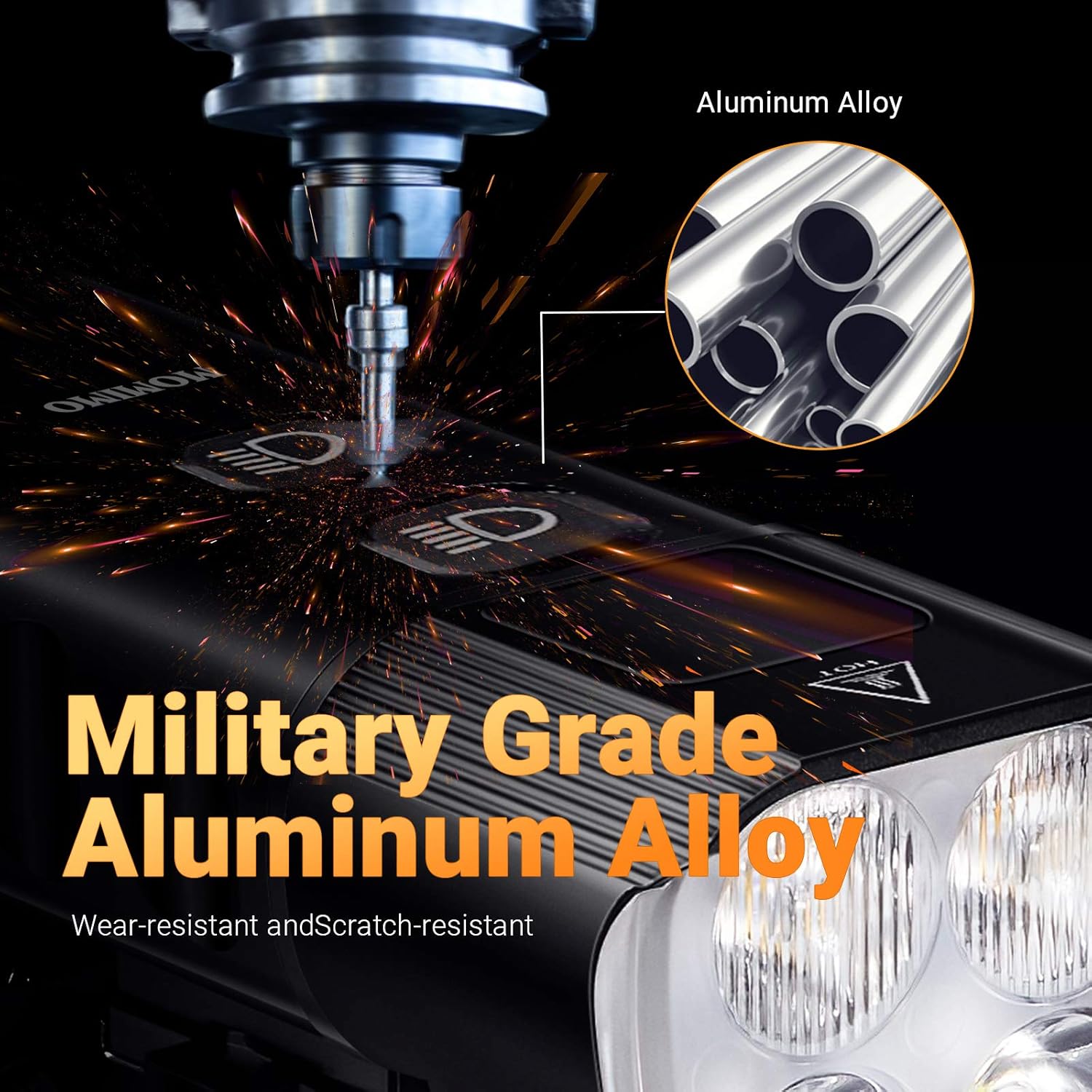
Foto: nkọwa zuru ezu view emphasizing the robust military-grade aluminum alloy material used in the construction of the MOMIMO Bike Light, ensuring durability.
8. Nchọpụta nsogbu
If you encounter issues with your MOMIMO Bike Light, refer to the following common solutions:
| Nsogbu | Ihe nwere ike ime | Ngwọta |
|---|---|---|
| Ìhè anaghị agbanwuo | Batrị dị ala; Apịghị bọtịnụ ike nke ọma | Chajie ọkụ ahụ nke ọma. Pịa ma jide bọtịnụ ike ahụ maka sekọnd 2-3. |
| Ìhè na-amagharị ma ọ bụ na-akụda na mberede | Low battery; Loose connection | Recharge the battery. Ensure the light is securely mounted. |
| Cannot change lighting modes | Button malfunction; Light frozen | Ensure the light is on. Try turning off and on again. If issue persists, contact support. |
| Device not charging from light (power bank function) | Light battery too low; Incorrect cable; Device not compatible | Ensure bike light has sufficient charge. Use a functional USB cable. Verify device compatibility. |
9. Nkọwapụta
| Njirimara | Nkọwapụta |
|---|---|
| Nlereanya | bike light004 |
| Ihe onwunwe | Ụgbọ elu Aluminom Alloy |
| Ọkụ Lamp Beads | XPG-3*4 lamp chaplet |
| Icha ọkụ | 2000 lumens (maximum output) |
| Oke | 200 m / 656 Ft visual range |
| Akụkụ Anya | 160° |
| Batrị | 6400mAh 3.6V rechargeable lithium battery (internal) / 7200mAh (advertised capacity) |
| Oge Nchaji | 4.5 hours (from 2A wall charger) |
| Ngosi nke enweghị mmiri | IP65 |
| Ọnụọgụ Ụdị ọkụ | 13 |
| Akụkụ ngwaahịa | 4.06 x 4.06 x 3.81 cm |
| Ibu Ibu | 420 g |
10. Akwụkwọ ikike na nkwado
For warranty information or technical support, please refer to the retailer's policy or contact the manufacturer directly through their official channels. Keep your purchase receipt as proof of purchase.