
1. Okwu mmalite
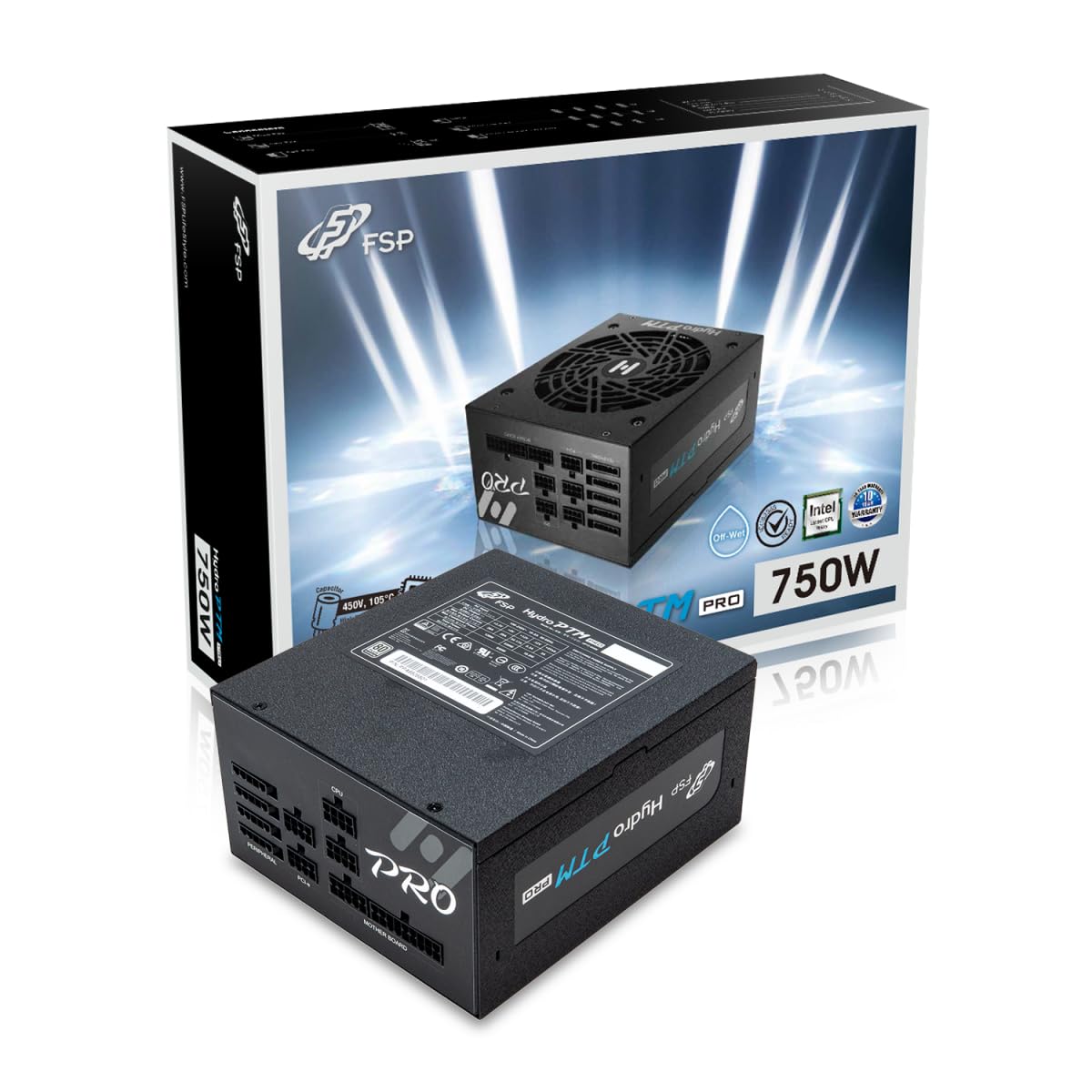
This manual provides detailed instructions for the installation, operation, and maintenance of your FSP Hydro PTM Pro 750W 80 Plus Platinum Full Modular ATX 12V Power Supply (Model: HPT2-750M). Please read this manual thoroughly before using the product to ensure proper function and safety.
The FSP Hydro PTM Pro series is designed for high efficiency and durability, featuring a conformal coating for protection against dust, humidity, and stains. It includes a semi-fanless Eco Mode for quiet operation under low loads and fully modular black ribbon cables for flexible system builds.
2. Ozi nchekwa
Ịdọ aka ná ntị: Improper installation or use can result in serious injury or damage to the power supply and other components. Always follow these safety guidelines:
- Emeghela unit ọkọnọ ọkụ. Akwa voltages dị n'ime, ọ dịghịkwa akụkụ ọ bụla a ga-eji rụọ ọrụ. Imepe ngwaọrụ ahụ ga-eme ka akwụkwọ ikike ahụ ghara ịdị irè.
- Gbaa mbọ hụ na agbapụrụ ọkụ ọkụ na ebe ọkụ AC tupu echichi ma ọ bụ rụkwaa ya.
- Wụnye ọkụ eletrik na mpaghara ikuku nke ọma.
- Use only the modular cables provided with this power supply. Using incompatible cables may cause damage to the power supply and connected components.
- This product is designed for use in personal computers. Do not use it for any other purpose.
- Debe ọkụ eletrik ahụ ka ọ ghara iru mmiri, mmiri mmiri, na oke okpomọkụ.
- Gbaa mbọ hụ na echekwabara njikọ niile tupu ịgbanye sistemụ.

3. Ihe ngwugwu
Chọpụta na ihe niile dị na ngwugwu gị:
- FSP Hydro PTM Pro 750W Power Supply Unit (HPT2-750M)
- Igwe ọkụ AC
- Modular Cable Set (refer to the "Cable Length and Connectors" section for details)
- Ịkwanye kposara
- Akwụkwọ ntuziaka (akwụkwọ a)
4. Ntọala na nwụnye
4.1 Nwụnye anụ ahụ
- Kwadebe Sistemu gị: Gbaa mbọ hụ na agbanyụrụ kọmputa gị kpamkpam wee wepụ ya na oghere mgbidi.
- Wepu Ntinye Ike ochie (ọ bụrụ na ọdabara): Kwupu eriri niile na ọkụ ọkụ ochie gị wee wepụ ya na ikpe PC.
- Wụnye ọkụ ọkụ: Insert the FSP Hydro PTM Pro 750W into the power supply bay of your PC case. Secure it with the provided mounting screws.
- Connect Motherboard Cables:
- Connect the 20+4 Pin ATX cable to your motherboard's main power connector.
- Connect the 4+4 Pin CPU (EPS) cable(s) to your motherboard's CPU power connector(s).
- Jikọọ eriri ndị dị n'akụkụ:
- Connect the 6+2 Pin PCI-E cables to your graphics card(s).
- Jikọọ eriri ike SATA na SSDs, HDDs na draịva anya gị.
- Connect Molex cables to any other peripherals requiring them.
- Njikọ echekwara Ensure all modular cables are firmly seated into both the power supply and the respective components.
- Jikọọ ike AC: Plug the AC power cord into the power supply's AC inlet and then into a wall outlet or surge protector.
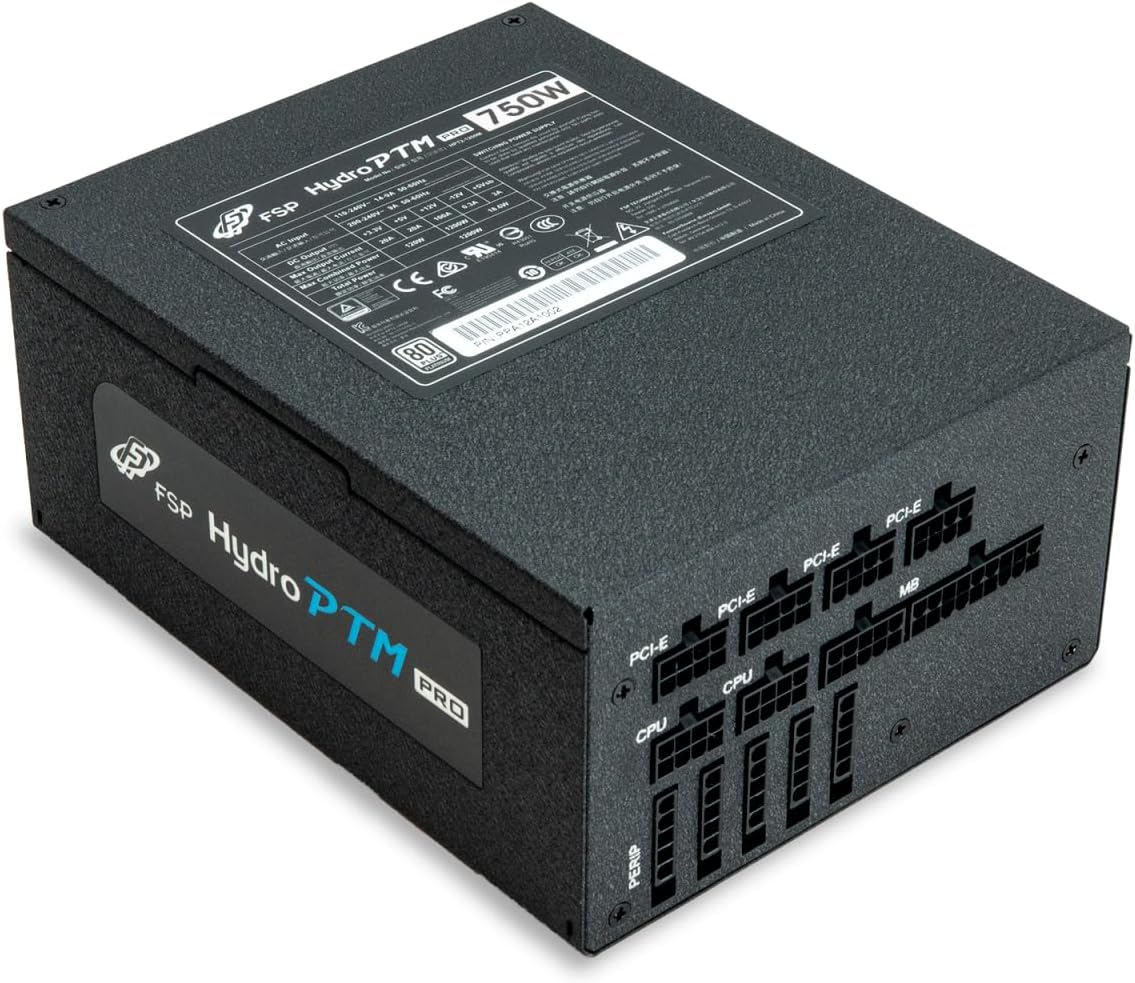
4.2 Cable Length and Connectors
The FSP Hydro PTM Pro 750W comes with a set of fully modular black ribbon cables. Refer to the diagram below for connector types and approximate lengths.

5. Ọrụ
5.1 Gbanyụọ/ gbanyụọ
After completing the installation, ensure the main power switch on the back of the power supply is in the "ON" (I) position. You can then power on your computer using its case power button.
5.2 Eco Ọnọdụ
The Hydro PTM Pro features a semi-fanless Eco Mode. When enabled, the power supply fan will remain off until the system load exceeds approximately 30%. This provides silent operation during low-power tasks.
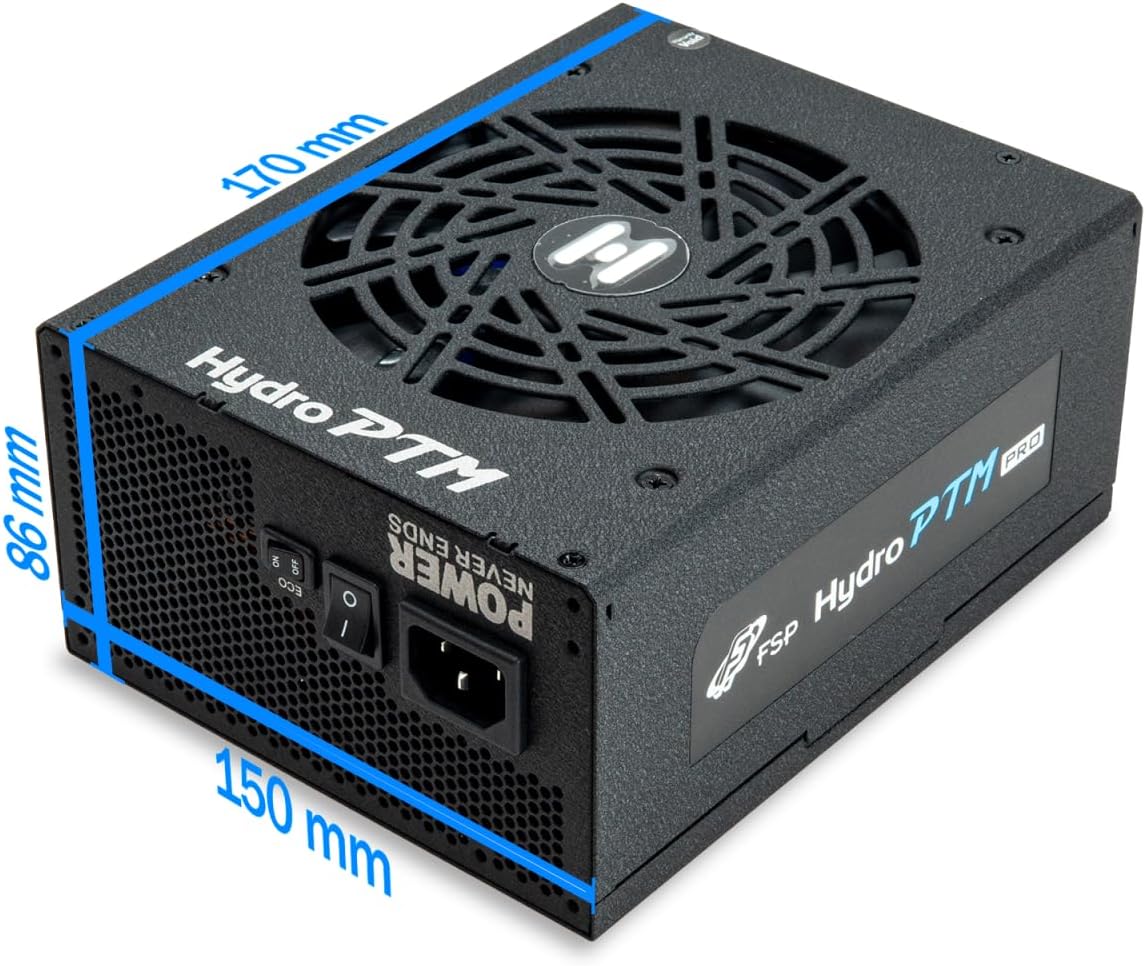
- To activate Eco Mode: Locate the "ECO" switch next to the main power switch on the rear of the power supply and set it to the "ON" position.
- To disable Eco Mode: Set the "ECO" switch to the "OFF" position. The fan will operate continuously based on temperature.
Vidiyo: Efereview of the FSP Hydro PTM Pro series, highlighting features like conformal coating, Eco Mode, and modular design. This video is provided by FSP GROUP USA.
6. Nlekọta
6.1 Nhicha
To maintain optimal performance and longevity, periodically clean your power supply:
- Ensure the power supply is completely powered off and unplugged from the AC outlet before cleaning.
- Use compressed air to gently remove dust from the fan grille and ventilation openings.
- Wipe the exterior with a soft, dry cloth. Do not use liquid cleaners or solvents.
6.2 Nchekwa gburugburu ebe obibi
The FSP Hydro PTM Pro features a proprietary conformal coating that protects internal components from dust, humidity, and stains. This allows the power supply to reliably operate in environments with up to 95% relative humidity. While this coating offers enhanced protection, it is still recommended to operate the power supply in a clean, dry environment for best results.
7. Nchọpụta nsogbu
Ọ bụrụ na ị hụ nsogbu na ọkọnọ ike gị, lee nsogbu na ngwọta ndị a na-ahụkarị:
| Nsogbu | Ihe nwere ike ime | Ngwọta |
|---|---|---|
| Sistemụ anaghị agba ọkụ. |
|
|
| Sistemu na-agbanye ọkụ mana ọ kwụsịrị ozugbo. |
|
|
| Fan is not spinning (Eco Mode off). |
|
|
If the problem persists after attempting these solutions, please contact FSP customer support.
8. Nkọwapụta
| Njirimara | Nkọwa |
|---|---|
| Aha Nlereanya | Hydro PTM Pro (HPT2-750M) |
| Ụdị | FSP |
| Mpụta Wattage | 750W |
| Asambodo 80 Plus | Platinum |
| Ụdị Ihe | ATX |
| Nhazi ike inye ike | Modul zuru ezu |
| Usoro jụrụ oyi | Ikuku (mmanya 135mm) |
| Ntinye Voltage | 115-240 volts |
| Akụkụ (L x W x H) | 170 x 150 x 86 mm (6.7 x 5.9 x 3.4 inch) |
| Nchedo | OCP, OVP, SCP, OPP, UVP, OTP |
| Capacitors | Japanese-made Electrolytic Capacitors |
| PFC | Active PFC ≥ 99% |
| Mkpuchi conformal | Yes (Dust, Humidity, Stain protection) |
9. Akwụkwọ ikike na nkwado
9.1 Ozi akwụkwọ ikike
The FSP Hydro PTM Pro 750W power supply is covered by a 10-afọ akwụkwọ ikike site na ụbọchị ịzụrụ. Akwụkwọ ikike a na-ekpuchi ntụpọ dị na ngwa na arụ ọrụ n'okpuru ojiji nkịtị. Biko dowe ihe akaebe nke ịzụrụ ihe maka akwụkwọ ikike.
Akwụkwọ ikike ahụ anaghị ekpuchi mmebi sitere na:
- Nrụnye ma ọ bụ ọrụ na-ezighi ezi.
- Accidental damage, abuse, or misuse.
- Ndozi ma ọ bụ mgbanwe na-akwadoghị.
- Natural disasters or external causes.
9.2 Nkwado ndị ahịa
For technical assistance, troubleshooting, or warranty inquiries, please contact FSP customer support. Refer to the official FSP websaịtị maka ozi kọntaktị kachasị ọhụrụ.
FSP GROUP USA
Visit the FSP Store on Amazon