
1. Okwu mmalite
This manual provides instructions for the installation, operation, and maintenance of your GIM KB-23 RGB Case Fan. Please read this manual thoroughly before installation and use to ensure proper function and safety.
The GIM KB-23 is a 120mm case fan designed to enhance airflow within your computer chassis while providing customizable RGB lighting effects.
2. Ozi nchekwa
Na-edebe ihe nchekwa nchekwa ndị a mgbe niile:
- Ensure your computer is powered off and unplugged from the wall outlet before installation or maintenance.
- Discharge any static electricity from your body by touching a grounded metal object before handling components.
- Do not force connectors. Ensure proper alignment before connecting.
- Keep small parts, such as screws, away from children.
- Avoid touching the fan blades while the fan is operating.
3. Ihe ngwugwu
Chọpụta na ihe niile dị na ngwugwu gị:
- 1 x GIM KB-23 120mm RGB Case Fan
- 4 x skru na-agbago
4. Ntọala na nwụnye
Follow these steps to install your GIM KB-23 RGB Case Fan:
4.1 Nkwadebe
- Power off your computer and unplug the power cable from the wall outlet.
- Open your computer case to access the fan mounting locations.
- Identify an appropriate 120mm fan mounting position within your case. Consider airflow direction (intake or exhaust).
4.2 Ịkwanye Fan
Position the fan in the desired mounting location. Use the four included mounting screws to secure the fan to the case. Ensure the screws are tightened firmly but do not overtighten to avoid damaging the fan frame or case.
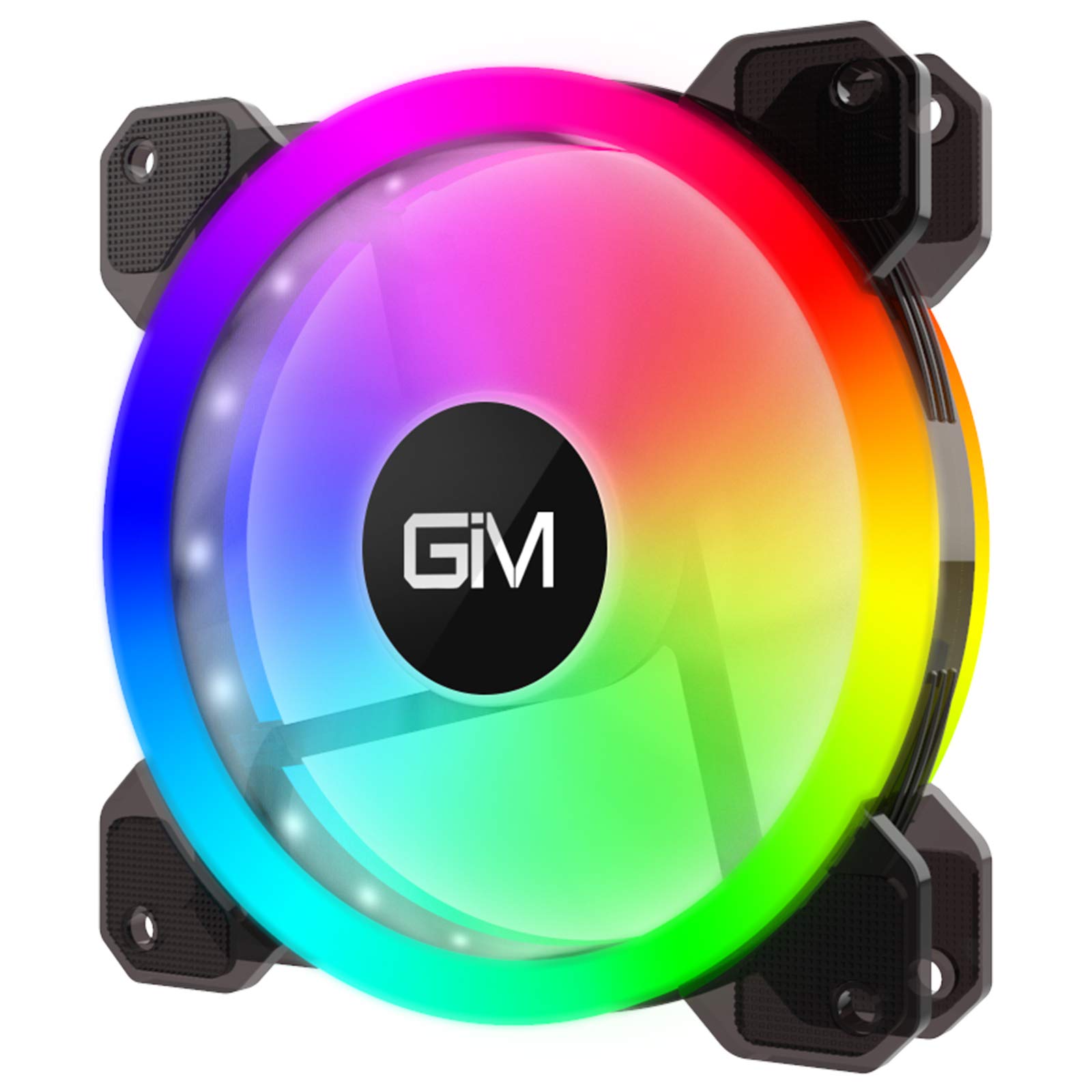
Image 1: GIM KB-23 RGB Case Fan. This image shows the fan's design and typical appearance when installed.
4.3 Ijikọ Fan
Locate the 6-pin power connector on the GIM KB-23 fan cable. Connect this cable to a compatible GIM RGB fan controller (sold separately or included with multi-pack fan kits). The fan will not function or light up without a compatible controller.
Ensure the connector is fully seated. Route the cables neatly to maintain good airflow and aesthetics within your case.
5. Ntuziaka ọrụ
Once installed and connected to a compatible GIM RGB fan controller, the fan will begin operating when your computer is powered on.
- Ọsọ onye ofufe: The fan speed is typically controlled by the GIM RGB fan controller or motherboard software, depending on the controller's capabilities and how it's connected to your system.
- RGB ọkụ: The RGB lighting effects are managed through the GIM RGB fan controller. Refer to your GIM controller's manual for specific instructions on changing lighting modes, colors, and brightness.
6. Nlekọta
Regular maintenance helps ensure optimal performance and longevity of your fan.
- Nhicha: Periodically clean the fan blades and frame to remove dust buildup. Use a can of compressed air or a soft, dry cloth. Ensure the computer is powered off and unplugged before cleaning.
- Nyocha: Check cables for any signs of wear or damage. Ensure all connections remain secure.
7. Nchọpụta nsogbu
If you encounter issues with your GIM KB-23 RGB Case Fan, refer to the following common problems and solutions:
| Nsogbu | Ihe nwere ike ime | Ngwọta |
|---|---|---|
| Fan anaghị agba ọsọ |
|
|
| Igwe ọkụ RGB anaghị arụ ọrụ |
|
|
| Oke mkpọtụ |
|
|
8. Nkọwapụta
| Njirimara | Nkọwa |
|---|---|
| Nlereanya | KB-23 |
| Akụkụ (L x W x H) | 4.72" x 0.98" x 4.72" (120mm x 25mm x 120mm) |
| Ike njikọ .dị | 6-Pin (Proprietary GIM) |
| Voltage | 12 volts |
| Wattage | 1.96 Watt |
| Usoro jụrụ oyi | Ikuku |
| Ngwa dakọtara | Kọmputa kọmputa |
| Ọkwa mkpọtụ | 25 Decibel (dB) |
| Ọsọ ntụgharị kacha | 1300 RPM |
9. Akwụkwọ ikike na nkwado
For warranty information or technical support, please contact GIM customer service through their official webebe a ma ọ bụ ebe a na-ere ngwaahịa ahụ. Debe ihe akaebe ịzụrụ ihe gị maka akwụkwọ ikike.