Welcome to your XClear Wireless Earbuds user manual. This guide provides essential information for setting up, operating, and maintaining your earbuds to ensure optimal performance and longevity. Please read this manual thoroughly before using your device.
Kedu ihe dị na Igbe ahụ
Akpa nchaji ikuku
Eartips (nha dị iche iche)
Akwụkwọ ntuziaka onye ọrụ
2. Ngwaahịa gafereview
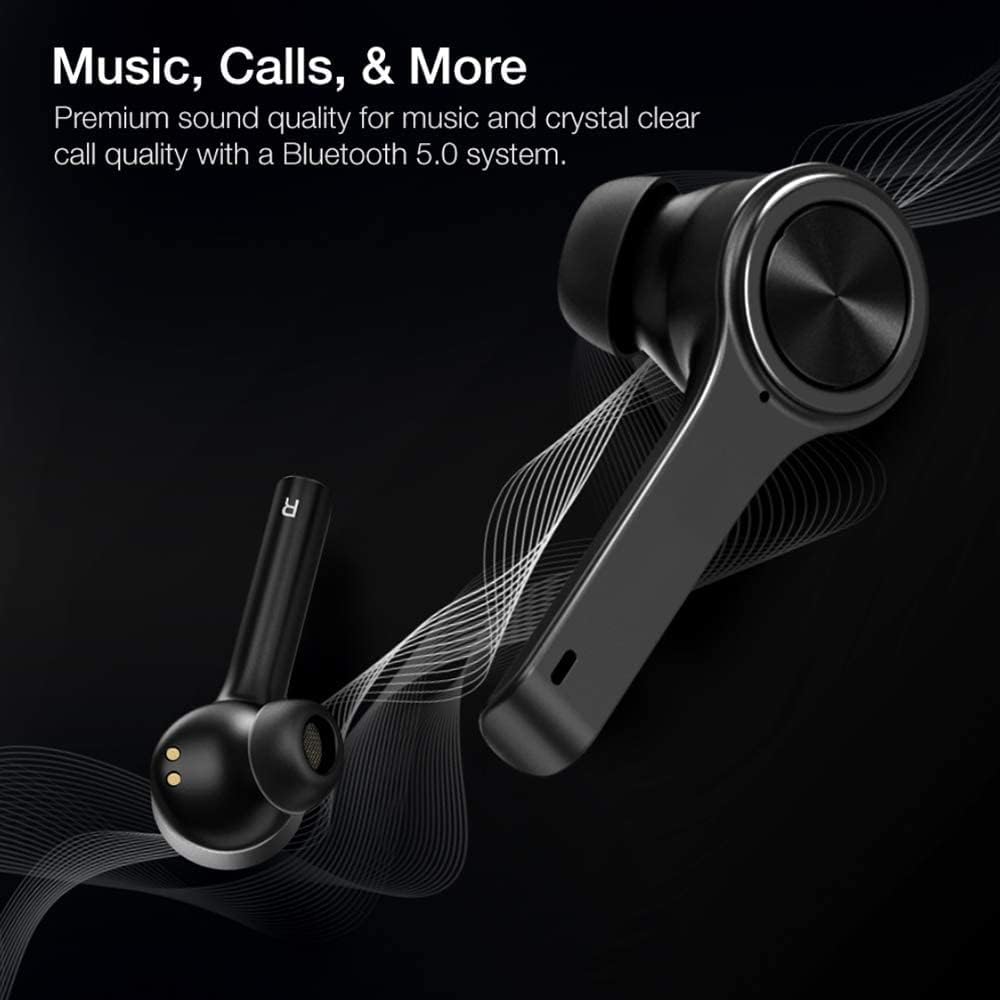
The XClear Wireless Earbuds (Model TT000082) are designed for an immersive audio experience with advanced features for convenience and durability. They feature Bluetooth 5.0 technology for stable connections and clear audio.
Atụmatụ igodo
Ogo ụda adịchaghị: Enjoy clear music and calls via Bluetooth 5.0.
Njikọ Ọsọ: Quick and easy connection by opening the charging case.
Akpa Nchaji kọmpat: Portable case with a digital LED battery indicator.
Dị mma: Ergonomic design for a secure fit during daily use and sports.
IPX5 Sweatproof: E mere ya ka ọ na-eguzogide ọsụsọ na obere mmiri ozuzo.
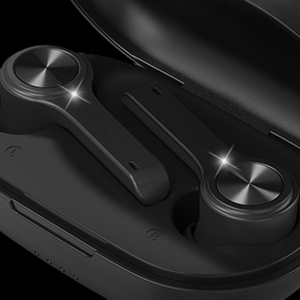
Image: XClear Wireless Earbuds and Charging Case. The earbuds are shown alongside their compact charging case, highlighting their sleek design.
Image: A person running while wearing XClear Wireless Earbuds, demonstrating a secure and comfortable fit during physical activity. A close-up inset shows an earbud in an ear.
3. Nhazi
Nchaji mbụ
Before first use, fully charge the earbuds and the charging case. Place the earbuds into the charging case. Connect the charging case to a power source using a compatible USB-C cable. The digital LED battery indicator on the case will show the charging progress. A full charge provides up to 5 hours of playtime for the earbuds and an additional 14 hours with the charging case.
Image: The XClear Wireless Earbuds charging case displaying battery life. Graphics indicate 5 hours of playtime for earbuds and 14 hours with the case.
Ijikọ na Ngwaọrụ gị
Gbaa mbọ hụ na ebubo na ekwe ntị.
Open the charging case. The earbuds will automatically enter pairing mode, indicated by bright LED lights.
Na ekwentị gị ma ọ bụ ngwaọrụ Bluetooth, gaa na ntọala Bluetooth.
Select "XClear Earbuds" from the list of available devices to connect.
Once connected, the LED lights on the earbuds will indicate a successful pairing.
Selecting the Right Eartips
For optimal sound quality and comfort, select the eartips that best fit your ear canals. An improper fit may result in reduced sound quality or call performance. Experiment with the different sizes provided to find the most snug and secure fit.
4. Ntuziaka ọrụ
Njikwa mmetụ
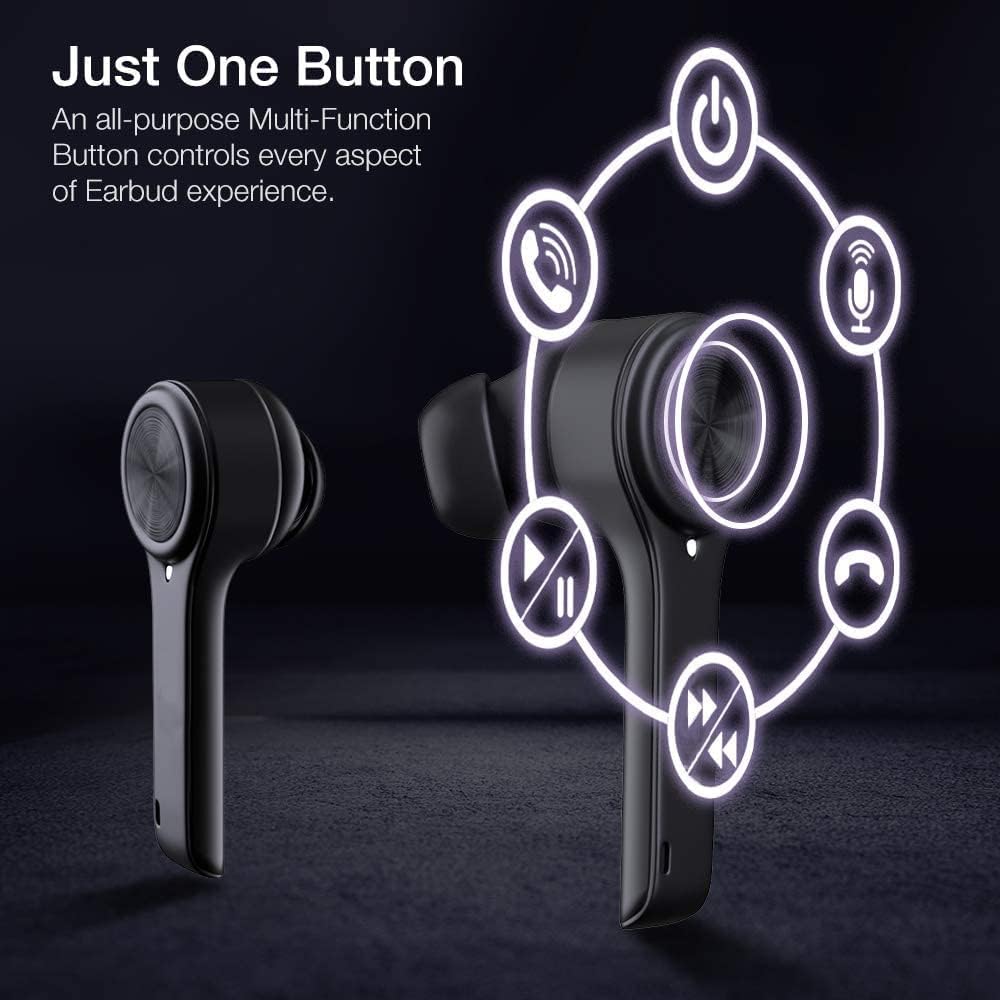
The XClear Wireless Earbuds feature intuitive touch controls for managing your audio and calls:
Gara aga Track: Kpatụ ntị ntị aka ekpe ugboro abụọ.
Azịza/Kwụsị Oku: Naanị otu ọpịpị na ntị ntị n'oge oku mbata.
Jụ oku: Pịa ma jide otu ntị ntị maka sekọnd 2 n'oge oku mbata.
Mee ka onye enyemaka olu rụọ ọrụ: Pịa ugboro atọ na ntị ntị.
Image: A diagram illustrating the multi-function touch controls on the XClear Earbuds, showing icons for power, calls, microphone, play/pause, and track skipping.
Dual Mode Listening
You can use the XClear Wireless Earbuds in either Stereo Mode (both earbuds) or Single Ear Mode (one earbud). To properly use Single Ear Mode, ensure the unused earbud is placed in the charging case and the lid is closed.
Image: A man wearing a single XClear earbud, demonstrating the dual mode listening feature. The text indicates the ability to switch between stereo and single ear mode.
5. Nlekọta
Nhicha na Nchekwa
Jiri akwa dị nro na-ehicha ihe ntị ntị na chaja mgbe niile.
Zere iji kemịkalụ siri ike ma ọ bụ ihe na-emebi emebi.
Store the earbuds in their charging case when not in use to protect them from dust and damage.
Nlekọta batrị
Iji mee ka batrị dị ogologo, zere iwepụ ihe niile na-agbapụta na ekweisi na ihe mkpuchi chaja mgbe niile.
Charge the device using only the provided cable or a certified USB-C charger.
Ewepụla ngwaọrụ ahụ na oke okpomọkụ.
Image: A close-up of an XClear earbud with water droplets, illustrating its sweatproof and water-resistant design.
6. Nchọpụta nsogbu
Okwu na ngwọta nkịtị
Earbuds anaghị akwụ ụgwọ: Ensure the charging cable is securely connected to both the case and the power source. Verify that the earbuds are correctly seated in the charging case. Check the charging case's battery level.
Igwe ntị anaghị ejikọta: Make sure Bluetooth is enabled on your device. Place the earbuds back in the case, close the lid, then open it again to re-enter pairing mode. If issues persist, try forgetting the device in your Bluetooth settings and re-pairing.
Ogo ụda adịghị mma: Ensure the eartips provide a snug fit in your ear canals. Clean any debris from the earbud speakers. Check the audio source for quality issues.
Otu earbud anaghị arụ ọrụ: Place both earbuds back into the charging case, close the lid, and then open it again. This often re-syncs them. If the issue continues, try resetting the earbuds (refer to the full manual for specific reset instructions if available).
XClear offers a 1-Year Warranty on this product. Please retain your proof of purchase for warranty claims. For detailed terms and conditions, refer to the official XClear websaịtị ma ọ bụ kpọtụrụ nkwado ndị ahịa.
Nkwado ndị ahịa
For further assistance, technical support, or warranty inquiries, please visit the XClear official website or contact their customer service department. Contact details can typically be found on the product packaging or the brand's websaịtị.
Ask a question about this manual
Ask about setup, troubleshooting, compatibility, parts, safety, or missing instructions. Manuals+ will review the question and use this page’s manual context to help answer it.