
Femometer Digital Thermometer DMT-2032 User Manual
Model: DMT-2032 | Brand: femometer
1. Okwu mmalite
The Femometer Digital Thermometer DMT-2032 is designed for accurate and reliable temperature measurement for all ages, including babies, children, and adults. It features a clear LCD display, memory recall, fever alert, and the ability to switch between Celsius and Fahrenheit. This manual provides essential information for safe and effective use of your thermometer.
2. Ozi nchekwa
- Do not boil the thermometer. Clean the probe with alcohol or soap and water.
- Ewepụla temometa ma ọ bụ kpughee ya ka ọ bụrụ nnukwu ujo.
- Do not store the unit in direct sunlight, at high temperatures, or in high humidity or dust. Performance may be degraded.
- Debe temometa ka ụmụaka ghara iru.
- If the thermometer has been stored at temperatures below freezing, allow it to warm naturally to room temperature before use.
- FDA enyochabeghị nkwupụta gbasara mgbakwunye nri na ebughị n'obi ịchọpụta, gwọọ, gwọọ ma ọ bụ gbochie ọrịa ọ bụla ma ọ bụ ọnọdụ ahụike.
3. Ngwaahịa gafereview
The Femometer Digital Thermometer DMT-2032 is a compact and easy-to-use device for monitoring body temperature. It includes a temperature sensing probe, an LCD display, and a single button for operation.

Foto 3.1: Ofeview of the Femometer Digital Thermometer highlighting its key features such as last reading memory, one-button measurement, suitability for all ages, temperature sensing probe, included battery, and LCD display.

Image 3.2: The Femometer Digital Thermometer (green color) shown alongside its retail packaging, which indicates features like waterproof design and soft beep.
4. Nhazi
Ihe ngwugwu 4.1
Your Femometer Digital Thermometer package should contain:
- 1 x Femometer Digital Thermometer (Model DMT-2032)
- 1 x LR44 battery (pre-installed)
- 1 x Akpa nchekwa
- 1 x Akwụkwọ ntuziaka onye ọrụ
4.2 Nwụnye/Ndochi batrị
The thermometer comes with an LR44 battery pre-installed. When the low battery indicator appears on the display, replace the battery as follows:
- Gently pull off the battery cover at the end of the thermometer.
- Wepu batrị ochie.
- Insert a new LR44 battery with the positive (+) side facing up.
- Dochie mkpuchi batrị nke ọma.
5. Ntuziaka ọrụ
5.1 Inyocha ihe
- Press the power button to turn on the thermometer. A short beep will sound, and the display will show the last measured temperature for approximately 2 seconds.
- After the last reading, the display will show "Lo" with a flashing "℉" or "℃", indicating the thermometer is ready for measurement.
- Place the thermometer in the desired measurement position (oral, rectal, or underarm).
- The measurement is complete when a series of beeps sounds and the temperature reading stops flashing.
- Wepu temometa ma gụọ ọnọdụ okpomọkụ.
- Press the power button to turn off the thermometer, or it will automatically shut off after approximately 10 minutes of inactivity to conserve battery life.
5.2 Ụzọ nha
The Femometer Digital Thermometer can be used for oral, rectal, or underarm temperature measurement.

Image 5.1: The thermometer is suitable for various measurement sites including oral, rectal, and underarm, catering to babies, children, and adults.
- Eji ọnụ Place the probe tip under the tongue as close as possible to the heat pocket. Keep the mouth closed during measurement.
- Eji Rectal: Lubricate the probe tip with a water-soluble jelly. Gently insert the tip no more than 1/2 inch into the rectum. This method is generally used for infants and young children.
- Eji n'okpuru (Axillary) mee ihe: Place the probe tip in the armpit and press the arm firmly against the body. This method is less accurate than oral or rectal measurements.

Image 5.2: Demonstrates oral temperature measurement by an adult.

Image 5.3: Illustrates rectal temperature measurement for an infant.

Image 5.4: Shows underarm temperature measurement by an adult.
5.3 Switching Temperature Units (℉/℃)
To switch between Fahrenheit (℉) and Celsius (℃):
- Hụ na agbanyụrụ temometa ahụ.
- Press and hold the power button for approximately 3-5 seconds until the unit changes.
- Release the button, and the new unit will be displayed.

Image 5.5: Illustration of how to switch the temperature display between Fahrenheit (℉) and Celsius (℃).

Foto 5.6: Zuru ezu view of the thermometer's display demonstrating the ability to switch between ℉ and ℃ units.
5.4 Ncheta Ncheta
The thermometer automatically stores the last measured temperature. To view the last reading:
- Pịa bọtịnụ ike ka ịgbanwuo temometa.
- The last measured temperature will be displayed for approximately 2 seconds before showing "Lo" and flashing.
5.5 Fever Alert
The thermometer includes a fever alert feature. If the measured temperature exceeds a certain threshold (typically 37.8℃ / 100℉), a rapid series of beeps will sound to indicate a fever.
6. Nlekọta
6.1 Nhicha na disinfection
The waterproof tip allows for easy and hygienic cleaning.
- After each use, clean the thermometer probe with a soft cloth and 70% isopropyl alcohol, or wash with soap and cool water.
- Do not immerse the entire thermometer in water or other cleaning solutions.
- Allow the thermometer to air dry completely before storing.

Image 6.1: The waterproof tip of the thermometer facilitates easy and hygienic cleaning.
6.2 Nchekwa
Store the thermometer in its protective plastic case when not in use.
- Keep the thermometer in a dry, cool place, away from direct sunlight and extreme temperatures.
- Ensure the battery cover is securely closed.

Image 6.2: The thermometer fits perfectly into its storage case, making it convenient for travel and family use.
7. Nchọpụta nsogbu
Refer to the table below for common error messages and their solutions.

Image 7.1: Troubleshooting guide for common display messages and their corresponding solutions.
| Ozi mperi | Nsogbu | Ngwọta |
|---|---|---|
| Lo | Temperature taken is lower than 90.0℉ (32.0℃). | Turn off, wait one minute, and take a new temperature via close contact and sufficient rest. |
| Hi | Temperature taken is higher than 109.9℉ (42.9℃). | Turn off, wait one minute, and take a new temperature via close contact and sufficient rest. |
| Njehie | Sistemu anaghị arụ ọrụ nke ọma. | Unload the battery, wait for 1 minute, and repower it. If the message reappears, contact the retailer for service. |
| Flashing Battery Icon | Dead battery; battery icon is flashing, cannot be measurable. | Replace the battery (LR44). |
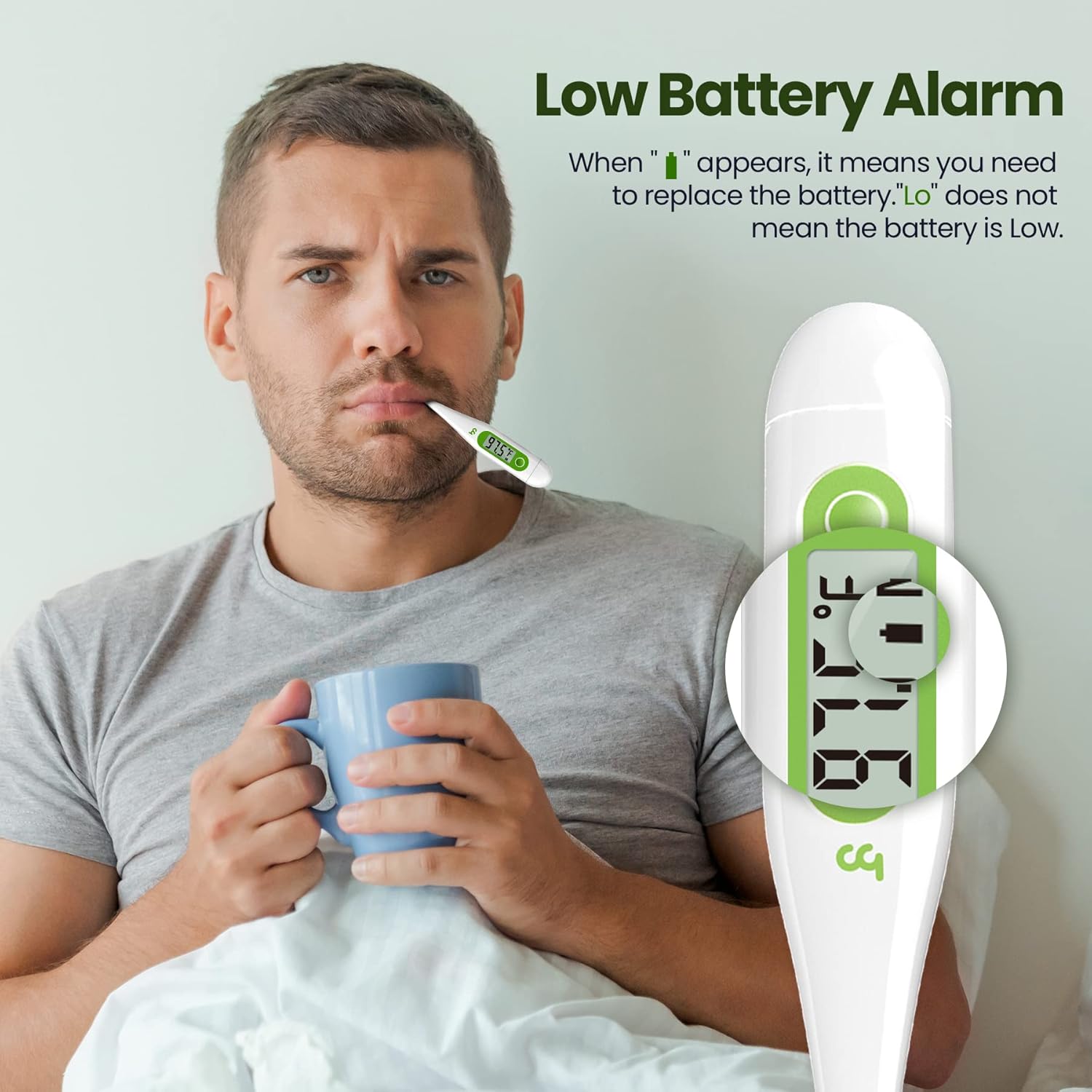
Image 7.2: The thermometer display showing a low battery alarm, indicating it's time for battery replacement.
8. Nkọwapụta
| Njirimara | Nkọwa |
|---|---|
| Nọmba nlereanya | DM-2032 |
| Akụkụ ngwaahịa | 5.9 x 2.1 x 0.8 sentimita asatọ |
| Ibu | 1.13 ounces |
| Isi Iyi Ike | 1 x LR44 battery (included) |
| Oke nha | 32.0℃ - 42.9℃ (90.0℉ - 109.9℉) |
| Izi ezi | ± 0.1 ℃ / ± 0.2 ℉ |
| Ụdị ngosi | Dijitalụ LCD |
| Atụmatụ pụrụ iche | Fever Alert, Memory Recall, C/F Switchable, Low Battery Alert, Auto Power Off |
| Ihe onwunwe | Plastic |
| Nlekọta ngwaahịa | Hichapụ Ọcha |
| Asambodo | FDA |
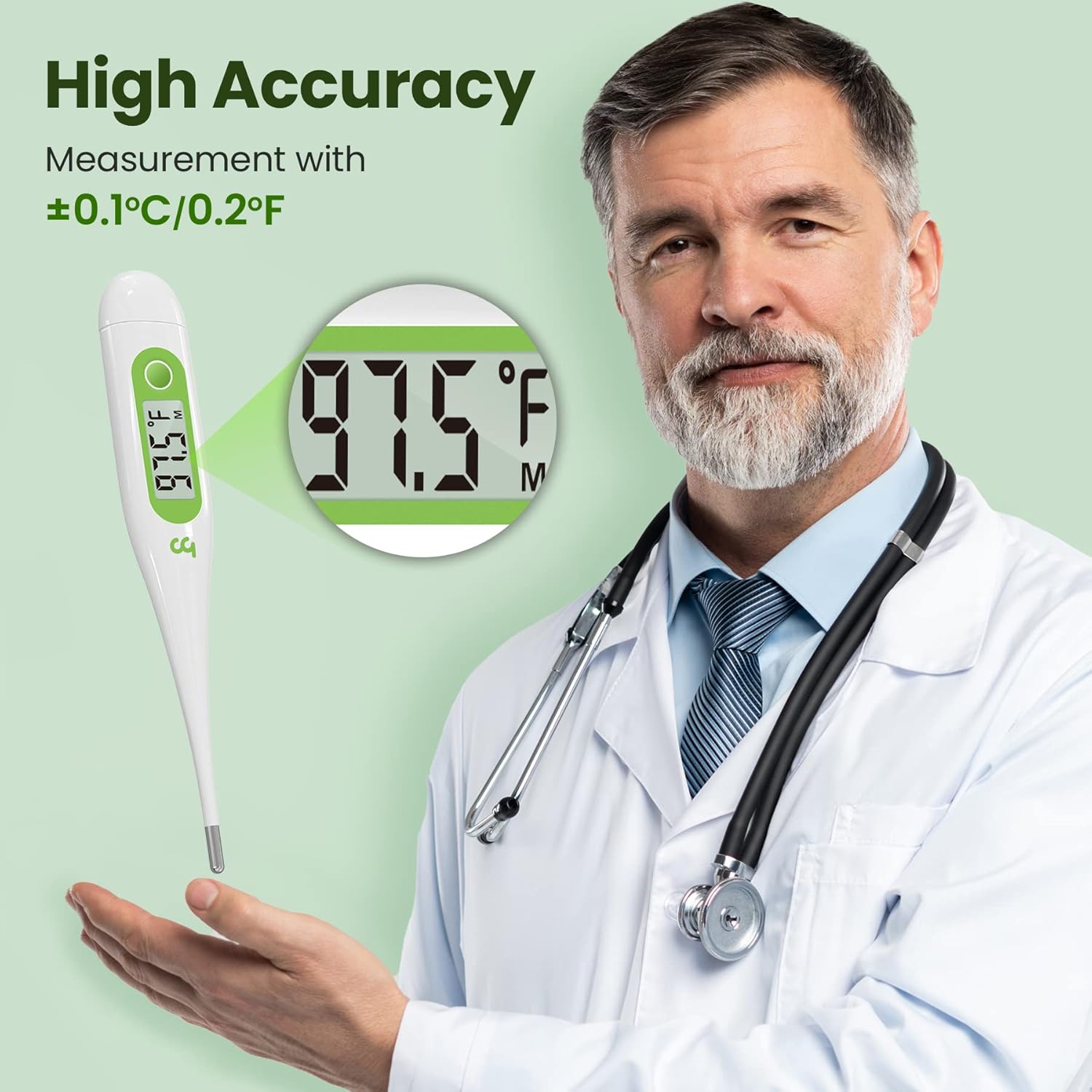
Image 8.1: The Femometer Digital Thermometer offers high accuracy with a measurement tolerance of ±0.1℃ / ±0.2℉.

Image 8.2: The thermometer provides high precision measurements, essential for accurate temperature monitoring.
9. Akwụkwọ ikike & Nkwado
Femometer products are designed for reliability and ease of use. For any questions or support, please refer to the contact information provided with your purchase or visit the official Femometer websaịtị.
- The product is FDA certified.
- This product is HSA/FSA eligible.

Image 9.1: The Femometer Digital Thermometer is HSA/FSA eligible and holds FDA certification, ensuring quality and compliance.