
1. Okwu mmalite
Thank you for choosing the oneConcept Duster 2-in-1 Vacuum Cleaner. This appliance is designed for efficient and versatile cleaning of various surfaces in your home. It functions as both a powerful floor vacuum cleaner and a convenient handheld unit, featuring a bagless cyclonic filter system and a HEPA filter for improved air quality. Please read this manual thoroughly before first use to ensure safe operation and optimal performance.

Foto nke 1.1: The oneConcept Duster vacuum cleaner showcasing its versatility as both a handheld and a floor vacuum. The compact design and red dust container are visible.
2. Ntuziaka nchekwa
Na-agbaso ihe ndị a dị mkpa mgbe niile iji belata ihe egwu nke ọkụ, ọkụ eletrik, ma ọ bụ mmerụ ahụ.
- Gbaa mbọ hụ na ọkọnọ ọkụ voltage dakọtara na akara ọkwa dị na ngwa ahụ.
- Do not use the vacuum cleaner to pick up water or other liquids, hot ashes, sharp objects, or flammable/explosive materials.
- Do not operate the appliance with a damaged cord or plug. If damaged, contact qualified service personnel.
- Wepụ ihe mkpofu ọkụ na ebe ọkụ tupu ihicha ma ọ bụ rụọ ọrụ ọ bụla.
- Debe ntutu isi, uwe na-adịghị mma, mkpịsị aka na akụkụ ahụ niile pụọ na oghere na akụkụ ndị na-akpụ akpụ.
- Ngwa a bụ maka naanị ụlọ. Ejila n'èzí ma ọ bụ n'elu mmiri.
- Ekwesịrị ilekọta ụmụaka ka ha hụ na ha ejighi ngwa eji egwu egwu egwu.
3. Ngwaahịa gafereview na akụrụngwa
The oneConcept Duster is a versatile 2-in-1 vacuum cleaner designed for ease of use and efficient cleaning.
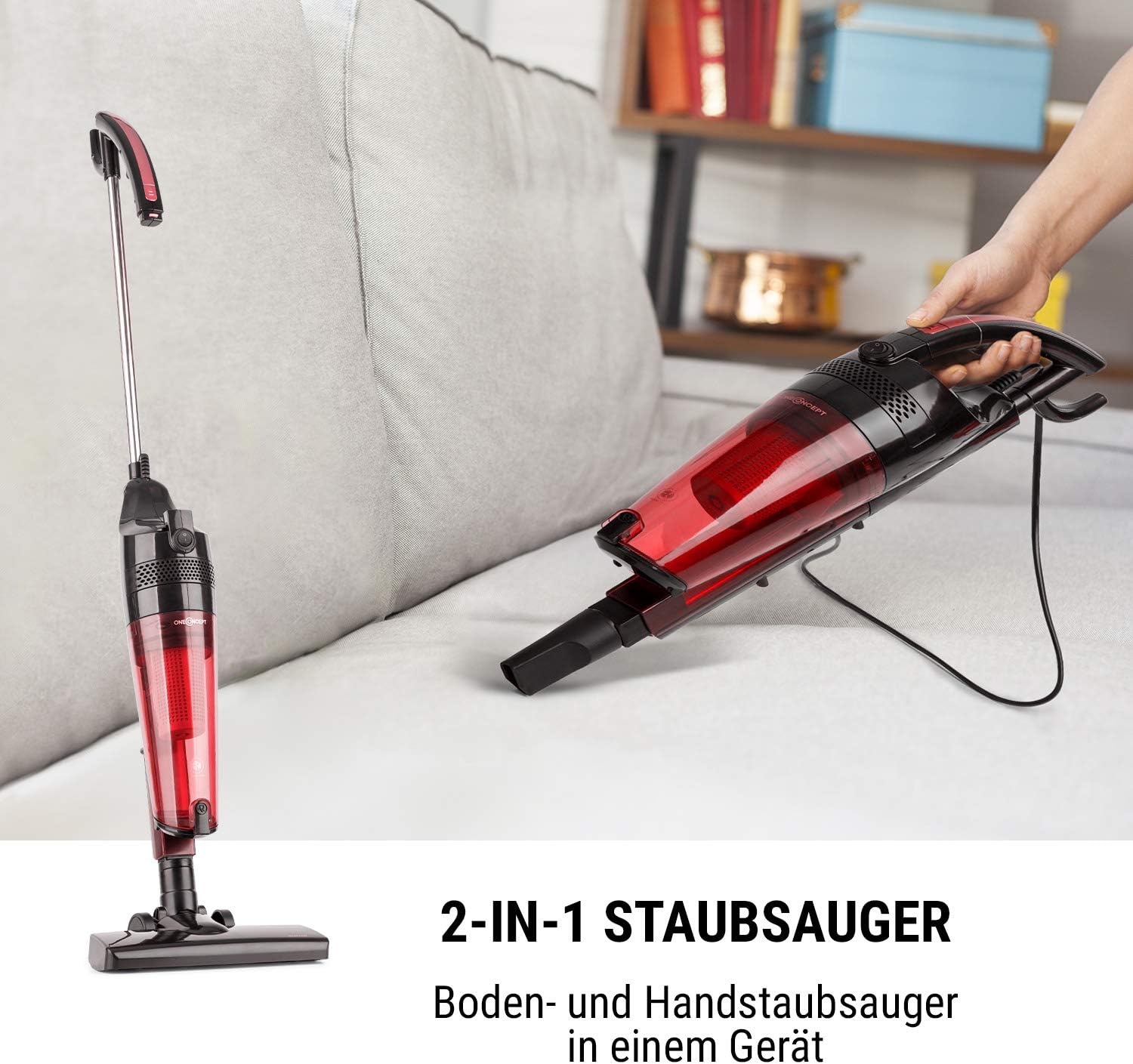
Foto nke 3.1: Illustration of the vacuum cleaner's dual functionality, highlighting its ability to transform from a full-size floor vacuum to a compact handheld unit.
Isi ihe:
- Isi ngalaba: Contains the motor, dust container, and filter system.
- Extension Tube/Handle: For upright floor cleaning.
- Ọkpụkpọ ala: Designed for various floor types.
- Ọkpụkpụ Crevice: Maka oghere dị warara na nkuku.
- Akpa uzuzu: 1.5-liter capacity, bagless design.
- HEPA Myọcha: High-efficiency particulate air filter for trapping fine dust and allergens.

Foto nke 3.2: The vacuum cleaner main unit displayed with its essential accessories, including the floor nozzle and the crevice nozzle, ready for various cleaning tasks.
4. Nhazi
4.1 Assembling for Floor Cleaning:
- Tinye ọkpọkọ ndọtị ahụ n'ime isi ihe ahụ ruo mgbe ọ pịara nke ọma n'ebe ahụ.
- Attach the floor nozzle to the bottom end of the extension tube, ensuring it is firmly connected.
- Ensure the dust container and HEPA filter are correctly installed before use.
4.2 Converting to Handheld Mode:
The oneConcept Duster can be easily converted into a handheld vacuum for quick clean-ups and hard-to-reach areas.
- Press the release button on the main unit to detach the extension tube.
- Attach the desired accessory (e.g., crevice nozzle) directly to the main unit's suction opening.

Foto nke 4.1: A user demonstrating the quick and easy detachment of the handheld vacuum unit from the main body, illustrating the product's flexible design.
5. Ntuziaka ọrụ
5.1 ịgbanwu/ gbanyụọ:
Plug the power cord into a suitable electrical outlet. Locate the power switch on the main unit.
- To turn on: Press the power switch to the "ON" position.
- To turn off: Press the power switch to the "OFF" position.

Foto nke 5.1: A zuru ezu view of the simple on/off switch located on the main body of the vacuum cleaner, emphasizing its user-friendly design.
5.2 Using the Floor Vacuum:
For cleaning hard floors, carpets, and rugs.
- Ensure the floor nozzle is attached.
- Move the vacuum cleaner slowly and steadily over the surface to be cleaned.
- The lightweight design (approx. 1.9 kg) makes it easy to maneuver.

Foto nke 5.2: A person demonstrating the ease of use of the oneConcept Duster in its floor vacuum configuration, highlighting its lightweight and maneuverable design on a wooden floor.
5.3 Using the Handheld Vacuum:
Ideal for cleaning furniture, car interiors, stairs, and other small areas.
- Detach the main unit from the extension tube.
- Attach the crevice nozzle for tight spaces or use the main unit directly for wider areas.
- The handheld unit weighs approximately 1.5 kg.
6. Nlekọta
Regular maintenance ensures the longevity and optimal performance of your vacuum cleaner. Always unplug the appliance before performing any maintenance.
6.1 Emptying the Dust Container:
The 1.5-liter dust container should be emptied regularly, especially when the dust level reaches the "MAX" line.
- Pịa bọtịnụ ntọhapụ iji wepụ akpa uzuzu na ngalaba isi.
- Hold the dust container over a trash bin and open the bottom flap to empty the contents.
- Close the flap securely and reattach the dust container to the main unit.

Foto nke 6.1: A hand demonstrating the process of emptying the 1.5-liter dust container of the oneConcept Duster, showing the collected debris being disposed of into a waste bin.
6.2 Cleaning the HEPA Filter:
The HEPA filter should be cleaned periodically to maintain suction power and air filtration efficiency.
- Wepu akpa uzuzu dịka akọwara n'elu.
- Carefully remove the HEPA filter from inside the dust container.
- Tap the filter gently over a trash bin to remove loose dust. You may also rinse it under cold running water.
- Kwe ka nzacha ahụ kpoo kpamkpam maka opekata mpe awa 24 tupu itinyeghachi ya. Ejila igwe nkụ ma ọ bụ ngwaọrụ kpo oku ndị ọzọ.
- Reinsert the dry HEPA filter and reattach the dust container.

Foto nke 6.2: Ihe gbawara view diagram illustrating the components of the cyclonic filter system, including the removable HEPA filter, demonstrating how to access and clean it.
6.3 Nhicha izugbe:
- Jiri nwayọ hichaa mpụta nke ihe na-ehicha agụụ, damp akwa . Ejila ihe nchacha abrasive ma ọ bụ ihe mgbaze.
- Check the nozzles and tubes for any blockages and remove them if found.
7. Nchọpụta nsogbu
Tupu ịkpọtụrụ nkwado ndị ahịa, biko rụtụ aka na tebụl na-esonụ maka okwu nkịtị na ngwọta ha.
| Nsogbu | Ihe nwere ike ime | Ngwọta |
|---|---|---|
| Ihe mkpocha ọkụ anaghị agbanwu. | No power supply; Power switch is off; Plug not fully inserted. | Check power cord and outlet; Ensure switch is "ON"; Reinsert plug firmly. |
| Ike mmiri dị ala. | Dust container full; Filter clogged; Nozzle/hose blocked. | Empty dust container; Clean HEPA filter; Remove any blockages from nozzles or tubes. |
| Mkpọtụ na-adịghị ahụkebe n'oge arụ ọrụ. | Blockage in nozzle/tube; Filter incorrectly installed; Motor issue. | Check for and remove blockages; Ensure filter is correctly seated; If noise persists, contact support. |
| Uzuzu na-agbapụ na oghere ikuku. | Dust container not properly closed; Filter missing or damaged. | Ensure dust container is securely closed; Check and correctly install or replace filter. |
8. Nkọwapụta
| Njirimara | Nkọwa |
|---|---|
| Nọmba nlereanya | VCM18-Duster B&R |
| Ike | 600 W |
| Olu arịa uzuzu | 1.5 lita |
| Klas arụmọrụ ike | A |
| Ọkwa mkpọtụ | 72 dB |
| Weight (Floor Vacuum) | Ihe ruru. 1.9 n'arọ |
| Weight (Handheld Vacuum) | Ihe ruru. 1.5 n'arọ |
| Dimensions (Floor Vacuum Extended) | Approx. 25 x 104 x 16 cm (W x H x D) |
| Ịnye ọkụ | 220-240 V~ | 50-60 Hz |
| Ụdị nzacha | HEPA Filter, Cyclonic Filter System |
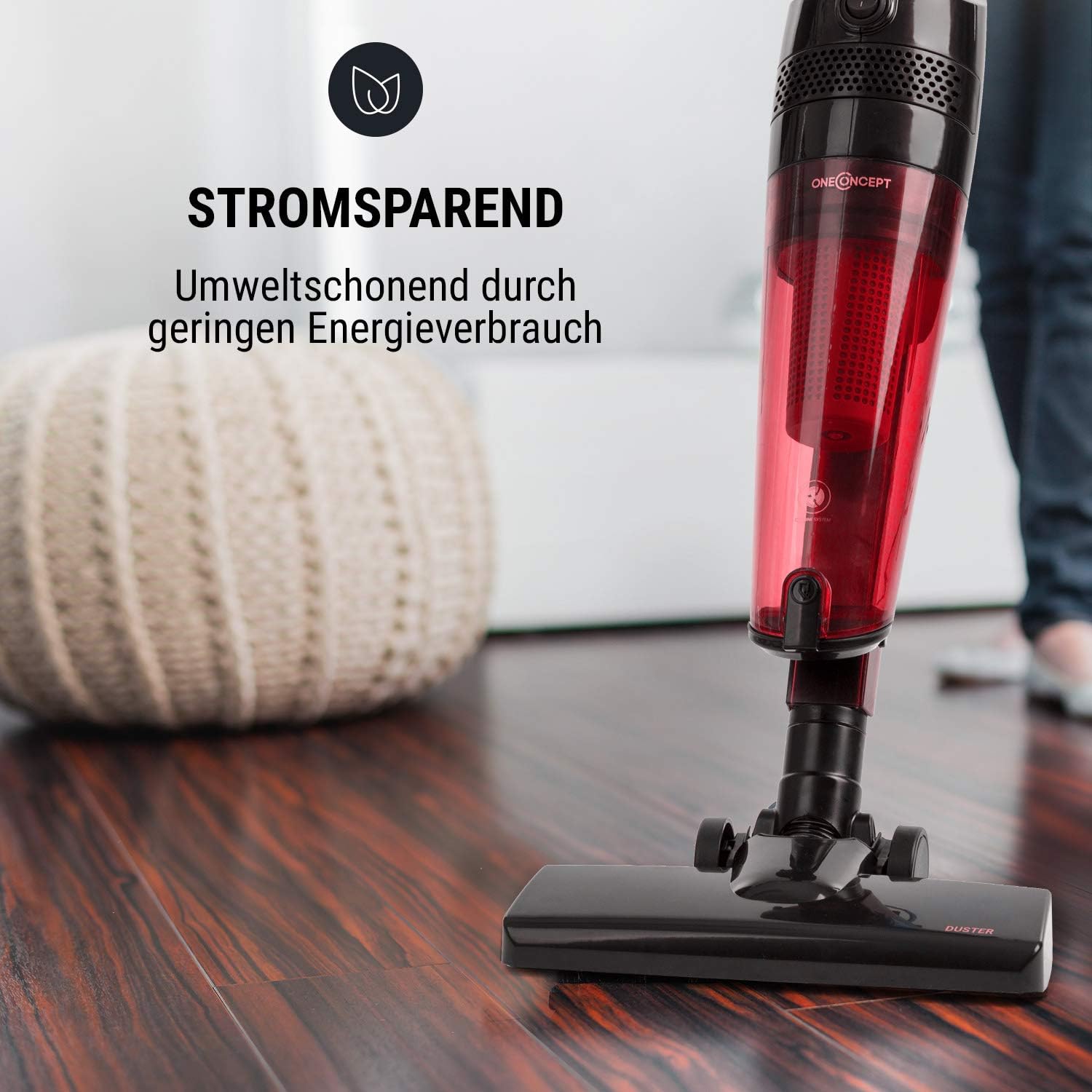
Foto nke 8.1: The vacuum cleaner highlighting its energy-saving feature, indicating efficient power consumption during operation.
9. Akwụkwọ ikike na nkwado
Information regarding product warranty and customer support details is typically provided with your purchase documentation or on the manufacturer's official website. Please refer to those resources for specific warranty terms, conditions, and contact information for technical assistance or service.
Note: Specific warranty and support contact information was not available in the provided product data.
10. Official Product Videos
No official product videos from the seller were provided in the available data. Please check the product page or manufacturer's website for any available video demonstrations or guides.