
1. Ngwaahịa gafereview
This manual provides essential information for the assembly, operation, and maintenance of your DELTACO GAMING Desk, model GAM-055. This stable gaming desk features a PVC-treated surface, robust metal legs, and an integrated headphone holder, designed for an optimal gaming experience.
Ụdị: GAM-055
Akụkụ: 116D x 75B x 75H centimeters
Agba: Nwa
2. Ozi nchekwa
WARNING: Heavy Object.
Always use two people for moving or assembling this desk to prevent injury. Carefully follow all assembly instructions to ensure the desk's stability and safety during use. Do not overload the desk beyond its intended capacity.
3. Ntọala na Mgbakọ
Assembly is required for this product. Please ensure all components are present before beginning. An assembly instruction guide is included in the packaging.
- Ndị ọrụ akwadoro: 2 people are recommended for safe and efficient assembly.
- Ngwa: All necessary assembly tools are included.
- Ntuziaka: Detailed assembly instructions are provided within the product packaging. Follow them carefully step-by-step.
3.1 njirimara akụrụngwa
Before assembly, identify all parts. Refer to the included assembly guide for a complete list of components and hardware.

Foto 1: N'ihu view of the assembled DELTACO GAMING Desk GAM-055. This image shows the overall structure and design of the desk from the front.

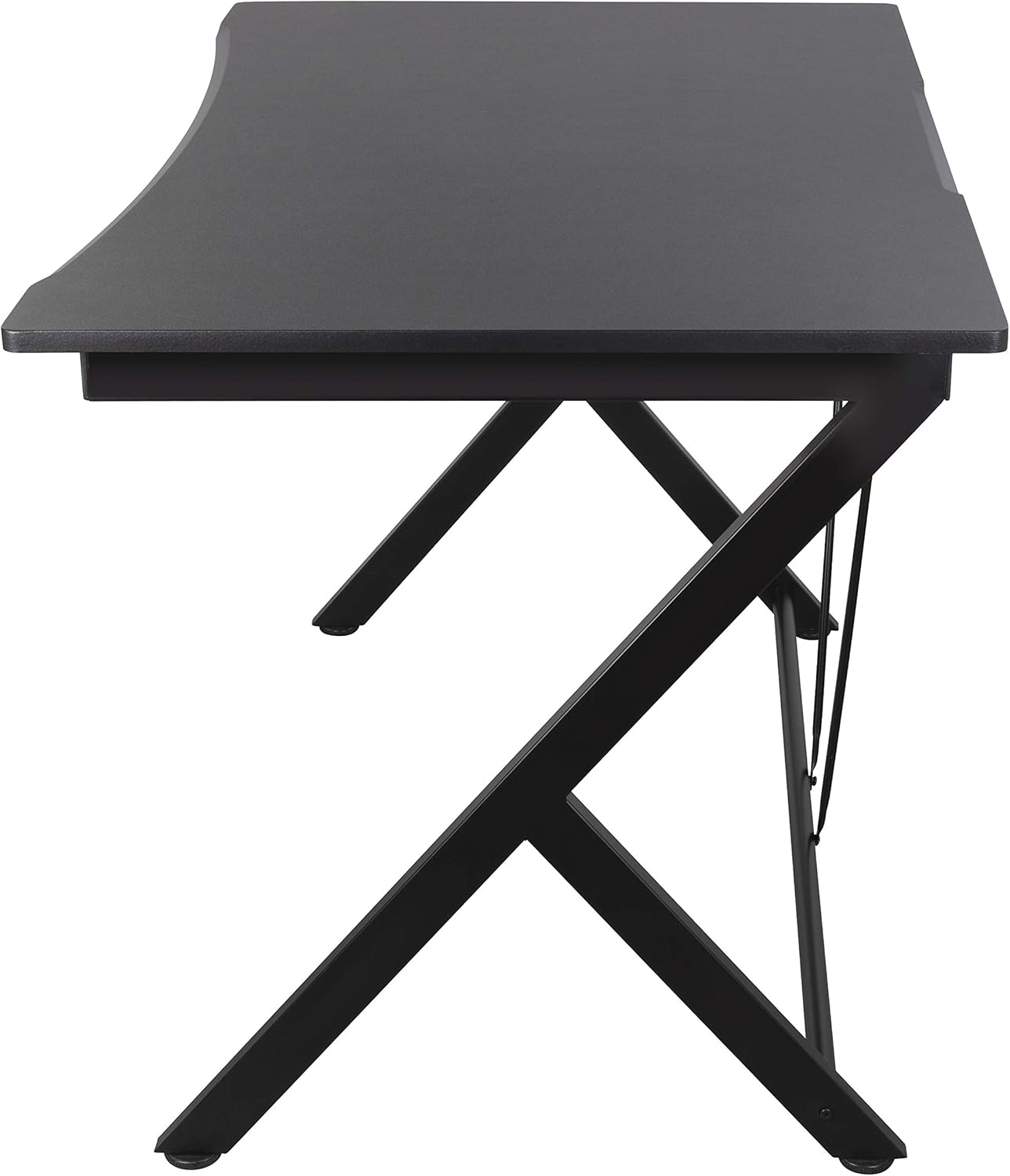
Foto 2: Akụkụ view of the DELTACO GAMING Desk GAM-055, highlighting the metal leg structure and the desk's profile.
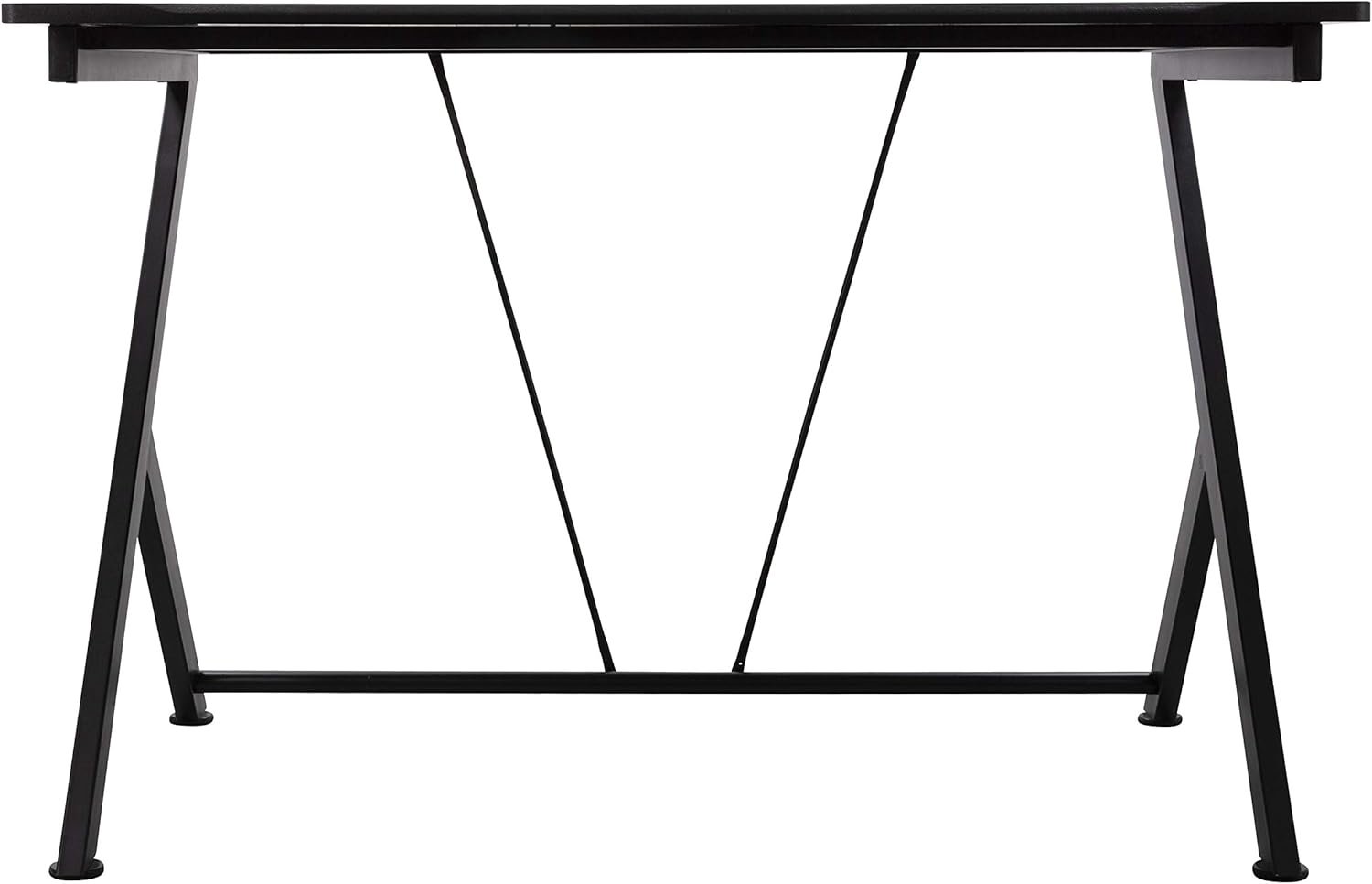
Ọgụgụ 3: Azụ view of the DELTACO GAMING Desk GAM-055, showing the rear support bars for enhanced stability.
Ọgụgụ 4: N'elu-ala view of the DELTACO GAMING Desk GAM-055, illustrating the desk surface and its rounded edge.
3.2 Integrated Headphone Holder
The desk includes an integrated headphone holder for convenient storage of your gaming headset.

Ọgụgụ 5: nso nso view of the integrated headphone holder, located underneath the desk surface.
4. Ntuziaka ọrụ
The DELTACO GAMING Desk is designed for static use as a workstation or gaming surface. No complex operation is required.
- Ensure the desk is placed on a level surface to prevent wobbling.
- Kesaa ibu ahụ nke ọma n'elu tebụl ahụ.
- Utilize the integrated headphone holder for convenient storage of your headset when not in use.
5. Nlekọta
Regular maintenance will help prolong the life and appearance of your DELTACO GAMING Desk.
- Nhicha: Wipe the PVC-treated surface with a soft, damp akwa . Zere ihe nchacha abrasive ma ọ bụ kemịkalụ siri ike nke nwere ike imebi njedebe.
- Nyochaa nkwụsi ike: Na-elele skru na ngwa ngwa niile ka ị hụ na ha siri ike. Tinyegharịa ma ọ bụrụ na ọ dị mkpa iji kwado nkwụsi ike.
- Zere oke ọkụ: Do not place extremely hot items directly on the desk surface without protection.
6. Nchọpụta nsogbu
This section addresses common issues you might encounter with your gaming desk.
- Desktọpụ mkpara:
- Ensure the desk is on a flat, even floor.
- Lelee na skru niile e ji aka sie ike nke ọma.
- Adjust the leveling feet (if present) on the bottom of the legs to compensate for uneven floors.
- Akụkụ na-efu: If you find any parts missing during assembly, please contact customer support immediately.
- Mmebi n'elu: For minor scratches, specialized repair kits for PVC surfaces may be available. For significant damage, consider contacting the manufacturer.
7. Nkọwapụta
| Njirimara | Nkọwa |
|---|---|
| Ụdị | Egwuregwu DELTACO |
| Nọmba nlereanya | GAM-055 |
| Akụkụ ngwaahịa (D x W x H) | 116 x 75 x 75 cm |
| Ibu Ibu | 19 kilogram |
| Agba | Nwa |
| Nhazi oche | Desktọpụ Kọmputa |
| Ụdị ihe kacha elu | Metal (PVC-treated surface) |
| Isi ihe | Ọla |
| Ụdị mmecha | Ekpuchiri ntụ ntụ |
| Njirimara Pụrụ Iche | Integrated Headphone Holder |
| Mgbakọ chọrọ | Ee |
| Ọnụọgụ ndị mmadụ akwadoro maka Mgbakọ | 2 |
| Ngwa Mgbakọ gụnyere | Ee |
8. Akwụkwọ ikike Ozi
This DELTACO GAMING Desk GAM-055 comes with a Akwụkwọ ikike dị afọ 5. The warranty covers manufacturing defects under normal use. Please retain your proof of purchase for warranty claims. For specific terms and conditions, refer to the warranty documentation included with your product or contact DELTACO GAMING customer support.
9. Nkwado
For further assistance, technical support, or warranty inquiries, please contact DELTACO GAMING customer service through their official websaịtị ma ọ bụ ozi kọntaktị enyere na nkwakọ ngwaahịa gị.
Websaịtị: www.deltacogaming.com (Ọpụample link, please refer to actual product documentation for correct support channels.)