
1. Okwu mmalite
Daalụ maka ịzụrụasing the Jam HX-P202 Chill Out Bluetooth Speaker. This manual provides essential information for setting up, operating, and maintaining your speaker. Please read these instructions carefully before use to ensure optimal performance and longevity of your device.
The Jam Chill Out speaker is designed for portability and durability, featuring a compact design, Bluetooth connectivity, and water and dust resistance, making it suitable for various environments.
2. Ngwaahịa gafereview na Atụmatụ
The Jam HX-P202 Chill Out speaker offers a range of features for an enhanced audio experience:
- Njikọ Bluetooth: Easily connect your device wirelessly within a 100 ft (30 m) range.
- Integrated USB Cable: A convenient built-in charging cable ensures you always have a way to power your speaker.
- Mono Speaker: Despite its compact size, the 3W driver with passive radiator delivers clear sound.
- Water and Dust Proof (IP67): Designed to withstand dirt and submersion in water up to one meter for 30 minutes.
- Up to 8 Hours Playtime: Nwee oge ige ntị ogologo oge n'otu chajị.
- Ọrụ ekwe ntị: Answer calls directly through the speaker without disconnecting your phone. The music pauses automatically for incoming calls and resumes when the call ends.

Bluetooth dakọtara: Connect wirelessly up to 100 ft (30 m).

Water & Dust Proof (IP67): Built for durability in various conditions.

Igwe okwu: Answer calls directly through the speaker.

Integrated USB Cable: Convenient built-in charging solution.
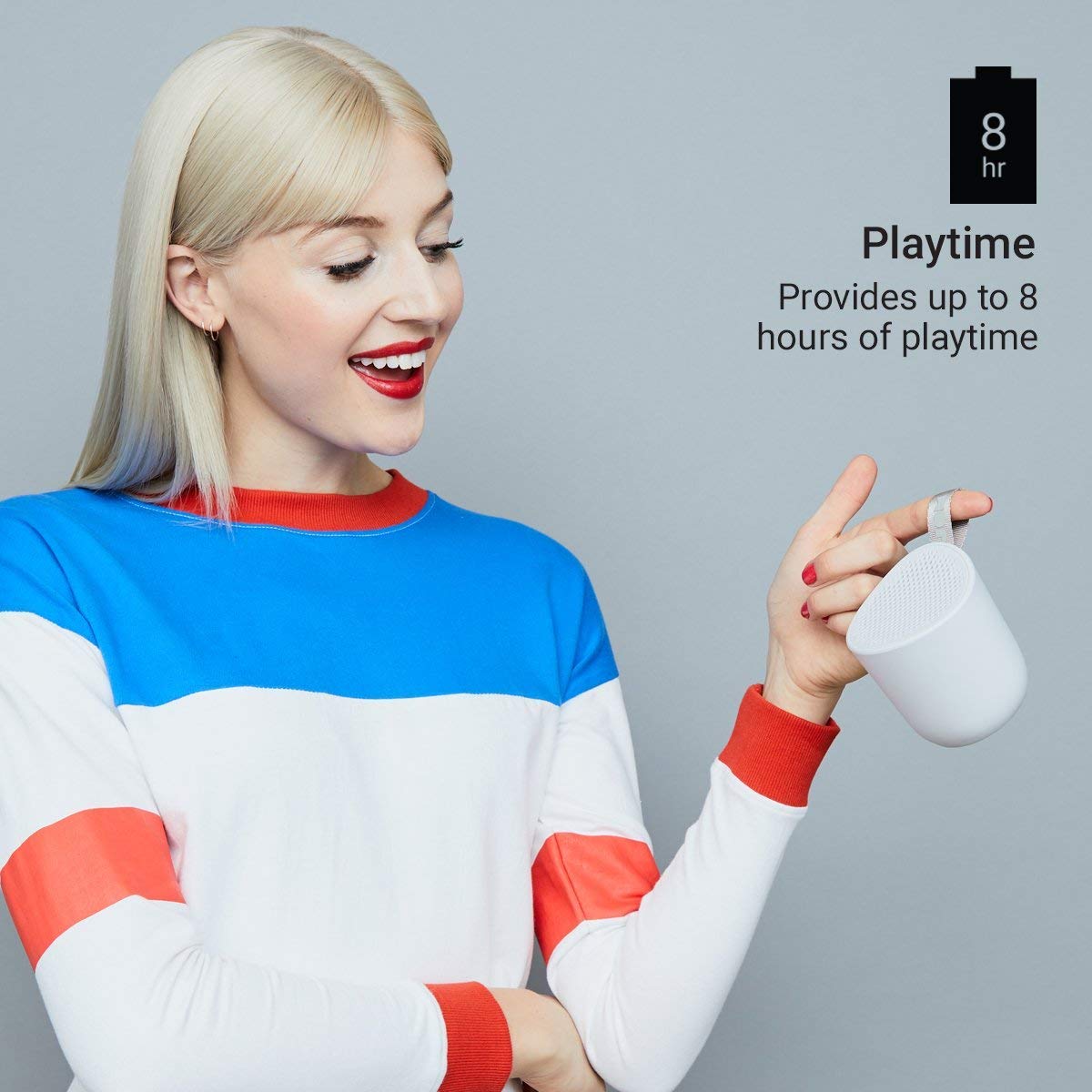
Up to 8 Hours Playtime: Enjoy music for longer periods.
3. Nhazi
3.1 Ịchaji ọkà okwu
- Locate the integrated USB charging cable on your Jam Chill Out speaker.
- Plug the USB end of the cable into a powered USB port (e.g., computer, USB wall adapter).
- The charging indicator light will illuminate. Once fully charged, the light will change or turn off (refer to LED indicator section for details).
- A full charge typically takes less than 2 hours.
3.2 Gbanyụọ/ gbanyụọ
- Iji gbanye: Press and hold the power button (usually marked with a circle or power symbol) for a few seconds until you hear an audible tone or see the LED indicator light up.
- Iji gbanyụọ: Press and hold the power button again for a few seconds until you hear an audible tone or the LED indicator turns off.
3.3 Njikọ Bluetooth
- Hụ na ọ na-agba ọkụ ma dịkwa nso na ngwaọrụ Bluetooth gị (dịka ọmụmaatụ, ekwentị mkpanaaka, mbadamba).
- The speaker will automatically enter pairing mode, indicated by a flashing LED light (typically blue).
- Na ngwaọrụ gị, gaa na ntọala Bluetooth wee mee ka Bluetooth nwee ike.
- Chọọ maka available devices. You should see "Jam Chill Out" or a similar name appear in the list.
- Họrọ ọkà okwu site na ndepụta ahụ iji malite njikọta.
- Once successfully paired, the speaker will emit an audible confirmation tone, and the LED light will become solid blue.
- Ọ bụrụ na njikọ ahụ ada ada, gbanyụọ ọkà okwu na ngwaọrụ gị, wee megharịa usoro ndị a.
4. Ntuziaka ọrụ
4.1 Ịkpọ egwu
- After successful Bluetooth pairing, open your preferred music application on your connected device.
- Select and play your desired audio. The sound will be streamed through the Jam Chill Out speaker.
- Use the volume controls on your connected device or the speaker's physical buttons (if available) to adjust the playback volume.
4.2 Ọrụ ekwe ntị
- When an incoming call is received on your paired device, the music playback will automatically pause, and the speaker will ring.
- Press the designated call answer button (often the play/pause button or a specific phone icon button) on the speaker to answer the call.
- Speak into the speaker for hands-free communication.
- To end the call, press the call answer button again. Music playback will resume automatically.
- To make a call, initiate dialing from your phone; the speaker will automatically switch to hands-free mode.
5. Nlekọta
5.1 Nhicha
- Before cleaning, ensure the speaker is powered off and disconnected from any charging source.
- Jiri ihe dị nro, d hichaa mpụta nke ọkà okwu ahụamp cloth. Do not use harsh chemicals, cleaning solvents, or abrasive cleaners.
- Ensure all ports are dry before charging or using the speaker after cleaning.
5.2 Mmiri na Uzuzu Na-eguzogide (IP67)
- The speaker is rated IP67, meaning it is dirt-proof and can be submerged in water up to one meter for 30 minutes.
- Hụ na e mechiri mkpuchi ọdụ chaja nke ọma tupu i tinye igwe okwu n'ime mmiri ma ọ bụ uzuzu.
- After exposure to water, gently shake off excess water and allow the speaker to air dry completely before charging or opening any port covers.
- Etinyela okwu ahụ n'ime mmiri ruo ogologo oge ma ọ bụ karịa omimi akọwapụtara.
5.3 Nlekọta batrị
- To preserve battery life, avoid fully discharging the speaker frequently.
- If storing the speaker for an extended period, charge it to approximately 50% and store it in a cool, dry place. Recharge every few months to prevent deep discharge.
- Ekwela ka onye na-ekwu okwu ahụ nọrọ n'ọnọdụ okpomọkụ dị oke elu.
6. Nchọpụta nsogbu
If you encounter issues with your Jam Chill Out speaker, refer to the following common solutions:
| Nsogbu | Ngwọta enwere ike |
|---|---|
| Ọkà okwu anaghị agba ọkụ. | Ensure the battery is charged. Connect the integrated USB cable to a power source and allow it to charge for at least 15 minutes before attempting to power on again. |
| Enweghị ike ijikọ na ngwaọrụ Bluetooth. | Ensure the speaker is in pairing mode (flashing blue LED). Turn off and on your device's Bluetooth. Move the speaker closer to your device. Forget the speaker from your device's Bluetooth list and try pairing again. |
| Enweghị ụda ma ọ bụ obere olu. | Check the volume levels on both the speaker and your connected device. Ensure the speaker is properly paired and connected. Try playing a different audio source. |
| Mgbagwoju anya ụda. | Reduce the volume on both the speaker and your device. Ensure the speaker is not too far from your device, causing signal interference. |
| Speakerphone not working. | Ensure the speaker is paired and connected to your phone. Check your phone's call audio routing settings to ensure audio is directed to the Bluetooth speaker. |
Ọ bụrụ na usoro ndị a akwụsịghị nsogbu a, biko rụtụ aka na ngalaba akwụkwọ ikike na nkwado maka enyemaka ọzọ.
7. Nkọwapụta
| Nkọwapụta | Nkọwa |
|---|---|
| Ụdị | Jam Audio |
| Nọmba nlereanya | HX-P202-GY |
| Teknụzụ Njikọta | Bluetooth, USB |
| Ụdị teknụzụ ikuku | Bluetooth |
| Ọnọdụ mmepụta ọdịyo | Mono |
| Ụdị Ọkà Okwu | N'èzí |
| Njirimara ngwaahịa | Bluetooth, Ikuku |
| Usoro njikwa | Metụ aka, bọtịnụ |
| Agba | Agba ntụ |
| Nkezi Ndụ batrị | Awa 8 |
| Ọkwa Nguzogide mmiri | Mmiri mmiri (IP67) |
| Ibu Ibu | 294 grams |
| Ngwa dakọtara | Smartphone, Mbadamba ụrọ |
| Isi Iyi Ike | Akwadoro batrị (1 batrị lithium ion gụnyere) |
8. Akwụkwọ ikike na nkwado
8.1 Ozi akwụkwọ ikike
The Jam HX-P202 Chill Out Bluetooth Speaker comes with a 1-afọ akwụkwọ ikike onye nrụpụta nyere ya site na ụbọchị ịzụrụ ya. Biko debe ihe akaebe nke ịzụrụ ya maka nkwupụta nkwa.
8.2 Nkwado ndị ahịa
For further assistance, technical support, or warranty inquiries, please contact Jam Audio customer service through their official websaịtị ma ọ bụ onye na-ere ahịa ebe a zụrụ ngwaahịa ahụ.