
1. Okwu mmalite
This manual provides essential instructions for the installation, operation, and maintenance of your Lorex 1080p 8-Channel 1TB Wired DVR Security System. Please read this manual thoroughly before using the product to ensure proper setup and functionality.

Foto 1.1: Ofeview of the Lorex 1080p 8-Channel 1TB Wired DVR Security System components.
1.1 Kedu ihe dị na igbe ahụ
- 1080p Full HD 8-Channel Security System with 1 TB DVR
- Four 1080p Night Vision Dome Cameras
- Power adapters for DVR and cameras
- Video cables for camera connection
- USB useké
- eriri Ethernet
- Ngwa mgbakwasa
2. Nhazi
2.1 DVR Connection
- Connect to a Monitor: Use an HDMI or VGA cable to connect the DVR to a compatible monitor.
- Jikọọ òké USB: Plug the included USB mouse into an available USB port on the DVR.
- Njikọ netwọkụ (Nhọrọ): Maka ime ime viewing, connect an Ethernet cable from the DVR's LAN port to your router.
- Njikọ ike: Connect the DVR's power adapter to the DVR and then to a power outlet.

Image 2.1: Rear panel of the DVR with connection ports.
2.2 Ntinye igwefoto
The included dome cameras are designed for both indoor and outdoor use, featuring IP67 weatherproof rating and durable metal housing.
- Họrọ Ebe Nkwanye: Họrọ ebe na-enye ihe achọrọ viewing angle and is within reach of the video and power cables. Consider areas that offer optimal coverage and minimize blind spots.
- Mount the Cameras: Use the provided mounting hardware to securely attach the cameras to a wall or ceiling. Ensure the camera is positioned correctly for the desired field of view.
- Connect Video and Power: Connect the camera's video cable to an available BNC input on the DVR. Connect the camera's power cable to the power adapter and then to a power source.

Image 2.2: Dome camera mounted on an exterior wall.

Image 2.3: Dome camera mounted under eaves for subtle security.
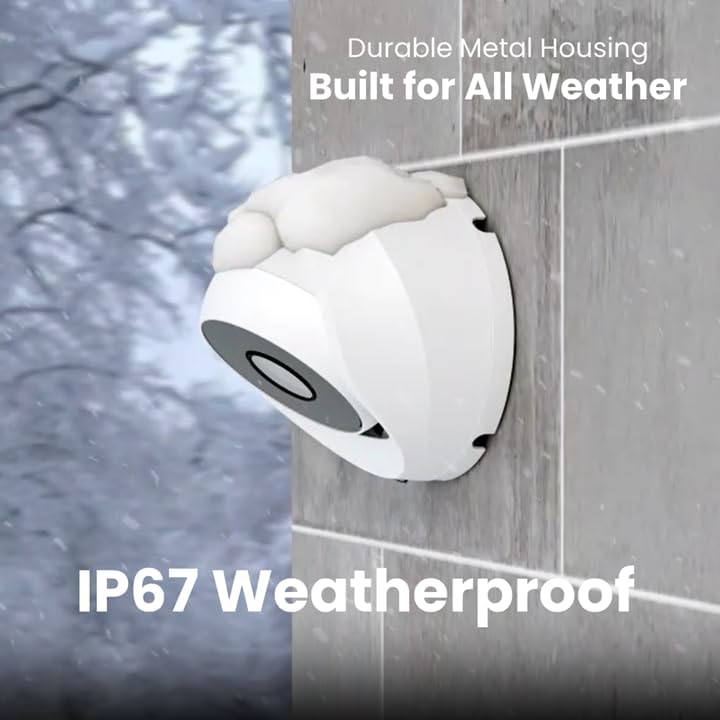
Image 2.4: Camera demonstrating IP67 weatherproof durability.
2.3 Nhazi izizi
After powering on the DVR, follow the on-screen prompts to complete the initial setup, which typically includes:
- Nhọrọ asụsụ
- Ntọala ụbọchị na oge
- Password creation
- Network settings (if connected)
3. Na-arụ ọrụ Sistemu
3.1 Ndụ View na Ndekọ
Once the system is set up, you can view live feeds from all connected cameras on your monitor. The DVR is configured for 24/7 continuous recording to the internal 1TB hard drive.
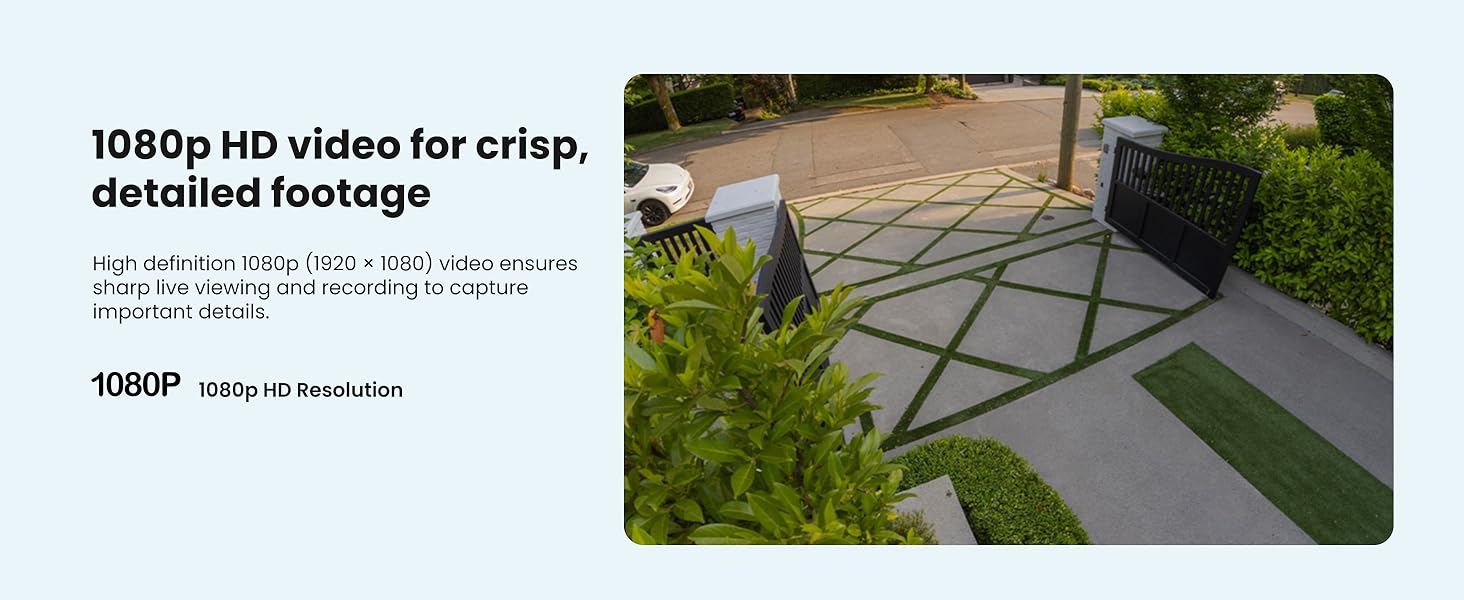
Foto 3.1: Ọpụample of 1080p HD video resolution.
3.2 Nchọpụta Motion Smart
The system features Smart Motion Detection, which can differentiate between people and vehicles. This helps reduce false alarms and ensures you receive relevant alerts.
- Nhazi: Access the DVR's menu to configure motion detection zones and sensitivity for each camera.
- Nti mkpu: Enable push notifications through the Lorex App for real-time alerts on your smartphone when person or vehicle motion is detected.
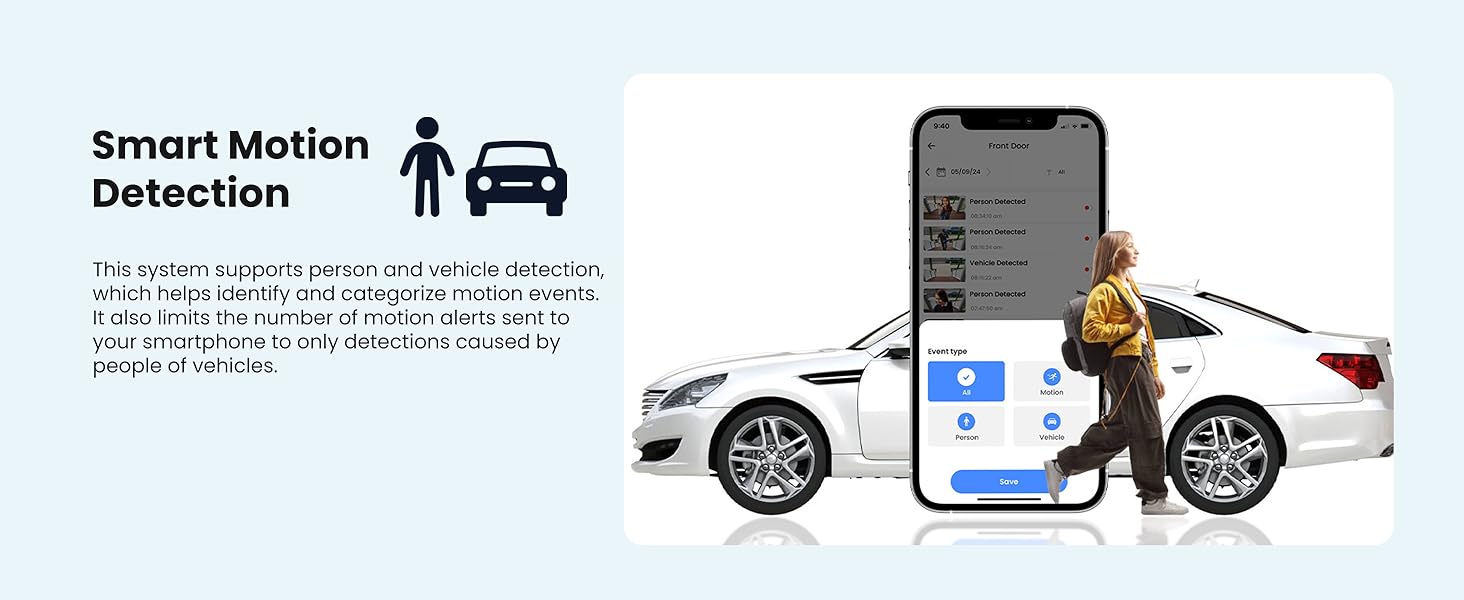
Image 3.2: Smart Motion Detection identifying a person and vehicle.
3.3 Ọhụụ abalị
The cameras are equipped with Smart Infrared (IR) night vision, providing clear black and white video footage up to 65 feet in low-light conditions. The IR mode activates automatically.
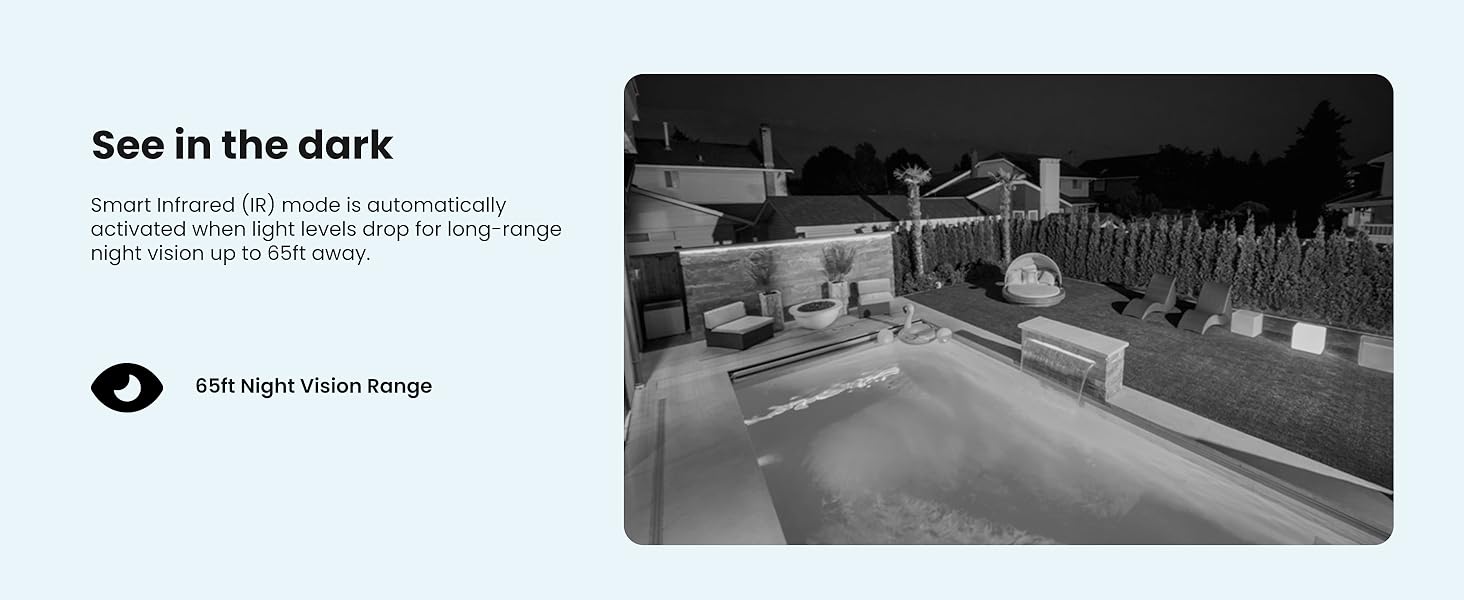
Image 3.3: Comparison of daytime and infrared night vision.
3.4 Playback and Digital Zoom
Review edekọ footage directly from the DVR. The system also supports digital zoom on both live and recorded video for closer inspection of details.

Image 3.4: Digital zoom functionality on recorded video.
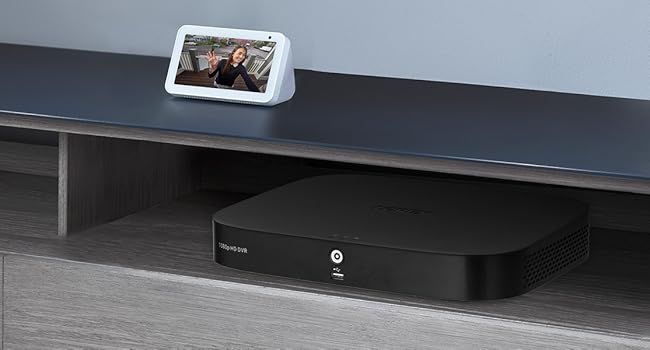
Image 3.5: Quick search feature for reviewna footage.
3.5 Remote Access (Lorex App)
Download the Lorex App on your smartphone or tablet to access live views, playback recordings, and receive alerts remotely. Ensure your DVR is connected to the internet for this feature.
4. Nlekọta
4.1 Njikwa Draịvụ Ike
The 1TB internal hard drive provides ample storage for continuous recording without the need for monthly fees or subscriptions. The system automatically overwrites the oldest footage when the hard drive is full.

Image 4.1: 1TB hard drive for local storage.
4.2 Nhicha
- Camera Lenses: Periodically clean camera lenses with a soft, lint-free cloth to ensure clear image quality. Avoid abrasive cleaners.
- DVR Unit: Keep the DVR unit free from dust and ensure proper ventilation to prevent overheating.
4.3 Mmelite firmware
Check the Lorex support website periodically for firmware updates. Keeping your DVR's firmware updated ensures optimal performance and access to the latest features and security enhancements.
5. Nchọpụta nsogbu
If you encounter issues with your Lorex security system, refer to the following common troubleshooting steps:
- Enweghị ngosi vidiyo: Ensure all cables (power, video, monitor) are securely connected. Verify the monitor input source is correct.
- Enweghị ndekọ: Check if the hard drive is properly installed and initialized. Verify recording schedules and motion detection settings.
- Okwu nnweta tere aka: Confirm the DVR is connected to the internet and has a stable network connection. Ensure the Lorex App is updated and configured correctly.
- Ogo onyonyo adịghị mma: Clean camera lenses. Check cable connections for damage. Adjust camera position if glare or obstructions are present.
For more detailed troubleshooting guides and technical support, visit the official Lorex support websaịtị.
6. Nkọwapụta
| Njirimara | Nkọwapụta |
|---|---|
| Ụdị | Oghere |
| Nọmba nlereanya | AZT-D24281-2ND4-1 |
| Teknụzụ Njikọta | Ekwenyere |
| Mkpebi ịse vidiyo | 1080p (1920 x 1080) |
| Ọnụọgụ nke ọwa | 8 |
| Ike Nchekwa ebe nchekwa | 1 TB |
| Atụmatụ pụrụ iche | App Control, Night Vision, Vehicle Detection, Weatherproof |
| Oke ọhụụ abalị | Ruo n'ụkwụ 65 |
| Ntụle ihu igwe anaghị egbochi ya | IP67 |
| Okpomọkụ na-arụ ọrụ | 140°F/60°C Heat Rating and -40°F/-40°C Cold Rating |
| Viewna n'akuku | 94 ogo |
| Isi Iyi Ike | Igwe ọkụ eletrik |
| Akụkụ ihe (L x W x H) | 19.7 x 19.2 x 10.3 sentimita asatọ |
| Ibu Ibu | 21.7 pound |
| UPC | 695529022086 |
7. Akwụkwọ ikike na nkwado
7.1 Ozi akwụkwọ ikike
For detailed warranty information regarding your Lorex 1080p 8-Channel 1TB Wired DVR Security System, please refer to the warranty card included with your product or visit the official Lorex websaịtị. Usoro na ọnọdụ akwụkwọ ikike nwere ike ịdị iche.
7.2 Nkwado ndị ahịa
If you require further assistance, technical support, or have questions not covered in this manual, please contact Lorex customer support through their official website. Online resources, FAQs, and contact information are available to help you.
Lorex Official Websaịtị: www.lorex.com