
1. Okwu mmalite
The Rocketek TFU3R is a compact and portable USB 3.0 card reader designed for Micro SD (TF) cards. It allows for high-speed data transfer between your Micro SD card and USB-enabled devices such as laptops and tablets. This device supports plug-and-play functionality and hot-swapping, making it convenient for various applications.
Akụkụ ndị bụ isi:
- Small & Portable: Designed for easy portability, fitting conveniently in a wallet or pocket.
- Nkwụnye ma kpọọ: No drivers required for most operating systems.
- Na-ekpo ọkụ mgbanwe: Allows insertion and removal of the device without restarting the computer.
- USB kwadoro: Operates without external power or batteries.
- SuperSpeed USB 3.0: Offers data transfer speeds up to 5 Gbps, backward compatible with USB 2.0/1.1.
- Nhazi na-adịgide adịgide: Constructed with an aluminum case for enhanced durability and efficient heat dissipation.
2. Nhazi ntuziaka
Follow these steps to set up and begin using your Rocketek TFU3R Micro SD Card Reader.
2.1 Ịtinye kaadị Micro SD
- Locate the Micro SD card slot on the Rocketek TFU3R card reader.
- Gently insert your Micro SD (TF) card into the slot until it clicks into place. Ensure the card is oriented correctly to avoid damage.
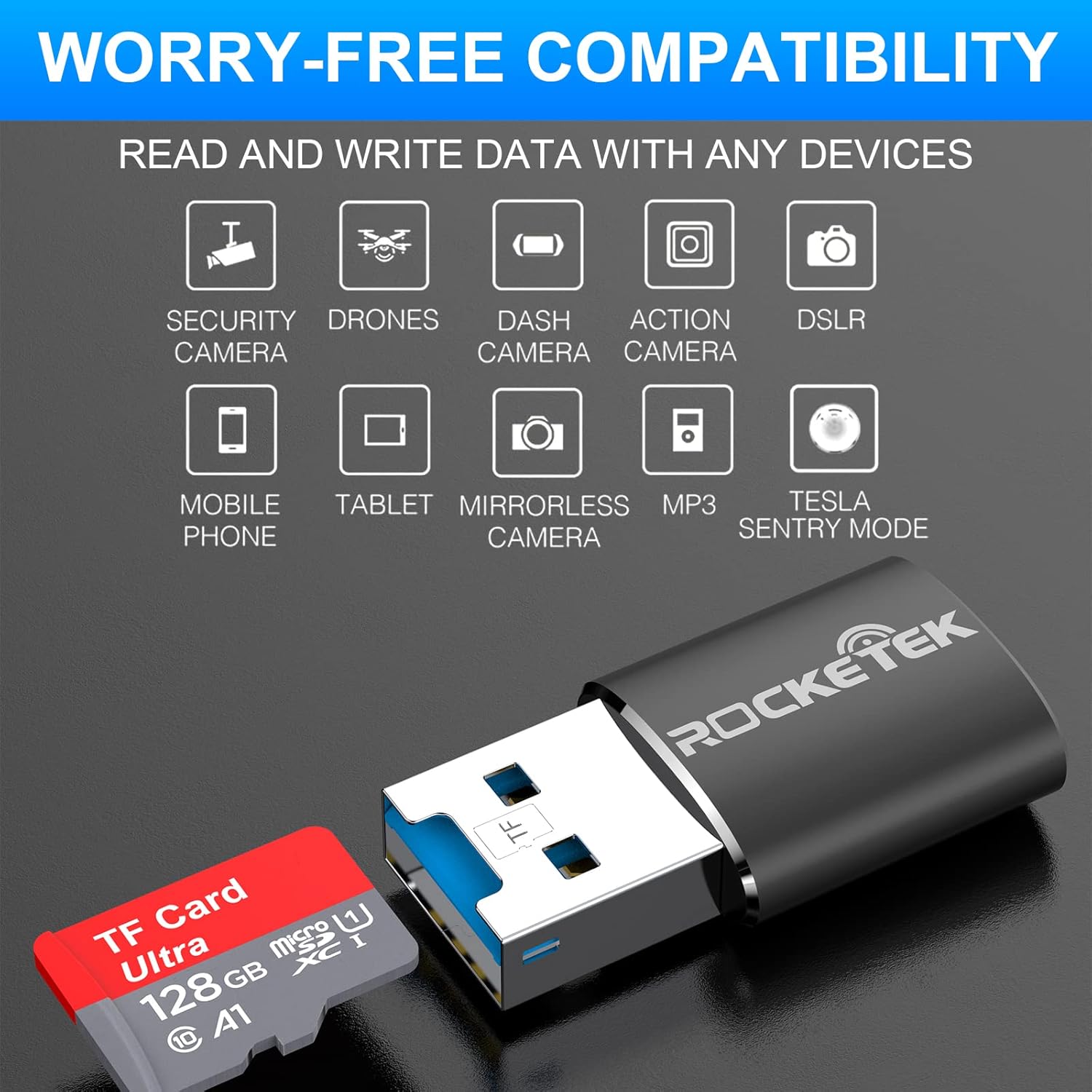
Image: Hands inserting a Micro SD card into the Rocketek TFU3R USB 3.0 card reader.
2.2 Jikọọ na ngwaọrụ gị
- Locate an available USB 3.0 or USB 2.0 port on your computer, laptop, or tablet.
- Plug the Rocketek TFU3R card reader, with the Micro SD card inserted, into the USB port.
- The device is plug-and-play; your operating system should automatically detect it and install any necessary generic drivers.
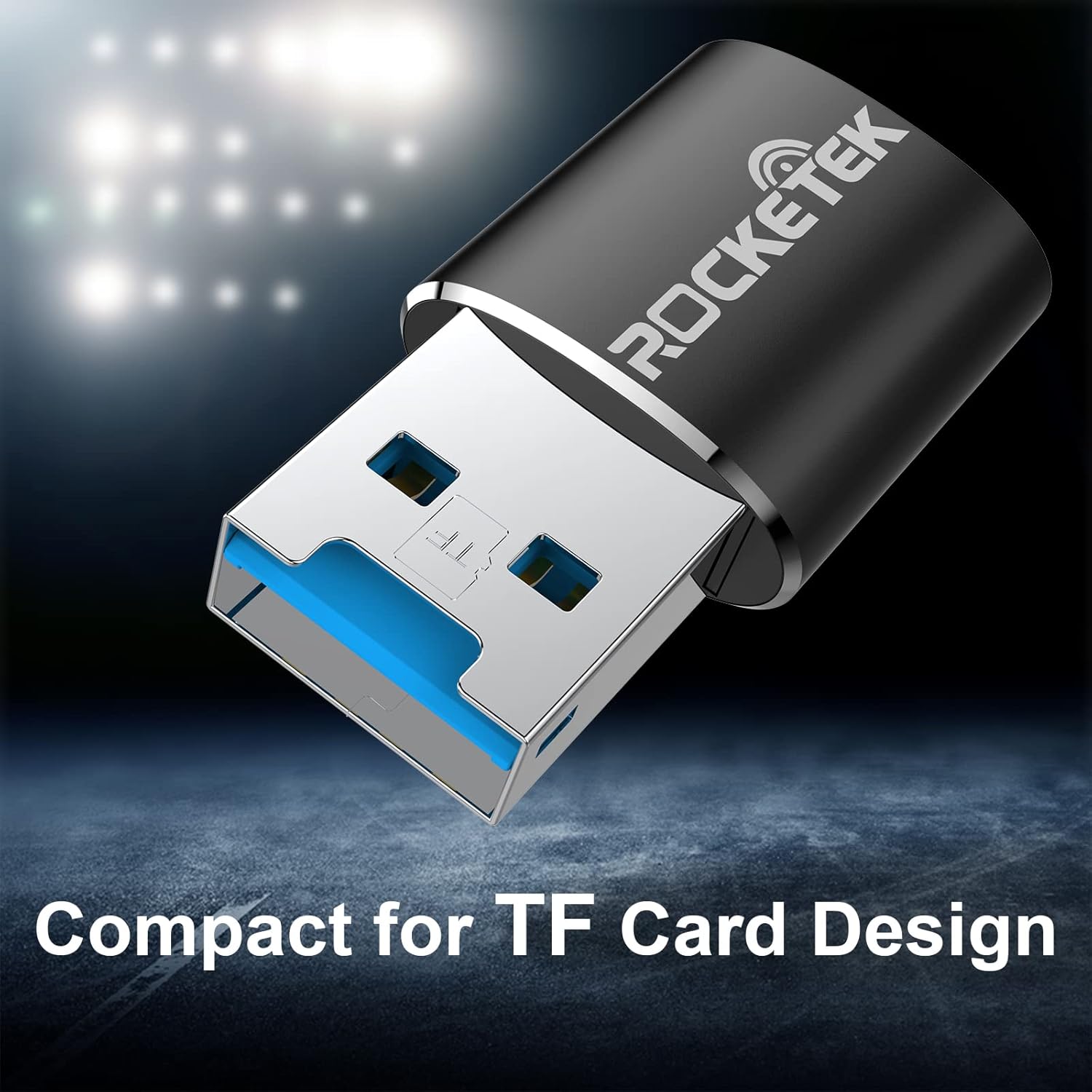
Image: Rocketek TFU3R USB 3.0 card reader plugged into a laptop's USB port, displaying 'Plug & Play'.
Video: A short demonstration showing how to insert a TF card into the Rocketek reader and connect it to a laptop for immediate use, highlighting its portability and plug-and-play functionality.
3. Ntuziaka ọrụ
Once connected, the Rocketek TFU3R functions like any standard external storage device.
3.1 Nyefee data
- After connecting the card reader to your device, open your computer's file explorer (Windows) or Finder (Mac OS).
- The Micro SD card will appear as a removable drive.
- Ugbu a, ị nwere ike ịdọrọ ma dobe files to and from the Micro SD card, or use copy/paste functions to transfer data.
- The USB 3.0 interface provides SuperSpeed data transfer up to 5 Gbps, ensuring quick transfers of large files.
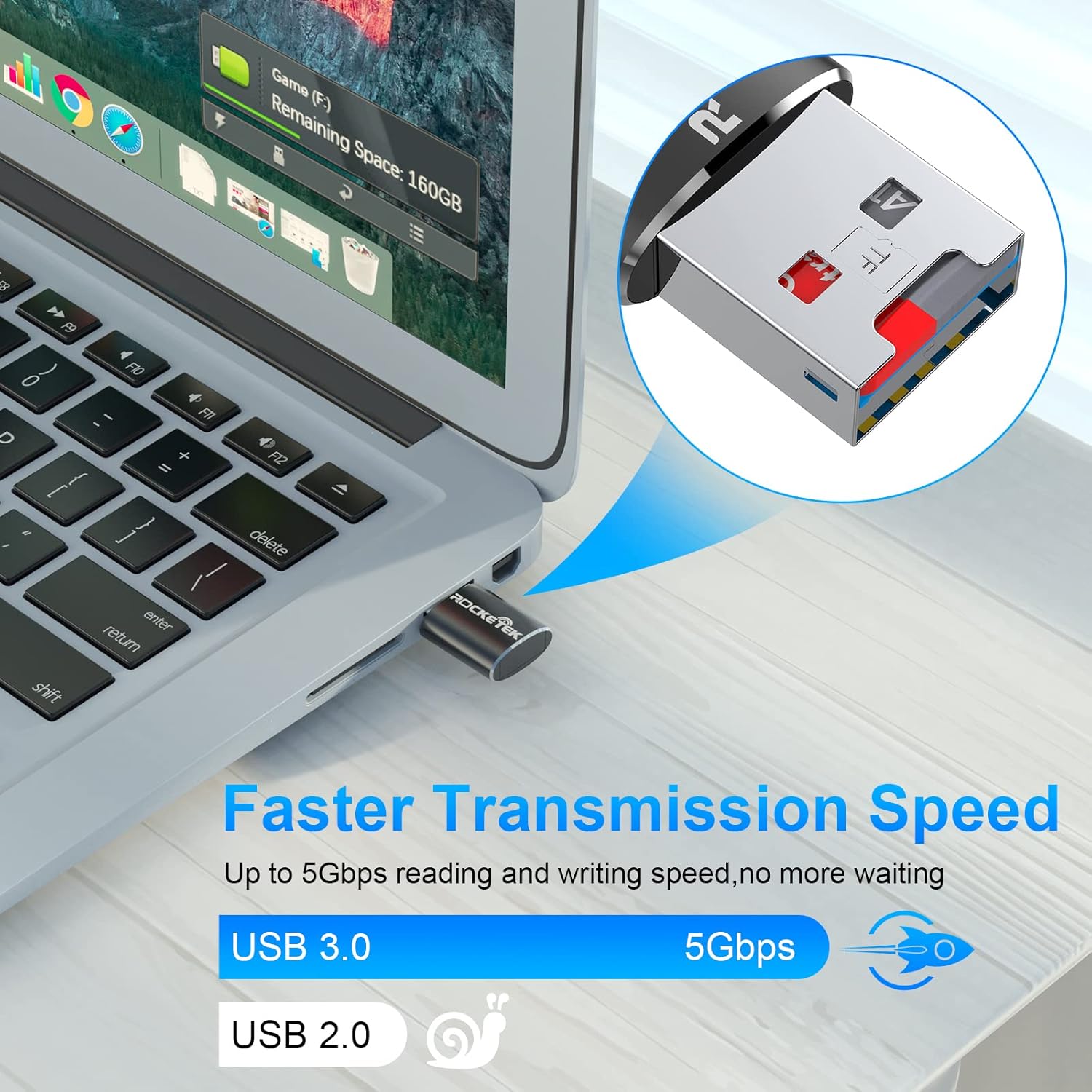
Image: Laptop screen showing file transfer with the Rocketek TFU3R plugged in, indicating 'Faster Transmission Speed' and 'USB 3.0 5Gbps'.
3.2 Mwepụ Nchekwa
To prevent data corruption, always safely remove the card reader before unplugging it from your computer.
- Windows: Right-click on the drive icon in 'This PC' or the taskbar's 'Safely Remove Hardware' icon, then select 'Eject'.
- MacOS: Dọrọ akara ngosi draịva ahụ gaa na ahịhịa ma ọ bụ pịa bọtịnụ Wepụ n'akụkụ aha draịva ahụ na Finder.
4. Ndakọrịta
The Rocketek TFU3R card reader offers broad compatibility with various devices and operating systems.
4.1 Ngwaọrụ akwadoro
- Laptọọpụ
- Mbadamba ụrọ
- Kọmputa kọmputa
- Other USB-enabled devices

Image: Diagram illustrating the Rocketek TFU3R's compatibility with tablets and laptops, showing a Micro SD card being inserted.
4.2 Sistemụ arụmọrụ akwadoro
- Windows 7 / 8 / 8.1 / 10+
- Mac OS
- Linux

Image: The Rocketek TFU3R is compatible with a wide range of devices, including security cameras, drones, dash cameras, action cameras, DSLRs, mobile phones, tablets, mirrorless cameras, MP3 players, and for Tesla Sentry Mode.
5. Nkọwapụta
| Njirimara | Nkọwa |
|---|---|
| Nọmba nlereanya | TFU3R (RT-TFU3R-B) |
| Ụdị | Rocketek |
| Ụdị mgbasa ozi | Micro SD (TF) |
| Teknụzụ Njikọta | USB |
| Ngwaọrụ Akụrụngwa | USB 3.0 (backward compatible with USB 2.0/1.1) |
| Ọnụego mbufe data | Up to 5 Gigabits Per Second (USB 3.0) |
| Slot Count | 1 (for Micro SD/TF cards) |
| Njirimara Pụrụ Iche | Portable, Plug & Play, Hot Swapping |
| Ihe onwunwe | Aluminom Case |
| Ndakọrịta sistemụ arụmọrụ | Windows 7/8/8.1/10+, Mac OS, Linux |
6. Nchọpụta nsogbu
If you encounter issues with your Rocketek TFU3R, refer to the following common troubleshooting steps.
6.1 Achọpụtaghị Ngwaọrụ
- Lelee njikọ: Ensure the card reader is fully inserted into the USB port.
- Gbalịa ọdụ ụgbọ mmiri USB ọzọ: Connect the card reader to a different USB port on your computer.
- Gbalịa ngwaọrụ ọzọ: Test the card reader on another computer or compatible device to rule out a port issue.
- Check Micro SD Card: Ensure the Micro SD card is properly inserted into the card reader and is not damaged. Test the Micro SD card in another device if possible.
- Malitegharịa kọmputa: Mgbe ụfọdụ, ịmalitegharịa dị mfe nwere ike idozi nsogbu nchọpụta.
6.2 Slow Data Transfer Speed
- Jiri ọdụ ụgbọ USB 3.0: For optimal speeds (up to 5 Gbps), ensure the card reader is plugged into a USB 3.0 port (often identified by a blue interior). Connecting to a USB 2.0 port will result in slower speeds.
- Check Micro SD Card Speed Class: The actual transfer speed is also limited by the speed class of your Micro SD card. Use a high-speed card for better performance.
- Zere Ngwaọrụ USB Ndị Ọzọ: Disconnect other high-bandwidth USB devices if you are experiencing unusually slow speeds.
6.3 Kaadị Anaghị Agụ
- Tinyeghachi kaadị ọzọ: Remove and reinsert the Micro SD card, ensuring it is seated correctly.
- Kọntaktị dị ọcha: Gently clean the metal contacts on the Micro SD card with a soft, dry cloth.
- Check Card Format: Ensure the Micro SD card is formatted in a file system compatible with your operating system (e.g., FAT32, exFAT, NTFS).
7. Nlekọta
Proper care and maintenance will extend the lifespan of your Rocketek TFU3R card reader.
- Debe nkụ: Zere ikpughe ngwaọrụ ahụ na mmiri ma ọ bụ mmiri mmiri.
- Jiri nwayọọ dị ọcha: Jiri akwa dị nro dị nro hichaa mpụta. Ejila kemịkalụ siri ike ma ọ bụ ihe abrasive.
- Na-echekwa nke ọma: When not in use, store the card reader in a cool, dry place away from direct sunlight and extreme temperatures.
- Jiri Nlekọta Aka: Zere idobe ma ọ bụ idobe ngwaọrụ ahụ na mmetụta siri ike.
8. Akwụkwọ ikike na nkwado
Rocketek stands behind the quality of its products.
8.1 Ozi akwụkwọ ikike
The Rocketek TFU3R USB 3.0 Micro SD Card Reader comes with a hassle-free 24-month warranty from the date of purchase. This warranty covers manufacturing defects and ensures reliable performance under normal use. Please retain your proof of purchase for warranty claims.
8.2 Nkwado ndị ahịa
For technical assistance, warranty claims, or any questions regarding your Rocketek TFU3R, please contact our customer support team:
- Email: support@rocketek.com (Ọpụample email, please refer to product packaging for actual contact)
- Websaịtị: Visit the official Rocketek websaịtị maka FAQ na akụrụngwa ndị ọzọ.