
PROSCAN PSB3713-OP
PROSCAN 37-Inch Bluetooth Sound Bar User Manual
Ụdị: PSB3713-OP
Okwu mmalite
Daalụ maka ịzụrụasing the PROSCAN 37-Inch Bluetooth Sound Bar. This ultra-slim sound bar is designed to enhance your audio experience with your Smart TV, offering versatile connectivity options including Bluetooth, Optical Digital Audio Input, and Aux-In. This manual provides detailed instructions for setup, operation, maintenance, and troubleshooting to ensure optimal performance and longevity of your device.
Ozi nchekwa dị mkpa
ỊDỌ AKA NA NTỊ: Ngwaahịa a nwere kemịkal mara steeti California na-ebute ọrịa kansa na ntụpọ ọmụmụ ma ọ bụ mmerụ ahụ ọmụmụ ọzọ.
- Gụọ ntuziaka niile tupu ị rụọ ọrụ ngwaọrụ.
- Debe akwụkwọ ntuziaka a maka ntụnye aka n'ọdịnihu.
- Ewepụla unit ahụ na mmiri ozuzo ma ọ bụ mmiri.
- Akwụsịla oghere ikuku ikuku ọ bụla.
- Gbaa mbọ hụ na ọkọnọ ọkụ nke ọma voltage as indicated on the unit.
- Kwupụ ngwaọrụ ahụ n'oge oke mmiri ozuzo ma ọ bụ mgbe ejighi ya ogologo oge.
- Tụtụ aka n'aka ndị ọrụ ruru eru.
Kedu ihe dị na Igbe ahụ

Image: Contents of the PROSCAN Sound Bar box, showing the sound bar, remote control, AC power adapter, stereo audio connection cable, RCA audio cable, and mount screws.
Biko lelee na etinyere ihe niile ndị a na ngwugwu gị:
- PROSCAN 37-Inch Bluetooth Sound Bar
- Njikwa anya
- Ada Ada AC
- Stereo Audio Connection Cable
- Cable Audio RCA
- Mount Screws (for wall mounting)
- Akwụkwọ ntuziaka (akwụkwọ a)
Ngwaahịa gafereview

Image: The PROSCAN 37-Inch Bluetooth Sound Bar positioned in front of a curved television screen, with its remote control placed nearby. The sound bar is sleek and black.
The PROSCAN 37-Inch Bluetooth Sound Bar is designed for optimal audio performance and ease of use. It features a sleek, ultra-slim design that complements any home entertainment setup.
Ogwe ihu

Foto: Ihu kpọmkwem view of the PROSCAN 37-Inch Bluetooth Sound Bar, showcasing its minimalist design and speaker grille.
The front panel features the speaker grille and an LED indicator that shows the current input mode and status.
Ogwe azụ (njikọ)
The rear panel houses all the necessary input ports for connecting to your audio sources.
- Optical Digital Audio Input: Maka njikọ ọdịyo dijitalụ dị elu site na TV gị ma ọ bụ ngwaọrụ ndị ọzọ.
- AUX In (3.5mm): For connecting analog audio devices.
- DC N'ime: ọdụ ụgbọ mmiri ntinye ike.
Njikwa anya
The included remote control allows you to manage all functions of the sound bar conveniently.
- Gbanyụọ/ Gbanyụọ
- Olu elu/ala
- Input Source Selection (Bluetooth, Optical, AUX, FM)
- Ogbi
- FM Radio controls (Scan, Preset)
Ntuziaka nhazi
1. Ntinye
The sound bar can be placed on a table stand or wall-mounted.

Image: The PROSCAN Sound Bar wall-mounted directly above a flat-screen television, demonstrating a clean and space-saving installation.
- Ihe nkwụnye okpokoro: Place the sound bar on a stable, flat surface in front of your TV. Ensure it does not block the TV's remote sensor.
- Mgbidi Mgbidi: Use the included mount screws to securely attach the sound bar to a wall. Refer to the wall mounting template (if provided separately) for precise drilling locations. Ensure the wall can support the weight of the sound bar.
2. Ijikọ Isi mmalite ọdịyo
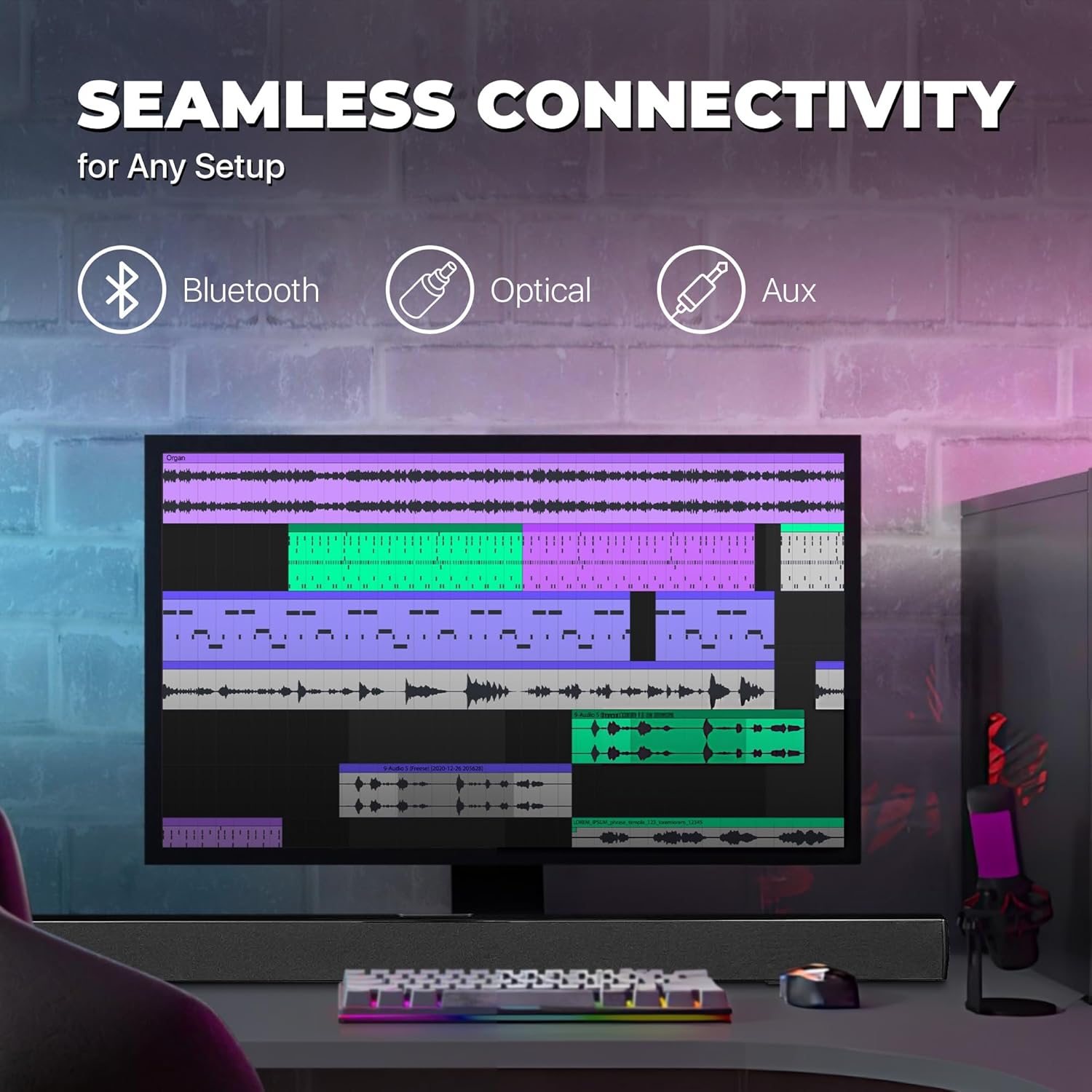
Image: A graphic illustrating the seamless connectivity options of the sound bar, including icons for Bluetooth, Optical, and Aux connections, with a sound bar placed below a computer monitor.
Họrọ otu n'ime ụzọ ndị a iji jikọọ isi iyi ọdịyo gị:
- Optical Digital Audio Connection:
Connect an optical cable (not included) from the OPTICAL OUT port on your TV or audio device to the OPTICAL IN port on the sound bar. This provides high-quality digital audio.
- Njikọ AUX (3.5mm):
Use the included 3.5mm audio cable to connect the AUX IN port on the sound bar to the headphone jack or audio output port on your device (e.g., TV, smartphone, MP3 player).
- Njikọ Bluetooth:
For wireless audio streaming from Bluetooth-enabled devices like smartphones, tablets, or laptops. (Detailed pairing instructions in the Operating section).
3. Njikọ ike
Connect the included AC power adapter to the DC IN port on the sound bar, then plug the adapter into a standard wall outlet.
Ntuziaka ọrụ
Gbanyụọ/ Gbanyụọ
Pịa IKE button on the remote control or on the sound bar to turn the unit on or off.
Ịhọrọ Isi mmalite ntinye
Pịa Ntinye button on the remote control repeatedly to cycle through the available input sources: Bluetooth, Optical, AUX, FM. The LED indicator on the front panel will change to reflect the selected input.
Njikwa olu
Jiri ihe VOL+ na Vol- buttons on the remote control to adjust the volume. Press the MUTU bọtịnụ iji mechie ụda ahụ nwa oge.
Njikọ Bluetooth
- Turn on the sound bar and select Bluetooth mode using the Ntinye button. The LED indicator will flash, indicating it's in pairing mode.
- Kwado Bluetooth na ngwaọrụ gị (smartphone, tabletị, wdg) wee chọọ ngwaọrụ dịnụ.
- Select "PSB3713-OP" from the list of found devices.
- Once paired, the LED indicator will stop flashing and remain solid. You can now play audio from your device through the sound bar.
FM Radio arụ ọrụ
Iji jiri redio FM arụnyere n'ime:
- Select FM mode using the Ntinye bọtịnụ.
- Pịa Nyochaa button on the remote control to automatically scan and save available FM stations.
- Jiri ihe PREV na OSOTE bọtịnụ ịnyagharịa site na ebe echekwara.
Nlekọta
- Nhicha: Use a soft, dry cloth to clean the surface of the sound bar. Do not use liquid cleaners or aerosol sprays.
- Nchekwa: Ọ bụrụ na ị na-echekwa ngwaọrụ ahụ ruo ogologo oge, wepụ ya na ebe ọkụ eletrik ma debe ya n'ebe dị jụụ ma kpọọ nkụ.
- Igwe ikuku: Ensure the sound bar has adequate ventilation and is not covered by cloths or other materials that could block airflow.
Nchọpụta nsogbu
| Nsogbu | Ihe nwere ike ime | Ngwọta |
|---|---|---|
| Enweghị ike | Njikọghị ihe nkwụnye ike ma ọ bụ oghere anaghị arụ ọrụ. | Ensure the power adapter is securely connected to the sound bar and a working power outlet. |
| Enweghị ụda | Incorrect input source selected; volume too low; audio cable not connected properly. | Select the correct input source (Bluetooth, Optical, AUX). Increase the volume. Check all audio cable connections. Ensure TV audio output is set correctly (e.g., PCM for Optical). |
| Njikọ Bluetooth ada ada | Sound bar not in pairing mode; device too far; interference. | Ensure the sound bar is in Bluetooth pairing mode (flashing LED). Move your device closer to the sound bar. Turn off other Bluetooth devices to reduce interference. |
| Njikwa anya anaghị arụ ọrụ | Batteries are dead or inserted incorrectly; obstacle between remote and sound bar. | Replace the remote control batteries. Ensure there is no obstruction between the remote and the sound bar's sensor. |
| Nnabata FM adịghị mma | Mgbama na -adịghị ike. | Adjust the position of the sound bar or try rescanning for stations. |
Nkọwapụta
| Njirimara | Nkọwa |
|---|---|
| Aha Nlereanya | PSB3713-OP |
| Ụdị Ọkà Okwu | Igwe ụda ụda |
| Nha Ọkà Okwu | 37 sentimita asatọ |
| Teknụzụ Njikọta | Bluetooth, Auxiliary (3.5mm), Optical |
| Nkwukọrịta ikuku | Bluetooth, FM Redio |
| Ọnọdụ mmepụta ọdịyo | Stereo, Surround Sound |
| Ike Nwepu kacha elu | 40 Watt |
| Mgbochi | 4 Ohm |
| Akụkụ ngwaahịa (D x W x H) | 3.25"D x 3.25"W x 41.5"H |
| Ibu Ibu | 4.55 pound |
| Agba | Nwa |
| Isi Iyi Ike | Igwe ọkụ eletrik |
| Ụdị njikwa | Njikwa anya |
| Ụdị nkwụnye | Ogwe Ogwe |
Akwụkwọ ikike na nkwado
This PROSCAN product comes with a Limited Warranty. For specific warranty terms and conditions, please refer to the warranty card included in your product packaging or contact PROSCAN customer support.
For technical support, troubleshooting assistance, or service inquiries, please contact the manufacturer, Curtis International LTD, or visit the PROSCAN official websaịtị maka ozi kọntaktị.
Onye nrụpụta: Curtis International Ltd
Websaịtị: Visit the PROSCAN Store on Amazon
Ask a question about this manual
Ask about setup, troubleshooting, compatibility, parts, safety, or missing instructions. Manuals+ will review the question and use this page’s manual context to help answer it.