
Okwu mmalite
This manual provides essential information for setting up, operating, and maintaining your Konami PES 2014 Pro Evolution Soccer 14 game for PlayStation 3. Please read this manual thoroughly before use to ensure optimal performance and enjoyment.
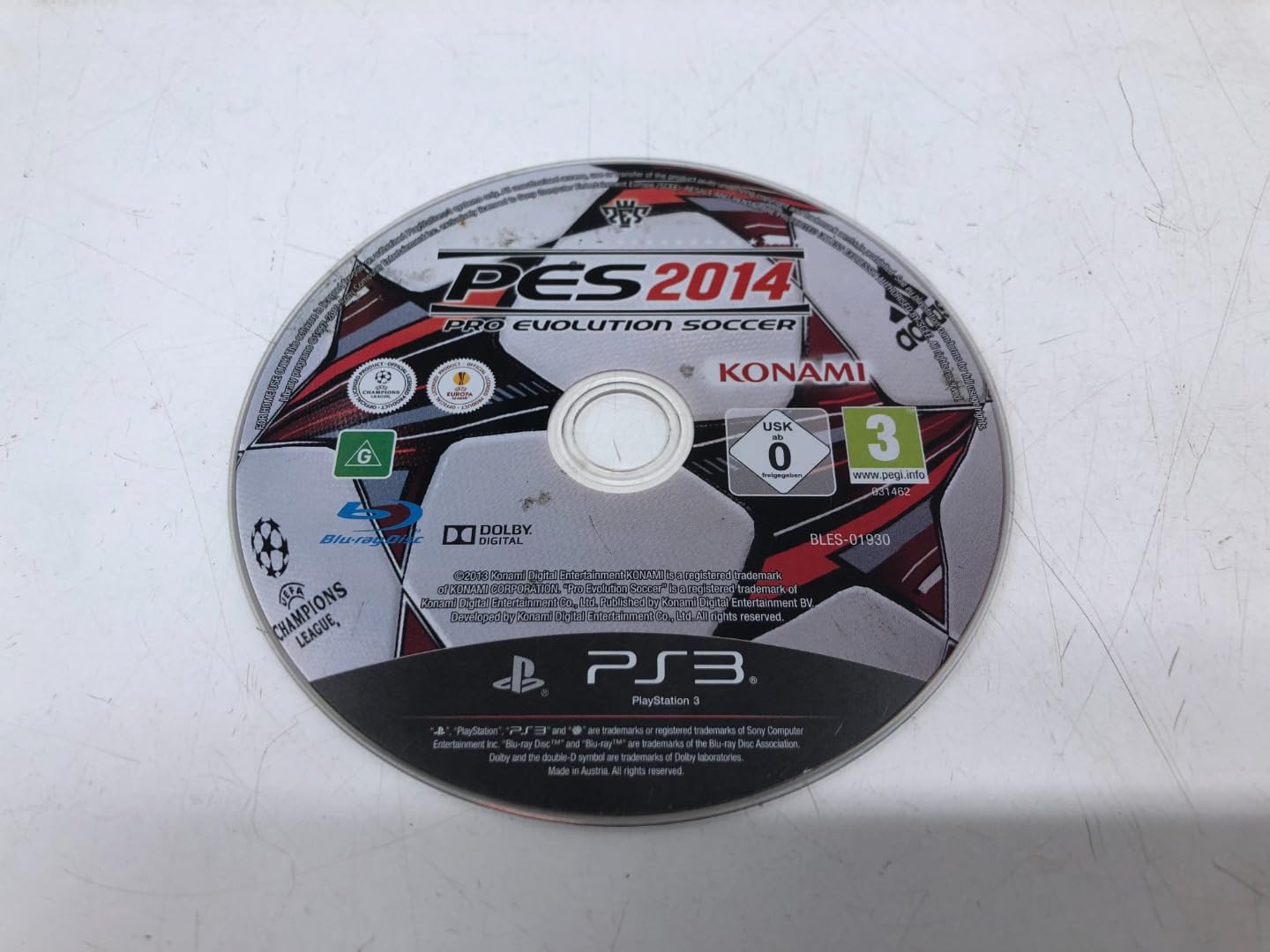
Image: Front cover of the PES 2014 Pro Evolution Soccer 14 game for PlayStation 3.
Ntuziaka nhazi
- Tinye diski egwuregwu: Gently insert the PES 2014 game disc into your PlayStation 3 console's disc slot with the label facing up.
- Power On Console: Turn on your PlayStation 3 console and ensure it is connected to your television or display.
- Select Game: From the PlayStation 3 XMB (XrossMediaBar) menu, navigate to the Game section and select the PES 2014 icon.
- Nwụnye izizi: The game may require an initial installation to your console's hard drive. Follow the on-screen prompts to complete this process. Ensure sufficient storage space is available.
- Njikọ njikwa: Ensure your PlayStation 3 controller(s) are properly connected and charged.
Ntuziaka Ọrụ (Egwuregwu)
Njikwa ntọala
The following are standard controls. These can be customized within the game's settings menu.
- Mkpanaka Analọg Aka ekpe: Player Movement
- Ogwe aka nri Analọg: Dribbling / Skill Moves
- bọtịnụ X: Pass / Press (Defense)
- Bọtịnụ Square: Shoot / Slide Tackle (Defense)
- Bọtịnụ okirikiri: Lob Pass / Clear (Defense)
- Bọtịnụ akụkụ atọ: Through Pass / Goalkeeper Charge (Defense)
- L1 Button: Change Player / Team Press
- R1 Button: Dash / Contain
- L2 Button: Manual Controls / Strategy
- R2 Button: Special Dribbling / Finesse Shot
- Bọtịnụ mmalite: Kwụsị NchNhr
- Bọtịnụ ahọpụtara: Radar / Camera Change
Ụdị egwuregwu
PES 2014 offers various game modes:
- Exhibition Match: Play a quick match against the AI or another player.
- Master League: Manage a club, sign players, and compete in leagues and cups.
- Become a Legend: Create a player and guide them through their career.
- UEFA Champions League / Europa League: Participate in official club competitions.
- Online Modes: Compete against players worldwide (requires PlayStation Network connection).
Nlekọta
- Nlekọta diski: Handle the game disc by its edges. Store it in its original case when not in use. Keep the disc clean and free from scratches, dust, and fingerprints. Use a soft, dry cloth to wipe the disc from the center outwards if cleaning is necessary.
- Ikuku ikuku nke kọnsụl: Ensure your PlayStation 3 console has adequate ventilation to prevent overheating, which can affect game performance and disc reading.
- Mmelite ngwanrọ: Periodically check for game and console software updates to ensure optimal performance and access to the latest features.
Nchọpụta nsogbu
- Game Not Loading / Disc Read Error:
- Hụ na diski ahụ dị ọcha ma ghara inwe ọkọ.
- Malitegharịa njikwa PlayStation 3 gị.
- Try another game disc to determine if the issue is with the console or the game disc.
- Game Freezes / Crashes:
- Ensure your console has proper ventilation.
- Check for and install any available game or console software updates.
- Delete and reinstall the game data (not save data) from the PlayStation 3 XMB Game Data Utility.
- Onye njikwa anaghị aza:
- Ensure the controller is charged and properly synced with the console.
- Reset the controller by pressing the small button on the back with a thin object.
- Save Data Issues:
- Ensure sufficient free space on your console's hard drive.
- Do not turn off the console while save data is being written.
Nkọwapụta
| Njirimara | Nkọwa |
|---|---|
| Aha ngwaahịa | PES 2014 Pro Evolution 14 (PS3) (UK) |
| Ụdị | Konami |
| Nọmba nlereanya | G000006420 |
| Platform | PlayStation 3 (PS3) |
| ASIN | B00F95085S |
| Akụkụ ngwaahịa | 6.69 x 5.28 x 0.55 sentimita asatọ |
| Ibu Ibu | 3.88 ounces |
| Ụbọchị mbụ dị | Septemba 16, 2013 |
Akwụkwọ ikike na nkwado
For information regarding product warranty or technical support, please refer to the official Konami website or contact Konami customer service directly. Contact details are typically provided within the game packaging or on the publisher's official support pages.
Mara: Usoro akwụkwọ ikike nwere ike ịdị iche site na mpaghara na onye na-ere ahịa.