
Ngwaahịa gafereview
This PROSCAN SRCD243 Portable CD Player with AM/FM Radio Boombox offers versatile audio playback. It features an AM/FM radio, a CD player compatible with CD-R discs, skip and search functions, and a 20-track programmable memory. The unit can be powered by AC or batteries.
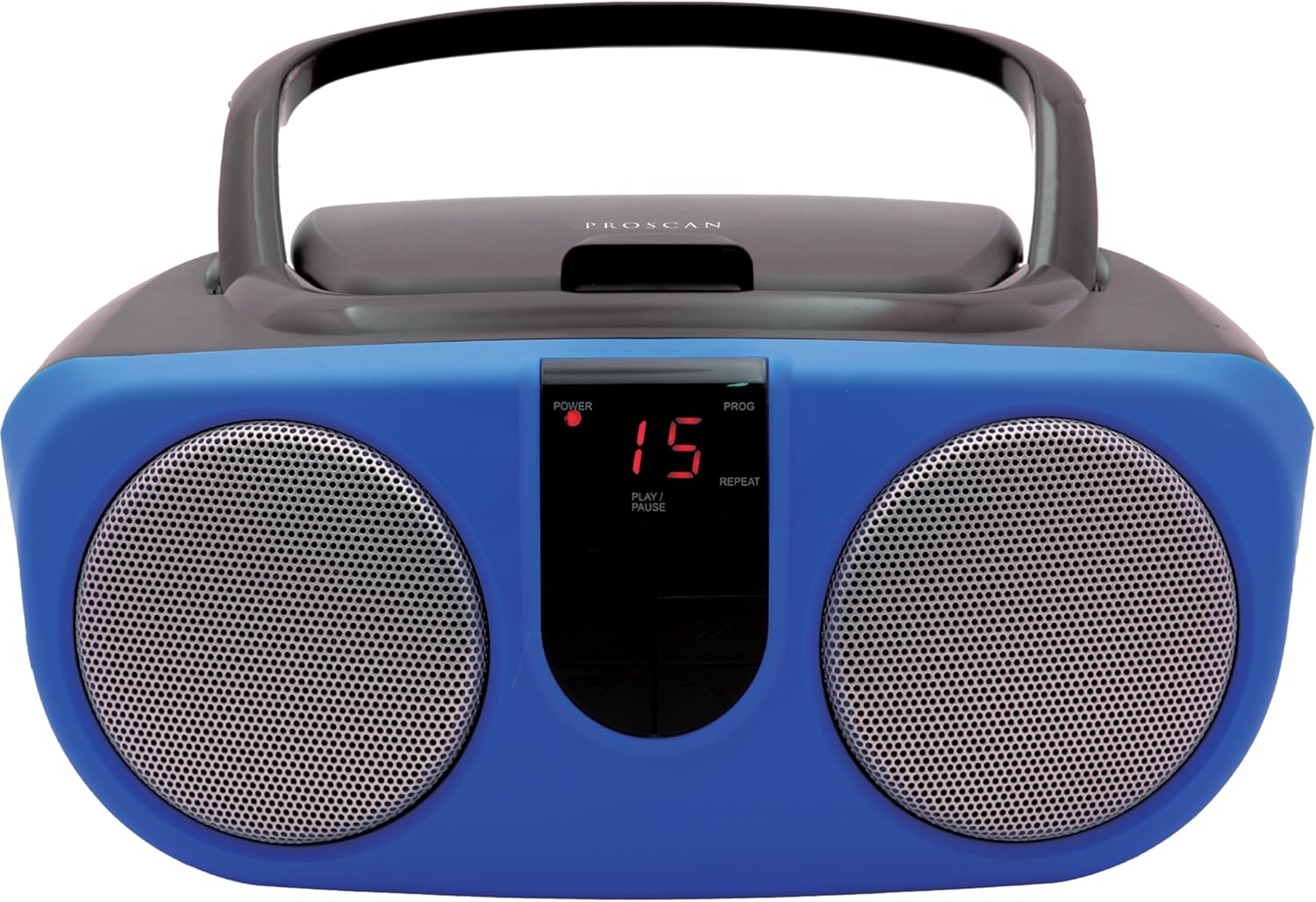
Description: Front view of the PROSCAN SRCD243 Portable CD Player with AM/FM Radio Boombox in blue, showcasing its dual speakers and central control panel.
Kedu ihe dị na Igbe ahụ
- Sylvania SRCD243 Portable CD Player with AM/FM Radio, Boombox (Blue)
Melite
Ịkwanye Unit
The SRCD243 can be powered in two ways:
- Ike AC: Connect the included AC adapter to the AC IN jack on the back of the unit and plug it into a standard 120V/60Hz wall outlet.
- Ike batrị: For portable use, insert 8 'C' (UM-2) size batteries into the battery compartment located on the bottom of the unit. Ensure correct polarity.
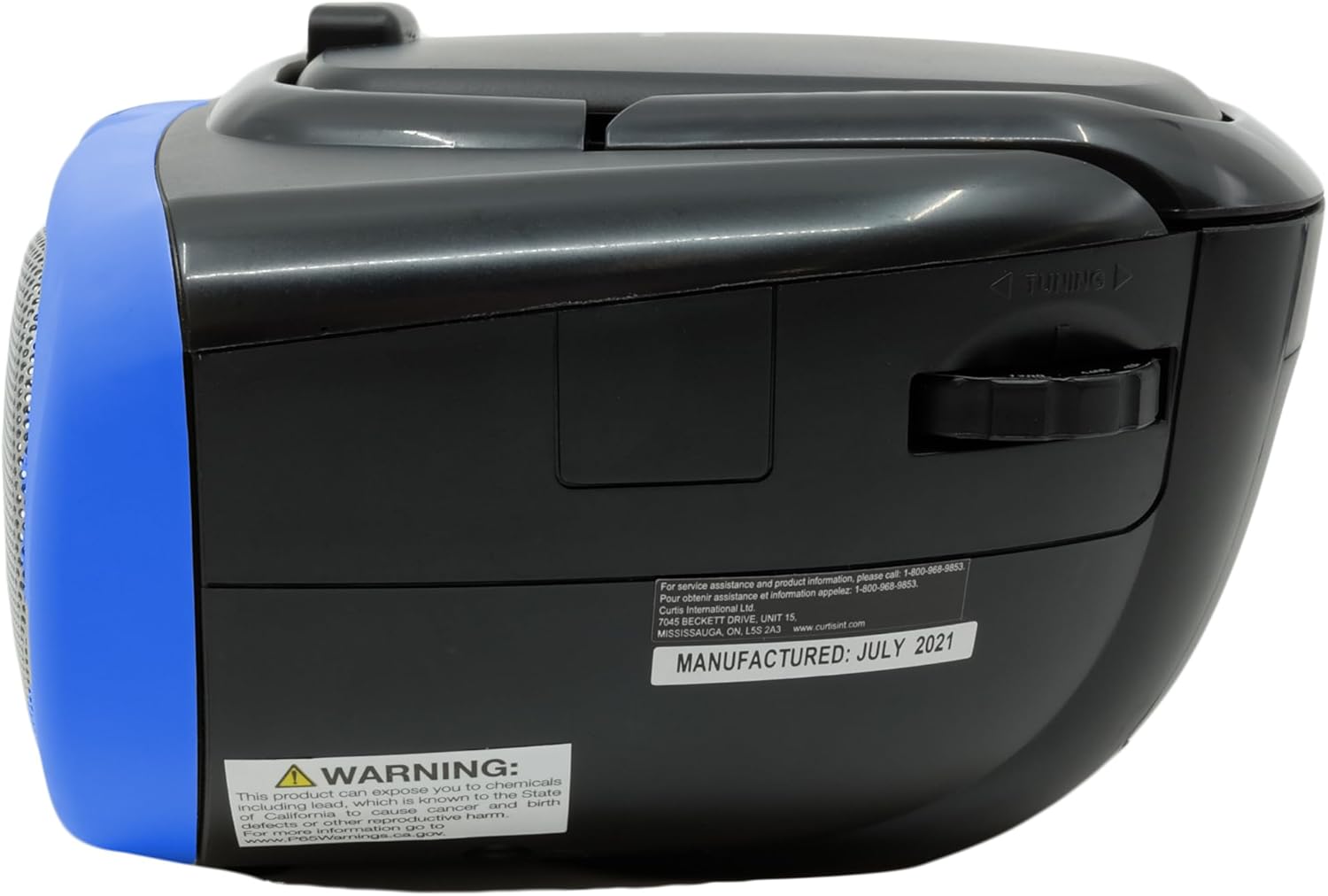
Description: This image displays the rear of the boombox, highlighting the AC power input and the battery compartment area. It also shows the product's manufacturing details and a Proposition 65 warning.
Ntuziaka ọrụ
Ịkpọghachi CD
Ka ịkpọọ CD:
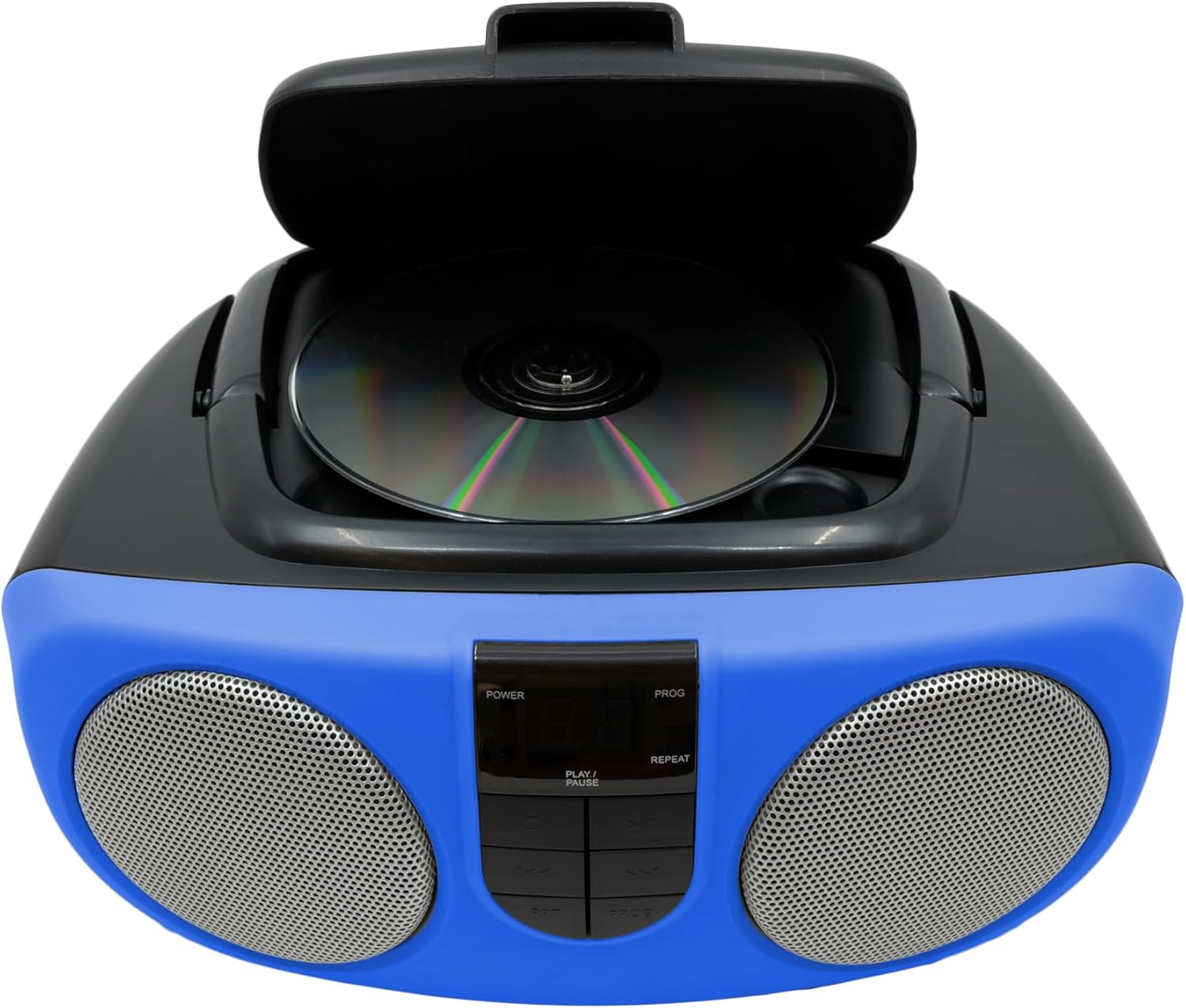
- Lift the CD compartment lid located on the top of the unit.
- Place a CD or CD-R disc onto the spindle, label side up.
- Mechie mkpuchi nke CD ahụ nke ọma.
- Slide the FUNCTION switch (located on the side) to the "CD" position.
- Pịa bọtịnụ PLAY/kwụsịtụ ka ịmalite ịkpọghachi.
- Use the SKIP/SEARCH buttons to navigate between tracks or fast-forward/rewind within a track.
- Press the STOP button to halt playback.
- The unit features a 20-track programmable memory and Repeat 1/All functions.

Description: This image shows the top of the boombox with the CD lid open, illustrating how to insert a compact disc for playback. The central control panel is also visible.
AM/FM Redio
Iji gee redio:
- Slide the FUNCTION switch (located on the side) to the "RADIO" position.
- Gbatịa antenna telescopic ahụ maka nnabata FM kacha mma.
- Use the TUNING dial (located on the side) to select your desired AM or FM station.
Description: This image provides a side view of the boombox, clearly showing the manual tuning dial used for selecting AM/FM radio frequencies.
Ntinye inyeaka
The Aux In jack allows you to connect external audio devices (e.g., MP3 players, smartphones) to play music through the boombox speakers.
- Connect one end of a 3.5mm audio cable (not included) to the Aux In jack on the side of the boombox.
- Jikọọ nsọtụ nke ọzọ nke eriri ahụ na jakị ekweisi ma ọ bụ mmepụta ọdịyo nke ngwaọrụ mpụga gị.
- Slide the FUNCTION switch to the "AUX IN" position (if available, otherwise ensure it's not on CD or Radio).
- Adjust the volume using the VOLUME control on the boombox and your external device.

Description: This image displays the side of the boombox, featuring the auxiliary input jack and the function switch for selecting different audio sources.
Njikwa agafelaview
The front panel features an LED display and various control buttons:
- IKE: Gbanyụọ/gbanyụọ unit
- KWỤSỊ: Kwụsị ịkpọghachi CD.
- Mmemme (Mmemme): Used for programming CD tracks.
- KWURU/Kwụsịa: Na-amalite ma ọ bụ na-akwụsị ịkpọgharị CD.
- SKIP/SEARCH (<< / >>): Na-awụlikwa egwu ma ọ bụ na-aga n'ihu/na-alaghachi azụ.
- REP (Tinyegharịa): Repeats the current track or all tracks.
- VOLUME (Side Dial): Na-agbanwe ọkwa ụda zuru oke.
- FUNCTION (Side Switch): Selects between CD, OFF, and RADIO modes.

Description: This image provides a detailed front view of the boombox, highlighting the central control panel with its buttons for playback, programming, and the LED display.
Nlekọta
Nhicha
Jiri nwayọ hichaa otu ahụ, damp cloth. Do not use abrasive cleaners or solvents. For the CD lens, use a specialized CD lens cleaner.
Nchekwa
If storing the unit for an extended period, remove batteries to prevent leakage and damage.
Nchọpụta nsogbu
| Nsogbu | Ihe nwere ike ime | Ngwọta |
|---|---|---|
| Enweghị ike | AC adapter not connected or batteries depleted/incorrectly inserted. | Check AC connection or replace/reinsert batteries. |
| CD anaghị akpọ ma ọ bụ na-awụli elu | CD is dirty, scratched, or inserted incorrectly. Unit is on an unstable surface. | Clean CD, reinsert correctly. Place unit on a stable, flat surface. |
| Nnabata redio adịghị mma | Antenna not extended or unit is in an area with weak signal. | Extend and adjust the telescopic antenna. Try relocating the unit. |
| Enweghị ụda | Volume too low or incorrect function selected. | Increase volume. Ensure FUNCTION switch is set to CD, RADIO, or AUX IN as desired. |
Nkọwapụta
| Njirimara | Nkọwa |
|---|---|
| Ụdị | PROSCAN |
| Nọmba nlereanya | SRCD243M-BLUE |
| Akụkụ ngwaahịa | 10 x 9 x 5.7 sentimita asatọ |
| Ibu Ibu | 2.64 pound |
| Isi Iyi Ike | AC 120V/60Hz or 8 x 'C' (UM-2) batteries |
| ndakọrịta CD | CD, CD-R |
| Ndị otu redio | AM/FM |
| Njikọta | Auxiliary Input (3.5mm) |
Ozi nchekwa dị mkpa
Ngwaahịa a nwere kemịkalụ mara steeti California na-ebute ọrịa kansa na ntụpọ ọmụmụ ma ọ bụ mmerụ ahụ ọmụmụ ọzọ. Maka ozi ndị ọzọ, gaa na www.P65Warnings.ca.gov.