
Okwu mmalite
Daalụ maka ịzụrụasing the Optimus F-1230 12-Inch Oscillating 3-Speed Table Fan. This manual provides essential information for the safe and efficient operation, maintenance, and care of your new fan. Please read these instructions thoroughly before use and retain them for future reference.

Figure 1: Optimus F-1230 12-Inch Oscillating 3-Speed Table Fan, White.
Ntuziaka nchekwa dị mkpa
- Gụọ ntuziaka niile tupu i jiri fan a.
- Ejila eriri ma ọ bụ plọg mebiri emebi rụọ ọrụ fan ọ bụla. Tufuo fan ma ọ bụ laghachi na ebe ọrụ enyere ikike maka nyocha na/ma ọ bụ nrụzi.
- Ejila eriri n'okpuru kapeeti. Ejila akwa akwa, ndị na-agba ọsọ, ma ọ bụ ihe mkpuchi yiri ya kpuchie eriri. Hazie eriri pụọ na mpaghara okporo ụzọ yana ebe ọ na-agaghị akwụsị.
- Always unplug the fan when moving it, cleaning, or when not in use.
- Do not insert fingers or any foreign objects into the grille openings.
- Do not use this fan near windows, in wet areas, or where it may come into contact with water.
- Ensure the fan is placed on a stable, flat surface to prevent tipping.
Ihe ngwugwu
Upon opening the package, ensure all components are present and undamaged. The Optimus F-1230 fan typically includes the following parts:
- Fan Motor Unit with Base and Control Panel
- Grille n'ihu
- Nweta Grille
- Fan Agụba
- Grille Retaining Nut
- Okpu ejigide agụba

Figure 2: Components of the Optimus F-1230 Table Fan.
Ntuziaka Mgbakọ
The Optimus F-1230 fan is designed for no-tool assembly. Follow these steps to set up your fan:
- Attach Rear Grille: Align the rear grille with the motor housing, ensuring the alignment pins on the motor housing fit into the corresponding holes on the rear grille. Secure it with the grille retaining nut by turning clockwise.
- Wụnye Fan Agụba: Slide the fan blade onto the motor shaft, making sure the notch on the blade aligns with the pin on the shaft. Secure it with the blade retaining cap by turning counter-clockwise.
- Attach Front Grille: Place the front grille over the rear grille, aligning the clips. Snap the front grille into place, ensuring it is securely fastened around the entire circumference.
- Debe onye ofufe: Place the assembled fan on a stable, flat surface.
Ntuziaka ọrụ
Once assembled, your Optimus F-1230 fan is ready for use. Ensure the fan is plugged into a standard 120V AC electrical outlet.
Ntọala ike na ọsọ
The fan features a 4-position push button switch located on the base for controlling power and speed:
- Press the appropriate button to select one of the Ntọala ọsọ 3 (Low, Medium, High).
- Press the 'OFF' button to turn the fan off.
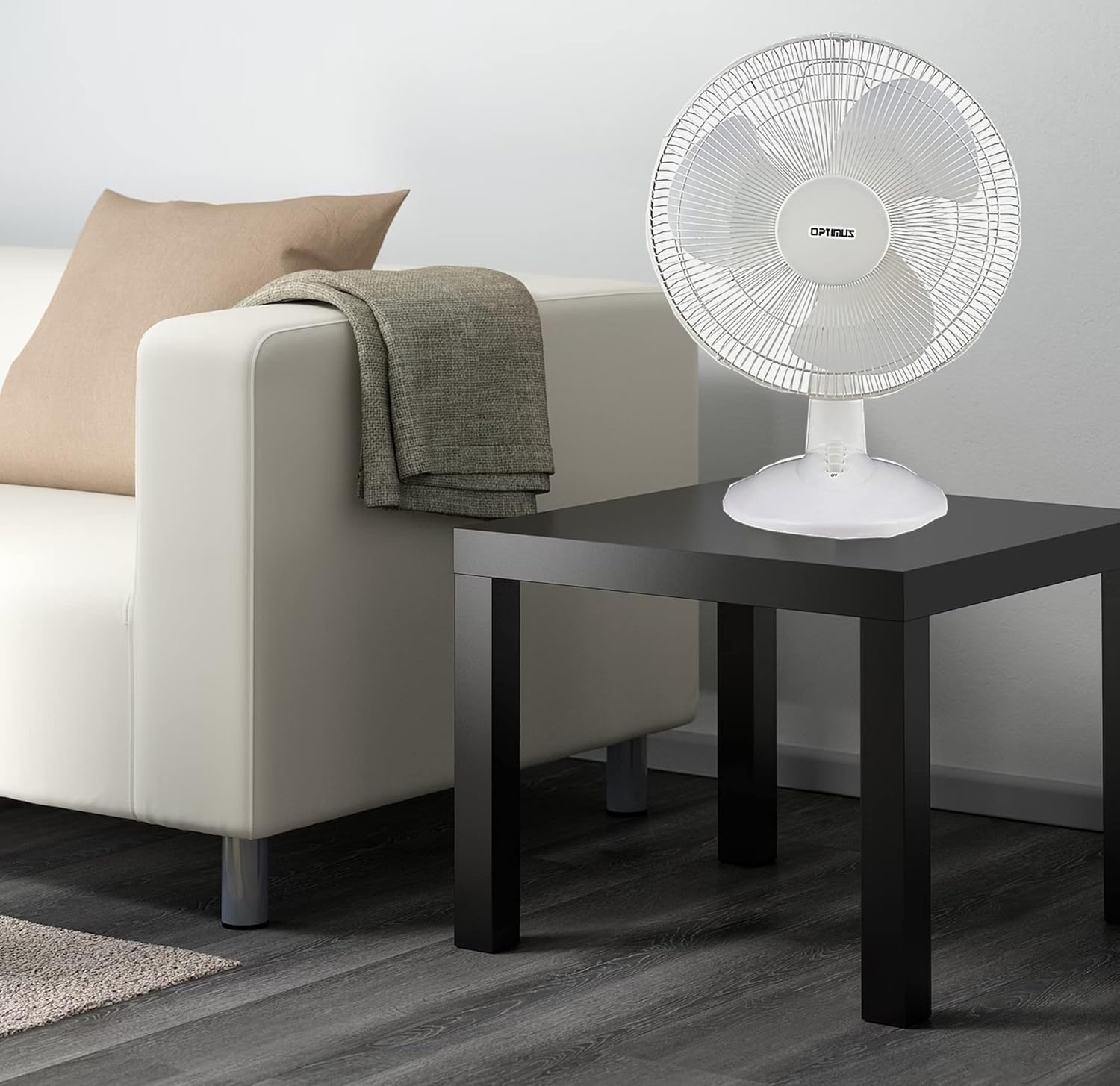
Figure 3: 4-Position Push Button Switch for speed control.
Ọrụ Oscillation
The fan offers a full room of directional 90-degree oscillation to distribute air across a wider area:
- To start oscillation, push down the oscillation knob located on top of the motor housing.
- To stop oscillation and direct airflow in a fixed position, pull up the oscillation knob.
Adjustable Tilt/Angle Head
The fan head can be adjusted vertically to direct airflow precisely where needed:
- To adjust the tilt, gently push the fan head up or down to the desired angle. The fan head will remain in the selected position.

Figure 4: Adjustable tilt/angle head for vertical airflow adjustment.
Nlekọta na nhicha
Ịsacha na mmezi mgbe niile ga-eme ka arụmọrụ kacha mma ma mee ka onye na-efe efe gị dịgide ogologo oge.
Nhicha
- Kwupuo fan mgbe niile na oghere ọkụ tupu ihicha ya.
- Jiri nwayọọ, damp ákwà iji hichaa elu mpụta nke fan ahụ. Ejila ihe nhicha ma ọ bụ ihe mgbaze.
- To clean the fan blades, you may need to carefully remove the front grille. Refer to the assembly instructions in reverse order for safe removal and reattachment.
- Hụ na akụkụ niile kpọrọ nkụ kpamkpam tupu ị gbanyeghachi fan ahụ.
Nchekwa
Mgbe a naghị eji ya ogologo oge, chekwaa fan ahụ n'ebe dị jụụ, nke kpọrọ nkụ, ọkacha mma na nkwakọ ngwaahịa mbụ ya, iji chebe ya pụọ na uzuzu na mmebi.
Nchọpụta nsogbu
If your fan is not operating correctly, consult the following common issues and solutions:
- Onye ofufe anaghị agbanwu:
- Gbaa mbọ hụ na etinyere eriri ọkụ n'ime oghere eletrik na-arụ ọrụ.
- Check if the outlet is receiving power by plugging in another appliance.
- Verify that the speed control button is pressed to an 'ON' setting (1, 2, or 3).
- Fan na-eme mkpọtụ:
- Gbaa mbọ hụ na etinyere fan ahụ n'elu kwụsiri ike, dịkwa larịị.
- Check for any loose parts or obstructions within the fan grilles or around the blades.
- Clean the fan blades and grilles to remove any dust buildup that might cause imbalance.
- Fan does not oscillate:
- Ensure the oscillation knob on top of the motor housing is pushed down.
Ọ bụrụ na nsogbu ahụ dịgidere mgbe ị nwara azịza ndị a, biko kpọtụrụ nkwado ndị ahịa.
Nkọwapụta
| Ụdị | Optimus |
| Nọmba nlereanya | F-1230 |
| Igwe ọkụ eletrik | Onye na-akwado tebụl |
| Agba | Ọcha |
| Isi Iyi Ike | Igwe ọkụ eletrik |
| Ọnụọgụ nke Ọsọ ọsọ | 3 |
| Njirimara Pụrụ Iche | Na -ama jijiji |
| Ụdị nkwụnye | Ugwu okpokoro |
| Ụdị njikwa | Njikwa bọtịnụ |
| Wattage | 50 watt |
| Voltage | 120 volts |
| Ibu Ibu | 4.95 pound |
| Ụdị ihe | Plastic |
| Ojiji ime ime/n'èzí | Ime ụlọ |
Akwụkwọ ikike na nkwado ndị ahịa
Ozi akwụkwọ ikike
This Optimus F-1230 fan comes with a Akụkụ 1 afọ na ọrụ warranty. Please retain your proof of purchase for any warranty claims.
Nkwado ndị ahịa
For technical assistance, troubleshooting not covered in this manual, or warranty service, please contact Optimus Enterprises. The manufacturer's contact information is: SEATTLE, WA, 98109 US.
You may also visit the official Optimus websaịtị maka akụrụngwa nkwado ndị ọzọ.